

An enterprise-grade integration platform that excels at connecting legacy on-premise systems with cloud applications, though its complex pricing and steep learning curve make it overkill for simple automation tasks.
Excellent for complex hybrid cloud architectures and ERP integrations, weaker for agile teams needing low-cost, simple app triggers.
Analysis based on product data, pricing structure, traffic signals, and public user sentiment.
Who Should Use Boomi?
Typical users
IT architects, integration developers, and data engineers in mid-market to enterprise organizations managing hybrid environments.
Maturity fit
advanced
Choose this if…
- You need to sync heavy enterprise systems like SAP, Oracle, or NetSuite with modern SaaS
- Your security requirements dictate that data processing must happen behind your own firewall
- You require a centralized hub to manage master data and prevent record duplication across multiple systems
- Your business relies on high-volume EDI transactions for supply chain and logistics
Skip this if…
- You are a small team primarily looking to automate simple marketing or productivity workflows
- Your budget is under $1,000 per month
- You do not have dedicated IT resources to manage and troubleshoot integration logic
- You need a tool that non-technical business users can set up independently
About Boomi
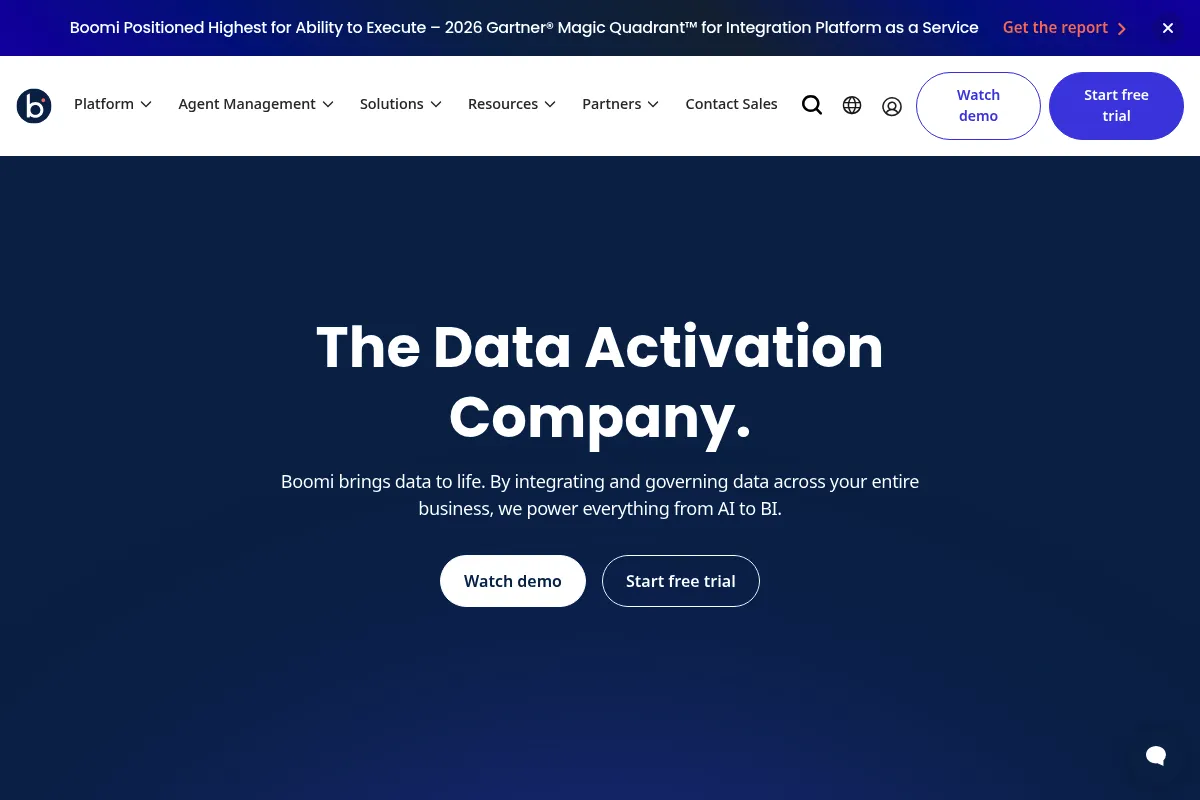
Boomi is a cloud-native iPaaS (Integration Platform as a Service) designed to bridge the gap between legacy infrastructure and modern software. It provides a centralized environment for building, deploying, and managing data flows across a distributed network of applications.
What it actually does
It enables users to create 'processes' that move and transform data between different software systems using a visual, drag-and-drop interface. Beyond simple connections, it handles API management, data quality governance, and B2B partner communications.
What makes it different
Boomi uses a unique 'Atom' architecture—lightweight runtime engines that can be deployed on-premise or in any cloud, allowing data to be processed locally while managed centrally. It also features 'Boomi Suggest,' which uses anonymized metadata from its entire user base to recommend data mappings, significantly reducing manual configuration time.
Ratings across the web


Ratings aggregated from independent review platforms.
Key Features
Atom Runtime
Deploy integration engines anywhere to keep data processing local to the source.
Boomi Suggest
Crowdsourced mapping recommendations that automate the matching of fields between different applications.
Master Data Hub
Synchronizes and cleanses data across systems to maintain a single, accurate version of truth for records.
API Management
Allows teams to package, publish, and govern APIs to expose internal data to external partners.
EDI Management
Handles electronic data interchange for supply chain operations without requiring separate legacy software.
Boomi Flow
A low-code development tool for building human-in-the-loop workflow applications and interfaces.
Process Libraries
Pre-built integration templates for common scenarios like Salesforce to NetSuite syncing.
Pricing
Professional
- Standard connectors
- Visual designer
- Basic monitoring
- Community support
Pro Plus
- Advanced connectors
- API Management
- Workflow automation (Flow)
- Standard support
Enterprise
- Master Data Hub
- B2B/EDI management
- Advanced security features
- Priority support
Pricing checked 6 months ago
Pricing guidance
- When you need to connect more than 2-5 applications
- When you require Master Data Hub for data cleansing
- When you need to publish and manage your own APIs
- Pricing is based on 'connections' (endpoints), and costs jump significantly when adding premium connectors like SAP.
- Support response times are tiered based on your plan level.
Premium enterprise positioning; significantly more expensive than tools like Zapier or Make, but competitive with MuleSoft for large-scale deployments.
Pros & Cons
Strengths
-
Exceptional hybrid flexibility
The ability to run integrations locally on your own servers while managing them from the cloud is a major advantage for regulated industries like finance or healthcare.
-
Deep enterprise connector library
Offers mature, reliable connectors for complex systems like SAP, Workday, and Microsoft Dynamics that simpler tools often struggle to handle.
-
Centralized governance
Provides IT teams with a single pane of glass to monitor all data flows, security permissions, and error logs across the entire organization.
-
High-volume reliability
Built to handle massive data throughput and complex transformations without the performance lag common in consumer-grade automation tools.
Weaknesses
-
Opaque and expensive pricing
The 'per-connector' pricing model can lead to rapid cost escalation as your software stack grows, making it difficult to predict long-term expenses.
Affects: Scaling mid-market companies
-
Steep technical learning curve
Despite the visual interface, users still need a strong understanding of data structures, logic, and error handling to build reliable integrations.
Affects: Non-technical teams and small businesses
-
Cryptic error messaging
Troubleshooting often requires deciphering Java-based stack traces, which can be frustrating for users who aren't familiar with backend development.
Affects: Integration developers and IT support
Real User Sentiment
Generally positive among IT professionals for its reliability and depth, though frequently criticized for its high cost and complex UI.
Users tend to like
- The 'Atom' deployment model for security
- Boomi Suggest for faster data mapping
- Reliability once a process is correctly configured
- Breadth of the connector library
Users commonly complain about
- The UI feels dated and clunky compared to modern SaaS
- Pricing is confusing and expensive for small projects
- Java-based error logs are difficult to read
- Documentation can be inconsistent for niche use cases
Recurring tradeoffs
- You trade ease of use and low cost for deep architectural control and enterprise-grade security.
Happiest users
IT architects at large companies managing complex ERP migrations and hybrid cloud environments.
Often frustrated
Small business owners or marketers trying to set up simple, low-cost automations between a few SaaS apps.
Use Cases
ERP to CRM Sync
Keeping financial data in NetSuite synchronized with sales data in Salesforce.
On-premise to Cloud Migration
Moving legacy SQL database records into a cloud warehouse like Snowflake.
B2B Supply Chain Automation
Automating the exchange of purchase orders and invoices with retail partners via EDI.
Employee Lifecycle Management
Automatically provisioning accounts in IT, HR, and Payroll systems when a new hire is added to Workday.
Master Data Management
Consolidating customer records from five different databases into one clean, golden record.
Frequently Asked Questions
How much does Boomi actually cost?
Boomi does not publish pricing, but it typically starts around $2,000 per month for mid-market configurations. Costs are primarily driven by the number of 'connections' (endpoints) you use, meaning your bill increases every time you add a new software tool to your integration environment.
Is Boomi better than MuleSoft?
Boomi is generally considered faster to deploy and more user-friendly for 'citizen developers' compared to MuleSoft, which is highly developer-centric and often more expensive. However, MuleSoft offers deeper API-led connectivity features for organizations that want to build a massive internal API ecosystem.
Does Boomi require coding knowledge?
While Boomi is marketed as a low-code platform, building complex integrations requires a solid understanding of logic, data types, and API protocols. You won't need to write Java for most tasks, but you will need a technical mindset to handle data transformations and error logic.
What is a Boomi Atom?
An Atom is Boomi's lightweight runtime engine. It is the actual software component that executes your integrations. You can install an Atom on your own local server (on-premise) or run it in Boomi's cloud, giving you control over where your data is actually processed.
Can Boomi handle EDI?
Yes, Boomi has a dedicated B2B/EDI management module. It allows companies to exchange standardized business documents like purchase orders and shipping notices with partners, replacing the need for expensive, legacy EDI software.
Is there a free version of Boomi?
No. Boomi offers a 30-day free trial that gives you access to the platform to test connections, but there is no permanent free tier. Once the trial ends, you must move to a paid contract to keep your integrations running.
Why trust this page?
This evaluation combines product positioning, pricing analysis, traffic and market signals, and public user sentiment into a single decision-support page. Content is generated editorially — not copied from the vendor's website.
Funding & Company
Founded
2000
Stage
Acquired
Total Raised
$4B
Latest Round
Private Equity (May 2021)
Notable Investors
Boomi was acquired from Dell in 2021 for $4 billion by private equity firms Francisco Partners and TPG Capital. This significant investment provides substantial capital and positions the company for accelerated growth as an independent entity. Prior to this, Boomi had raised a modest Series A round before being acquired by Dell in 2010.
Market Signals & Traffic
Estimated visits, global rank, geography, traffic sources, monthly visit trends, and organic search keywords (Similarweb)—on a dedicated page built for depth and search.
- Estimated visits
- 604,989
- Global rank
- #29,555
- Snapshot
- Apr 2026
- Traffic trend
- Steady
Estimated monthly visits
Alternatives to Boomi
View all alternativesMuleSoft Anypoint Platform
Automation & Agents, Developer Tools

Connect applications, data, and devices through APIs and automated workflows.
Workato
Automation, Automation & Agents, Developer Tools

Enterprise platform for integrating applications and automating complex business workflows.
Similar Tools
AppSheet
Automation, Developer Tools, Productivity

No-code platform for building custom business applications and automations.
Intellijend
Music Marketing

An advertising automation platform for musicians to grow their Spotify streams using Meta ads.
Mubert
Music Generation, Content Creation

AI-powered platform for generating royalty-free music.
Merlin
AI Assistant, Content Creation

An AI-powered assistant to research, write, and summarize content across the web.
Encharge
Marketing Automation, Email Marketing, Automation

Marketing automation platform for SaaS behavior-based email workflows.
AgentOpus
Automation & Agents, Workflow, Developer Tools

Visual builder for creating and deploying autonomous agent workflows