

Fillout is a form builder that excels at deep integrations with databases like Airtable and Notion, making it a strong choice for data collection that feeds directly into existing workflows.
Excellent for users who need to update records in Airtable or Notion, weaker for those requiring advanced, standalone analytics within the form builder itself.
Analysis based on product data, pricing structure, traffic signals, and public user sentiment.
Who Should Use Fillout?
Typical users
Operations managers, marketers, and no-code developers at small to mid-sized companies who rely on Airtable, Notion, or Google Sheets as their primary data backend.
Maturity fit
beginner to scaling
Choose this if…
- Your primary goal is to create, update, or lookup records in Airtable or Notion directly from a form.
- You need a generous free plan with up to 1,000 submissions per month.
- You want to avoid per-user pricing and have unlimited collaborators on all plans.
- Your forms require complex conditional logic, calculations, or dynamic pre-filling of data.
Skip this if…
- You need built-in, in-depth form analytics and drop-off analysis.
- You require HIPAA or PCI compliance for collecting sensitive data.
- Your primary need is for simple, standalone forms without deep integration into other tools.
- You prefer a highly polished, one-question-at-a-time conversational style like Typeform.
About Fillout
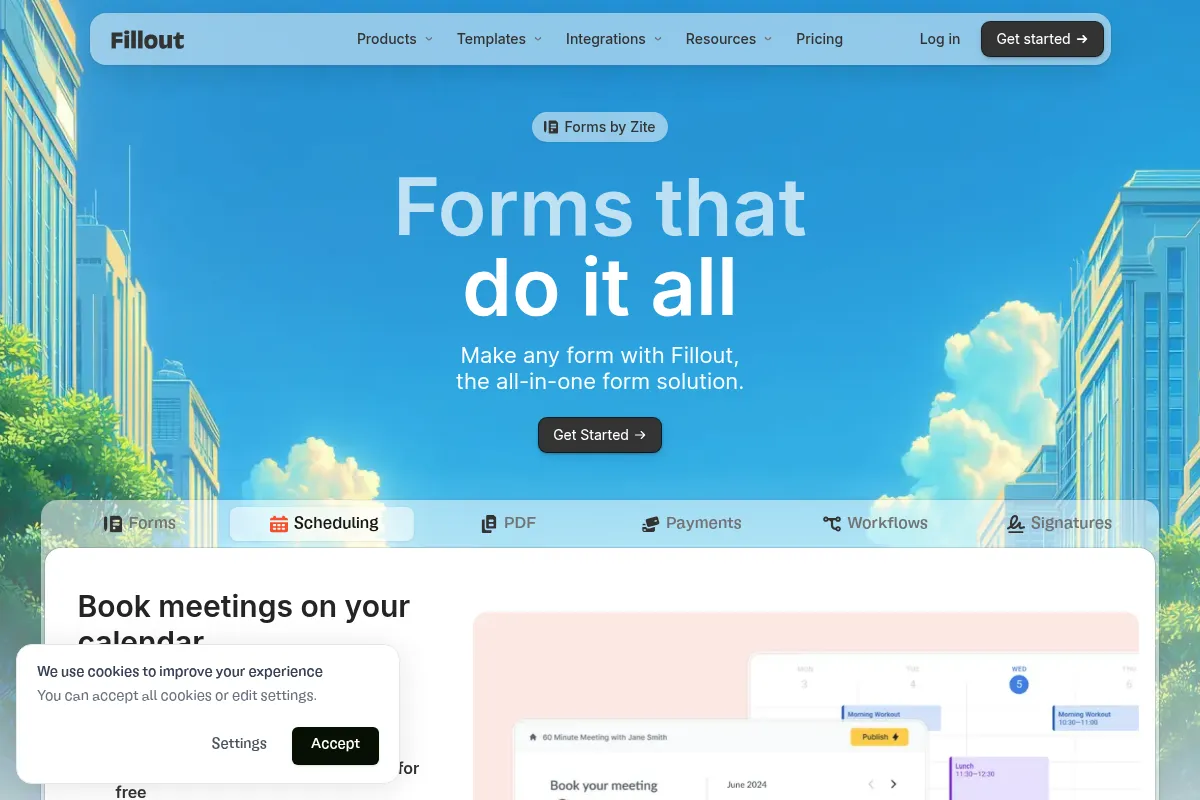
Fillout is a no-code form builder designed to create highly customizable forms, surveys, and quizzes. [24] It's built for users who need to collect data and seamlessly integrate it with platforms like Airtable, Notion, and Google Sheets. [24] Its main value is its ability to not just create new records but also update existing ones in these databases, streamlining data management and automation. [15]
Official profiles
What it actually does
Fillout allows users to build forms with a drag-and-drop interface, apply conditional logic, accept payments, and schedule appointments. [1] It connects to various applications to send data where it's needed, effectively acting as a user-friendly front-end for more complex databases and workflows. [12] Users can create everything from simple contact forms to complex, multi-page approval workflows. [28]
What makes it different
Fillout's key differentiator is its 'database-first' integration approach, particularly with Airtable and Notion. [14] Unlike competitors where integrations can be a simple data pass-through, Fillout can pull in existing data to pre-fill forms and directly update records in your database. [15] This two-way data binding reduces the need for complex workarounds with automation tools.
Ratings across the web



Ratings aggregated from independent review platforms.
Key Features
Airtable & Notion Integration
Allows forms to directly create and update records in your databases, which is a significant workflow advantage over competitors. [14, 15]
Conditional Logic
Build dynamic forms that show or hide questions based on previous answers, tailoring the experience for each user. [1]
Fillout Workflows
Create multi-step automations triggered by form submissions, such as approval flows or sending customized emails, directly within the platform. [5, 28]
Scheduling
Lets respondents book meetings directly from a form, syncing with your calendar and eliminating the need for a separate scheduling tool. [3]
Unlimited Seats
All plans, including the free tier, allow for unlimited users, making it cost-effective for teams. [2]
Generous Free Plan
Offers 1,000 responses per month, unlimited forms, and many advanced features that are typically paid on other platforms. [4]
Update Existing Records
A standout feature that lets users pull up an existing record from a database (like Airtable), edit it through a Fillout form, and save the changes. [15]
Calculations and Scoring
Perform calculations based on user input, useful for order forms, quotes, and quizzes. [6]
Pricing
Free
- 1,000 responses/mo
- Unlimited forms
- Unlimited seats
- Conditional logic
- Collect payments
- Scheduling forms
Starter
- 2,000 responses/mo
- All question types
- Custom endings
- Redirect on completion
Pro
- 5,000 responses/mo
- Remove all branding
- Custom emails
- Custom share links
- Custom fonts & CSS
Business
- Unlimited responses
- Form analytics
- Custom domain
- Partial submissions
- Priority support
Pricing checked 6 months ago
Pricing guidance
- When you exceed 1,000 monthly submissions.
- When you need to remove Fillout branding for a professional look.
- When you need to host forms on a custom domain.
- When you require access to form analytics to understand user behavior.
- The free plan includes Fillout branding on forms.
- Form analytics and partial submission tracking are only available on the highest-tier Business plan. [2]
- While there are unlimited seats, more granular user permissions are on a separate, more expensive 'Team plan'. [9]
Highly competitive, offering more features and submissions at a lower price point than major competitors, particularly for teams. [14]
Pros & Cons
Strengths
-
Deep database integration
The ability to natively create and, more importantly, update records in Airtable and Notion is a primary reason users choose Fillout. It simplifies workflows that would otherwise require middleware like Zapier or Make. [14, 15]
-
Cost-effective pricing model
Fillout's pricing is significantly more affordable than competitors like Jotform and Typeform, especially because it includes unlimited users on all plans. [9, 14]
-
Feature-rich free plan
The free plan is very generous, offering 1,000 submissions/month and features like conditional logic and payment integrations, making it highly functional for small projects and startups. [4]
-
Modern and intuitive UI
Users consistently praise the clean, user-friendly interface, which makes form building fast and straightforward compared to older, more cluttered tools. [1, 6]
Weaknesses
-
Limited native analytics
The built-in analytics are basic. Users who need detailed insights like question-by-question drop-off rates will find it lacking compared to dedicated tools like Typeform. [17]
Affects: Marketers and researchers
-
Lacks some compliance features
Fillout does not appear to offer HIPAA or PCI compliance, making it unsuitable for collecting protected health information or handling secure payments directly in highly regulated industries. [17]
Affects: Healthcare and large e-commerce businesses
-
Newer player in the market
While growing quickly, it doesn't have the same long-standing reputation or the sheer volume of niche templates and integrations as established players like Jotform. [11]
Affects: Users looking for a proven, long-term solution
Real User Sentiment
User sentiment is overwhelmingly positive, with users frequently praising its deep integrations, clean user interface, and responsive customer support. [16, 21]
Users tend to like
- The seamless, two-way integration with Airtable and Notion. [14, 21]
- The generous free plan and affordable team pricing. [9, 14]
- The modern, intuitive, and fast user interface. [1, 6]
- The ability to update existing records, not just create new ones. [15]
- Responsive and helpful customer support. [1, 16]
Users commonly complain about
- The analytics capabilities are not as advanced as competitors. [17]
- Some users find the pricing for premium features to be high. [16]
- Occasional confusion when setting up more complex integrations with tools like Make.com. [1]
- Billing receipts require manual export from Stripe rather than being sent automatically. [16]
Recurring tradeoffs
- Users trade advanced, built-in analytics for more powerful database integrations and a better price.
- Users sacrifice the brand recognition of Typeform for more features and a much higher submission limit on the free plan. [13]
Happiest users
Users who are deeply embedded in the Airtable or Notion ecosystems and use Fillout as the primary interface for their databases.
Often frustrated
Users who require detailed, built-in form analytics or need enterprise-level compliance features like HIPAA.
Use Cases
Lead Generation
Marketers can create lead capture forms that directly populate and update records in CRMs like HubSpot or Salesforce. [3]
Client Onboarding
Consultants and agencies can build detailed onboarding forms that feed client information directly into a Notion or Airtable project database. [7]
Event Registration
Event organizers can manage sign-ups and collect payments through forms that integrate with their calendars and spreadsheets. [8]
Internal Tools
Operations teams can create forms for internal requests, like time-off or IT support, that trigger approval workflows. [18, 28]
Customer Feedback
Product teams can collect user feedback and bug reports that create new records in a project management tool like ClickUp or Asana. [1]
Order Forms
Small businesses can create simple order forms that calculate totals and process payments with Stripe. [18]
Job Applications
HR teams can streamline hiring by using workflows to filter applications and schedule interviews automatically. [28]
Frequently Asked Questions
Is Fillout's free plan good enough to start with?
Yes, the free plan is very capable. It includes 1,000 submissions per month, unlimited forms, conditional logic, payment collection, and integrations with tools like Airtable and Notion. [24] It's one of the most generous free tiers available and is sufficient for many small businesses, startups, and internal projects. You only need to upgrade if you exceed the submission limit or need to remove Fillout branding. [4]
How does Fillout compare to Typeform?
Fillout is generally more feature-rich and cost-effective, especially its free plan which offers 100x more submissions than Typeform's (1,000 vs 10). [13] Fillout excels with deep database integrations and flexibility, while Typeform is known for its polished, one-question-at-a-time conversational style and more advanced analytics. Choose Fillout for data collection and workflows; choose Typeform for aesthetically-driven surveys where brand experience is paramount. [13, 17]
What are the main limitations of Fillout?
The primary limitations are its basic built-in analytics, which lack the depth of competitors like Typeform. [17] It also does not currently offer enterprise-grade compliance like HIPAA, making it unsuitable for certain healthcare applications. [17] While its integrations are powerful, some users may find the initial setup of complex workflows with third-party tools like Make.com to have a slight learning curve. [1]
Can Fillout update existing records in Airtable?
Yes, this is one of Fillout's standout features. You can create forms that look up existing records in an Airtable base, display that data to the user, and allow them to edit and update the information directly from the form submission. [15] This is a significant advantage over many other form builders that can only create new records.
What integrations does Fillout support?
Fillout offers deep, native integrations with Airtable, Notion, Google Sheets, Salesforce, and HubSpot. [12] It also supports payment processing with Stripe, calendar connections with Google Calendar and Calendly, and can connect to thousands of other apps through Zapier and Make.com. [12, 20, 25]
Is Fillout cheaper than Jotform?
Yes, Fillout is generally significantly cheaper than Jotform, especially for teams. [14] Fillout's plans include unlimited users, whereas Jotform's pricing often scales with the number of users, which can become very expensive. [9] For a similar number of submissions, Fillout's paid plans are typically priced lower than Jotform's. [14]
Can I use a custom domain for my forms?
Yes, you can use a custom domain for your forms, but this feature is only available on the Business plan, which is the highest-priced tier. [2] The Pro plan allows for custom share links, but hosting the form on your own domain requires the top-tier plan.
Why trust this page?
This evaluation combines product positioning, pricing analysis, traffic and market signals, and public user sentiment into a single decision-support page. Content is generated editorially — not copied from the vendor's website.
Funding & Company
Founded
2022
Stage
Seed
Total Raised
—
Latest Round
Seed (Oct 2024)
Notable Investors
Fillout announced its seed funding round in October 2024, backed by a notable group of angel investors and operators, including the former CEO of GitHub and the founder of Figma. The company has not disclosed the amount raised, but has stated it has been profitable for the last year and has negative lifetime burn, meaning it holds more cash than it has raised.
Market Signals & Traffic
Estimated visits, global rank, geography, traffic sources, monthly visit trends, and organic search keywords (Similarweb)—on a dedicated page built for depth and search.
- Estimated visits
- 4,328,825
- Global rank
- #12,374
- Snapshot
- Apr 2026
- Traffic trend
- Rising
Estimated monthly visits
Similar Tools
Leonardo AI
Content Creation

AI platform for creating and editing visual assets like images and video.
Deep Dream Generator
Content Creation

AI-powered platform for creating surreal and dream-like digital art.
Midjourney
Content Creation

AI tool that generates images from natural language text prompts.
NightCafe
Content Creation

AI art generator that turns text and images into stunning visual masterpieces.
Canva AI
Content Creation

Online design tool for creating graphics, presentations, videos, and websites.
Playground AI
Content Creation

AI-powered platform for generating and editing images.