

Finch 3D
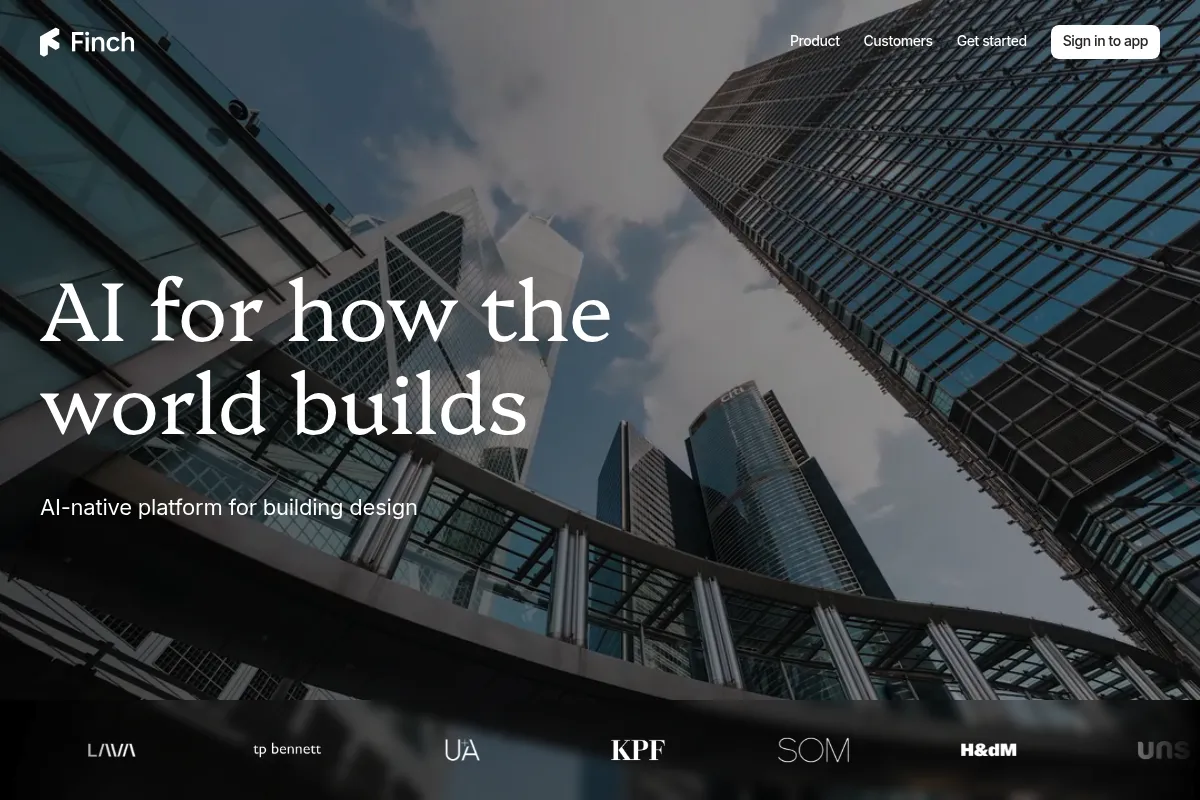
A graph-based generative design tool for architects that automates floor plan layouts and provides real-time performance data within Rhino and Revit.
Excellent for rapid residential feasibility and massing iterations, weaker for complex non-orthogonal geometry or late-stage detailing.
Analysis based on product data, pricing structure, traffic signals, and public user sentiment.
Who Should Use Finch 3D?
Typical users
Architects, urban planners, and real estate developers focused on residential or multi-family projects who need to prove site feasibility quickly.
Maturity fit
scaling to advanced
Choose this if…
- You want to automate unit mixes without manual drafting
- You need instant carbon and daylight feedback during the massing phase
- Your workflow is built around Rhino, Grasshopper, or Revit
Skip this if…
- You design bespoke single-family homes with highly irregular geometry
- You need a tool for site-scale urban environmental analysis like wind or noise
- You are not proficient in BIM or computational design workflows
About Finch 3D
Finch 3D is a generative design platform that uses graph technology to automate the internal layout of buildings. It bridges the gap between conceptual massing and detailed floor plans by applying architectural rules to 3D geometry. Founded by architects, it aims to eliminate the repetitive 'puzzle-solving' of apartment layouts.
What it actually does
It generates thousands of floor plan variations based on user-defined constraints like unit mix, stairwell placement, and corridor widths. The tool provides live data on area distribution, daylight, and carbon footprint as the user modifies the building mass.
What makes it different
Unlike competitors that focus on external site massing, Finch focuses on the internal logic of the floor plan. Its graph-based engine ensures that moving a wall or stairwell triggers a logical reconfiguration of the entire plan rather than just a geometric stretch.
Key Features
Graph-based Rules Engine
Maintains spatial relationships like 'bedroom next to bathroom' during automation.
Adaptive Plan Library
Allows users to save and reuse design intent across different building shapes.
Bidirectional Streaming
Syncs changes instantly between Finch and Rhino/Revit without manual exports.
Real-time Performance Feedback
Displays CO2, daylight, and area metrics as you slide massing boundaries.
Automated Unit Mix
Populates a building mass with a specific ratio of 1-bed, 2-bed, and 3-bed apartments.
Archie AI Agent
Handles repetitive precision work like door placements and compliance checks.
BIM Export
Converts generated layouts into native Revit walls and objects for further detailing.
Pricing
Finch Basic
- Massing and story design
- Area metrics (GFA, GIA, NIA)
- Basic floor plan generation
- Rhino and Revit plugins
Finch Pro
- Everything in Basic
- Adaptive Plan Library
- Advanced generation algorithms
- Priority support
Finch Enterprise
- Everything in Pro
- AI-generated unit plans
- Custom graph rules and compliance
- Team collaboration and SSO
Pricing checked 4 months ago
Pricing guidance
- When you need to build a reusable library of firm-standard plans
- When you require AI to generate specific room layouts and furniture placements
- When you need to encode local municipal regulations into the tool
- AI unit generation is restricted to the Enterprise tier
- The Basic plan lacks the ability to save custom adaptive plans
- Requires an active internet connection as it is cloud-based
Premium positioning justified by the significant reduction in billable hours spent on manual drafting.
Pros & Cons
Strengths
-
Extreme speed in feasibility studies
Reduces the time to generate a buildable floor plan from days to minutes, allowing for more iterations during the competition phase.
-
Live data-driven design
Provides hard numbers on carbon and area during the creative phase, preventing costly redesigns later in the project.
-
Native BIM integration
Exports actual Revit elements rather than just 'dumb' geometry, which saves hours of manual re-drawing.
Weaknesses
-
Niche residential focus
The core logic is heavily optimized for residential and multi-family projects; it is less effective for complex commercial or industrial layouts.
Affects: Commercial and industrial architects
-
Algorithmic layout feel
Generated plans can sometimes feel repetitive or lack the specific 'soul' of a hand-drawn layout, requiring human refinement.
Affects: Design-led boutique firms
-
Gated AI features
The most advanced AI-generated unit plans and custom graph rules are locked behind the Enterprise tier.
Affects: Solo practitioners and small firms
Real User Sentiment
Users are generally impressed by the speed and 'magic' of the automation, though some remain skeptical of the algorithmic nature of the outputs.
Users tend to like
- The bidirectional sync with Rhino and Revit
- Visual quality of the interface
- Instant area and carbon feedback
Users commonly complain about
- High price point for the Enterprise tier
- Occasional 'weird' layouts for non-standard building shapes
- Steep learning curve for the graph-based logic
Recurring tradeoffs
- Speed vs. Uniqueness: You trade bespoke hand-crafted layouts for rapid, data-compliant iterations.
Happiest users
Residential architects doing high-volume feasibility work for developers.
Often frustrated
Designers working on highly irregular, non-orthogonal, or bespoke luxury residential projects.
Use Cases
Residential Feasibility
Quickly determining if a site can fit the required unit mix.
Multi-family Optimization
Testing different stairwell and corridor configurations to maximize NIA.
Carbon Analysis
Evaluating the environmental impact of different massing options in real-time.
Competition Entries
Generating high-quality, data-backed floor plans in a fraction of the usual time.
BIM Workflow Acceleration
Moving from a massing model to a Revit model with native walls and objects.
Frequently Asked Questions
Does Finch 3D replace Revit or Rhino?
No, it is a companion tool. It integrates with Revit and Rhino via plugins, allowing you to stream geometry into Finch for optimization and then export it back as native BIM elements for final documentation.
How does Finch 3D compare to TestFit?
TestFit is primarily focused on site feasibility, parking, and financial modeling. Finch 3D focuses on the architectural logic of the internal floor plan and unit layouts using graph technology.
Is there a free version of Finch 3D?
There is no permanent free version, but they offer a 14-day trial. The entry-level Basic plan starts at €49 per month billed annually.
What is 'graph technology' in this context?
It refers to how Finch understands the building. Instead of just seeing lines and shapes, it sees relationships (e.g., 'this room must be adjacent to this corridor'). This allows the plan to reconfigure logically when the building shape changes.
Can it handle non-residential buildings?
While it can generate layouts for other types, its current algorithms and 'Archie' AI agent are heavily optimized for residential and multi-family housing.
Does it work offline?
No, Finch 3D is a cloud-based platform and requires an active internet connection to run its generative algorithms and sync with CAD software.
Why trust this page?
This evaluation combines product positioning, pricing analysis, traffic and market signals, and public user sentiment into a single decision-support page. Content is generated editorially — not copied from the vendor's website.
Funding & Company
Founded
2019
Stage
Series a
Total Raised
$4.21M
Latest Round
Series A (Apr 2025)
Notable Investors
Finch 3D has raised approximately $4.2 million across three funding rounds since 2020. The company is backed by a mix of Nordic venture capital firms, including Inventure and Almi Invest, and notable angel investors. Its most recent funding was a $1.1 million round in April 2025.
Market Signals & Traffic
Estimated visits, global rank, geography, traffic sources, monthly visit trends, and organic search keywords (Similarweb)—on a dedicated page built for depth and search.
- Estimated visits
- 106,669
- Global rank
- #280,074
- Snapshot
- Apr 2026
- Traffic trend
- Surging
Estimated monthly visits
Similar Tools
Metricool
Marketing Automation, Content Creation, AI Assistant

Unified platform for social media scheduling, analytics, and advertising.
Fellow
Productivity, Communication, Documentation

Meeting management platform for agendas, automated notes, and action items
Harvey
AI Assistant, Automation, Documentation

Professional services platform for legal research and document analysis
Vortexify
Video Creation, Social Media, Content Creation

Automated video creation for faceless social media channels
Lensa AI
Content Creation, Design, AI Assistant

AI photo editor for enhancing portraits and creating unique digital avatars.
Reflexivity
Research, Data Extraction, Productivity

Investment research platform for financial data analysis and document synthesis.