

A modular sales outreach toolkit that combines lead discovery with automated sending—best for small teams needing an all-in-one prospecting workflow without the high cost of enterprise databases.
Excellent for high-volume prospecting and simple cold outreach, weaker for complex account-based marketing or deep CRM functionality.
Analysis based on product data, pricing structure, traffic signals, and public user sentiment.
Who Should Use Snov.io?
Typical users
SDRs, solo founders, and lead generation agencies who need to find and contact prospects in one interface.
Maturity fit
beginner to scaling
Choose this if…
- You want to find emails on LinkedIn and add them to a sequence in two clicks
- Your priority is a low-cost entry point for both finding and sending
- You need a built-in email warm-up tool included in your subscription
- You prefer a credit-based system over per-seat pricing
Skip this if…
- You require a deep database with intent data or advanced firmographics
- Your workflow requires a sophisticated CRM with deal forecasting and pipeline management
- You need advanced AI-driven personalization for every outbound message
About Snov.io
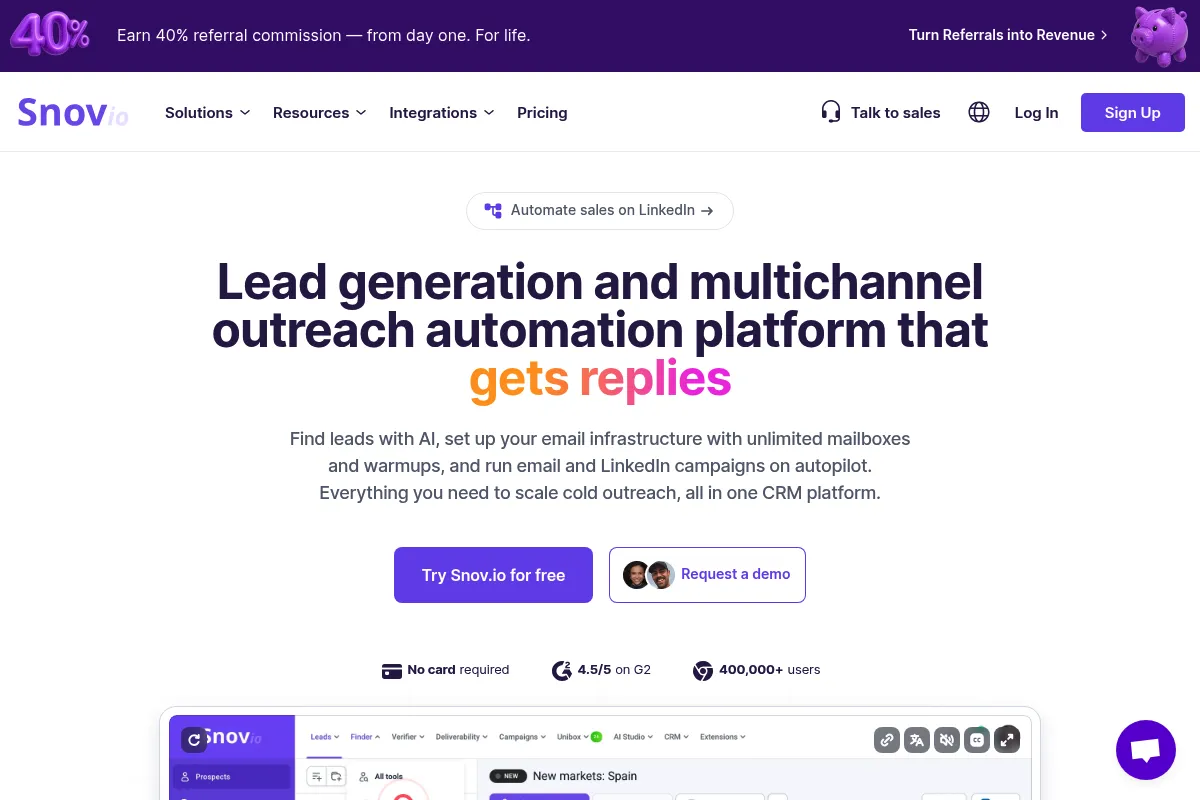
Snov.io is a sales automation suite that bridges the gap between lead generation and email execution. It provides a Chrome extension for scraping emails from LinkedIn and a sequence builder for automated follow-ups, aimed at simplifying the outbound sales stack.
What it actually does
It allows users to find verified professional email addresses, verify existing lists to reduce bounce rates, and set up automated email sequences with triggers. It also includes a basic CRM to track lead status and an automated email warm-up service to maintain deliverability.
What makes it different
Unlike standalone finders or senders, Snov.io bundles both into a single credit system. Its Chrome extension is specifically optimized for LinkedIn, making the transition from browsing profiles to launching a campaign faster than using disconnected tools.
Ratings across the web


Ratings aggregated from independent review platforms.
Key Features
LI Prospect Finder
Extracts contact data from LinkedIn profiles and search pages directly into lists.
Email Verifier
Performs a 7-step check to minimize bounce rates and protect sender reputation.
Email Drip Campaigns
Automates follow-up sequences with triggers based on opens and clicks.
Email Warm-up
Gradually increases sending volume to improve inbox placement.
Domain Search
Finds all associated email addresses for a specific company website in bulk.
Technology Checker
Identifies the software stack used by a target company to tailor pitches.
Free CRM
Provides a visual board to manage leads and deals without an extra subscription.
Pricing
Trial
- 50 credits
- 100 recipients
- Email warm-up
- Core CRM features
Starter
- 1,000 credits
- 5,000 recipients
- 1 email account
- Unlimited follow-ups
Pro
- 5,000 credits
- 10,000 recipients
- Unlimited email accounts
- A/B testing
- Email warm-up
Managed Service
- Full outbound management
- Copywriting
- Strategy and setup
- Lead qualification
Pricing checked 6 months ago
Pricing guidance
- When you need to connect more than one sending email account
- When your monthly prospecting volume exceeds 1,000 leads
- When you need A/B testing to optimize campaign performance
- Recipients are counted per month, not per campaign
- Credits are consumed for both finding and verifying, which can double the cost per lead if not careful
- Daily sending limits are restricted by your email provider (Gmail/Outlook), not just Snov.io
Affordable and mid-market focused, positioning itself as a cost-effective alternative to expensive enterprise databases.
Pros & Cons
Strengths
-
Unified prospecting and outreach
Eliminates the need to export CSVs from a finder tool to an email tool, reducing data friction for small teams.
-
Integrated email warm-up
Including warm-up in the standard plans saves $20-$50/month compared to buying standalone services like Lemlist or Mailreach.
-
Flexible Chrome Extension
The extension works across LinkedIn, company websites, and search results, making it highly versatile for manual prospecting.
-
Generous credit rollover
Unused credits on paid plans roll over for two months, providing a buffer for teams with fluctuating prospecting needs.
Weaknesses
-
Basic CRM functionality
The built-in CRM lacks advanced reporting, custom objects, and deep integrations found in HubSpot or Pipedrive.
Affects: Scaling sales teams with complex pipelines
-
Credit burn on verification
Verifying large lists can consume credits quickly, and users often find the 'unverifiable' status frustrating as it still costs a partial credit or time.
Affects: Users with large, low-quality third-party lists
-
Limited sequence personalization
While it supports basic variables, it lacks the deep AI-generated custom intro capabilities of newer competitors.
Affects: High-end SDRs doing hyper-personalized outreach
Real User Sentiment
Generally positive, with users praising the LinkedIn extension's reliability but expressing some frustration over credit consumption and the simplicity of the CRM.
Users tend to like
- The Chrome extension's ability to find emails on almost any site
- The simplicity of setting up a drip campaign
- The inclusion of a free warm-up tool
- Responsive customer support
Users commonly complain about
- Credits being used for invalid or 'catch-all' emails
- The CRM is too basic for managing a complex sales team
- Occasional bugs in the LinkedIn scraping tool when LinkedIn updates its UI
Recurring tradeoffs
- You trade deep data insights (like revenue or headcount) for a lower price and better ease of use.
Happiest users
Solo founders and small agency owners who need a 'set it and forget it' prospecting tool.
Often frustrated
Advanced sales ops managers who need deep data syncing and complex automation logic.
Use Cases
LinkedIn Prospecting
SDRs finding contact info for specific targets on LinkedIn and adding them to sequences.
Bulk List Cleaning
Marketers uploading old CSVs to verify emails before a major campaign to protect deliverability.
Competitor Analysis
Using the Technology Checker to find companies using a competitor's software for conquest campaigns.
Cold Outreach Automation
Small businesses setting up 3-5 step follow-up sequences for inbound leads.
Link Building
SEO professionals finding contact info for blog editors and automating outreach for guest posts.
Frequently Asked Questions
How does Snov.io pricing compare to Hunter.io?
Snov.io is generally more affordable for all-in-one needs. While Hunter.io starts at around $49/mo for 500 searches, Snov.io's $39/mo Starter plan gives you 1,000 credits. Crucially, Snov.io includes an email sending tool, whereas Hunter is primarily for finding and verifying.
Is the Snov.io CRM actually free?
Yes, the CRM is included for free even on the trial plan. However, it is a basic tool meant for tracking leads found within Snov.io. It does not replace a full-scale CRM like Salesforce or HubSpot if you need advanced automation or deep integrations.
Do unused credits roll over?
Yes, unused credits on paid plans roll over for up to two months. This is a significant advantage over competitors like Apollo or Hunter, where credits typically expire at the end of each billing cycle.
Can I use Snov.io with Gmail and Outlook?
Yes, Snov.io integrates with Gmail, Outlook, and other providers via SMTP/IMAP. It is recommended to use a dedicated 'burner' domain or a secondary email account for cold outreach to protect your primary domain's reputation.
What are the main limitations of the Starter plan?
The biggest limitation is the cap of 1 email sending account. If you want to scale your outreach by sending from multiple addresses to stay under provider limits, you must upgrade to the Pro plan ($99/mo).
Is Snov.io GDPR compliant?
Snov.io claims to be GDPR compliant, as they only provide professional email addresses and offer tools for users to manage opt-outs. However, users are responsible for ensuring their actual outreach messages and data processing practices comply with local regulations.
Why trust this page?
This evaluation combines product positioning, pricing analysis, traffic and market signals, and public user sentiment into a single decision-support page. Content is generated editorially — not copied from the vendor's website.
Funding & Company
Founded
2017
Stage
Seed
Total Raised
$2.26M
Latest Round
ICO (Nov 2017)
Notable Investors
Snov.io raised a total of $2.26 million in 2017 through an accelerator round and an Initial Coin Offering (ICO). The company has not announced any subsequent funding, suggesting it has been operating on its own revenue for over eight years.
Market Signals & Traffic
Estimated visits, global rank, geography, traffic sources, monthly visit trends, and organic search keywords (Similarweb)—on a dedicated page built for depth and search.
- Estimated visits
- 0
- Global rank
- —
- Snapshot
- May 2026
- Traffic trend
- Rising
Estimated monthly visits
Similar Tools
Instantly
Email Marketing, Marketing Automation, Automation

Cold email outreach platform for scaling sales and lead generation.
ActiveCampaign
Email Marketing, Marketing Automation, Automation

Marketing automation and CRM platform for personalized customer experiences.
Klaviyo
Email Marketing, Marketing Automation, Automation

Marketing automation platform for e-commerce email and SMS campaigns
AWeber
Email Marketing, Marketing Automation, Automation

Email marketing and automation platform for small businesses and creators
Drip
Email Marketing, Marketing Automation, Automation

E-commerce marketing automation for email and SMS campaigns.
Finch 3D
Design, Real Estate, Automation

Automated floor plan generation and design optimization for architects.