

Steve AI is a text-to-video tool that automates content creation for users who prioritize speed and simplicity over advanced editing capabilities.
Best for quick, animated social media clips and explainers; weaker for professional, highly customized video production.
Analysis based on product data, pricing structure, traffic signals, and public user sentiment.
Who Should Use Steve AI?
Typical users
Solo creators, small marketing teams, and educators who need to produce a high volume of simple videos quickly without extensive editing skills.
Maturity fit
beginner to scaling
Choose this if…
- You need to generate videos rapidly from text or scripts.
- Your primary goal is creating animated content or simple explainers.
- You want a user-friendly interface with minimal learning curve.
- You need to repurpose blog content into video format.
Skip this if…
- You require advanced video editing features and fine-grained control.
- Your brand demands highly unique or cinematic visual styles.
- You need to integrate with a complex existing marketing tech stack.
- You are looking for hyper-realistic AI avatars or advanced voiceovers.
About Steve AI
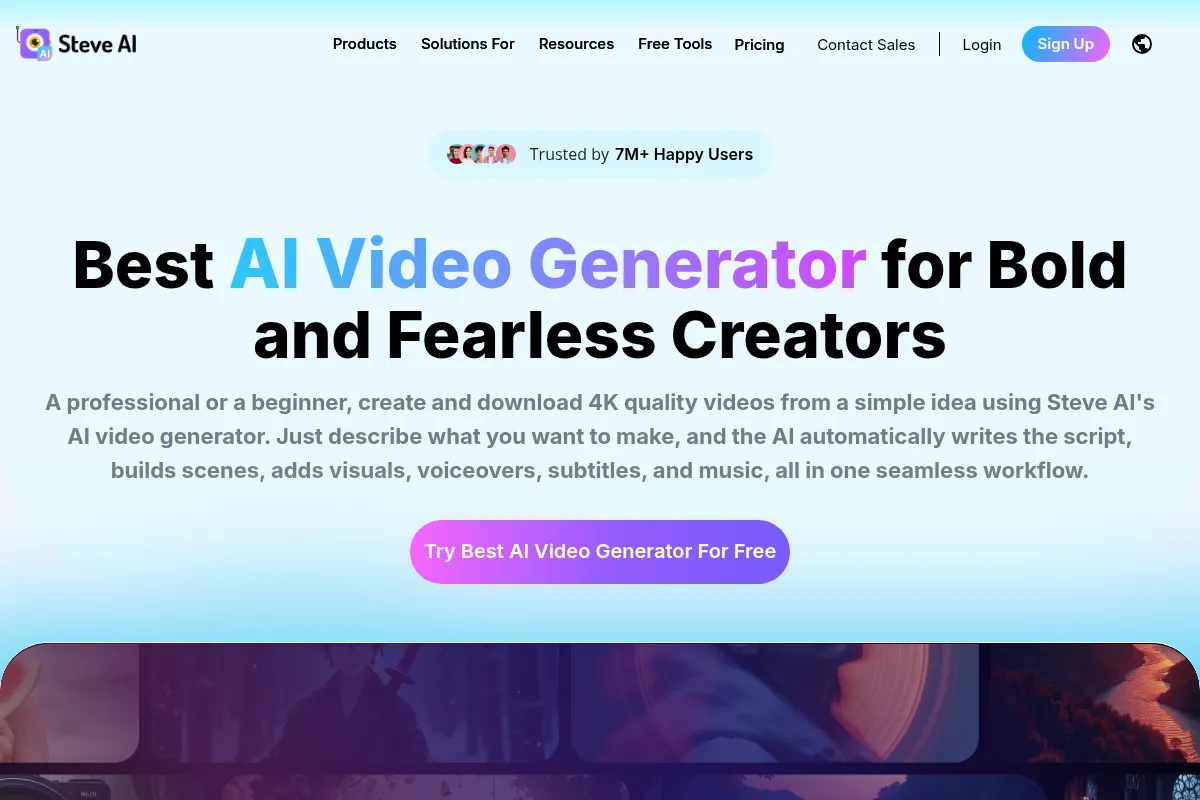
Steve AI is an AI-powered video creation platform that transforms text, scripts, or audio into animated, generative AI, or live-action videos. It aims to democratize video creation by offering a simplified workflow for users without technical video editing skills, focusing on speed and accessibility.
Official profiles
What it actually does
The platform takes text input, such as scripts or blog posts, and automatically generates videos by selecting visuals, adding text overlays, transitions, and background music. It offers various video styles, including animation and live-action using stock footage, and allows for some customization.
What makes it different
Steve AI differentiates itself by focusing on a streamlined, automated workflow for rapid video generation, particularly for animated content. While competitors may offer more advanced editing or hyper-realistic avatars, Steve AI prioritizes speed and ease of use for creating accessible video content.
Ratings across the web



Ratings aggregated from independent review platforms.
Key Features
Text-to-Video Conversion
Transforms written scripts or prompts into complete videos automatically, saving significant production time.
Blog to Video Transformation
Effortlessly repurposes existing blog posts and articles into engaging video content.
Animated Talking Heads & Avatars
Provides animated characters to add a human touch to videos without needing to film.
AI Voiceover Technology
Offers human-like AI-generated voices in multiple languages for professional narration.
Massive Asset Library
Includes a wide range of stock footage, music, and animated assets for video creation.
Scene-Level Control
Allows for independent customization of visuals and voiceovers for more precise creative direction.
Customizable Templates
Offers a variety of templates that can be personalized with brand elements like logos and colors.
Pricing
Basic
- 100 mins AI Videos/month
- 800 AI Images & Premium Stock/month
- 120 sec Generative Credits
- 720p video resolution
- No Steve AI branding
- Unlimited Video Exports
Starter
- 300 mins AI videos/month
- 2400 AI Images & Premium Stock/month
- 120 sec Generative Credits
- 1080p video resolution
- No Steve AI branding
- Unlimited Video Exports
Pro
- 400 mins AI videos/month
- 5 mins Generative Credits
- 2K video resolution
- No Steve AI branding
- Unlimited Video Exports
Enterprise
- Custom video minutes
- Custom generative credits
- 4K video resolution
- Unlimited Video Exports
- Contact sales for details
Pricing checked 6 months ago
Pricing guidance
- When you need to download videos for external use.
- When you exceed the monthly video minute or export limits.
- When you require higher video resolution (1080p, 2K).
- When you need more generative credits for advanced AI features.
- Video download restrictions on free/basic plans.
- Limited generative credits on lower tiers.
- Additional export costs if monthly download limits are exceeded.
- Mobile Premium plan restricts users exclusively to the mobile app.
Steve AI offers tiered subscription plans starting at $20/month, with higher tiers providing more minutes, higher resolutions, and additional features, positioning itself as an accessible option for creators needing volume.
Pros & Cons
Strengths
-
Ease of Use
Users consistently praise Steve AI for its intuitive interface, making it simple for beginners to create videos quickly without a steep learning curve.
-
Speed of Creation
The platform excels at rapidly transforming text into video, significantly reducing production time compared to traditional methods.
-
Animated Content Focus
Steve AI is particularly well-suited for creating animated videos and cartoon-style content, which users find effective for social media and explainers.
-
Repurposing Content
Features like 'Blog to Video' allow users to easily convert existing written content into video format, maximizing content value.
-
Customer Support
Several users have highlighted Steve AI's customer support as helpful, responsive, and kind, contributing to a positive user experience.
Weaknesses
-
Limited Creative Control
The platform offers less granular control over editing and visual customization compared to professional software, which can be limiting for complex or highly branded projects.
-
Output Quality
Some users find the AI-generated video quality to be less professional or more templated than desired, especially for marketing or high-end creative needs.
-
Basic AI Voiceovers
The AI voice generation can sound robotic and less realistic compared to competitors, impacting the overall polish of the video.
-
Feature Limitations on Free/Basic Tiers
Many essential features, including video downloads, are restricted on the free or lower-tier plans, leading to frustration for users wanting to test or use the platform fully.
-
Potential for Generic Output
The reliance on templates and AI automation can lead to videos that feel generic and lack a unique creative touch without significant manual refinement.
Real User Sentiment
User sentiment for Steve AI is mixed, with many appreciating its ease of use and speed for creating animated content, while others express frustration over output quality, limited customization, and feature restrictions on lower tiers.
Users tend to like
- Ease of use and intuitive interface
- Speed of video generation
- Suitability for animated and social media content
- Helpful customer support
- Ability to repurpose blog content
Users commonly complain about
- Limited creative control and editing features
- Output quality can be generic or unprofessional
- AI voiceovers are often robotic
- Restrictions on free/basic plans, especially downloads
- Concerns about value for money compared to competitors
Recurring tradeoffs
- Speed and simplicity vs. creative control and output quality.
- Affordability for basic animation vs. higher cost for professional features.
Happiest users
Beginners, social media managers, and educators who prioritize quick creation of animated or simple explainer videos.
Often frustrated
Users seeking advanced editing capabilities, highly polished or unique visual styles, or realistic AI avatars.
Use Cases
Creating short animated explainer videos for social media.
Repurposing blog posts into video summaries for content marketing.
Generating quick promotional clips for product launches.
Producing educational content or tutorials with animated characters.
Developing faceless YouTube channel content for consistent uploads.
Prototyping video concepts rapidly from scripts.
Frequently Asked Questions
What is Steve AI and what does it do?
Steve AI is an AI-powered video creation platform that transforms text, scripts, or audio into animated, generative AI, or live-action videos. It automates the video production workflow, allowing users to create videos quickly without advanced editing skills. Key features include text-to-video conversion, blog-to-video transformation, AI script generation, animated character videos, and a library of assets.
How much does Steve AI cost?
Steve AI offers several pricing plans, including a free tier with limited functionality. Paid plans start at $20/month for the Basic plan, with higher tiers like Starter ($60/month) and Pro ($80/month) offering more features, minutes, and higher resolutions. An Enterprise plan is available with custom pricing.
Is Steve AI good for professional marketing videos?
Steve AI is best suited for creating simple, animated, or explainer videos for social media and quick content needs. While it can produce videos rapidly, users often find the output quality and customization options less professional compared to competitors like Synthesia or Pictory, which may be better choices for high-end marketing campaigns requiring more creative control and polish.
What are the limitations of Steve AI?
Key limitations include a lack of advanced editing tools, less creative control over visuals, and AI-generated output that can sometimes feel generic or less professional. The AI voiceovers may also sound robotic. Additionally, free and lower-tier plans have significant restrictions, particularly on video downloads and feature access.
How does Steve AI compare to Pictory?
Both Steve AI and Pictory are AI video creation tools that convert text to video. Pictory is often praised for its flexibility and customization options, making it suitable for educational content, while Steve AI excels in speed and animation capabilities, making it ideal for social media clips and rapid content generation. Some comparisons suggest Pictory offers more videos for less money, while Steve AI covers a wider range of possibilities, including animation.
Does Steve AI offer a free trial or free plan?
Steve AI offers a free tier that allows users to experiment with its tools. However, this free plan has significant limitations, most notably the inability to download videos. For full functionality, including downloads and higher resolutions, a paid subscription is required.
What kind of assets does Steve AI provide?
Steve AI provides a vast library of assets, including animation templates, stock footage, images, illustrations, music tracks, and sound effects. These assets can be easily incorporated into videos with a few clicks. The platform also offers animated characters and AI-generated assets.
Can I use my own voiceover with Steve AI?
Yes, you can record your own voiceover and upload it to Steve AI's software to use on your generated video. This is a way to bypass the quality limitations of the platform's AI voice generation and use your preferred audio.
Why trust this page?
This evaluation combines product positioning, pricing analysis, traffic and market signals, and public user sentiment into a single decision-support page. Content is generated editorially — not copied from the vendor's website.
Funding & Company
Founded
2014
Stage
Bootstrapped
Total Raised
Bootstrapped
Latest Round
—
Steve AI is a product of Animaker Inc., which is a bootstrapped and profitable company since its founding in 2014. The company has not taken any external venture capital funding, relying on its own revenue to fuel growth and product development.
Market Signals & Traffic
Estimated visits, global rank, geography, traffic sources, monthly visit trends, and organic search keywords (Similarweb)—on a dedicated page built for depth and search.
- Estimated visits
- 361,106
- Global rank
- #102,114
- Snapshot
- Apr 2026
- Traffic trend
- Steady
Estimated monthly visits
Alternatives to Steve AI
View all alternativesSynthesia
Video Creation, Content Creation, Training & Onboarding

An AI video generation platform for creating professional videos without traditional equipment.
HeyGen
Video Creation, Content Creation, AI Assistant

AI-powered video creation platform with realistic avatars and multi-language support.
Runway ML
Video Creation, Content Creation

AI-powered creative suite for generating and editing video, images, and audio.
Similar Tools
HeyGen
Video Creation, Content Creation, AI Assistant
AI-powered video creation platform with realistic avatars and multi-language support.
Minimax / Hailuo AI
Video Creation, Content Creation, AI Assistant

AI tool to generate high-quality videos from text or images.
Veo
Video Creation, Content Creation, AI Assistant

AI model generating high-quality videos from text or image prompts.
Baichuan Intelligence
AI Assistant, Developer Tools, Research

Multilingual large language models for text generation and complex reasoning.
Deep Dream Generator
Content Creation

AI-powered platform for creating surreal and dream-like digital art.
MakeInfluencer
Content Creation, Social Media, Marketing Automation

Create and manage consistent virtual influencers for social media.