

A premium, keyboard-centric email client built for speed and 'Inbox Zero' discipline, specifically designed for high-volume professionals who treat email as a primary work tool.
Excellent for executives and founders managing 100+ daily emails, but poor value for casual users who don't need keyboard-driven speed.
Analysis based on product data, pricing structure, traffic signals, and public user sentiment.
Who Should Use Superhuman?
Typical users
Founders, VCs, sales leads, and high-output operators who spend 3+ hours a day in their inbox.
Maturity fit
scaling to advanced
Choose this if…
- You want to navigate your entire inbox without touching a mouse
- Your priority is triage speed over complex project management integrations
- You manage multiple high-volume Gmail or Outlook accounts
- You value a minimalist, distraction-free interface
Skip this if…
- You only receive 10-20 emails a day
- You find a $30/month subscription for an email client excessive
- You require a unified inbox for all accounts (Superhuman keeps them separate)
- You need deep, native integrations with task managers like Todoist or Asana
About Superhuman
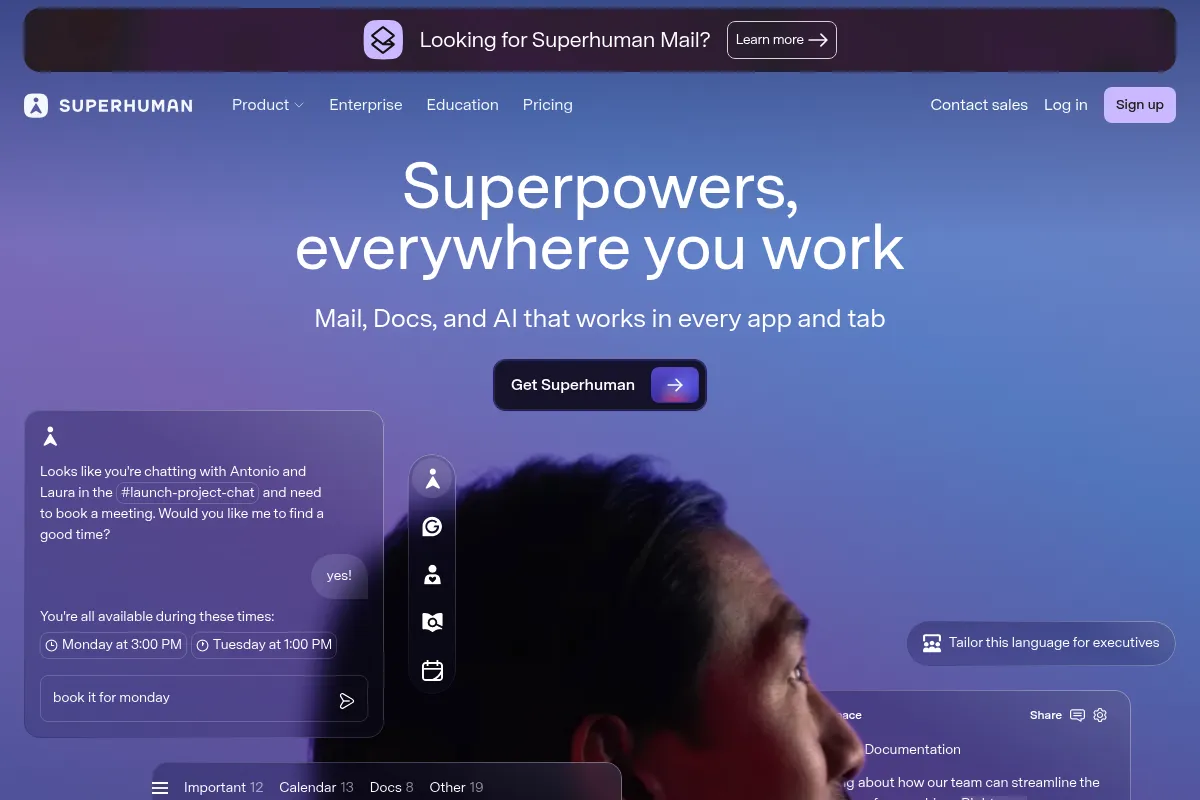
Superhuman is a high-performance email layer that sits on top of Gmail and Outlook. It is built to optimize the mechanics of email processing through a combination of extreme speed, keyboard shortcuts, and AI-assisted triage.
Official profiles
What it actually does
It transforms the standard email experience into a command-line-style interface where every action—archiving, snoozing, or drafting—is mapped to a keystroke. It includes built-in AI for summarizing threads and drafting replies in the user's specific voice.
What makes it different
Unlike standard clients that focus on feature density, Superhuman is architected for sub-100ms latency and a 'flow state' workflow. Its 'Split Inbox' feature forces users to categorize and conquer specific types of mail rather than staring at a single, overwhelming list.
Ratings across the web


Ratings aggregated from independent review platforms.
Key Features
Superhuman Command
A global search and action bar (Cmd+K) to perform any task instantly.
Split Inbox
Automatically separates VIPs, newsletters, and notifications into distinct tabs.
Snippets
Reusable text blocks that can include attachments and CCs for rapid repetitive replies.
Instant Reply
AI-generated drafts that appear automatically based on the context of incoming mail.
Auto Summarize
Provides a one-line executive summary at the top of every long email thread.
Read Statuses
Real-time notifications when a recipient opens an email or clicks a link.
Share Availability
A built-in calendar tool to insert open time slots directly into an email.
Ask AI
A natural language search that answers questions based on your entire email history.
Pricing
Starter
- Core Superhuman experience
- Split Inbox & Snippets
- Read Statuses
- Basic AI features (Summarize, Instant Reply)
- 1:1 Onboarding
Business
- Everything in Starter
- Advanced AI (Ask AI, Auto Drafts)
- Salesforce & HubSpot integrations
- Shared conversations & team comments
- Priority support
Enterprise
- Everything in Business
- SAML Single Sign-On (SSO)
- Advanced security controls
- Dedicated account management
Pricing checked 6 months ago
Pricing guidance
- When you need to sync email activity directly to Salesforce or HubSpot
- When your team needs to comment internally on email threads
- When you want the 'Ask AI' global search feature
- Annual billing discount requires a full year commitment upfront ($25/mo vs $30/mo)
- AI features are usage-capped on lower tiers in some regions
- Outlook support is robust but occasionally lags behind Gmail feature parity
Premium positioning that targets high-earning professionals where time-savings easily offset the monthly cost.
Pros & Cons
Strengths
-
Unmatched speed and responsiveness
The app is built for sub-100ms interactions, making Gmail’s native web interface feel sluggish by comparison.
-
Superior triage workflow
The combination of Split Inbox and keyboard shortcuts allows power users to process 100+ emails in under 30 minutes.
-
High-quality AI integration
The AI drafting tool actually mimics your writing style rather than producing generic corporate filler.
-
Concierge onboarding
New users get a 1:1 session to learn the shortcuts, ensuring they actually adopt the intended high-speed workflow.
Weaknesses
-
Prohibitive pricing for individuals
At $30/month, it is the most expensive email client on the market, which is hard to justify for non-power users.
Affects: Freelancers and budget-conscious professionals
-
No unified inbox
You must toggle between accounts rather than seeing all mail in one view, which can be frustrating for those managing 5+ accounts.
Affects: Users with many small, active accounts
-
Steep learning curve
To get the value, you must memorize dozens of shortcuts; otherwise, it's just an expensive skin for Gmail.
Affects: Users who prefer mouse-driven interfaces
Real User Sentiment
Users are generally obsessed with the speed but remain vocal about the high price point.
Users tend to like
- The 'Split Inbox' logic
- Blazing fast search
- The aesthetic and minimalist UI
- Snippets for rapid outreach
Users commonly complain about
- The $30/month price tag
- Lack of a unified inbox
- Privacy concerns over read receipts (though now optional)
- Occasional bugs in the Outlook integration
Recurring tradeoffs
- You trade $360/year for roughly 3-4 hours of saved time per week.
- You trade ease of use (mouse) for a learning curve (keyboard) that pays off in long-term speed.
Happiest users
VCs and founders who live in their inbox and view email as their primary 'workplace'.
Often frustrated
People who signed up for the hype but don't actually have enough email volume to justify the shortcuts.
Use Cases
Executive Triage
Clearing 200+ emails every morning in under an hour.
Sales Outreach
Using Snippets and Read Statuses to manage high-volume follow-ups.
VC Networking
Using 'Instant Intro' and 'Share Availability' to book meetings rapidly.
Project Management
Using 'Remind Me' to ensure no thread goes unanswered.
Mobile Productivity
Using the highly optimized iOS/Android app to triage on the go.
Frequently Asked Questions
Is there a free version of Superhuman?
No, Superhuman does not offer a free forever plan. They occasionally offer a 30-day free trial or referral credits (usually $80) that allow you to test the service for a limited time before the $30/month subscription kicks in.
How does Superhuman compare to Shortwave?
Shortwave is Gmail-only and focuses on a chat-like interface with 'bundles' for organization, starting at a lower price point ($9-$24/mo). Superhuman supports both Gmail and Outlook, uses a more traditional (but faster) list view, and emphasizes keyboard shortcuts over chat-style threading.
Does Superhuman work with Outlook?
Yes, Superhuman fully supports Microsoft 365 and Outlook accounts. While it started as a Gmail-only tool, the Outlook integration is now a core part of the product, though some advanced AI features may roll out to Gmail users first.
Can I use Superhuman for multiple email accounts?
Yes, you can add multiple Gmail and Outlook accounts. However, Superhuman does not offer a 'Unified Inbox' where all messages appear in one list; you must switch between accounts using keyboard shortcuts (Cmd+1, Cmd+2, etc.).
What are the main limitations of Superhuman?
The biggest limitations are the lack of a unified inbox, the high monthly cost, and the lack of deep native integrations with third-party task managers like Asana, Notion, or Todoist, which requires users to copy-paste or use Zapier.
Is the AI feature worth the extra cost?
The AI features (summarization and drafting) are included in the $30/mo plan. For users who deal with long, complex threads, the 'Auto Summarize' feature alone can save significant time, but for short, transactional emails, it may feel like overkill.
Why trust this page?
This evaluation combines product positioning, pricing analysis, traffic and market signals, and public user sentiment into a single decision-support page. Content is generated editorially — not copied from the vendor's website.
Funding & Company
Founded
2014
Stage
Series c
Total Raised
$108M
Latest Round
Series C (Aug 2021)
Notable Investors
Superhuman has raised a total of $108 million, primarily from a $33 million Series B led by Andreessen Horowitz and a $75 million Series C led by IVP. This significant backing from top-tier venture firms indicates strong investor confidence in its premium, productivity-focused email client.
Market Signals & Traffic
Estimated visits, global rank, geography, traffic sources, monthly visit trends, and organic search keywords (Similarweb)—on a dedicated page built for depth and search.
- Estimated visits
- 0
- Global rank
- —
- Snapshot
- May 2026
- Traffic trend
- Steady
Estimated monthly visits
Similar Tools
DeepL
Communication, Productivity, AI Assistant

Accurate language translation and writing assistant for global communication.
Notion AI
AI Assistant, Content Creation

AI assistant integrated into Notion for content creation and task automation.
Aspect
Automation & Agents, Developer Tools, Workflow

Build and deploy agents that automate tasks in the browser.
Adam.ai
AI Assistant, Productivity, Communication

Comprehensive platform for managing meeting agendas, notes, and action items.
Five9
Communication, Automation & Agents, Productivity

Cloud contact center platform for customer service and sales teams
Airtable
Productivity, Automation & Agents, Marketing Automation

Collaborative platform for building custom apps and database workflows.