

A customer service suite that bridges the gap between basic live chat and advanced AI automation, specifically optimized for Shopify and WordPress storefronts.
Excellent for e-commerce SMBs needing quick AI-driven support, weaker for complex enterprise ticketing workflows.
Analysis based on product data, pricing structure, traffic signals, and public user sentiment.
Who Should Use Tidio?
Typical users
Solo founders and small support teams (1-10 people) running e-commerce stores or service-based websites.
Maturity fit
beginner to scaling
Choose this if…
- You run a Shopify or WordPress store and need deep integration with order data
- Your priority is launching an AI bot in minutes rather than building complex logic
- You want to manage Instagram, WhatsApp, and Live Chat in a single view
Skip this if…
- You require advanced SLA management and complex ticket routing logic
- Your volume is high enough that per-conversation pricing becomes unpredictable
- You need a platform with a heavy focus on outbound sales sequences
About Tidio
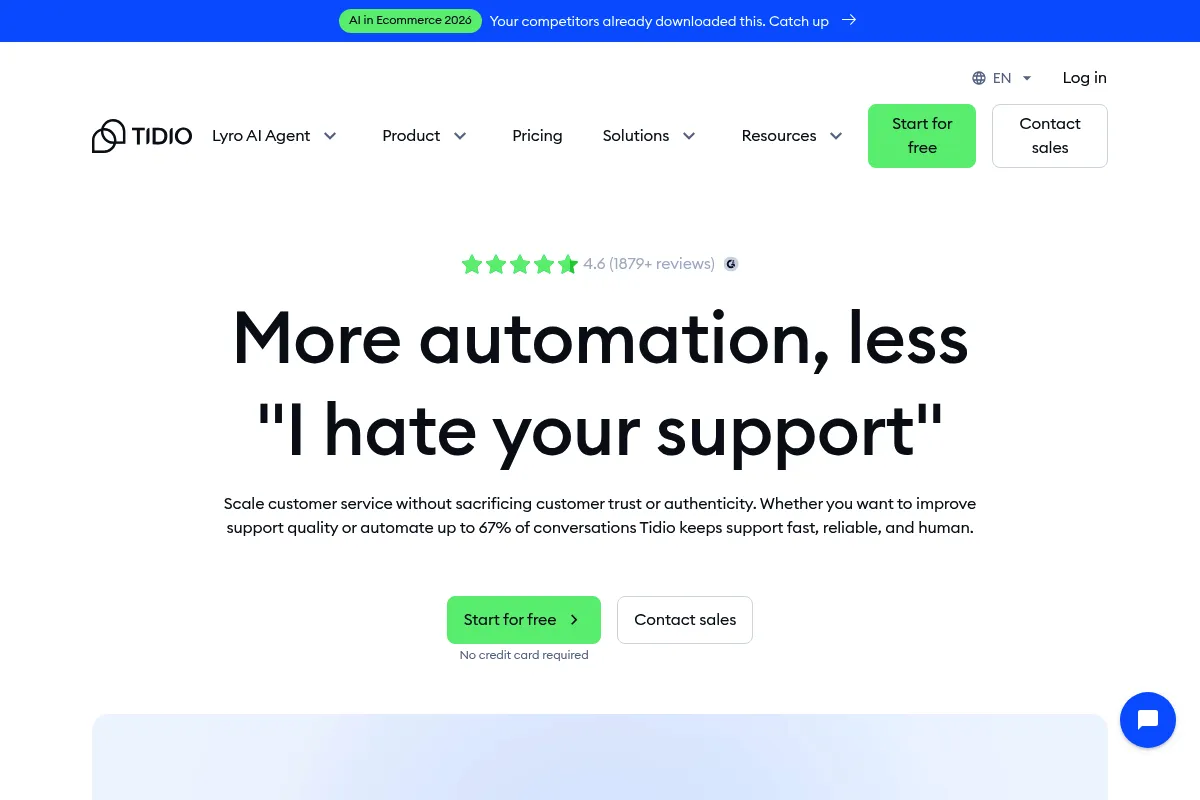
Tidio is a customer engagement platform that combines live chat, AI chatbots, and a ticketing system. It targets small-to-medium businesses looking to automate repetitive support tasks while maintaining a direct line to customers through a unified inbox.
Official profiles
What it actually does
It provides a customizable chat widget for websites to engage visitors in real-time. The platform uses a visual flow builder and an LLM-based AI agent (Lyro) to resolve common queries, while centralizing messages from social channels and email for human agents.
What makes it different
Unlike enterprise-heavy competitors, Tidio focuses on 'plug-and-play' e-commerce utility. Its Lyro AI can scrape a help center URL and start answering questions immediately, bypassing the need for manual intent mapping or keyword training.
Ratings across the web



Ratings aggregated from independent review platforms.
Key Features
Lyro AI
Automatically answers customer questions using your existing knowledge base or website content.
Shopify Sidebar
Allows agents to view order history and track packages directly within the chat interface.
Visual Flow Builder
Creates logic-based bot sequences for lead gen or discounts without writing code.
Live Visitor List
Shows active site visitors, their current page, and location for proactive outreach.
Multichannel Inbox
Consolidates messages from Facebook Messenger, Instagram, and WhatsApp into one dashboard.
Pre-made Templates
Includes ready-to-use flows for cart abandonment, welcome messages, and shipping updates.
Department Routing
Directs chats to specific teams like Sales or Support based on user input.
Pricing
Free
- 50 monthly conversations
- 100 Lyro AI tasks
- Live Chat & Ticketing
- Social media integrations
Starter
- 100 monthly conversations
- 3 seats included
- Live visitor list
- Basic analytics
Growth
- 2,000 monthly conversations
- 3 seats included
- WhatsApp integration
- Remove Tidio branding
Tidio+
- Unlimited seats
- Custom conversation limits
- Dedicated Success Manager
- Advanced permissions
Pricing checked 5 months ago
Pricing guidance
- Exceeding the 50-conversation monthly limit on Free
- Needing to remove the 'Powered by Tidio' badge
- Requiring WhatsApp as a support channel
- Lyro AI tasks are often capped separately from standard chat conversations
- The number of seats is strictly limited on lower tiers
- Advanced analytics are locked behind higher-tier plans
Mid-market pricing that is accessible for beginners but scales aggressively as volume increases.
Pros & Cons
Strengths
-
Rapid AI deployment
Lyro AI can be trained by simply pointing it at a URL, making it one of the fastest ways to implement a functional support bot.
-
Deep e-commerce parity
The ability to see cart contents and order status in the sidebar saves agents from switching tabs, reducing resolution time.
-
Low barrier to entry
The interface is intuitive enough for non-technical owners to set up automated workflows without a developer.
Weaknesses
-
Unpredictable scaling costs
The shift toward per-conversation billing can lead to unexpected monthly costs if a marketing campaign drives a sudden traffic spike.
Affects: Scaling businesses with fluctuating traffic
-
Basic ticketing features
It lacks the robust internal documentation, complex parent-child ticketing, and deep SLA tracking found in Zendesk or Gorgias.
Affects: Teams with more than 10 support agents
-
Mobile app instability
Users frequently report that the mobile agent app lacks the stability and feature set of the desktop version, leading to missed notifications.
Affects: On-the-go solo founders
Real User Sentiment
Generally positive, with high marks for ease of use and Shopify integration, though recent pricing changes have caused some friction.
Users tend to like
- Ease of setting up automated flows
- Clean and modern user interface
- Effective Shopify order tracking integration
- Speed of Lyro AI implementation
Users commonly complain about
- Cost of Lyro AI credits can be high
- Customer support response times can be slow
- Mobile app notification reliability
- Limited reporting on the lower tiers
Recurring tradeoffs
- Simplicity vs. Customization: It is very easy to use but lacks the deep logic branching of enterprise tools.
Happiest users
Shopify store owners who want to automate 70% of their support without hiring a developer.
Often frustrated
High-volume businesses that find the per-conversation pricing model significantly more expensive than flat-rate alternatives.
Use Cases
Shopify Store Support
Automating 'Where is my order?' queries and tracking packages.
Lead Qualification
Using a bot to ask pre-sales questions before alerting a human agent.
Cart Abandonment Recovery
Triggering a discount code via chat when a user stays on the checkout page too long.
Multichannel Support
Managing Instagram DMs, Facebook Messenger, and site chat in one window.
24/7 FAQ Automation
Using Lyro AI to answer common questions outside of business hours.
Frequently Asked Questions
Is Tidio actually free?
Tidio offers a free version, but it is limited to 50 conversations per month and 100 Lyro AI tasks. It is best suited for testing the platform or for very low-traffic personal sites. Most businesses will need to upgrade to the Starter or Growth plans quickly.
How does Tidio compare to Intercom?
Tidio is significantly more affordable and easier to set up for small businesses, especially those on Shopify. Intercom is a more powerful, enterprise-grade tool with better outbound marketing features and deeper CRM capabilities, but it comes with a much higher price tag and steeper learning curve.
What is Lyro AI and how does it work?
Lyro is Tidio's conversational AI agent powered by LLMs. Unlike traditional chatbots that require you to build every response manually, Lyro learns from your website content or help center and can answer customer questions in a natural, conversational way.
Does Tidio work with WhatsApp?
Yes, WhatsApp integration is available, but it is not included in the Free or Starter plans. You must be on the Growth plan or higher to connect your WhatsApp Business account to the Tidio inbox.
Can I use Tidio on multiple websites?
Yes, you can install the Tidio code on multiple domains, but all messages will flow into the same project inbox unless you pay for separate projects. This can make managing different brands difficult on a single account.
What are the main limitations of Tidio?
The primary limitations are its basic ticketing system, which lacks advanced routing, and its pricing model, which can become expensive for high-volume stores. Additionally, its mobile app is often cited as less reliable than its desktop counterpart.
Why trust this page?
This evaluation combines product positioning, pricing analysis, traffic and market signals, and public user sentiment into a single decision-support page. Content is generated editorially — not copied from the vendor's website.
Funding & Company
Founded
2013
Stage
Series b
Total Raised
$26.8M
Latest Round
Series B (May 2022)
Notable Investors
Tidio has raised a total of $26.8 million, primarily from a $25 million Series B round in May 2022 led by PeakSpan Capital. [4, 5] This significant funding followed earlier seed rounds and is aimed at product development, particularly its AI features, and international team expansion. [5, 8] The backing from a growth-stage investor like PeakSpan signals confidence in Tidio's market position and strategy.
Market Signals & Traffic
Estimated visits, global rank, geography, traffic sources, monthly visit trends, and organic search keywords (Similarweb)—on a dedicated page built for depth and search.
- Estimated visits
- 0
- Global rank
- —
- Snapshot
- May 2026
- Traffic trend
- Falling
Estimated monthly visits
Alternatives to Tidio
View all alternatives
Similar Tools
Henry
AI Assistant, Workflow, Documentation

Assistant for immigration lawyers to automate legal document drafting.
Brickanta
Automation & Agents, Productivity, Workflow

Agentic platform for construction cost estimation and procurement automation.
Greenlite
Automation & Agents, Privacy & Compliance, Workflow

Automated compliance agents for banking and fintech operations.
Dust
AI Assistant, Automation & Agents, Productivity

Custom assistants that connect internal company data to language models.
Airtable
Productivity, Automation & Agents, Marketing Automation

Collaborative platform for building custom apps and database workflows.
Raycast
Productivity, Developer Tools, AI Assistant

A keyboard-first productivity launcher for managing applications and automated workflows.