
Notion AI is an AI assistant integrated into the Notion workspace, designed to enhance content creation, summarization, and task automation within the platform.
Best for Notion users needing AI assistance for content and task automation, weaker for standalone AI needs.
Analysis based on product data, pricing structure, traffic signals, and public user sentiment.
Who Should Use Notion AI?
Typical users
Individuals and teams already using Notion for documentation, project management, or knowledge bases. This includes content creators, project managers, developers, and small to medium-sized businesses looking to streamline workflows within their existing Notion environment.
Maturity fit
beginner to scaling
Choose this if…
- You are a heavy Notion user and want AI features without leaving your workspace.
- You need help drafting, summarizing, or refining text within your Notion documents.
- You want to automate simple tasks and database entries within Notion.
- Your priority is contextual AI assistance tied to your existing Notion data.
Skip this if…
- You primarily need a general-purpose AI chatbot for broad research or creative writing outside of Notion.
- You require advanced AI capabilities for complex, multi-step business process automation.
- You are not a Notion user and don't plan to adopt the platform.
- Your budget is extremely limited and you cannot afford an add-on service.
About Notion AI
Notion AI is an AI-powered assistant embedded directly within the Notion productivity suite. It aims to augment user workflows by providing capabilities for content generation, summarization, and task automation, all within the context of a user's existing Notion workspace. It's designed for existing Notion users who want to enhance their productivity without switching applications.
Official profiles
What it actually does
Notion AI assists users by generating text, summarizing documents, answering questions based on workspace content, and automating certain database tasks. It can draft content, refine existing text, create outlines, and help organize information, all while leveraging the context of the user's Notion pages and connected applications.
What makes it different
Notion AI's primary differentiator is its deep integration within the Notion ecosystem. Unlike standalone AI tools, it has direct access to a user's Notion pages, databases, and connected apps (like Slack and Google Drive), allowing for context-aware assistance. This integration aims to provide more relevant and efficient AI support for tasks performed within Notion.
Ratings across the web



Ratings aggregated from independent review platforms.
Key Features
Notion Agent
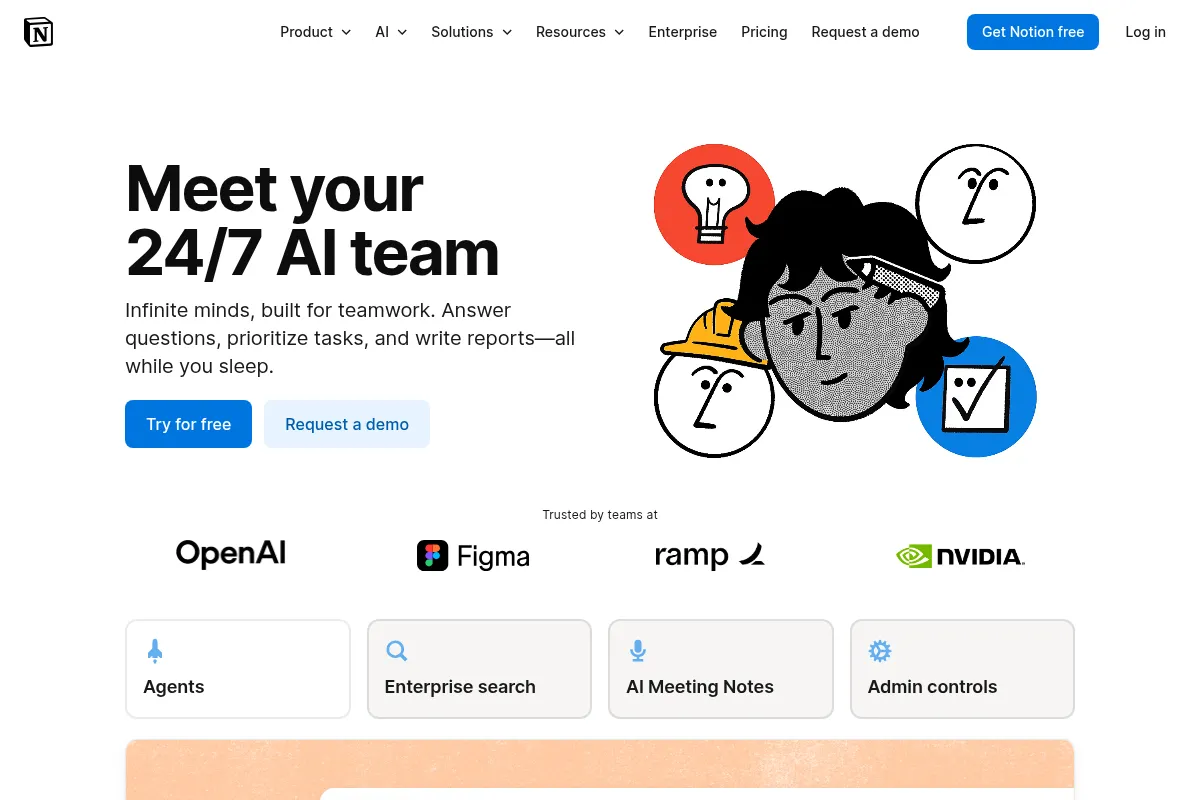
Chat with an AI assistant directly within Notion to perform tasks, generate content, and get answers based on your workspace context.
AI Connectors
Extends Notion AI's reach by allowing it to access information from connected apps like Slack and Google Drive, providing broader context for its responses.
Custom Agents
Enables users to create personalized AI agents for automating recurring tasks and workflows within Notion.
AI Meeting Notes
Automatically transcribes, summarizes, and extracts key insights and action items from meetings.
Database Autofill
Automates the population of database properties using AI, saving time on data entry and organization.
Content Refinement
Allows users to improve existing text by adjusting tone, making it shorter or longer, or fixing grammar and spelling.
Pricing
Notion AI (Add-on)
- Notion Agent
- AI Meeting Notes
- Enterprise Search
- Custom Agents (with credits)
Notion AI (Add-on)
- Notion Agent
- AI Meeting Notes
- Enterprise Search
- Custom Agents (with credits)
Pricing checked 6 months ago
Pricing guidance
- When you need to generate content, summarize notes, or automate tasks within Notion.
- When you want to leverage AI-powered search across your Notion workspace and connected apps.
- When you need to automate recurring tasks with custom AI agents.
- Notion AI is an add-on and incurs an additional cost on top of base Notion plans.
- Custom Agents may require purchasing additional Notion credits for extensive use.
- While it can access connected apps, its primary context remains within the Notion workspace.
An affordable add-on for existing Notion users seeking integrated AI capabilities, but the total cost can increase significantly for larger teams.
Pros & Cons
Strengths
-
Deep Integration within Notion
Notion AI works directly within your existing Notion workspace, eliminating the need to switch between applications for AI-assisted tasks. This context-awareness leads to more relevant outputs.
-
Content Creation and Refinement
It excels at drafting initial content, brainstorming ideas, summarizing long texts, and refining existing writing for clarity, tone, and grammar, which is highly beneficial for writers and content creators.
-
Task Automation within Databases
The ability to autofill database properties and automate simple tasks within Notion databases streamlines data management and reduces manual effort.
-
Contextual Search and Q&A
Notion AI can answer questions based on your workspace content and connected apps, acting as a powerful internal knowledge retrieval tool.
Weaknesses
-
Limited to Notion Ecosystem
Its primary strength is also its limitation; Notion AI is most effective when used within Notion and is not a replacement for general-purpose AI chatbots for tasks outside the platform.
Affects: Users who need a standalone AI assistant for diverse tasks outside of Notion.
-
Potential for Inaccuracies
Like all AI tools, Notion AI can sometimes produce incorrect or outdated information, requiring users to verify outputs.
Affects: All users, especially those relying on AI for critical decision-making or factual accuracy.
-
Cost as an Add-on
Notion AI is an additional cost on top of existing Notion plans, which can increase the overall subscription expense for teams.
Affects: Budget-conscious teams and individuals who may find the combined cost prohibitive.
-
Basic Workflow Automation
While it can automate simple database tasks, it lacks the sophisticated multi-step workflow automation capabilities found in dedicated automation platforms.
Affects: Teams requiring complex, conditional, or cross-application workflow automation.
Real User Sentiment
Generally positive, with users appreciating its deep integration and usefulness for content creation and summarization within Notion. However, some users express concerns about pricing and limitations compared to standalone AI tools.
Users tend to like
- Deep integration within the Notion workspace.
- Convenience of AI assistance without leaving the app.
- Helpfulness for drafting, summarizing, and refining text.
- Ability to automate simple database tasks.
- Contextual search and Q&A capabilities.
Users commonly complain about
- Cost as an add-on, increasing overall subscription price.
- Limitations in advanced workflow automation compared to dedicated tools.
- Occasional inaccuracies or generic outputs.
- Notion AI is not a replacement for general-purpose AI chatbots for tasks outside Notion.
Recurring tradeoffs
- Deep integration within Notion vs. limited utility outside the platform.
- Convenience and contextual awareness vs. potential for generic outputs.
- Cost-effectiveness for Notion users vs. higher overall expense for AI features.
Happiest users
Existing Notion users who leverage the platform for documentation, project management, and knowledge sharing, and want to enhance these workflows with AI.
Often frustrated
Users who expect Notion AI to be a standalone, general-purpose AI chatbot or who find the add-on cost prohibitive for their needs.
Use Cases
Drafting blog posts and marketing copy within Notion pages.
Summarizing meeting notes and research documents for quick review.
Generating outlines for reports and project plans.
Automating the population of database properties like task status or summaries.
Answering questions about existing Notion content and connected app data.
Refining existing text for clarity, tone, and grammar.
Creating custom AI agents for specific team workflows.
Frequently Asked Questions
What is Notion AI?
Notion AI is an AI assistant integrated directly into the Notion workspace. It helps users generate content, summarize information, answer questions based on their Notion data, and automate simple tasks within Notion. It leverages AI models to provide contextual assistance within the user's existing workflow.
How much does Notion AI cost?
Notion AI is an add-on feature that costs $8 per member per month when billed annually, or $10 per member per month when billed monthly. This cost is in addition to your base Notion plan subscription. Some users on free or lower-tier plans may have access to a limited trial.
Can Notion AI replace ChatGPT?
Notion AI is best suited for tasks within the Notion ecosystem, leveraging your workspace's context. ChatGPT is a more general-purpose AI chatbot that excels at broader conversational tasks, creative writing, and research outside of a specific platform. While Notion AI can perform some similar functions, it's not a direct replacement for ChatGPT's versatility for non-Notion-specific tasks.
What are the limitations of Notion AI?
Notion AI's limitations include its primary focus on the Notion workspace, meaning it's less effective for tasks outside of it. It can sometimes produce inaccuracies or generic outputs, and its workflow automation capabilities are basic compared to dedicated tools. It also requires an additional subscription cost on top of Notion plans.
Does Notion AI integrate with other apps?
Yes, Notion AI integrates with other apps through features like AI Connectors and Enterprise Search. This allows it to access information from connected applications such as Slack and Google Drive, providing broader context for its responses and enabling it to pull data from these sources. However, its primary function remains within the Notion environment.
Can Notion AI automate complex workflows?
Notion AI can automate simple tasks and database entries within Notion. However, it is not designed for complex, multi-step business process automation that spans across multiple applications. For more advanced automation, users would typically need to integrate Notion with dedicated automation platforms like Zapier or Make.
Is Notion AI included in the free plan?
Notion AI is not included in the free plan. While free plan users may be offered a limited trial of Notion AI features, full access requires a paid add-on subscription, which is an additional cost on top of any paid Notion plan (Plus, Business, or Enterprise).
What kind of content can Notion AI generate?
Notion AI can generate various types of text content, including blog post outlines, email drafts, meeting notes, project updates, social media captions, and creative writing prompts. It can also help refine existing content by improving writing, changing tone, or fixing grammar and spelling.
Why trust this page?
This evaluation combines product positioning, pricing analysis, traffic and market signals, and public user sentiment into a single decision-support page. Content is generated editorially — not copied from the vendor's website.
Funding & Company
Founded
2013
Stage
Late stage
Total Raised
$345.2M
Latest Round
Series C (Oct 2021)
Notable Investors
Notion has raised a total of $343.2 million, culminating in a massive $275 million Series C in October 2021 that valued the company at $10 billion. This significant funding from top-tier investors like Sequoia Capital and Coatue provides a substantial war chest for product development and market expansion.
Market Signals & Traffic
Estimated visits, global rank, geography, traffic sources, monthly visit trends, and organic search keywords (Similarweb)—on a dedicated page built for depth and search.
- Estimated visits
- 174,472,432
- Global rank
- #151
- Snapshot
- Apr 2026
- Traffic trend
- Rising
Estimated monthly visits
Alternatives to Notion AI
View all alternativesMem AI
Productivity, AI Assistant

AI-powered note-taking and knowledge management app.
Taskade AI
AI Assistant, Productivity

AI-powered workspace for project management, collaboration, and automation.
Claude
AI Assistant

A conversational AI assistant for writing, analysis, coding, and more.
Similar Tools
Gemini
AI Assistant, Content Creation

An experimental AI-powered conversational chatbot from Google.
HyperWrite
AI Assistant, Content Creation

AI-powered writing assistant for content creation, research, and task automation.
Uizard
AI Assistant, Content Creation

AI-powered tool to create UI designs, wireframes, and prototypes from text, sketches, or screenshots.
Speechify
AI Assistant, Content Creation

AI-powered text-to-speech reader and voice generator.
Anything
AI Assistant, Content Creation

An AI-powered platform that builds web and mobile applications from text prompts.
Merlin
AI Assistant, Content Creation

An AI-powered assistant to research, write, and summarize content across the web.