

A specialized Stable Diffusion wrapper that simplifies complex anime-style workflows like ControlNet and LoRA for users without technical expertise or high-end hardware.
Excellent for hobbyists needing precise character poses and anime-specific aesthetics, weaker for professional artists requiring uncensored local control.
Analysis based on product data, pricing structure, traffic signals, and public user sentiment.
Who Should Use AnimeGenius?
Typical users
Solo creators, visual novel developers, and anime enthusiasts who want high-quality illustrations without managing a local Stable Diffusion environment.
Maturity fit
beginner to scaling
Choose this if…
- Your primary focus is strictly anime and manga aesthetics
- You want to use ControlNet (pose control) without technical configuration
- You prefer a web-based interface over setting up local GPU environments
- You need consistent character designs across multiple images
Skip this if…
- You require photorealistic or non-anime art styles
- You need a completely uncensored environment for NSFW content
- You have a powerful GPU and prefer the zero-cost flexibility of local Stable Diffusion
- Your workflow requires deep integration with professional design software like Photoshop
About AnimeGenius
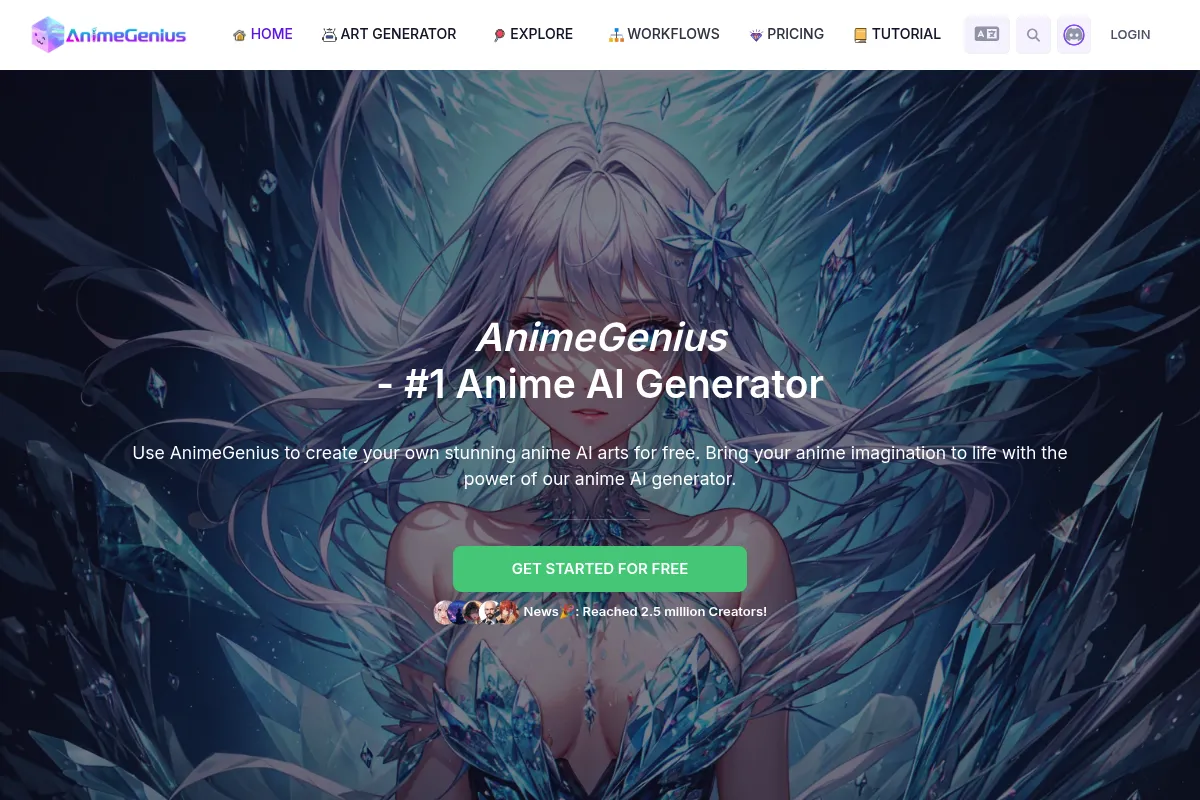
AnimeGenius is a cloud-based AI art platform built on top of Stable Diffusion, specifically optimized for the anime niche. It provides a simplified GUI for advanced generation techniques, allowing users to leverage community-trained models and LoRAs through a browser.
Official profiles
What it actually does
The tool converts text prompts and reference images into stylized anime artwork. It includes specialized modules for character consistency, pose manipulation, and post-processing tasks like upscaling and background removal.
What makes it different
Unlike general-purpose generators like Midjourney, AnimeGenius integrates specific anime-centric features like 'Pose Control' and support for 'Pony Diffusion' models natively. It bridges the gap between the simplicity of basic AI tools and the complexity of local Stable Diffusion installs.
Ratings across the web

Ratings aggregated from independent review platforms.
Key Features
Pose Control
Allows users to dictate character stances using skeletons or reference images.
Character Creator
A dedicated workflow to maintain visual traits across different scenes.
Model Library
Access to popular community models like AOM3, Counterfeit, and Pony Diffusion.
Prompt Assistant
Suggests relevant Danbooru-style tags to improve generation accuracy.
Batch Generation
Produces up to 4 variations simultaneously to speed up the creative process.
HD Upscaler
Enhances low-resolution generations by adding detail and clarity.
Image-to-Video
Basic animation capabilities to turn static characters into short clips.
Public Gallery
A community feed for sharing prompts and discovering successful settings.
Pricing
Free
- 50 credits per day (resets daily)
- Standard generation speed
- Basic anime models
- Community support
Basic
- 600 credits per month
- Faster generation speed
- Commercial usage rights
- Access to advanced models
Standard
- 1500 credits per month
- Priority generation queue
- Batch upscaling
- Early access to new features
Pro
- 5000 credits per month
- Highest priority queue
- Dedicated support
- Unlimited background removal
Pricing checked 6 months ago
Pricing guidance
- When you need commercial rights for your artwork
- When you consistently run out of the 50 daily free credits
- When you need to use the HD upscaler frequently
- When you want to use specific premium models or LoRAs
- Credits for upscaling are significantly higher than for standard generation
- Free credits do not roll over to the next day
- Commercial rights are strictly tied to paid tiers
Affordable for hobbyists, but can become costly for professionals compared to local hardware solutions.
Pros & Cons
Strengths
-
Low technical barrier
Provides access to advanced Stable Diffusion features like ControlNet without requiring GPU hardware or command-line knowledge.
-
Niche-specific optimization
The models and prompt suggestions are tuned specifically for anime, reducing the 'uncanny valley' effect common in general models.
-
Daily free credit reset
The 50-credit daily allowance is generous enough for casual hobbyists to use the tool without a paid subscription.
-
Comprehensive editing suite
Includes inpainting and outpainting directly in the browser, eliminating the need for external image editors for minor fixes.
Weaknesses
-
Credit-heavy upscaling
High-resolution tasks and advanced features consume credits rapidly, which can become expensive for high-volume users.
Affects: Power users and professional illustrators
-
Cloud-based censorship
The platform enforces safety filters that can block certain prompts or styles, unlike local Stable Diffusion installs.
Affects: Creators working on mature or edgy content
-
Subscription dependency
Recurring costs can eventually exceed the one-time investment of a dedicated graphics card for heavy users.
Affects: Long-term power users
Real User Sentiment
Generally positive, with users praising the ease of achieving specific anime styles that other tools struggle with.
Users tend to like
- Intuitive pose control interface
- High quality of the Pony Diffusion integration
- Daily free credit reset
- Effective character consistency tools
Users commonly complain about
- High credit cost for upscaling
- Occasional server slowdowns during peak hours
- Safety filters can be overly sensitive
Recurring tradeoffs
- Users trade the total freedom of a local install for the convenience of a managed web interface.
Happiest users
Hobbyist creators and fan-fiction writers who need specific character art without technical friction.
Often frustrated
Advanced AI artists who want to fine-tune every parameter or generate uncensored content.
Use Cases
Visual Novel Development
Creating consistent character sprites in various poses.
Fan Fiction Illustration
Generating cover art and scene visuals for stories.
Social Media Avatars
Designing custom anime-style profile pictures.
Concept Art Iteration
Rapidly testing color schemes and character designs for games.
Marketing Content
Creating anime-themed promotional graphics for niche audiences.
Frequently Asked Questions
Is AnimeGenius actually free to use?
Yes, AnimeGenius offers a free tier that provides 50 credits every day. These credits reset daily and can be used for standard image generation, though advanced features like high-res upscaling will exhaust them quickly.
Can I use the images I generate for commercial projects?
Commercial usage rights are only included with paid subscription plans (Basic, Standard, and Pro). Images generated on the Free plan are intended for personal use only.
How does AnimeGenius compare to Midjourney for anime?
While Midjourney produces high-artistic quality, AnimeGenius offers more control over specific anime tags and character poses via ControlNet. AnimeGenius is better for character design, while Midjourney is better for general atmospheric art.
What are the main limitations of the platform?
The primary limitations are the credit-based system for high-end features, the presence of safety filters that restrict certain content, and the lack of ability to upload your own custom-trained checkpoints or LoRAs.
Does AnimeGenius support character consistency?
Yes, it includes a 'Character Creator' feature and supports specific LoRAs and reference images to help maintain the same visual identity across multiple generated images.
Do I need a powerful computer to use it?
No. Since all processing happens on AnimeGenius's cloud servers, you only need a modern web browser and an internet connection to use the tool.
Why trust this page?
This evaluation combines product positioning, pricing analysis, traffic and market signals, and public user sentiment into a single decision-support page. Content is generated editorially — not copied from the vendor's website.
Funding & Company
Founded
2016
Stage
Bootstrapped
Total Raised
Bootstrapped
Latest Round
—
Live3D appears to be a bootstrapped company with no publicly disclosed venture capital funding. The company has operated since 2016 and sustains itself through a freemium SaaS model for its suite of VTuber software tools.
Market Signals & Traffic
Estimated visits, global rank, geography, traffic sources, monthly visit trends, and organic search keywords (Similarweb)—on a dedicated page built for depth and search.
- Estimated visits
- 527,018
- Global rank
- —
- Snapshot
- Apr 2026
- Traffic trend
- Rising
Estimated monthly visits
Alternatives to AnimeGenius
View all alternativesLeonardo AI
Content Creation

AI platform for creating and editing visual assets like images and video.
Adobe Firefly
Content Creation, Video Creation

Generative AI tools for creating and editing images, video, and more.
Similar Tools
Upscale.media
Content Creation, Design

AI-powered tool to upscale and enhance image resolution and quality.
Mage
Content Creation, Design

Generate and edit high-quality images using various diffusion models.
Getty Images (Generative AI)
Content Creation, Design

Create commercially safe images using a licensed creative library.
Generated Photos
Content Creation, Design

AI-generated images for any project, royalty-free.
FaceApp
Content Creation, Design

AI-powered mobile app for realistic photo and video editing.
Topaz Labs
Content Creation, Design

AI-powered software for enhancing photo and video quality.