

Applio
An open-source RVC ecosystem for high-fidelity voice cloning and conversion—best for local power users, less accessible for non-technical creators.
Excellent for high-quality local voice training and inference, weaker for users without dedicated NVIDIA hardware.
Analysis based on product data, pricing structure, traffic signals, and public user sentiment.
Who Should Use Applio?
Typical users
AI researchers, hobbyist musicians, and developers who want full control over voice models without subscription fees.
Maturity fit
beginner to advanced
Choose this if…
- You have an NVIDIA GPU and want to avoid subscription costs
- Your priority is total ownership and privacy of your voice models
- You need to perform batch processing of audio files locally
- You want to experiment with specific RVC parameters like pitch extraction algorithms
Skip this if…
- You lack a dedicated GPU or technical setup skills
- Your workflow requires a simple, web-based API for immediate scaling
- You need a commercial-grade legal indemnity for the voices you use
About Applio
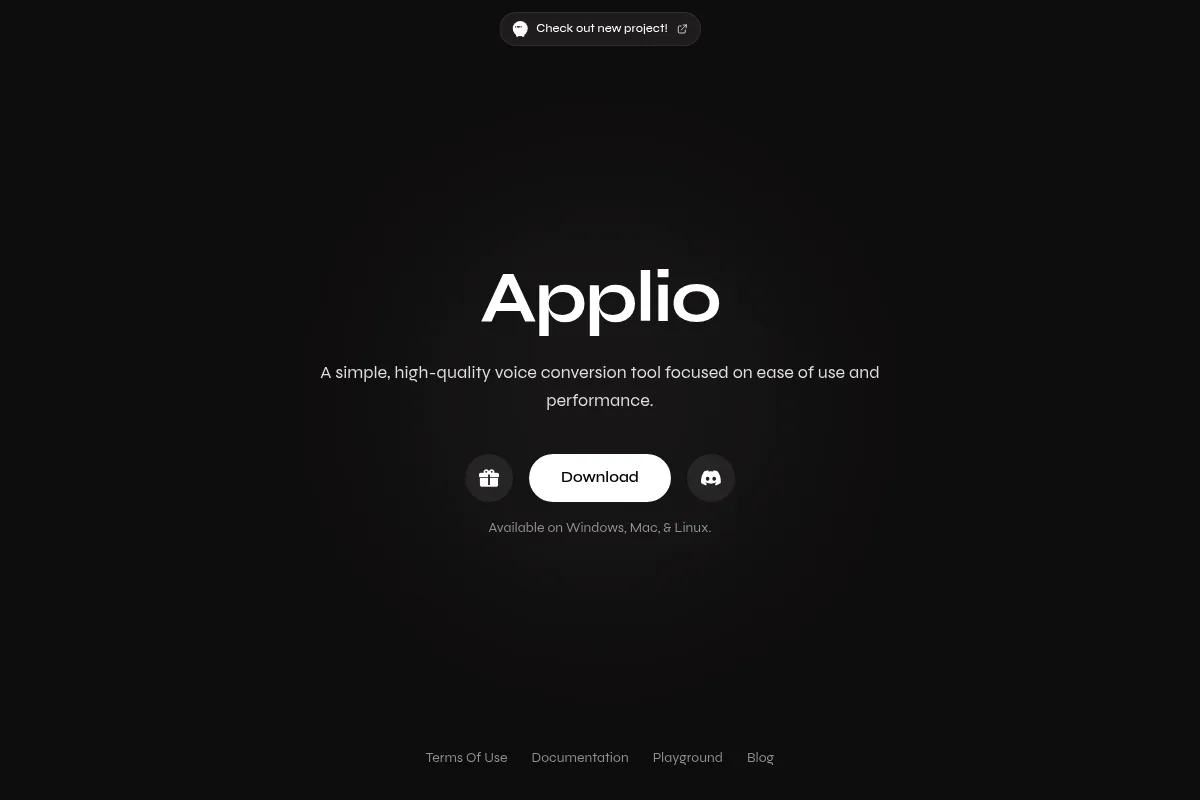
Applio is an open-source fork of the RVC (Retrieval-based Voice Conversion) project designed to simplify the voice cloning workflow. It provides a unified interface for training, inference, and audio preprocessing, moving away from the fragmented scripts of earlier RVC implementations.
What it actually does
It allows users to train custom AI voice models from audio samples and apply those models to new audio files or text. It includes tools for vocal separation, dataset curation, and real-time voice conversion.
What makes it different
Unlike commercial black-box tools, Applio is entirely local and open-source, offering granular control over training parameters like RMVPE pitch extraction and index rates. It prioritizes a modular architecture that supports community-developed plugins, making it more flexible than the original RVC-WebUI.
Key Features
RMVPE Pitch Extraction
Provides cleaner pitch tracking than older algorithms like Harvest or Crepe, reducing artifacts.
Integrated UVR
Separates vocals from background noise directly within the interface to create clean training data.
Model Fusion
Allows users to combine two trained models to create hybrid vocal characteristics.
Cross-platform Installer
Simplifies the complex Python environment setup for Windows and Linux users.
Plugin System
Enables developers to extend functionality without modifying the core codebase.
Pre-trained Model Support
Compatible with thousands of community-made RVC models available online.
Real-time Inference
Supports low-latency voice conversion for live applications.
Pricing
Open Source
- Local training and inference
- Unlimited model creation
- Full access to all tools and plugins
- Community-driven updates
Pricing checked 6 months ago
Pricing guidance
- When local hardware is insufficient for training speed
- When you need to rent cloud GPUs (e.g., RunPod) to process large datasets
- When you require a managed API for a commercial application
- Limited by local VRAM (8GB+ recommended for training)
- No built-in cloud storage for models
- No official technical support beyond community forums
Disruptive; provides professional-grade conversion for free to anyone with the necessary hardware.
Pros & Cons
Strengths
-
Zero operational cost
No subscriptions or per-minute credits; the software is free and limited only by your own hardware's capabilities.
-
Privacy and data ownership
Models and source audio are processed and stored locally, ensuring sensitive vocal data never leaves your machine.
-
Granular training control
Users can tweak epochs, batch sizes, and hop lengths to optimize for specific vocal nuances that automated tools often miss.
-
Active community ecosystem
Frequent updates and a large library of community-shared models provide a significant head start for new users.
Weaknesses
-
High hardware dependency
Requires a modern NVIDIA GPU with significant VRAM for efficient training; CPU-only training is prohibitively slow.
Affects: Laptop users and those without dedicated GPUs
-
Technical setup friction
Despite the installer, dependency conflicts in Python environments can still occur, requiring manual troubleshooting.
Affects: Non-technical creators
-
Steep learning curve
Understanding technical concepts like 'index rates' and 'pitch extraction' is necessary to achieve high-quality results.
Affects: Beginners looking for a 'one-click' solution
Real User Sentiment
Highly positive among power users for its stability and feature set compared to earlier RVC forks.
Users tend to like
- Clean and intuitive UI
- Integrated UVR for stem separation
- Frequent updates and bug fixes
- The ease of the one-click installer
Users commonly complain about
- Installation errors on specific Windows builds
- High VRAM requirements for training
- Complexity of fine-tuning settings
Recurring tradeoffs
- Trading the convenience of cloud tools for total control and zero cost
Happiest users
Tech-savvy musicians and creators with high-end NVIDIA PCs.
Often frustrated
Mac users or those with low-end hardware attempting to train models.
Use Cases
Music Production
Creating AI covers by swapping vocal tracks with custom-trained models.
Game Development
Generating diverse NPC voices from a single voice actor's dataset.
Content Creation
Maintaining a consistent brand voice across videos using TTS and RVC.
Localization
Converting translated dialogue to match the original actor's vocal timbre.
Voice Preservation
Archiving a digital likeness of a voice for future personal use.
Frequently Asked Questions
Is Applio free to use?
Yes, Applio is a completely free, open-source project hosted on GitHub. There are no subscription fees, but you are responsible for the hardware costs (GPU) and electricity required to run it.
How does Applio compare to ElevenLabs?
ElevenLabs is a cloud-based Text-to-Speech (TTS) service that is very easy to use but costs money and offers less control. Applio is a local tool for RVC (voice conversion) that allows you to train your own models for free, though it requires a powerful PC.
What are the hardware requirements for Applio?
For the best experience, you need an NVIDIA GPU with at least 6GB of VRAM for inference and 8GB or more for training. While it can run on CPUs, the processing time is significantly slower and often impractical for training.
Can I run Applio on a Mac?
Applio is primarily optimized for Windows and Linux. While there are experimental ways to run it on macOS, it often lacks GPU acceleration (CUDA), making it much slower than on a PC with an NVIDIA card.
Is Applio safe to download?
Yes, as long as you download it from the official GitHub repository or the applio.org website. However, be cautious when downloading pre-trained models from third-party community sites, as they are not vetted by the Applio team.
Does Applio support real-time voice changing?
Yes, Applio includes features for real-time inference, allowing you to use your trained RVC models for live voice conversion in applications like Discord or streaming software, provided your GPU can handle the latency.
Why trust this page?
This evaluation combines product positioning, pricing analysis, traffic and market signals, and public user sentiment into a single decision-support page. Content is generated editorially — not copied from the vendor's website.
Funding & Company
Founded
—
Stage
Bootstrapped
Total Raised
Bootstrapped
Latest Round
—
Applio is a community-driven, open-source software project and not a formal, venture-funded company. It has not raised any capital from investors and its stability is dependent on the engagement of its open-source contributors rather than a financial runway.
Market Signals & Traffic
Estimated visits, global rank, geography, traffic sources, monthly visit trends, and organic search keywords (Similarweb)—on a dedicated page built for depth and search.
- Estimated visits
- 109,695
- Global rank
- #347,553
- Snapshot
- Apr 2026
- Traffic trend
- Steady
Estimated monthly visits
Alternatives to Applio
View all alternativesElevenLabs
Content Creation, AI Assistant

AI-powered platform for realistic speech, voice cloning, and audio generation.
Kits.ai
Music Generation, Content Creation, Productivity

Voice generation and music production toolkit for creators
GitHub Copilot
Developer Tools, AI Assistant

AI-powered coding assistant that suggests and generates code.
Similar Tools
BHuman
Video Creation, Sales, Marketing Automation

Generate personalized video messages at scale for sales and marketing.
Mistral AI
AI Assistant, Developer Tools

Efficient large language models for developers and enterprise applications.
Synthesys
Content Creation, Video Creation, AI Assistant

AI-powered platform for generating realistic videos and voiceovers.
RVC.AI
Content Creation, Music Generation

Create and use custom voice conversion models for audio projects.
Kyutai
Research, Developer Tools

Open-science research lab developing multimodal generative models.
Profluent
Research, Health & Wellness

Generative protein design platform for creating novel functional proteins