

A high-performance annotation tool for computer vision teams that balances open-source flexibility with AI-assisted automation, though it requires technical overhead for self-hosting.
Excellent for technical teams needing granular control over complex video and image labeling, weaker for non-technical users who want a zero-config experience.
Analysis based on product data, pricing structure, traffic signals, and public user sentiment.
Who Should Use CVAT?
Typical users
Machine learning engineers, data scientists, and professional labeling teams building computer vision models.
Maturity fit
scaling to advanced
Choose this if…
- You need to self-host for data privacy or regulatory compliance
- Your workflow involves complex video interpolation and object tracking
- You want to integrate custom AI models for pre-labeling via a REST API
- Your priority is a wide range of export formats over a simplified UI
Skip this if…
- You lack DevOps resources to manage Docker-based deployments
- You require multi-modal annotation for text, audio, or documents
- Your project needs a zero-learning-curve interface for non-technical contractors
About CVAT
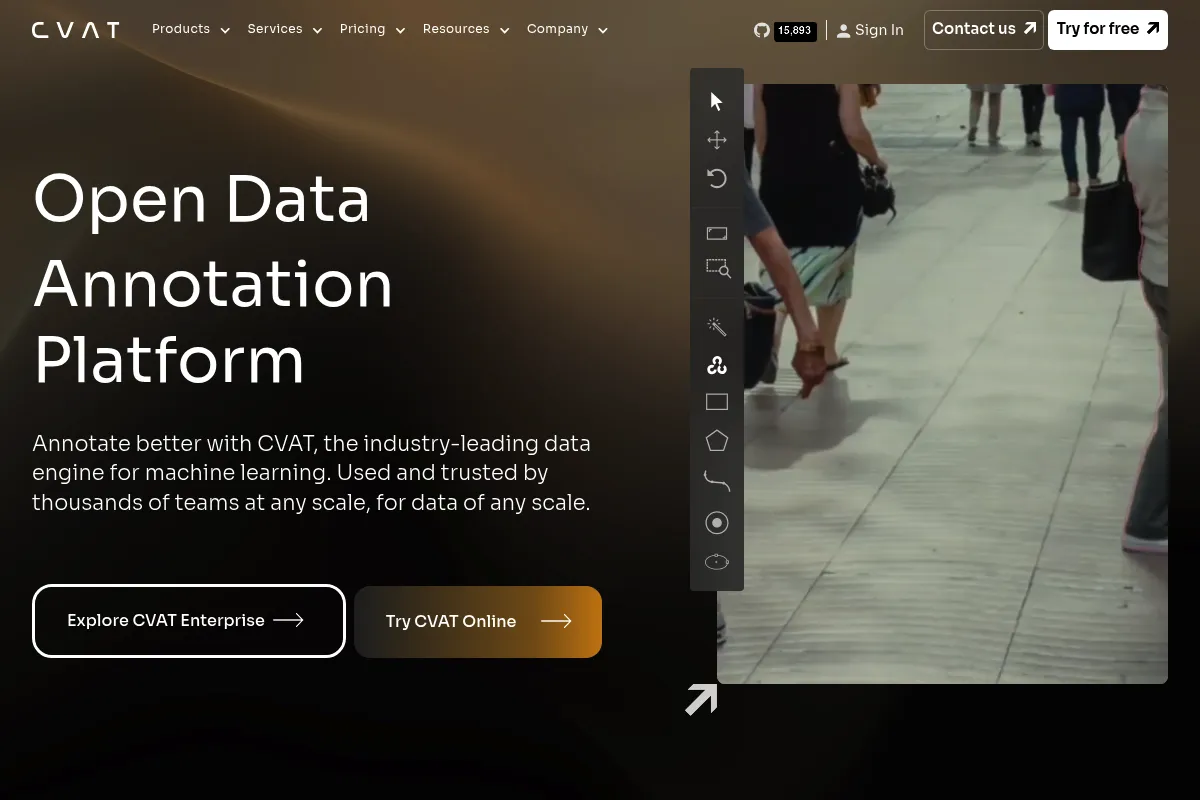
CVAT is an open-source, web-based platform for annotating digital images, videos, and 3D point clouds. Originally developed by Intel and now maintained by CVAT.ai, it serves as a standard for creating high-quality datasets for computer vision. It provides a bridge between manual labeling and automated AI-assisted workflows.
What it actually does
Users upload visual data to create bounding boxes, polygons, polylines, points, and cuboids for object detection and segmentation. The tool includes automated tracking for video frames and supports AI-assisted labeling using models like SAM 2 to speed up the segmentation process.
What makes it different
Unlike many SaaS-only competitors, CVAT offers a fully functional open-source edition that can be deployed on-premises. Its architecture is specifically optimized for video, using interpolation to predict object movement between keyframes, which significantly reduces manual work compared to frame-by-frame tools.
Ratings across the web

Ratings aggregated from independent review platforms.
Key Features
Video Interpolation
Automatically calculates object positions between keyframes to speed up video labeling.
AI Agents
Connects to pre-trained models to generate initial labels, reducing manual effort by up to 10x.
Segment Anything (SAM 2) Integration
Allows users to segment complex objects with a few clicks instead of manual polygon drawing.
Attribute Annotation Mode
A specialized interface for quickly tagging object properties like color or state without changing shapes.
Cloud Storage Integration
Directly connects to AWS S3, Google Cloud Storage, and Azure Blob for data management.
Hierarchical Organization
Structures work into Projects, Tasks, and Jobs to facilitate large-team distribution.
Review & QA Workflow
Built-in modes for validators to accept or reject annotations with comments.
Pricing
Community Edition
- Self-hosted (Docker)
- Full annotation toolset
- Unlimited tasks and projects
- Community support
Cloud Free
- 3 projects
- 10 tasks
- 500MB storage
- Basic AI tools
Solo
- 10 projects
- 50 tasks
- 50GB storage
- Advanced AI agents
- Billed annually
Team
- 3 users included
- Unlimited projects and tasks
- 150GB storage
- Organization support
- Billed annually
Enterprise Basic
- Single-instance deployment
- SSO/LDAP support
- Audit logs
- Priority support
- Billed annually
Pricing checked 4 months ago
Pricing guidance
- When you exceed 10 tasks on the cloud version
- When you need SSO or LDAP for team security
- When your data volume exceeds 50GB on the Solo plan
- Cloud storage integration is limited on lower tiers
- AI agent calls have monthly quotas on cloud plans
- Self-hosted version requires manual updates and maintenance
Highly competitive open-source positioning with a premium-priced managed cloud service for convenience.
Pros & Cons
Strengths
-
Open-source flexibility
The MIT-licensed community edition allows teams to modify the code and run it entirely within their own infrastructure at no software cost.
-
Superior video handling
The interpolation and tracking features make it one of the most efficient tools for video-heavy datasets compared to image-first platforms.
-
Extensive format support
Supports COCO, YOLO, Pascal VOC, and KITTI out of the box, preventing vendor lock-in and simplifying pipeline integration.
Weaknesses
-
Technical setup overhead
Self-hosting requires familiarity with Docker and server management, which can be a barrier for smaller or non-technical teams.
Affects: Small startups and individual researchers
-
UI performance lag
The interface can become sluggish when handling very large video files or tasks with thousands of high-density annotations.
Affects: Teams working on high-resolution or long-duration video projects
-
Steep learning curve
The feature-dense interface and complex hotkey system take time for new annotators to master compared to simpler alternatives like LabelMe.
Affects: New annotators and non-technical staff
Real User Sentiment
Users generally respect CVAT for its depth and open-source nature but frequently complain about the complexity of self-hosting and occasional UI bugs.
Users tend to like
- Powerful video interpolation
- Granular control over annotation types
- Active GitHub community and frequent updates
- No-cost self-hosting option
Users commonly complain about
- Difficult Docker installation for beginners
- Lack of built-in project management for large workforces
- UI lag with high-density data
- Restrictive free cloud tier
Recurring tradeoffs
- You trade ease of setup for total data control and zero licensing costs.
Happiest users
ML engineers who need to build custom labeling pipelines and have the technical skills to manage their own infrastructure.
Often frustrated
Project managers looking for a 'turnkey' solution to manage hundreds of external contractors without technical support.
Use Cases
Autonomous Vehicles
Annotating thousands of hours of road footage using video interpolation.
Medical Imaging
Segmenting tumors or organs in high-resolution scans using SAM 2.
Retail Analytics
Tracking customer movement and object interactions in store videos.
Agriculture
Identifying crop health and pests from drone-captured imagery.
Manufacturing
Detecting defects on assembly lines with custom-integrated AI pre-labeling.
Frequently Asked Questions
Is CVAT really free?
Yes, the Community Edition is free and open-source under the MIT license. You can download it from GitHub and host it on your own servers with no licensing fees. However, the 'CVAT Online' cloud version has a very limited free tier and requires a paid subscription for serious use.
How does CVAT compare to Labelbox?
Labelbox is a premium SaaS platform focused on project management and workforce orchestration, costing significantly more. CVAT is more developer-centric, offering better video interpolation and the ability to self-host, but it lacks the advanced workforce management features of Labelbox.
Can I use my own AI models for auto-labeling?
Yes, CVAT allows you to connect custom models through its 'Serverless' function framework (Nuclio). This enables you to use your own YOLO or custom-trained models to pre-label data before human review.
What are the hardware requirements for self-hosting?
CVAT requires Docker and Docker Compose. For basic use, 8GB RAM and a modern CPU are sufficient, but for AI-assisted labeling (SAM 2, etc.), an NVIDIA GPU with at least 8GB VRAM is highly recommended.
Does CVAT support 3D LiDAR data?
Yes, CVAT supports 3D point cloud annotation, allowing users to create 3D cuboids and track objects in space, which is essential for robotics and autonomous driving tasks.
Can I export data to YOLO format?
Yes, CVAT supports over 20 export formats, including YOLO, COCO, Pascal VOC, and TFRecord, making it compatible with almost any machine learning framework.
Why trust this page?
This evaluation combines product positioning, pricing analysis, traffic and market signals, and public user sentiment into a single decision-support page. Content is generated editorially — not copied from the vendor's website.
Funding & Company
Founded
2022
Stage
Pre seed
Total Raised
$100K
Latest Round
Pre-Seed (May 2026)
Notable Investors
CVAT.ai, the commercial entity behind the popular open-source annotation tool, secured its first external capital with a $100K Pre-Seed round in May 2026. This initial funding marks its transition from an Intel-stewarded project to an independent company, aimed at capitalizing on its large user base through enterprise and cloud offerings.
Market Signals & Traffic
Estimated visits, global rank, geography, traffic sources, monthly visit trends, and organic search keywords (Similarweb)—on a dedicated page built for depth and search.
- Estimated visits
- 0
- Global rank
- —
- Snapshot
- May 2026
- Traffic trend
- —
Alternatives to CVAT
View all alternativesSuperAnnotate
Developer Tools, Research, Automation

Platform for data labeling, management, and high-quality dataset curation.
Labelbox
Developer Tools, Research, Automation

Platform for data labeling, management, and model evaluation workflows.
Roboflow
Developer Tools, Automation

Platform for building, deploying, and managing computer vision models.
Similar Tools
Bittensor
Developer Tools, Research

Decentralized marketplace for peer-to-peer machine intelligence and model training.
Extropic
Developer Tools, Research

Thermodynamic computing platform for high-performance and energy-efficient generative models.
Liquid AI
Developer Tools, Research

High-performance foundation models for long-context data and edge computing
Weights & Biases (W&B)
Developer Tools, Research

Developer platform for tracking, visualizing, and managing machine learning experiments.
TruLens
Developer Tools, Research

Evaluation and monitoring for large language model applications.
Nous Research
Developer Tools, Research

Open-source research collective developing high-performance large language models.