
A developer-centric RAG platform for building internal AI assistants that query company data across Slack, Notion, and GitHub with granular control over retrieval logic.
Excellent for technical teams needing customizable AI agents integrated into Slack, weaker for non-technical users seeking a zero-config setup.
Analysis based on product data, pricing structure, traffic signals, and public user sentiment.
Who Should Use Dust?
Typical users
Product operations, engineering leads, and knowledge managers at mid-sized tech companies (50-500 employees).
Maturity fit
scaling
Choose this if…
- You need to combine data from multiple silos like Notion, Slack, and GitHub into a single assistant
- Your priority is controlling the specific retrieval logic rather than using a black-box solution
- You want the flexibility to switch between models like GPT-4o, Claude 3.5 Sonnet, and Mistral Large
Skip this if…
- You are a solo user or a two-person team (minimum seat requirements apply)
- You only need AI for a single tool like Notion, which already has native AI features
- You lack the technical capacity to configure data connections and agent instructions
About Dust
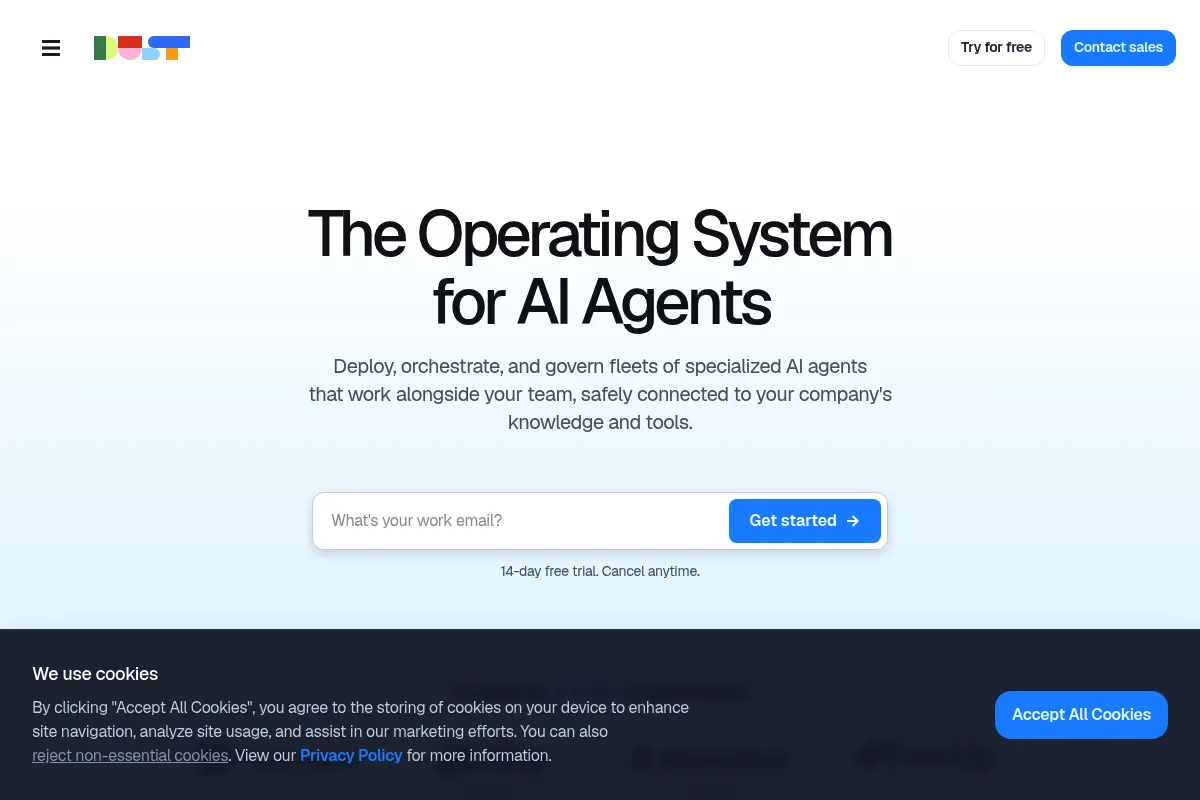
Dust is an internal AI assistant builder designed to turn company knowledge into actionable data for LLMs. It focuses on the 'operator' persona, providing a workspace where teams can build, test, and deploy agents that live where they work, primarily Slack.
Official profiles
What it actually does
The platform connects to internal data sources, indexes them for semantic search, and allows users to build custom assistants. These assistants can be queried via a web interface or directly within Slack to answer questions, summarize threads, or extract information from documentation.
What makes it different
Unlike 'chat with your PDF' wrappers, Dust provides a low-code environment called 'Dust Apps' for chaining LLM calls and data retrieval steps. It treats internal AI as programmable infrastructure, allowing developers to inspect exactly which documents were used to generate an answer.
Ratings across the web


Ratings aggregated from independent review platforms.
Key Features
Slack Integration
Allows users to summon specific assistants in any channel using @mentions to summarize long threads or find docs.
Dust Apps
A low-code IDE for building complex workflows that involve multiple LLM steps and specific data queries.
Managed Data Sources
Automatically syncs and re-indexes changes in Notion or Google Drive to keep the AI's knowledge current.
Model Flexibility
Lets you choose the best model for the task, such as Claude 3.5 for writing or GPT-4o for logic.
Citations and Transparency
Every answer includes links to the specific Slack messages or Notion pages used as context.
Public/Private Assistants
Enables teams to build agents for specific departments (e.g., Sales vs. Engineering) with restricted data access.
Pricing
Free
- 1 managed data source
- 50 messages per month
- Standard models only
- Web interface access
Pro
- Minimum 3 seats (€87/mo)
- Unlimited data sources
- Unlimited messages
- Slack & Google Drive integrations
- Advanced models (GPT-4, Claude 3)
Business
- Minimum 10 seats
- SAML SSO & SCIM
- Advanced data permissions
- Dedicated support
- Enterprise-grade security
Enterprise
- Custom data retention policies
- On-premise deployment options
- Dedicated account management
- Custom legal agreements
Pricing checked 6 months ago
Pricing guidance
- When you need to connect more than one data source (e.g., Notion AND Slack)
- When you need SSO for company-wide deployment
- When you hit the 50-message monthly cap on the free tier
- Minimum 3-seat requirement on Pro plan
- Minimum 10-seat requirement on Business plan
- Large platform fee (€500/mo) for Business tier regardless of usage
Premium pricing that targets established mid-market companies rather than price-sensitive solopreneurs.
Pros & Cons
Strengths
-
Superior Slack experience
The Slack integration is more than an afterthought; it supports threading, mentions, and specific agent summoning, making it the primary way teams actually use the tool.
-
Model agnosticism
Users aren't locked into one provider. Being able to toggle between Anthropic and OpenAI models ensures you can use the most efficient model for a specific internal task.
-
High transparency
The platform shows exactly which chunks of data were retrieved. This makes debugging 'hallucinations' much easier for admins compared to simpler competitors.
Weaknesses
-
High entry cost for small teams
The Pro plan requires a minimum of 3 seats, and the Business plan has a significant flat platform fee, making it expensive for startups under 10 people.
Affects: Early-stage startups and small agencies
-
Technical learning curve
While basic agents are easy to set up, the 'Dust Apps' feature and advanced RAG configuration require a developer-level understanding of LLM parameters.
Affects: Non-technical HR or Admin teams
-
Limited 'Agentic' actions
It is excellent at retrieval and summarization but lacks deep 'action' capabilities like booking meetings or updating CRM records directly.
Affects: Teams looking for autonomous agents rather than knowledge assistants
Real User Sentiment
Users generally view Dust as a professional-grade tool that solves the 'internal knowledge' problem better than native AI features in Slack or Notion.
Users tend to like
- The speed and accuracy of the Slack bot
- The ability to see the exact source of an answer
- The flexibility to use Claude 3.5 Sonnet for better reasoning
- Clean, developer-friendly UI
Users commonly complain about
- The jump to the Business plan is too expensive for 15-20 person teams
- Initial indexing of large Google Drive folders can be slow
- Occasional difficulty in fine-tuning agent behavior without technical help
Recurring tradeoffs
- You trade ease of setup for much higher control over how the AI processes your data.
Happiest users
Engineering and Ops teams who live in Slack and have well-documented processes in Notion or GitHub.
Often frustrated
Small teams on a budget who find the minimum seat costs and platform fees prohibitive.
Use Cases
Customer Support
Building an agent that queries Zendesk and internal docs to draft responses for agents.
Engineering Onboarding
Creating a bot that answers 'How do I set up the dev environment?' by searching GitHub and Notion.
Sales Enablement
An assistant that summarizes recent Slack conversations about a specific prospect or deal.
Product Research
Querying a repository of user interview transcripts stored in Google Drive to find recurring pain points.
Internal Wiki Search
Replacing the standard (and often poor) search functionality of Notion and Confluence with semantic AI search.
Frequently Asked Questions
Is there a free version of Dust?
Yes, Dust offers a free tier, but it is very limited. You can only connect one data source and send 50 messages per month. It is designed for individual testing rather than team use. To get the Slack integration and unlimited messages, you must move to the Pro plan, which starts at €87/month for a minimum of 3 users.
How does Dust compare to Glean?
Glean is an enterprise search tool that added AI, while Dust is an AI agent builder that uses search. Glean is typically much more expensive and aimed at large enterprises (1,000+ employees) with complex security needs. Dust is more flexible for developers and mid-sized teams who want to build custom logic and specific assistants for different departments.
Is my data used to train the LLMs?
No. Dust uses the API versions of models from OpenAI, Anthropic, and Mistral. These providers have strict terms that prevent data sent via API from being used to train their global models. Dust also provides SOC2 compliance and data encryption to ensure internal knowledge remains private.
Can I use Dust if I don't know how to code?
You can use the basic features, like connecting Notion and creating a standard assistant, without coding. However, to get the most out of the platform—specifically the 'Dust Apps' feature for complex workflows—you will need a basic understanding of how LLMs work and potentially some light scripting knowledge.
Which data sources does Dust support?
Dust currently supports native integrations with Slack, Notion, Google Drive, GitHub, Intercom, Confluence, and Zendesk. It also allows for custom data uploads via API or CSV for more specialized use cases.
Can I use Claude 3.5 Sonnet with Dust?
Yes, Dust allows you to select the specific model for each assistant you build. You can choose between various versions of GPT-4, Claude 3/3.5, and Mistral models depending on your needs for speed, cost, or reasoning capability.
Why trust this page?
This evaluation combines product positioning, pricing analysis, traffic and market signals, and public user sentiment into a single decision-support page. Content is generated editorially — not copied from the vendor's website.
Funding & Company
Founded
2022
Stage
Series a
Total Raised
$21.5M
Latest Round
Series A (Jun 2024)
Notable Investors
Dust has raised a total of $21.5 million over two rounds, led by top-tier investor Sequoia Capital. This funding provides a strong financial foundation for the company to continue developing its AI assistant platform and expand its enterprise customer base, suggesting good product stability and longevity.
Market Signals & Traffic
Estimated visits, global rank, geography, traffic sources, monthly visit trends, and organic search keywords (Similarweb)—on a dedicated page built for depth and search.
- Estimated visits
- 0
- Global rank
- —
- Snapshot
- May 2026
- Traffic trend
- Surging
Estimated monthly visits
Alternatives to Dust
View all alternativesGlean
AI Assistant, Productivity, Documentation

Enterprise search and knowledge discovery platform for workplace teams.
n8n
Automation, Automation & Agents, Developer Tools

Workflow automation platform for connecting apps and building complex sequences.
Similar Tools
Minion
AI Assistant, Automation & Agents, Productivity

Autonomous browser agent that completes complex web tasks for users.
Manus
AI Assistant, Automation & Agents, Productivity

Autonomous general-purpose agent for executing complex digital tasks and workflows.
iMini
AI Assistant, Automation & Agents, Productivity

Create and use intelligent agents through a modular interface.
MindOS
AI Assistant, Automation & Agents, Productivity

Create and deploy autonomous agents for professional and personal tasks.
Zenlytic
AI Assistant, Automation & Agents, Productivity

Conversational business intelligence platform for self-service data analysis
White Circle
Privacy & Compliance, Developer Tools, Automation & Agents

Unified platform to monitor, secure, and optimize production models.