

Firecrawl
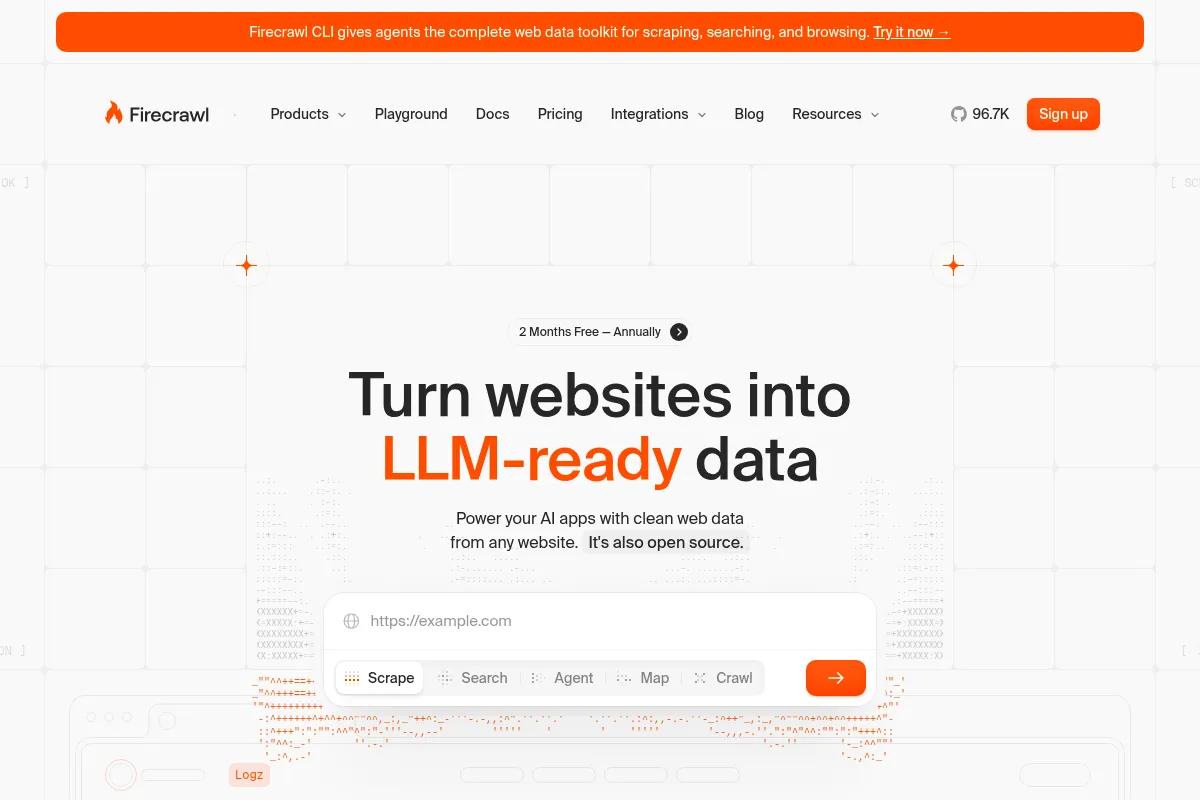
Firecrawl is an API-first tool that scrapes and cleans web data, converting it into formats suitable for large language models, best suited for developers building AI applications who need a reliable data pipeline.
Excellent for developers needing to feed clean, structured web data into AI applications, but less ideal for non-technical users or those requiring complex, multi-step browser automation.
Analysis based on product data, pricing structure, traffic signals, and public user sentiment.
Who Should Use Firecrawl?
Typical users
Developers, LLM engineers, and data scientists at startups or tech companies who are building applications that require real-time web data for tasks like Retrieval-Augmented Generation (RAG) or market analysis.
Maturity fit
scaling
Choose this if…
- Your primary need is to convert unstructured web pages into clean Markdown or structured JSON for an LLM.
- You want to offload the complexities of managing proxies, JavaScript rendering, and basic anti-bot measures.
- You are comfortable working exclusively through an API and integrating it into a larger application.
- You need to perform large-scale crawls of entire websites and require the data in a clean format.
Skip this if…
- You are not a developer and need a no-code, visual interface for scraping.
- Your use case involves complex interactions like filling out multi-page forms or handling sophisticated authentication, which require advanced browser automation.
- You have a very low budget and are sensitive to unpredictable, credit-based pricing models.
- You require a production-ready, self-hosted solution, as the open-source version is not yet fully optimized for this.
About Firecrawl
Firecrawl is a developer-centric API designed to crawl and scrape websites, transforming messy HTML into structured, LLM-ready data like Markdown and JSON. It was created by the team behind Mendable to solve their own data ingestion challenges for AI applications. The service aims to abstract away the complexities of web data extraction, such as handling JavaScript-heavy pages and managing proxies, to provide a reliable data layer for AI apps.
Official profiles
What it actually does
Firecrawl provides a suite of API endpoints to scrape single URLs, crawl entire websites, and perform web searches, returning the content of the results. It processes web pages to remove boilerplate and ads, outputting clean content in formats like Markdown, structured JSON based on a provided schema, or screenshots. The service also includes an 'Agent' that can autonomously search and extract data based on a natural language prompt, and a 'Browser' sandbox for interactive web workflows.
What makes it different
Firecrawl's primary differentiator is its focus on producing 'LLM-ready' data formats out-of-the-box, specifically clean Markdown. Unlike traditional scraping tools that often require significant post-processing, Firecrawl is designed to feed directly into AI workflows like RAG. Its AI-powered 'Agent' and '/extract' endpoints, which use natural language prompts to define the desired data, also set it apart from selector-based scraping tools.
Ratings across the web

Ratings aggregated from independent review platforms.
Key Features
LLM-Ready Output
Converts web pages into clean Markdown, removing ads and boilerplate, which is optimized for ingestion by large language models.
Crawl API
Recursively crawls all reachable pages of a website from a starting URL, handling sitemaps and links automatically.
Structured Data Extraction
Uses an AI-powered '/extract' endpoint or a user-defined JSON schema to pull specific data points from a page, reducing the need for fragile CSS selectors.
Search Endpoint
Performs a web search and returns the content of the top results, streamlining research and data gathering tasks.
Agent
An autonomous tool that takes a natural language prompt, searches the web, and extracts the requested information without needing specific URLs.
Browser Sandbox
Provides a secure browser environment via API for agents to perform actions like filling forms, clicking buttons, and handling authentication.
Built-in Proxy & Anti-Bot
Manages the infrastructure for avoiding blocks, including proxy rotation and handling JavaScript challenges.
Batch Processing
Supports scraping thousands of URLs asynchronously for large-scale data extraction jobs.
Pricing
Free
- 500 one-time credits
- Scrape 500 pages
- 2 concurrent requests
- Low rate limits
Hobby
- 3,000 credits / month
- Scrape 3,000 pages
- 10 concurrent requests
- Standard support
Standard
- 100,000 credits / month
- Scrape 100,000 pages
- 50 concurrent requests
- Standard support
Growth
- 500,000 credits / month
- Scrape 500,000 pages
- 100 concurrent requests
- Priority support
Scale
- 1,000,000 credits
- 150 concurrent requests
- Priority support
Enterprise
- Custom credits
- Custom concurrent requests
- Dedicated support & SLA
- SSO & advanced security
Pricing checked 6 months ago
Pricing guidance
- When you need to scrape more than a few thousand pages per month.
- When your application requires higher concurrency (more than 10 simultaneous requests).
- When you need priority support for business-critical operations.
- When you begin using credit-intensive features like JSON mode or enhanced proxies at scale.
- Credits do not roll over month-to-month; they reset at the end of each billing cycle.
- The AI-powered 'Agent' and '/extract' features have a separate, dynamic pricing model that consumes credits differently or may require a separate subscription, making costs harder to predict.
- Advanced features like JSON output and enhanced proxies cost additional credits per page on top of the base scrape cost.
- The free and lower-tier plans have strict rate limits and lower crawl depth maximums.
Positioned as a premium developer tool, with pricing that is accessible for hobbyists but scales quickly for high-volume use, reflecting the value of its managed infrastructure.
Pros & Cons
Strengths
-
Optimized for AI Workflows
The core function is turning messy web content into clean, LLM-ready Markdown or structured JSON. This significantly reduces the data preprocessing required for RAG and other AI applications.
-
Handles Scraping Complexities
It automatically manages JavaScript rendering, proxy rotation, and rate limits, which saves developers significant time and effort compared to building a scraper from scratch.
-
Developer-First Experience
With official SDKs for Python and Node.js, clear API documentation, and integrations with frameworks like LangChain, it's designed to be easily integrated into existing codebases.
-
AI-Powered Extraction
The '/extract' and 'Agent' features allow for data extraction using natural language prompts, making the process more resilient to website layout changes compared to traditional CSS selector-based methods.
Weaknesses
-
Pricing Can Be Unpredictable
The credit-based system, where different features consume credits at different rates, can make it difficult to forecast monthly costs, especially for complex jobs. The AI-powered 'Extract' feature runs on a separate, token-based subscription, which can lead to unexpected expenses.
Affects: Startups and individuals with tight budgets
-
Not a No-Code Tool
Firecrawl is an API-first platform built exclusively for developers. Non-technical users will find it unusable as it lacks a graphical user interface for setting up and managing scraping jobs.
Affects: Non-technical users, marketing and support teams
-
Limited Browser Automation
While it can handle basic interactions, it is not designed for complex, multi-step browser automation like filling out intricate forms or navigating complex login flows. User feedback suggests it can be unreliable for automating dynamic actions on heavily protected sites.
Affects: Users needing to automate complex workflows
-
Self-Hosted Version is Immature
The open-source version is not considered production-ready for self-hosting, with users reporting it is intentionally limited to encourage the use of the paid cloud service.
Affects: Teams wanting full control over their infrastructure
Real User Sentiment
User sentiment is largely positive among its target audience of developers, who praise its ease of use and effectiveness in converting web pages to clean data for AI applications. However, there are consistent complaints regarding its pricing model and the limitations of its open-source offering.
Users tend to like
- The simplicity of getting clean, LLM-ready Markdown from a URL.
- How well it handles JavaScript-heavy sites that break other scrapers.
- The developer-first approach with good SDKs and documentation.
- The speed and reliability for its core scraping and crawling functions.
- The AI-powered extraction that is more robust than CSS selectors.
Users commonly complain about
- The credit-based pricing is confusing and can become expensive unexpectedly.
- The self-hosted open-source version is described as intentionally crippled or difficult to use.
- Credits do not roll over, so unused credits are lost at the end of the month.
- Struggles with sophisticated anti-bot measures on major sites like Amazon or LinkedIn.
- Can get stuck on simple cookie pop-ups on some websites.
Recurring tradeoffs
- Users trade cost-predictability for the convenience of a fully managed scraping infrastructure.
- Developers sacrifice the granular control of building a custom scraper for the speed and simplicity of the Firecrawl API.
- The platform prioritizes data extraction over complex browser automation, making it less suitable for workflow automation tasks.
Happiest users
Developers building AI applications (especially RAG systems) who value speed of implementation and reliable, clean data over granular control and cost predictability.
Often frustrated
Users on a tight budget who find the costs prohibitive, and developers who want to self-host a production-ready version but find the open-source offering inadequate.
Use Cases
Powering RAG Systems
Developers crawl documentation or knowledge bases to feed up-to-date, clean content into a vector database for an AI chatbot.
Market and Competitor Analysis
A company crawls competitor websites to extract pricing, product features, and descriptions into a structured format for analysis.
Lead Enrichment
Sales teams use the API to scrape company websites from a list of domains to extract contact information or firmographic data.
SEO Content Research
SEO specialists use the search endpoint to find top-ranking articles for a keyword and scrape their full content to identify content gaps and patterns.
Building AI Agents
An AI agent uses the browser sandbox to navigate a website, perform actions, and extract specific information based on a user's prompt.
Financial Data Aggregation
A developer builds a service to scrape market data or financial news from various sources to power a data analysis platform.
E-commerce Product Monitoring
An e-commerce business scrapes product listings from supplier or competitor sites to monitor stock levels and price changes.
Frequently Asked Questions
Can I use Firecrawl for free?
Yes, Firecrawl offers a free plan that includes 500 one-time credits. This is intended for testing and small projects. Once these credits are used, you will need to upgrade to a paid plan, which starts at $16 per month for the Hobby plan. The free credits do not renew.
How does Firecrawl's pricing work?
Firecrawl uses a credit-based system. A standard scrape of one page costs 1 credit. However, using advanced features costs extra; for example, JSON mode costs 4 additional credits per page, and using the enhanced proxy costs another 4 credits per page. The AI Agent has its own dynamic pricing. Credits are purchased via a monthly subscription and do not roll over.
What are the main limitations of Firecrawl?
The main limitations are its developer-only focus (no UI for non-coders), its unpredictable credit-based pricing, and its weakness in handling complex browser automation like multi-step forms. It can also struggle with the most advanced anti-bot systems on large, well-protected websites. Additionally, its open-source version is not considered production-ready for self-hosting.
How does Firecrawl compare to a tool like Apify?
Firecrawl is more focused on the specific use case of turning web data into LLM-ready formats like clean Markdown with a very simple API. Apify is a much broader platform for web scraping and automation, offering a wider range of pre-built 'Actors', more powerful browser automation capabilities, and more complex workflow orchestration. Choose Firecrawl if your primary goal is feeding data to an LLM; choose Apify if you need a more general-purpose and powerful web automation platform.
Does Firecrawl integrate with other tools?
Yes, Firecrawl is designed for integration. It has official SDKs for Python and Node.js and is available as a Document Loader in popular AI frameworks like LangChain and LlamaIndex. Its API-first nature means it can be integrated into any application that can make HTTP requests.
Can Firecrawl handle websites that require a login?
Yes, the Browser Sandbox feature is designed for interactive workflows, which can include handling authentication and logging into websites. However, for very complex or heavily protected login flows, its reliability may vary, and a more specialized browser automation tool might be necessary.
Is the open-source version of Firecrawl a good option for self-hosting?
Currently, the open-source version is not recommended for production self-hosting. The repository notes that it is still in development and not fully ready for deployment. User feedback and forks of the project suggest that key components for handling anti-bot measures are closed-source, and the self-hosted version is significantly less capable than the paid cloud service.
Why trust this page?
This evaluation combines product positioning, pricing analysis, traffic and market signals, and public user sentiment into a single decision-support page. Content is generated editorially — not copied from the vendor's website.
Funding & Company
Founded
2022
Stage
Series a
Total Raised
$15.5M
Latest Round
Series A (Aug 2025)
Notable Investors
Firecrawl has raised a total of $15.5 million across two funding rounds. This includes a significant $14.5 million Series A in August 2025 led by Nexus Venture Partners, aimed at scaling its data infrastructure for AI applications. The funding followed rapid adoption, with the company supporting over 350,000 developers.
Market Signals & Traffic
Estimated visits, global rank, geography, traffic sources, monthly visit trends, and organic search keywords (Similarweb)—on a dedicated page built for depth and search.
- Estimated visits
- 1,506,870
- Global rank
- #26,502
- Snapshot
- Apr 2026
- Traffic trend
- Surging
Estimated monthly visits
Similar Tools
Fadr
Music Generation, Content Creation, Productivity

Music production tools for stem separation and MIDI extraction.
Actively
Sales, Automation & Agents, Marketing Automation

Sales intelligence platform for automated prospecting and pipeline generation
Merlin
AI Assistant, Content Creation

An AI-powered assistant to research, write, and summarize content across the web.
Consensus
Productivity, Data Extraction

AI-powered academic search engine for peer-reviewed research papers.
AgentSmyth
AI Assistant, Research, Automation & Agents

Autonomous agents for financial research and investment analysis.
Midjourney
Content Creation

AI tool that generates images from natural language text prompts.