

A specialized AI design tool that transforms static product photos into professional lifestyle assets—best for high-volume e-commerce content, though it lacks the precision required for high-end retouching.
Excellent for rapid social media and ad creative generation, weaker for complex products with high reflectivity or transparency.
Analysis based on product data, pricing structure, traffic signals, and public user sentiment.
Who Should Use Flair?
Typical users
Solo e-commerce founders, social media managers for DTC brands, and freelance content creators managing multiple product lines.
Maturity fit
beginner to scaling
Choose this if…
- You need 50+ lifestyle product shots per month on a tight budget
- Your priority is speed and variety over pixel-perfect physical accuracy
- You want to place products in diverse environments without renting a studio
Skip this if…
- You require high-resolution assets for large-scale print media
- Your products are highly reflective (like glass or jewelry) and need exact light physics
- You need to change the physical angle or perspective of the product itself
About Flair
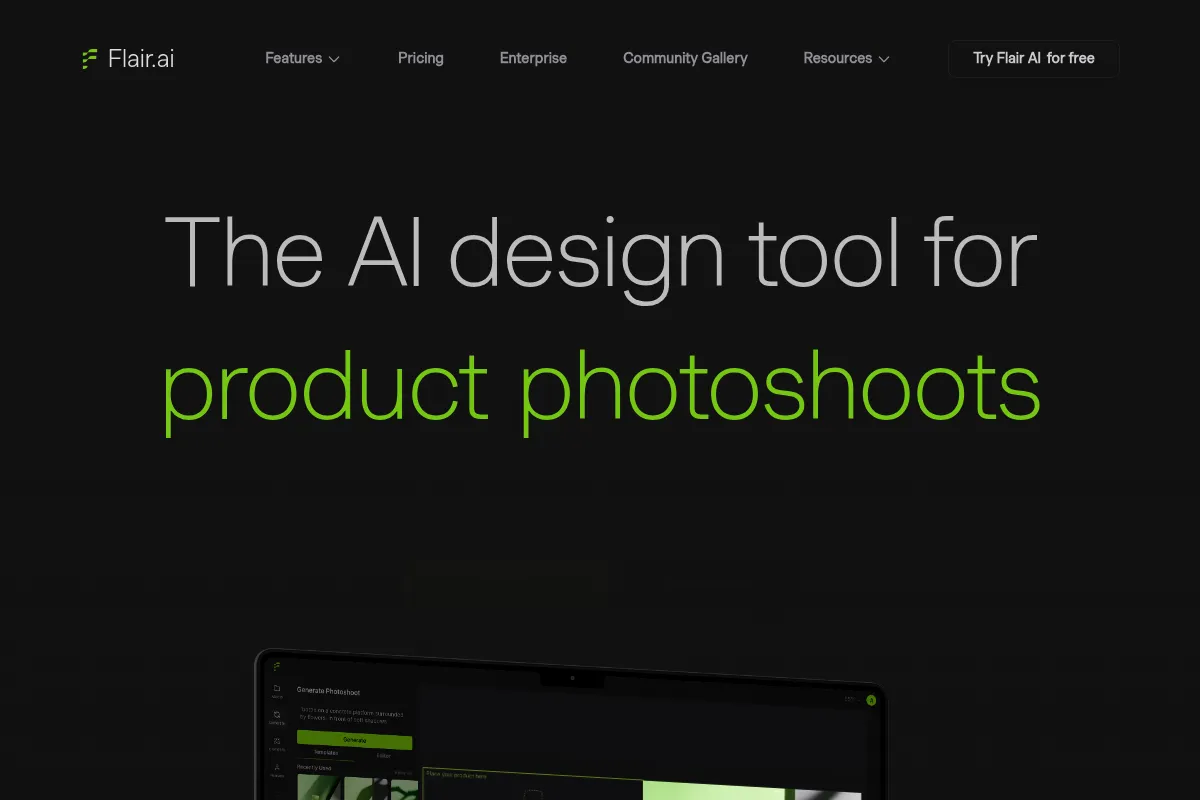
Flair is an AI-native design platform built specifically for product photography. It allows users to upload a single product image and generate high-quality scenes by blending the item into AI-generated environments with consistent lighting and shadows.
Official profiles
What it actually does
Users upload a product photo, which the tool automatically isolates by removing the background. It then uses a canvas-based interface to generate surrounding scenes based on text prompts or pre-set templates, automatically adjusting the lighting on the product to match the new environment.
What makes it different
Unlike general image generators like Midjourney, Flair maintains the exact integrity of the uploaded product while only generating the surroundings. Its canvas-based workflow allows for manual placement and layering, offering more control than simple 'prompt-to-image' tools.
Ratings across the web


Ratings aggregated from independent review platforms.
Key Features
Scene Templates
Pre-configured environments for consistent brand aesthetics.
Smart Lighting
Automatically calculates and applies shadows to the product based on the background light source.
Canvas Editor
A drag-and-drop interface to position products and secondary props manually.
Text-to-Image Backgrounds
Generates custom environments from specific descriptive prompts.
Upscaling
Increases the resolution of generated images for web and social use.
Magic Edit
Allows users to modify specific parts of the generated background without changing the whole image.
Brand Kits
Saves specific styles and assets to ensure visual consistency across campaigns.
Pricing
Free
- 30 total image generations
- 5 active projects
- Standard resolution exports
- Access to basic templates
Pro
- Unlimited image generations
- Unlimited projects
- High-resolution exports
- Priority generation speed
- Commercial usage rights
Team
- Includes 3 seats
- Shared team folders
- Collaborative workspaces
- Centralized billing
Pricing checked 5 months ago
Pricing guidance
- When you exhaust the 30-image trial limit
- When you need high-resolution files for website hero sections
- When you need to remove the Flair watermark from exports
- The Free plan is a one-time allocation of credits, not a recurring monthly allowance.
- High-res upscaling is restricted to paid tiers.
Very affordable for the e-commerce market, positioned as a low-cost alternative to professional photography services.
Pros & Cons
Strengths
-
Rapid asset production
Reduces the time to create a lifestyle shot from hours of setup to seconds of generation, which is vital for fast-moving social media cycles.
-
Low technical barrier
The template system allows users without photography or prompt engineering skills to produce professional-looking results immediately.
-
Cost efficiency
Eliminates the need for physical props, studio rentals, and expensive lighting equipment for secondary marketing assets.
-
Lighting consistency
The AI does a respectable job of making the product look 'grounded' in the scene by matching shadows to the generated environment.
Weaknesses
-
AI 'dreaminess' artifacts
Backgrounds can occasionally look overly smooth or surreal, which may conflict with brands aiming for a raw, authentic aesthetic.
Affects: Premium or 'natural' lifestyle brands
-
Fixed product perspective
The tool cannot rotate your product; if you upload a front-facing shot, you cannot generate a side-profile scene.
Affects: Users with limited original photography
-
Resolution limits
While it offers upscaling, the base generations can lose fine texture detail, making them less suitable for high-end print.
Affects: Graphic designers for print media
Real User Sentiment
Generally positive, with users frequently surprised by how well the AI handles lighting and shadows compared to general-purpose tools.
Users tend to like
- The 'Magic' feeling of lighting matching
- The speed of generating multiple variations
- The intuitive drag-and-drop canvas
- Affordable monthly pricing
Users commonly complain about
- Occasional 'hallucinations' in the background (e.g., weirdly shaped plants)
- Lack of precise control over shadow density
- Interface can feel laggy during heavy generation tasks
Recurring tradeoffs
- Users trade the absolute realism of a physical shoot for the extreme speed and low cost of AI generation.
Happiest users
Shopify store owners who need to turn basic smartphone photos into professional-looking Instagram ads.
Often frustrated
Professional retouchers who find the AI's lack of layer-based control limiting for high-end work.
Use Cases
Social Media Content
Generating a month's worth of Instagram posts from a single product photo.
A/B Testing Ads
Creating five different background styles for the same product to see which performs best in Meta ads.
E-commerce Listings
Adding lifestyle context to standard white-background shots for Amazon or Shopify.
Seasonal Promotions
Quickly placing products in holiday-themed environments (e.g., Christmas or Summer) without a new shoot.
Mood Boarding
Visualizing a product in various aesthetic directions during the early stages of a brand launch.
Frequently Asked Questions
Is Flair AI free to use?
Flair offers a free tier, but it is limited to a total of 30 image generations and 5 projects. Once you hit this lifetime limit, you must upgrade to the Pro plan ($10/month) for unlimited generations and high-resolution exports.
How does Flair compare to Pebblely?
Flair provides a more robust canvas-based editor that allows you to manually place products and secondary elements, whereas Pebblely is more focused on a simpler, one-click background replacement. Flair is generally better for users who want more control over the final composition.
Can Flair change the angle of my product?
No. Flair generates the environment around your product but does not create a 3D model of the item. It works with the perspective of the photo you upload; if you upload a top-down shot, the AI will generate a top-down scene.
Does Flair work with reflective products like glass?
It can, but results vary. While the AI attempts to match lighting, it may struggle with complex reflections or transparency. For high-end glassware or jewelry, manual retouching in Photoshop is often still required for professional results.
Can I use Flair images for commercial purposes?
Yes, images generated on the paid Pro and Team plans include commercial usage rights, allowing you to use them for ads, websites, and social media marketing.
Does Flair integrate directly with Shopify?
There is no direct 'one-click' Shopify plugin for Flair. You must generate and export the images from the Flair platform and then manually upload them to your Shopify store or marketing channels.
Why trust this page?
This evaluation combines product positioning, pricing analysis, traffic and market signals, and public user sentiment into a single decision-support page. Content is generated editorially — not copied from the vendor's website.
Funding & Company
Founded
2022
Stage
Seed
Total Raised
$4.35M
Latest Round
Seed (Jul 2023)
Notable Investors
Flair has raised a single Seed round of $4.35 million in mid-2023, with some sources rounding the figure to $5 million. This initial capital injection from specialized investor AI Grant is aimed at developing its AI-powered design tool and establishing a foothold in the market.
Market Signals & Traffic
Estimated visits, global rank, geography, traffic sources, monthly visit trends, and organic search keywords (Similarweb)—on a dedicated page built for depth and search.
- Estimated visits
- 0
- Global rank
- —
- Snapshot
- May 2026
- Traffic trend
- Falling
Estimated monthly visits
Alternatives to Flair
View all alternatives
Similar Tools
Brandmark
Content Creation, Design

AI-powered logo and brand identity generator.
ActiveCampaign
Email Marketing, Marketing Automation, Automation

Marketing automation and CRM platform for personalized customer experiences.
Instantly
Email Marketing, Marketing Automation, Automation

Cold email outreach platform for scaling sales and lead generation.
The Influencer AI
Social Media, Content Creation, Marketing Automation

Create, manage, and monetize consistent virtual influencers for social media.
Adobe Firefly
Content Creation, Video Creation

Generative AI tools for creating and editing images, video, and more.
AIColors
Design, Developer Tools

Generate and visualize color palettes for web and mobile interfaces.