

A free, open-source raster editor that provides deep manipulation tools but requires a significant time investment to master its idiosyncratic interface.
Excellent for Linux-based workflows and budget-conscious power users, weaker for professional print production and high-speed commercial design.
Analysis based on product data, pricing structure, traffic signals, and public user sentiment.
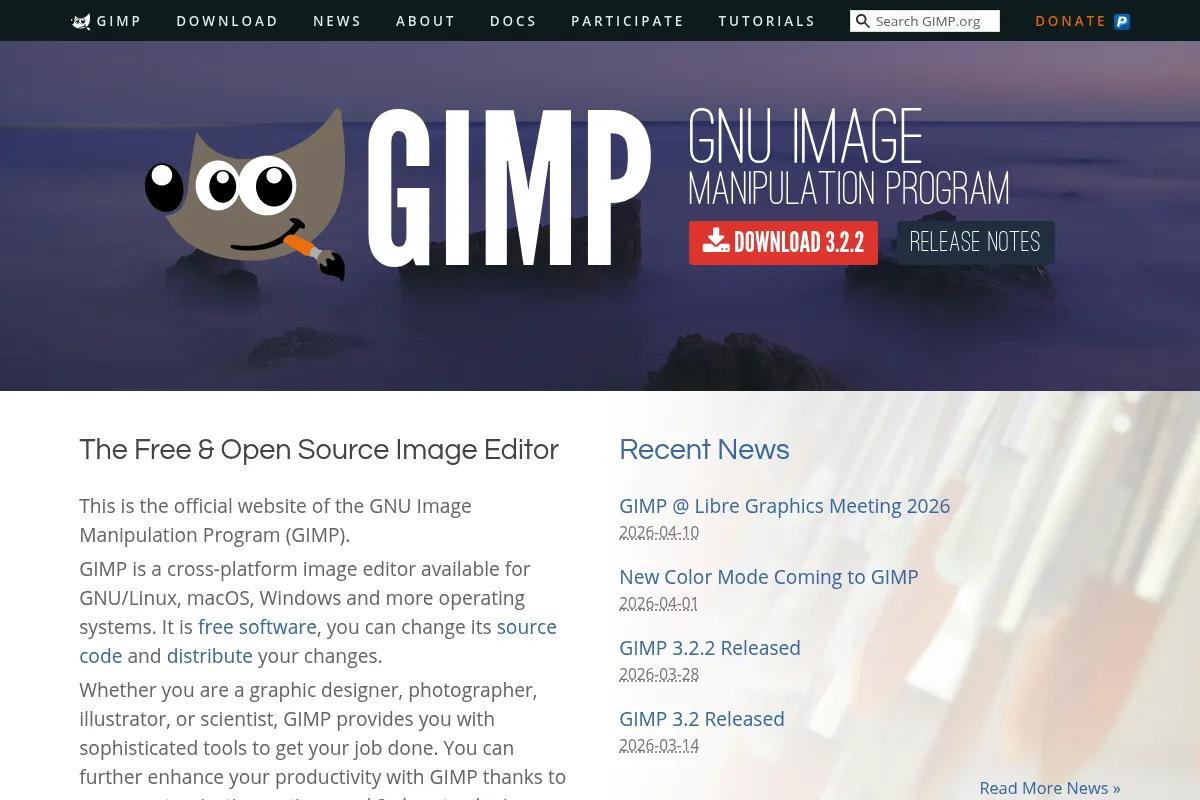
Who Should Use GIMP?
Typical users
Individual creators, Linux developers, and hobbyist photographers who need professional-grade tools without a subscription.
Maturity fit
beginner to advanced
Choose this if…
- You need a full-featured raster editor without a monthly subscription fee
- You use Linux as your primary operating system
- Your priority is local file control and privacy over cloud-based features
- You want to customize your workspace and automate tasks via Python scripting
Skip this if…
- You require industry-standard CMYK support for professional print workflows
- Your workflow depends on Adobe Creative Cloud integration and shared libraries
- You need modern AI-driven features like Generative Fill or automated object removal
- You are unwilling to spend time relearning shortcuts and interface logic
About GIMP
GIMP is a cross-platform image editor developed by a community of volunteers under the GNU General Public License. It serves as the primary open-source alternative to Adobe Photoshop, focusing on photo retouching, image composition, and authoring.
What it actually does
It provides a comprehensive set of tools for manipulating raster images, including layers, channels, paths, and advanced selection tools. Users can perform complex photo restoration, create original digital art, and export files in various formats.
What makes it different
Unlike proprietary competitors, GIMP is fully extensible via scripting and plugins, allowing users to modify the source code or automate workflows using Python or Scheme. Its development is community-driven rather than profit-driven, ensuring it remains free and accessible without account requirements or cloud dependencies.
Ratings across the web



Ratings aggregated from independent review platforms.
Key Features
GEGL Integration
Enables high bit-depth processing and non-destructive filter previews for better image quality.
Customizable Brushes
Allows for digital painting and texture creation with full pressure and tilt sensitivity.
Path Tool
Provides vector-based selection and drawing for precise edge control and complex masking.
Transform Tools
Includes rotate, scale, shear, and perspective adjustments with live on-canvas previews.
Plugin Ecosystem
Access to community-built tools like G'MIC for hundreds of advanced filters and effects.
Batch Processing
Automates repetitive tasks across multiple images using built-in scripting capabilities.
Foreground Select Tool
Extracts specific objects from images with minimal manual tracing.
Unified Transform
Combines multiple transformation types into a single tool to speed up the editing process.
Pricing
GIMP (Full Version)
- All professional editing tools
- Unlimited layers and paths
- Full plugin support
- Commercial use allowed
- No ads or tracking
Pricing checked 6 months ago
Pricing guidance
- When you need industry-standard CMYK color management
- When your workflow requires Adobe-specific AI features
- When you need tight integration with other Creative Cloud apps
- No cloud storage included
- No official technical support (community-based only)
- Development speed is slower than commercial software
Completely free and open-source under the GPLv3 license.
Pros & Cons
Strengths
-
Zero cost with no subscription
GIMP is entirely free to use for personal or commercial projects, removing the financial barrier to entry for professional-grade editing.
-
Native Linux support
Unlike Adobe products, GIMP runs natively on Linux distributions, making it the standard choice for users in the open-source ecosystem.
-
Extremely lightweight
It consumes significantly fewer system resources than modern proprietary editors, allowing it to run efficiently on older hardware.
-
Deep customization
Users can rewrite keyboard shortcuts, rearrange the UI, and add custom scripts to tailor the tool to a specific niche workflow.
Weaknesses
-
Steep learning curve
The interface logic and terminology differ from industry standards, requiring even experienced designers to spend time relearning basic tasks.
Affects: New users and those transitioning from Photoshop
-
Limited CMYK support
Native CMYK support is still incomplete in the stable version, requiring external plugins or workarounds for professional print preparation.
Affects: Print designers and commercial illustrators
-
Lack of non-destructive editing
Most filters and adjustments are destructive in the current stable version (2.10), meaning you cannot easily tweak settings after applying them.
Affects: Professional retouchers and complex project editors
-
No official mobile or tablet version
GIMP is strictly a desktop application, lacking the mobile flexibility found in competitors like Affinity or Canva.
Affects: Creators who work on iPads or mobile devices
Real User Sentiment
Users respect GIMP for its power and price but frequently express frustration with its user interface and slow development cycle.
Users tend to like
- Completely free with no strings attached
- Highly stable on Linux
- Powerful scripting and automation
- Low system resource usage
Users commonly complain about
- Interface feels dated and cluttered
- Text tool is difficult to use compared to competitors
- Lack of native CMYK support
- Destructive editing workflow
Recurring tradeoffs
- You trade a modern, intuitive UI for a zero-dollar price tag and total privacy.
Happiest users
Linux enthusiasts and hobbyists who enjoy technical customization and dislike subscription models.
Often frustrated
Professional designers working in agencies who need to collaborate on PSD files or prepare files for high-end print.
Use Cases
Photo Retouching
Removing blemishes, adjusting color balance, and restoring old photographs.
Web Graphic Creation
Designing banners, icons, and social media assets for web use.
Digital Painting
Using a tablet to create original illustrations with custom brushes.
Batch Image Conversion
Using scripts to resize or reformat hundreds of images at once.
Mockup Design
Creating UI/UX mockups or product visualizations using layers and masks.
Frequently Asked Questions
Is GIMP as good as Photoshop?
GIMP offers about 80-90% of the core functionality of Photoshop for free, including layers, masks, and filters. However, it lacks Photoshop's advanced AI features (Generative Fill), native CMYK support, and non-destructive adjustment layers. For hobbyists, it is often 'good enough,' but for high-end commercial design, Photoshop remains the industry standard.
Is GIMP really free for commercial use?
Yes, GIMP is licensed under the GPLv3, which means you can use it for any purpose, including commercial work, without paying any fees or royalties. You can sell the images you create with GIMP without any legal restrictions from the software developers.
Does GIMP support CMYK for printing?
GIMP 2.10 does not have full native CMYK support. While you can import CMYK files, the internal processing is RGB. To export for professional print, you typically need to use a plugin like Cyan or a separate tool like Scribus to handle the color conversion accurately.
Can GIMP open and save Photoshop (PSD) files?
GIMP can open most PSD files and preserve layers. However, it may struggle with complex Photoshop-specific features like adjustment layers, layer styles (drop shadows, glows), or smart objects. It is best for basic file exchange rather than a seamless collaborative workflow.
Is GIMP safe to download?
Yes, provided you download it from the official website (gimp.org). Because it is open-source, the code is transparent. Avoid third-party 'GIMP' sites that may bundle the software with unwanted adware or malware.
Does GIMP have AI features?
The core GIMP package does not currently include built-in AI features like those found in Adobe Firefly or Canva. However, there are community-developed plugins that allow you to integrate Stable Diffusion or other AI models into your GIMP workflow manually.
Why trust this page?
This evaluation combines product positioning, pricing analysis, traffic and market signals, and public user sentiment into a single decision-support page. Content is generated editorially — not copied from the vendor's website.
Funding & Company
Founded
1995
Stage
Bootstrapped
Total Raised
Bootstrapped
Latest Round
—
GIMP is a long-standing, free and open-source project, not a venture-backed company. It sustains itself through community donations and individual crowdfunding campaigns for core developers, with the GNOME Foundation acting as its fiscal sponsor. This model ensures the tool remains free and community-driven, prioritizing user needs over commercial interests.
Market Signals & Traffic
Estimated visits, global rank, geography, traffic sources, monthly visit trends, and organic search keywords (Similarweb)—on a dedicated page built for depth and search.
- Estimated visits
- 1,826,316
- Global rank
- #31,882
- Snapshot
- Apr 2026
- Traffic trend
- Steady
Estimated monthly visits
Alternatives to GIMP
View all alternatives
Similar Tools
Vizcom
Design, Content Creation

Real-time sketch-to-render tool for industrial and product designers.
Khroma
Design, Content Creation

AI-powered color palette generator that learns your preferences.
BrandCrowd
Design, Content Creation

Logo maker and branding design platform for small businesses.
OpenArt
Design, Content Creation

Create, edit, and explore images using advanced generative models.
IconScout
Design, Content Creation

Marketplace for high-quality icons, 3D illustrations, and motion graphics.
Logo.com
Design, Content Creation

Automated logo maker and brand identity design platform.