
A high-volume logo repository that prioritizes speed and pre-made aesthetics over unique brand strategy, making it a functional shortcut for micro-businesses but a liability for brands seeking long-term defensibility.
Excellent for solopreneurs needing a professional-looking mark in minutes, weaker for businesses requiring original, trademarkable visual identities.
Analysis based on product data, pricing structure, traffic signals, and public user sentiment.
Who Should Use BrandCrowd?
Typical users
Solopreneurs, side-hustlers, and micro-business owners with zero design skills and a sub-$100 budget.
Maturity fit
beginner
Choose this if…
- You need a logo immediately and don't have time for a custom design process.
- You prefer browsing thousands of finished icons over prompting an AI generator.
- Your priority is a 'good enough' professional look for a low-stakes project.
Skip this if…
- You require a unique, trademarked logo (templates are sold to multiple users).
- You need advanced vector manipulation or custom illustration.
- You want to avoid recurring subscription models for a one-time asset.
About BrandCrowd
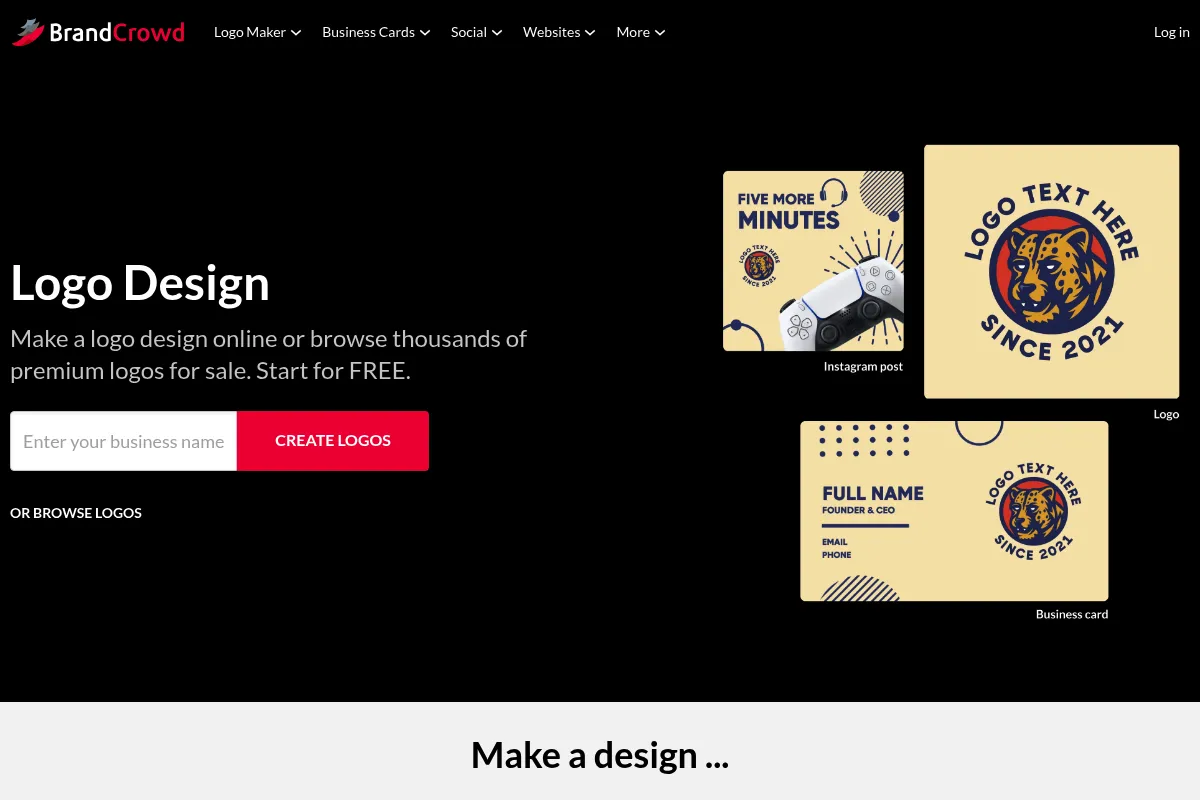
BrandCrowd is a self-service branding platform owned by DesignCrowd. It provides a library of over 145,000 designer-made icons that users can customize with their own text and colors to create logos and marketing collateral.
Official profiles
What it actually does
The platform functions as a searchable database of pre-designed icons paired with a basic browser-based editor. Users select a template, modify the layout, and export the design into various formats for web and print.
What makes it different
Unlike AI-driven generators that assemble designs algorithmically, BrandCrowd relies on a massive library of human-created icons. This results in more 'intentional' looking designs than early-stage AI, but at the cost of uniqueness since the same icons are available to all users.
Ratings across the web

Ratings aggregated from independent review platforms.
Key Features
Icon-First Search
Allows users to find specific visual metaphors rather than relying on generic AI interpretations.
Layout Variations
Automatically generates different orientations (stacked, horizontal, icon-only) for the same logo.
Social Media Suite
Resizes your logo and brand colors into banners and posts for Instagram, Facebook, and LinkedIn.
Brand Overlays
Applies your logo to digital mockups like t-shirts, signage, and business cards to preview real-world use.
Exclusive License Purchase
Offers the ability to remove a design from the library so no one else can buy it (at a significant premium).
Text-to-Logo AI
A newer feature that generates designs based on prompts, though the library-based search remains its core strength.
Pricing
Free to Edit
- Unlimited logo customizations
- Low-resolution watermarked previews
- Save designs to account
Premium Logo Pack
- High-resolution files (PNG, JPG, PDF, SVG)
- Social media covers and profile pics
- Business card designs
- Unlimited edits
Standard License (One-time)
- Single logo purchase
- High-resolution files
- Non-exclusive rights
Pricing checked 6 months ago
Pricing guidance
- When you need high-resolution vector files for printing
- When you need social media banners that match your logo
- When you want to remove the watermark
- Standard purchases do not grant exclusive rights
- The 'Buy Out' price is significantly higher (often $100+) and varies by design
- Monthly plans often have a minimum commitment or are difficult to cancel
Affordable for one-off assets, but relies on a high-margin subscription model that can be expensive if not managed carefully.
Pros & Cons
Strengths
-
Massive aesthetic variety
With over 145k icons, it is almost impossible not to find a visual style that fits your industry, from minimalist to illustrative.
-
Zero learning curve
The editor is restricted to basic movements and color swaps, preventing non-designers from making technical errors that would ruin the file for print.
-
Instant brand kit
Once a logo is chosen, the platform populates business cards and social headers automatically, saving hours of manual resizing.
Weaknesses
-
Non-exclusive designs
Unless you pay for the expensive 'Buy Out' option, other businesses can use the exact same icon, making it difficult to build a unique brand identity.
Affects: Businesses looking to trademark their logo
-
Subscription-heavy pricing
The platform pushes monthly subscriptions even for users who only need a single logo file, leading to unexpected recurring charges.
Affects: Budget-conscious solopreneurs
-
Limited customization
You cannot modify the actual lines or shapes of the icons; you are limited to changing colors, text, and basic positioning.
Affects: Users with specific creative visions
Real User Sentiment
Users generally appreciate the speed and the quality of the icons but frequently complain about the subscription-based billing model and difficulty with refunds.
Users tend to like
- Speed of creation
- Quality of the designer-made icons
- Ease of use for non-designers
- Variety of niches covered
Users commonly complain about
- Aggressive subscription billing
- Difficulty canceling accounts
- Lack of unique/exclusive rights by default
- Customer support responsiveness
Recurring tradeoffs
- You trade uniqueness for professional aesthetics; the logo looks good, but you don't 'own' the concept.
Happiest users
Small business owners who need a logo in under 10 minutes to launch a website or social page.
Often frustrated
Users who forget to cancel their subscription after downloading their files or those who find a competitor using the same icon.
Use Cases
Side Project Launch
Quickly creating a logo for a new blog or hobbyist YouTube channel.
Service Business Branding
Generating business cards and a logo for a local landscaping or cleaning business.
Social Media Refresh
Using the brand kit to create cohesive banners across multiple social platforms.
Event Branding
Designing a temporary logo and assets for a one-time conference or local meetup.
E-commerce Storefront
Creating a simple mark for a Shopify or Etsy store.
Frequently Asked Questions
Is BrandCrowd actually free?
No. While you can use the editor and create designs for free, you must pay to download high-resolution, unwatermarked files. Pricing typically starts around $45 for a one-time purchase or a monthly subscription fee.
Can I trademark a logo from BrandCrowd?
Only if you purchase the 'Exclusive License' (Buy Out). With a standard license, the icon remains in the library for others to use, which usually disqualifies it from trademark protection in most jurisdictions.
How does BrandCrowd compare to Canva?
Canva is a general-purpose design tool with more flexibility, while BrandCrowd is a specialized logo repository. BrandCrowd's icons are often more 'logo-centric' and professional, but Canva offers better value for ongoing content creation.
What files do I get with my purchase?
Depending on the plan, you receive high-resolution PNG and JPG files, as well as vector files (SVG, PDF, EPS) which are necessary for professional printing and large-scale signage.
Can I edit my logo after I buy it?
If you have an active Premium subscription, you can make unlimited edits. If you made a one-time purchase, you may be limited in your ability to change the design after the initial download.
Are the logos AI-generated?
BrandCrowd offers both a traditional library of designer-made icons and a newer AI logo generator. The library-based search is generally considered higher quality as the icons were crafted by human designers.
Why trust this page?
This evaluation combines product positioning, pricing analysis, traffic and market signals, and public user sentiment into a single decision-support page. Content is generated editorially — not copied from the vendor's website.
Funding & Company
Founded
2007
Stage
Late stage
Total Raised
$17M
Latest Round
Series C (Feb 2021)
Notable Investors
BrandCrowd is the SaaS tool of its parent company, DesignCrowd, which has raised approximately $17M USD. Its most recent capital was a $7.7M pre-IPO round in 2021, intended to scale the BrandCrowd product. This funding from established Australian VCs provides a solid foundation for the tool's continued development and stability.
Market Signals & Traffic
Estimated visits, global rank, geography, traffic sources, monthly visit trends, and organic search keywords (Similarweb)—on a dedicated page built for depth and search.
- Estimated visits
- 993,600
- Global rank
- #33,364
- Snapshot
- Apr 2026
- Traffic trend
- Steady
Estimated monthly visits
Alternatives to BrandCrowd
View all alternatives
Similar Tools
PicMonkey
Design, Content Creation

Online photo editor and graphic design tool for creators.
Khroma
Design, Content Creation

AI-powered color palette generator that learns your preferences.
OpenArt
Design, Content Creation

Create, edit, and explore images using advanced generative models.
Evatype
Design, Content Creation

Generate custom, high-quality fonts and typography using text descriptions.
Photoroom
Design, Content Creation
Professional photo editor for background removal and product photography
GIMP
Design, Content Creation

Professional open-source image editor for photo retouching and graphic design.