

Khroma
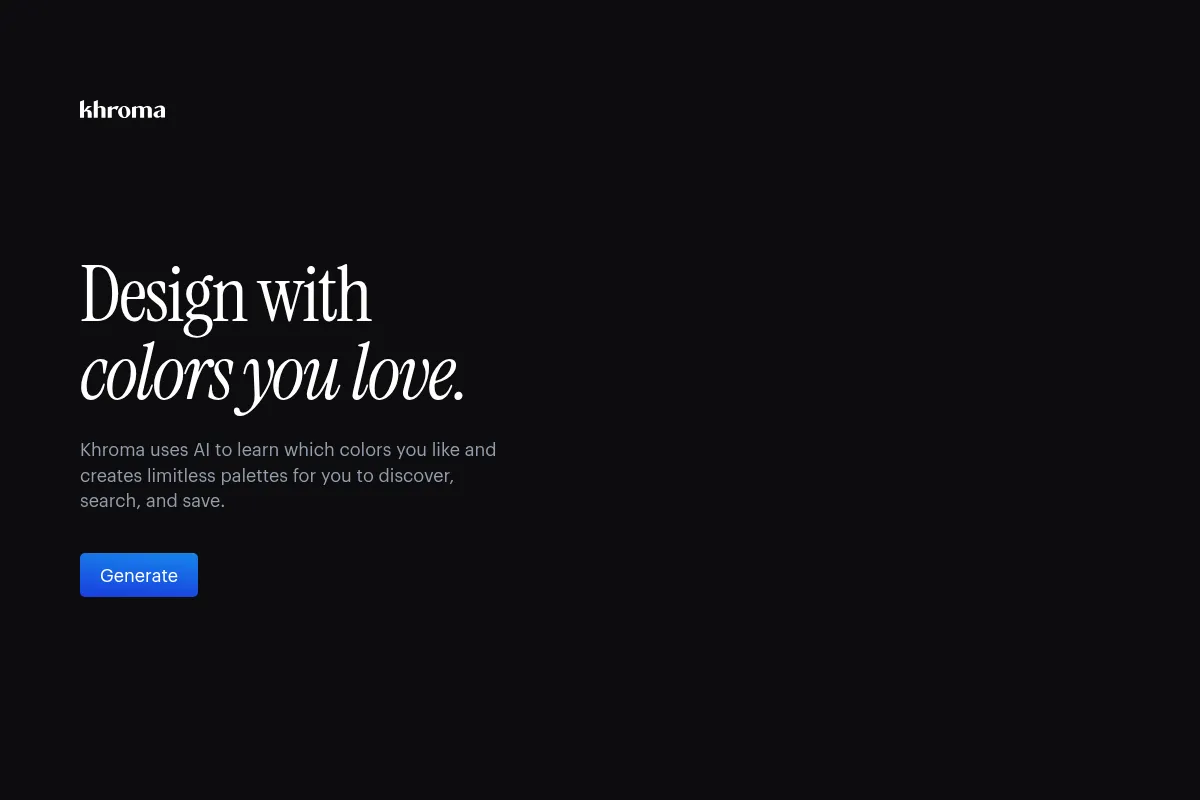
Khroma is an AI-powered color palette generator that personalizes color suggestions by learning user preferences, offering a vast library of combinations for designers.
Excellent for designers needing personalized color inspiration, weaker for those requiring deep integration with existing design software.
Analysis based on product data, pricing structure, traffic signals, and public user sentiment.
Who Should Use Khroma?
Typical users
Graphic designers, web designers, UI/UX designers, and other creative professionals who frequently work with color palettes. It's also suitable for artists, bloggers, and students looking for design inspiration.
Maturity fit
beginner to scaling
Choose this if…
- You need a constant stream of personalized color palette ideas.
- You want to quickly find color combinations that match your aesthetic.
- You value accessibility ratings for color choices.
- You prefer a tool that operates directly in your browser.
Skip this if…
- You require direct integration with specific design software like Adobe Creative Suite.
- Your workflow depends heavily on advanced automation or complex color manipulation beyond palette generation.
- You need to generate palettes for highly specialized industries like fashion design with specific technical requirements.
- You prefer tools with extensive user reviews across multiple platforms.
About Khroma
Khroma is an AI-driven tool that generates personalized color palettes by learning a user's aesthetic preferences. It aims to streamline the color selection process for designers and creatives by offering an endless supply of tailored color combinations, including options for typography, gradients, and custom images.
Official profiles
What it actually does
Khroma analyzes user-selected colors to train a neural network, which then generates an infinite number of personalized color palettes. It provides features for searching, filtering, and saving these palettes, along with technical details like hex codes and accessibility ratings.
What makes it different
Khroma's core differentiator is its personalized AI algorithm that trains on individual user preferences, moving beyond generic color suggestions. This approach aims to provide color combinations that are uniquely suited to each user's aesthetic.
Key Features
Personalized AI Algorithm
Learns your specific color preferences to generate tailored palettes, moving beyond generic suggestions.
Infinite Palette Generation
Provides a continuous stream of unique color combinations, ensuring fresh inspiration.
Advanced Search & Filtering
Allows users to find specific colors by hue, tint, value, hex, and RGB codes.
Accessibility Ratings
Includes WCAG accessibility ratings for color combinations, helping ensure designs are inclusive.
Save Unlimited Favorites
Lets users store an unlimited collection of preferred palettes for easy access.
Browser-Based Operation
Functions directly within the user's browser, eliminating the need for software installation.
Pricing
Free
- Personalized AI training
- Infinite palette generation
- Advanced search and filtering
- Save favorite palettes
- Color details (hex, RGB, CSS)
- Accessibility ratings
Pricing checked 6 months ago
Pricing guidance
- The absence of publicly listed paid plans suggests there are no typical upgrade triggers within Khroma itself. However, users might seek alternative tools if they require advanced features not offered by Khroma.
- While the free plan offers extensive features, some users might find the lack of direct integration with other design software a limitation.
- The sheer volume of generated palettes could be considered a 'limit' in terms of user time and decision-making capacity.
Khroma is positioned as a free, AI-powered tool for personalized color palette generation, offering significant value without a direct cost.
Pros & Cons
Strengths
-
Highly Personalized Palettes
The AI learns individual preferences, generating color combinations that are uniquely suited to the user's aesthetic, which is a significant advantage over generic generators.
-
Endless Inspiration
The ability to generate an infinite supply of color palettes ensures users always have new ideas and combinations to explore for their projects.
-
User-Friendly Interface
Khroma is designed to be intuitive and accessible, with a minimal learning curve, making it easy for both beginners and experienced designers to use.
-
Comprehensive Color Data
Provides essential details like hex codes, RGB values, CSS code, and accessibility ratings, which are crucial for implementation in design projects.
Weaknesses
-
Limited Integration Options
Khroma does not offer direct integration with popular design software, requiring manual transfer of color data, which can disrupt established workflows.
Affects: Designers reliant on seamless software integration
-
Potential for Decision Fatigue
The infinite generation of palettes can lead to an overwhelming number of choices, making it difficult for users to select a final palette.
Affects: Users who prefer curated options or struggle with too many choices
-
Limited Manual Control
While the AI is personalized, users have limited ability to manually fine-tune or adjust the AI-generated color schemes beyond initial preferences.
Affects: Designers who require precise manual control over color adjustments
-
Niche Focus
Khroma is specialized in color palettes and does not offer broader design functionalities like image editing or layout design.
Affects: Users seeking an all-in-one design solution
Real User Sentiment
Users generally find Khroma to be a valuable and innovative tool for generating personalized color palettes, praising its AI capabilities and ease of use. However, some users express frustration with the overwhelming number of options and the lack of direct software integration.
Users tend to like
- Personalized AI algorithm that learns user preferences.
- Infinite generation of color palettes for continuous inspiration.
- User-friendly interface and browser-based operation.
- Inclusion of accessibility ratings and detailed color data.
Users commonly complain about
- Decision fatigue due to the overwhelming number of generated palettes.
- Lack of direct integration with popular design software (e.g., Adobe Suite, Figma).
- Limited manual control for fine-tuning AI-generated colors.
- Niche focus on color palettes, lacking broader design functionalities.
Recurring tradeoffs
- Personalization vs. Overwhelming Options: The AI's ability to generate infinite palettes is a strength, but can lead to decision fatigue.
- Ease of Use vs. Integration: The browser-based, user-friendly interface is a pro, but the lack of software integration is a con for some workflows.
Happiest users
Designers and creatives who value personalized inspiration and a streamlined color selection process without needing deep software integration.
Often frustrated
Users who require seamless integration with their existing design software or need more granular manual control over color adjustments.
Use Cases
Generating mood board color schemes for branding projects.
Discovering unique color combinations for website UI/UX design.
Finding complementary colors for graphic design assets like posters and social media graphics.
Exploring gradient options for digital art and animations.
Testing color palettes on custom images to visualize their impact.
Creating accessible color palettes for web content and applications.
Finding inspiration for personal art projects or design challenges.
Frequently Asked Questions
What is Khroma and how does it work?
Khroma is an AI-powered color tool designed for designers and creatives. It works by having users select their favorite colors, which trains a personalized neural network algorithm. This algorithm then generates an endless supply of unique color palettes tailored to the user's aesthetic preferences. The tool operates directly in the browser and provides details like hex codes and accessibility ratings for each palette.
Is Khroma free to use?
Yes, Khroma offers a completely free version with access to all its core features, including personalized AI training, infinite palette generation, advanced search, and the ability to save unlimited favorite palettes. There are no paid plans or subscriptions currently listed, making it accessible to all users.
Can I integrate Khroma with other design software like Figma or Adobe?
Khroma does not currently offer direct API integrations with popular design software. Users can extract color data such as hex codes, RGB values, and CSS code and manually transfer them to applications like Figma or Adobe products. While this requires an extra step, it allows for the use of Khroma's generated palettes within other design workflows.
What are the limitations of Khroma?
Khroma's primary limitations include the lack of direct software integration, which can disrupt workflows for some designers. Additionally, the infinite generation of palettes can lead to decision fatigue, and users have limited manual control for fine-tuning AI-generated colors. It is also a specialized tool focused solely on color palettes, lacking broader design functionalities.
How does Khroma's AI personalize color palettes?
Khroma's AI personalizes palettes by training a neural network on a user's selected colors. By analyzing these preferences, the algorithm learns what the user likes and dislikes, generating color combinations that align with their specific aesthetic. This process ensures that the suggested palettes are uniquely tailored to each individual user.
What kind of color details does Khroma provide?
Khroma provides comprehensive color details for each generated palette. This includes color names, hex codes, RGB values, CSS code snippets, and WCAG accessibility ratings. These details are crucial for designers to accurately implement the chosen colors in their projects and ensure accessibility standards are met.
How does Khroma compare to Adobe Color?
While both Khroma and Adobe Color are tools for generating color palettes, Khroma's key differentiator is its AI-driven personalization. Adobe Color offers a more traditional approach with features like color wheel adjustments, extract from image, and trending palettes. Khroma focuses on learning individual user preferences to create unique, AI-generated combinations, making it ideal for users seeking highly personalized inspiration. Adobe Color might be preferred for its broader feature set and integration within the Adobe ecosystem.
Can beginners use Khroma effectively?
Yes, Khroma is designed to be intuitive and accessible for beginners. The AI-driven approach removes the need for extensive knowledge of color theory, allowing users to easily train the algorithm by selecting colors they like. The user-friendly interface and clear output of color details make it easy for beginners to create professional-looking palettes.
Why trust this page?
This evaluation combines product positioning, pricing analysis, traffic and market signals, and public user sentiment into a single decision-support page. Content is generated editorially — not copied from the vendor's website.
Funding & Company
Founded
2017
Stage
Bootstrapped
Total Raised
Bootstrapped
Latest Round
—
Khroma is a bootstrapped project created by designer George Hastings and has not received any external funding. Its stability and longevity are tied to the creator's ongoing commitment rather than venture capital, making it a passion-driven tool.
Market Signals & Traffic
Estimated visits, global rank, geography, traffic sources, monthly visit trends, and organic search keywords (Similarweb)—on a dedicated page built for depth and search.
- Estimated visits
- 0
- Global rank
- —
- Snapshot
- May 2026
- Traffic trend
- Cooling
Estimated monthly visits
Similar Tools
Vizcom
Design, Content Creation

Real-time sketch-to-render tool for industrial and product designers.
Photopea
Design, Content Creation

Advanced web-based image editor for raster and vector graphics.
Turbologo
Design, Content Creation

Create professional logos and brand kits for businesses and startups.
Logo.com
Design, Content Creation

Automated logo maker and brand identity design platform.
PicMonkey
Design, Content Creation

Online photo editor and graphic design tool for creators.
OpenArt
Design, Content Creation

Create, edit, and explore images using advanced generative models.