

A legacy photo editor that excels at portrait retouching and basic social graphics but lacks the feature depth and collaborative power of modern design suites.
Best for solo creators who prioritize photo-centric editing over complex graphic design, but weaker for teams needing a robust free tier or advanced automation.
Analysis based on product data, pricing structure, traffic signals, and public user sentiment.
Who Should Use PicMonkey?
Typical users
Solo entrepreneurs, social media managers, and hobbyist photographers who need quick, browser-based image enhancements.
Maturity fit
beginner to scaling
Choose this if…
- You need specific portrait 'Touch Up' tools like teeth whitening or skin smoothing
- Your workflow relies heavily on Shutterstock stock imagery
- You want a simpler, more photo-focused interface than Photoshop
Skip this if…
- You require a functional free tier that allows downloading designs
- Your team needs real-time collaboration and advanced brand management
- You want an extensive library of AI-generated design elements
About PicMonkey
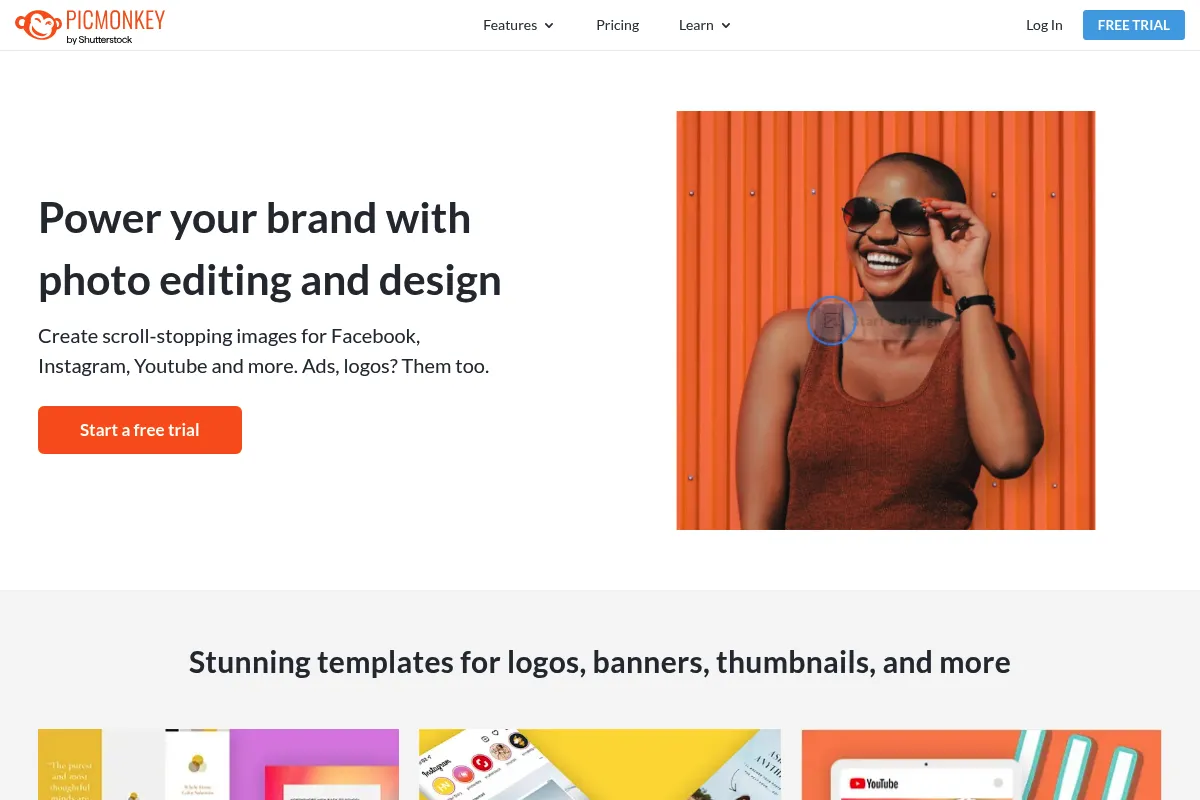
PicMonkey is a web-based design and photo editing platform acquired by Shutterstock in 2021. It targets non-designers who need to create professional-looking visual content without the steep learning curve of professional software.
Official profiles
What it actually does
It provides a canvas for photo editing, collage making, and graphic design. Users can apply filters, remove backgrounds, retouch portraits, and layer text or graphics onto images using a drag-and-drop interface.
What makes it different
Unlike many competitors that started as layout tools, PicMonkey’s DNA is in photo editing. This results in more granular control over image effects, textures, and portrait-specific retouching tools that feel more like a simplified Lightroom than a generic design tool.
Ratings across the web


Ratings aggregated from independent review platforms.
Key Features
Touch Up Tools
Specialized features for skin smoothing, eye brightening, and blemish removal.
Background Remover
AI-driven tool to isolate subjects from backgrounds in one click.
Shutterstock Library
Direct access to millions of high-quality stock assets within the editor.
Smart Resize
Automatically generates multiple versions of a design for different social platforms.
Textures and Overlays
A deep library of light leaks, grit, and patterns to add depth to photos.
Brand Kits
Centralized location for brand assets to ensure visual consistency across designs.
Collage Maker
Flexible grid system for combining multiple images into a single layout.
Pricing
Basic
- 1GB Cloud storage
- Standard image downloads (JPG/PNG)
- Basic touch-up tools
- Hub storage for 50 images
Pro
- Unlimited cloud storage
- One-click background remover
- Brand kits
- Priority support
- PDF export support
Business
- Team folders
- Co-editing capabilities
- Multiple brand kits
- Admin management tools
Pricing checked 6 months ago
Pricing guidance
- When you need to download your first design
- When you need to remove backgrounds
- When you need to upload custom fonts
- Basic plan limits you to 1GB of storage
- PDF export is locked behind the Pro tier
- Stock video access may require additional Shutterstock licensing depending on use
Mid-range pricing that feels expensive given the lack of a functional free tier compared to market leaders.
Pros & Cons
Strengths
-
Superior retouching for a web tool
The 'Touch Up' menu provides specific tools for portraits that are more effective and easier to use than the generic filters found in Canva or Adobe Express.
-
Intuitive layer management
The layer panel is straightforward, making it easy for beginners to manage complex designs without getting lost in a professional UI.
-
High-quality textures
The selection of overlays and textures feels more artistic and less 'clip-art' than many other entry-level design tools.
Weaknesses
-
No functional free tier
While you can test the editor for free, you cannot download or share your work without a paid subscription, which is a major barrier compared to competitors.
Affects: Budget-conscious creators and casual users
-
Stagnant innovation
Since its acquisition by Shutterstock, the platform has seen fewer significant feature updates compared to the rapid AI advancements in Canva and Adobe Express.
Affects: Power users looking for the latest design tech
-
Limited mobile experience
The mobile app lacks many of the features available on the web version, making it difficult to maintain a consistent workflow on the go.
Affects: Mobile-first social media managers
Real User Sentiment
Users generally appreciate the simplicity and the quality of the photo effects, but there is significant frustration regarding the 'pay-to-download' model.
Users tend to like
- Ease of portrait retouching
- Unique textures and filters
- Simple, uncluttered interface
- Integration with Shutterstock assets
Users commonly complain about
- Inability to download for free
- Occasional lag on large files
- Lack of advanced vector tools
- Subscription price increases
Recurring tradeoffs
- You trade advanced design features for a simpler, photo-first editing experience.
Happiest users
Solo bloggers and small business owners who need to touch up headshots and create simple social posts.
Often frustrated
Users who spend time creating a design only to realize they must pay to export it.
Use Cases
Portrait Retouching
Cleaning up headshots for LinkedIn or team pages.
E-commerce Listings
Removing backgrounds from product photos for Amazon or Shopify.
YouTube Thumbnails
Combining high-quality text overlays with edited photos.
Social Media Ads
Creating quick, visually appealing graphics for Instagram or Facebook.
Collage Creation
Building mood boards or photo summaries for blog posts.
Frequently Asked Questions
Is PicMonkey free to use?
You can use the editor and all its features for free to create designs, but you cannot download, share, or export your work without a paid subscription. This makes the 'free' version more of a trial than a functional tool.
How does PicMonkey compare to Canva?
Canva is a superior all-in-one design tool with better templates and a massive free tier. PicMonkey is better specifically for photo editing and portrait retouching. Choose PicMonkey if you care more about the photo itself; choose Canva if you care more about the layout.
Can I use my own fonts in PicMonkey?
Yes, but this feature is only available on the Pro and Business plans. Once upgraded, you can upload OTF or TTF files to use in your designs.
Does PicMonkey have a mobile app?
Yes, PicMonkey has an app for iOS and Android. However, it is less powerful than the web version and is best used for quick edits rather than complex design work.
Can I cancel my PicMonkey subscription easily?
You can cancel through your account settings, but be aware that PicMonkey does not typically offer prorated refunds for annual plans. Your access will continue until the end of the current billing cycle.
What are the main limitations of the Basic plan?
The Basic plan limits your cloud storage to 1GB and prevents you from using the background remover, brand kits, and PDF exports. It is primarily intended for casual, low-volume users.
Why trust this page?
This evaluation combines product positioning, pricing analysis, traffic and market signals, and public user sentiment into a single decision-support page. Content is generated editorially — not copied from the vendor's website.
Funding & Company
Founded
2012
Stage
Acquired
Total Raised
$41M
Latest Round
Undisclosed (Jul 2015)
Notable Investors
PicMonkey raised a single $41M funding round from Spectrum Equity in 2015 before being acquired by Shutterstock for $110M in 2021. This acquisition provides significant stability and resources from a major public company in the creative content space.
Market Signals & Traffic
Estimated visits, global rank, geography, traffic sources, monthly visit trends, and organic search keywords (Similarweb)—on a dedicated page built for depth and search.
- Estimated visits
- 594,035
- Global rank
- #68,961
- Snapshot
- Apr 2026
- Traffic trend
- Cooling
Estimated monthly visits
Alternatives to PicMonkey
View all alternativesCanva AI
Content Creation

Online design tool for creating graphics, presentations, videos, and websites.
BeFunky
Content Creation, Design
All-in-one platform for photo editing, collage making, and graphic design.
GIMP
Design, Content Creation

Professional open-source image editor for photo retouching and graphic design.
Similar Tools
Khroma
Design, Content Creation

AI-powered color palette generator that learns your preferences.
GIMP
Design, Content Creation
Professional open-source image editor for photo retouching and graphic design.
Photopea
Design, Content Creation

Advanced web-based image editor for raster and vector graphics.
IconScout
Design, Content Creation

Marketplace for high-quality icons, 3D illustrations, and motion graphics.
Photoroom
Design, Content Creation
Professional photo editor for background removal and product photography
OpenArt
Design, Content Creation

Create, edit, and explore images using advanced generative models.