

A streamlined, browser-based creative suite that excels at quick photo retouching and stylized artistic filters but lacks the deep collaborative and brand management features of Canva.
Excellent for individual creators needing fast photo-to-art transformations, weaker for teams requiring shared brand kits and complex layouts.
Analysis based on product data, pricing structure, traffic signals, and public user sentiment.
Who Should Use BeFunky?
Typical users
Solo entrepreneurs, social media managers, and hobbyists who need to edit photos and create graphics without the learning curve of professional desktop software.
Maturity fit
beginner to scaling
Choose this if…
- You want one-click AI photo effects like 'Cartoonizer' without manual masking
- Your priority is photo-centric editing over complex graphic design
- You need to batch-process crops or resizes for dozens of images at once
- You prefer a modular workflow that separates photo editing from collage making
Skip this if…
- You need real-time team collaboration and shared asset libraries
- Your workflow requires advanced vector editing or CMYK support for professional print
- You require a massive library of pre-made, high-end marketing templates
About BeFunky
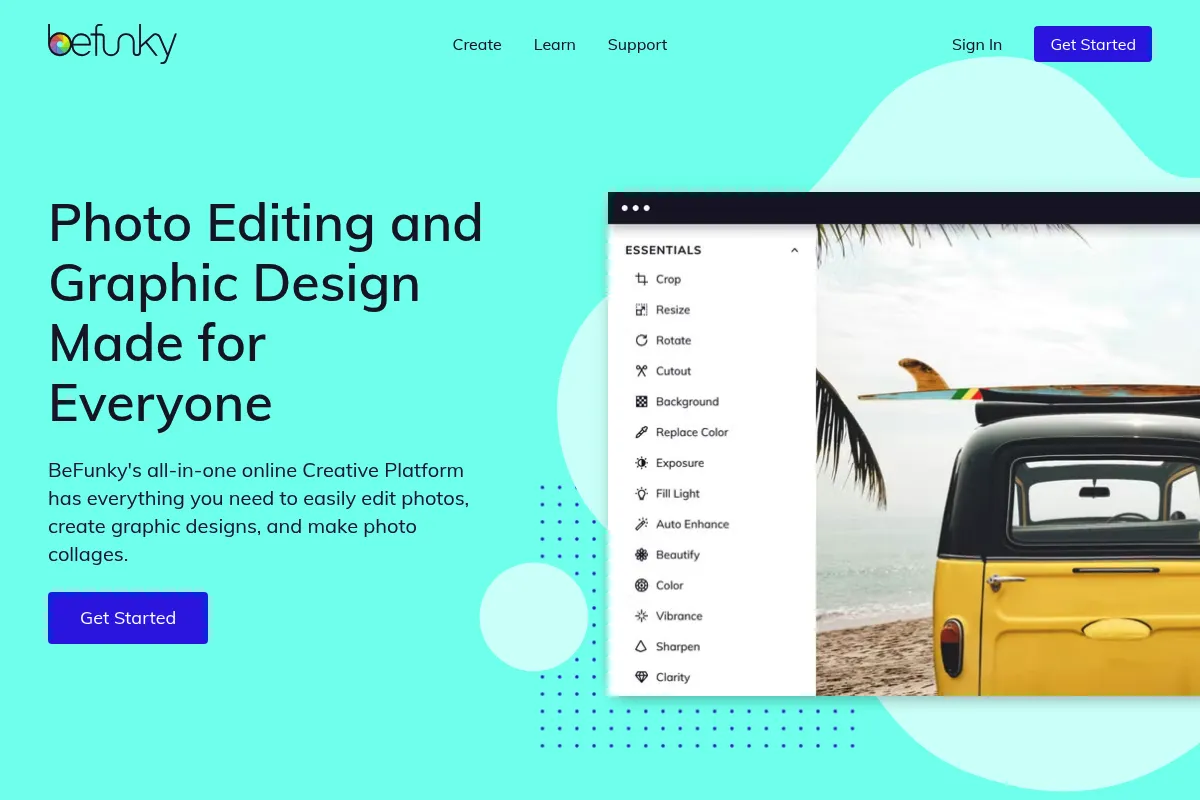
BeFunky is a web-based creative platform that splits its functionality into three distinct modules: photo editing, collage creation, and graphic design. It prioritizes speed and accessibility, offering a middle ground between basic mobile filters and professional desktop suites like Photoshop.
Official profiles
What it actually does
It provides a browser-resident toolkit for cropping, resizing, and color-correcting images alongside AI-driven tools for background removal and artistic styling. Users can assemble multi-image collages and design marketing assets like flyers or social posts using a library of templates and stock assets.
What makes it different
Unlike Canva’s design-first approach, BeFunky remains photo-centric. Its 'Artsy' filters and AI-powered photo-to-painting effects are more sophisticated than most browser-based competitors, focusing on image transformation rather than just layout assembly.
Ratings across the web

Ratings aggregated from independent review platforms.
Key Features
Cartoonizer
Converts photos into digital art or paintings with one click using AI.
Batch Processing
Applies the same edits, crops, or resizes to dozens of images simultaneously to save time.
Background Remover
Isolates subjects and swaps backgrounds without requiring manual selection tools.
Collage Wizard
Automatically generates layout options based on the number of uploaded images.
Object Eraser
Removes unwanted elements from photos using content-aware filling technology.
Graphic Design Templates
Pre-sized layouts for social media, business cards, and posters for non-designers.
Text Editor
Includes a wide range of fonts and text effects specifically for social media overlays.
Pricing
Free
- Basic photo editing tools
- Limited collage layouts
- 125+ digital effects
- Standard templates
BeFunky Plus (Annual)
- Billed annually at $71.88
- All AI-powered tools
- Batch processing
- Background remover
- Full template library
BeFunky Plus (Monthly)
- All premium features
- No long-term commitment
- Full access to mobile and web apps
- Priority support
Pricing checked 6 months ago
Pricing guidance
- When you need to remove backgrounds automatically
- When you need to batch-resize images for a website
- When you want to use the Cartoonizer or AI Art effects
- When you need to save images in high resolution
- Storage limits on the BeFunky cloud are not explicitly defined for free users
- Some stock assets require additional licensing depending on the source
- Mobile app features may differ slightly from the web version
Affordable for individual creators, though the 50% discount for annual billing strongly pushes users toward a yearly commitment.
Pros & Cons
Strengths
-
Superior artistic filters
The 'Artsy' effects, particularly the Cartoonizer and DLX filters, produce higher-quality results than standard mobile apps or basic web editors.
-
Efficient batch editing
The ability to apply crops, resizes, and basic color corrections to a large group of photos at once is a significant time-saver for e-commerce and social media managers.
-
Low barrier to entry
The interface is intuitive enough for users with zero design experience to produce usable marketing assets within minutes.
Weaknesses
-
Restrictive free tier
Many basic tools and the ability to save high-resolution files are locked behind the Plus subscription, making the free version feel like a limited demo.
Affects: Hobbyists and casual users
-
Limited team features
Lacks the robust collaboration, commenting, and brand kit management found in competitors like Canva or Adobe Express.
Affects: Marketing teams and agencies
-
Performance lag with large files
As a browser-based tool, it can struggle with high-resolution images or complex projects with many layers, leading to interface slowdowns.
Affects: Professional photographers and power users
Real User Sentiment
Users generally appreciate the simplicity and the specific 'Artsy' filters, though there is recurring frustration regarding the aggressive paywalling of previously free features.
Users tend to like
- The Cartoonizer effect
- Ease of creating collages
- Intuitive user interface
- Fast background removal
Users commonly complain about
- Too many features locked in the free version
- Occasional browser crashes on large projects
- Lack of advanced typography controls
- Subscription is required to save certain edits
Recurring tradeoffs
- You trade professional-grade control (Photoshop) for speed and ease of use.
- You trade deep design libraries (Canva) for better photo-specific filters.
Happiest users
Solo content creators who need to quickly stylize photos for social media without learning complex software.
Often frustrated
Free users who expect a full-featured editor without a subscription and professional designers who find the layout tools too basic.
Use Cases
Social Media Management
Creating stylized Instagram posts using the Cartoonizer filter.
E-commerce
Using batch processing to resize and watermark product photos for a Shopify store.
Real Estate
Enhancing property photos and creating multi-image collages for listings.
Education
Teachers creating flyers and classroom posters using pre-made templates.
Personal Projects
Designing custom holiday cards or family photo collages for print.
Blogging
Creating featured images and infographics with text overlays.
Frequently Asked Questions
Is BeFunky actually free?
BeFunky offers a free version, but it is highly limited. You can use basic editing tools like crop and rotate, but most AI features, premium filters, and even the ability to save certain projects are restricted to the Plus plan ($11.99/mo or $5.99/mo billed annually).
How does BeFunky compare to Canva?
Canva is superior for team collaboration, brand management, and has a much larger template library. BeFunky is better for specific photo manipulation, batch editing, and unique artistic filters like the Cartoonizer. Choose BeFunky if your work is photo-first; choose Canva if it's design-first.
Can I remove backgrounds in BeFunky?
Yes, BeFunky has an AI-powered Background Remover tool, but it is a premium feature. It allows you to remove or replace backgrounds with one click, which is significantly faster than manual masking in older editors.
Does BeFunky have a mobile app?
Yes, BeFunky is available on both iOS and Android. Your Plus subscription covers both the web platform and the mobile app, allowing you to start an edit on your computer and finish it on your phone.
Can I use BeFunky for professional print projects?
While you can save files in high-resolution (300 DPI) JPG or PNG formats on the Plus plan, BeFunky lacks advanced CMYK support and bleed/slug settings required for high-end professional printing. It is best suited for digital use or basic home/office printing.
Does BeFunky integrate with other tools?
BeFunky has direct integrations with Google Drive, Google Photos, and Dropbox for saving and loading images. It also integrates with Pixabay and Pexels to provide a searchable library of stock photos within the editor.
Why trust this page?
This evaluation combines product positioning, pricing analysis, traffic and market signals, and public user sentiment into a single decision-support page. Content is generated editorially — not copied from the vendor's website.
Funding & Company
Founded
2007
Stage
Acquired
Total Raised
$850K
Latest Round
Series A (Mar 2012)
Notable Investors
BeFunky was primarily bootstrapped before raising a Series A round in 2012. The company operated for nearly a decade before being acquired by Shutterstock in 2021, which now provides significant financial stability and resources for future development.
Market Signals & Traffic
Estimated visits, global rank, geography, traffic sources, monthly visit trends, and organic search keywords (Similarweb)—on a dedicated page built for depth and search.
- Estimated visits
- 2,244,859
- Global rank
- #29,434
- Snapshot
- Apr 2026
- Traffic trend
- Steady
Estimated monthly visits
Alternatives to BeFunky
View all alternativesCanva AI
Content Creation

Online design tool for creating graphics, presentations, videos, and websites.
PicMonkey
Design, Content Creation

Online photo editor and graphic design tool for creators.
GIMP
Design, Content Creation

Professional open-source image editor for photo retouching and graphic design.
Similar Tools
Upscale.media
Content Creation, Design

AI-powered tool to upscale and enhance image resolution and quality.
Looka
Content Creation, Design

AI-powered platform for logo design, branding, and website creation.
Cleanup.pictures
Content Creation, Design

AI-powered tool to remove unwanted objects, people, and text from photos.
Brandmark
Content Creation, Design

AI-powered logo and brand identity generator.
FaceApp
Content Creation, Design

AI-powered mobile app for realistic photo and video editing.
Ideogram
Content Creation, Design

AI image generator that excels at rendering text within images.