

Cleanup.pictures is a specialized AI tool for quickly removing unwanted elements from photos, best suited for users who need a simple, fast solution for common retouching tasks.
Excellent for quick object removal, weaker for complex edits or comprehensive photo manipulation.
Analysis based on product data, pricing structure, traffic signals, and public user sentiment.
Who Should Use Cleanup.pictures?
Typical users
Individuals and small teams needing to quickly clean up photos for social media, e-commerce, or personal use. This includes photographers, real estate agents, and online sellers who prioritize speed and ease of use over advanced editing features.
Maturity fit
beginner to scaling
Choose this if…
- You need to remove distractions like people, text, or objects from photos quickly.
- Your primary goal is simplicity and a user-friendly interface.
- You are looking for a free or low-cost solution for basic image retouching.
- You need to enhance product photos for e-commerce or real estate listings.
Skip this if…
- You require advanced photo manipulation tools like layers, complex masking, or detailed retouching.
- Your workflow involves extensive image editing or graphic design.
- You need to work with video or animated graphics.
- You need to remove text from signatures or very intricate designs.
About Cleanup.pictures
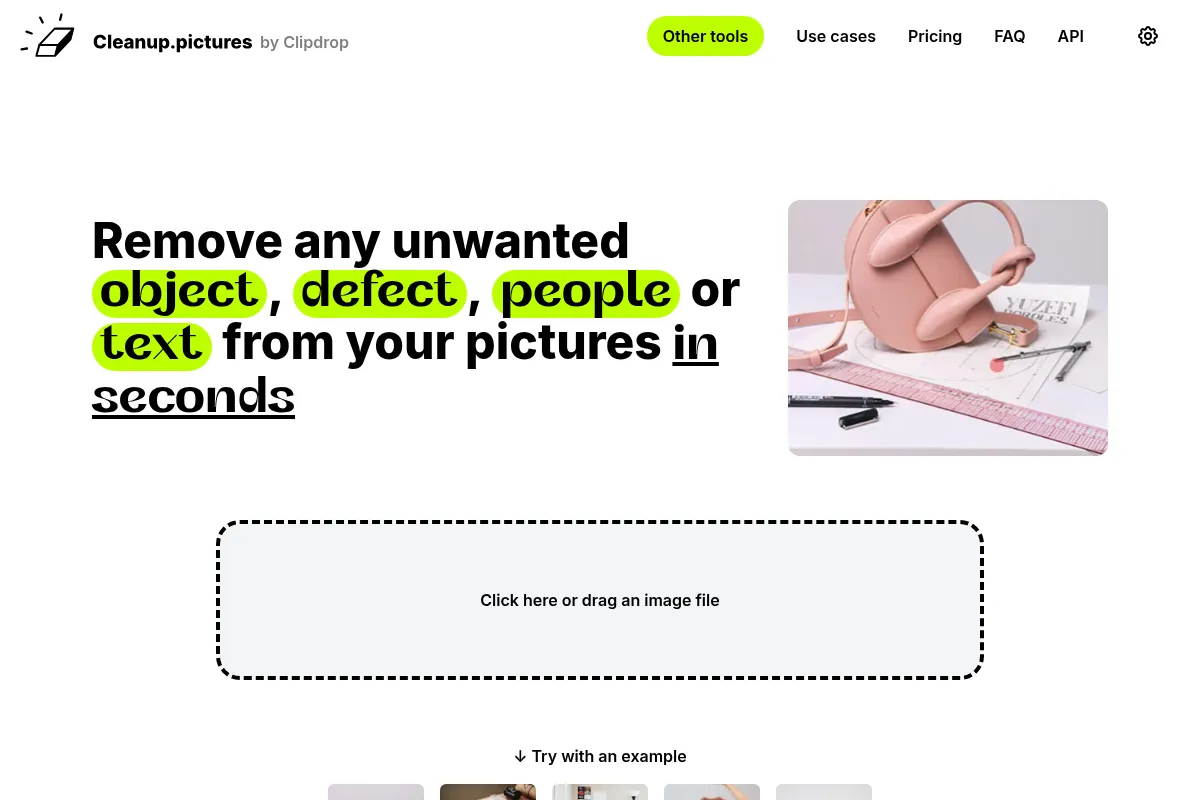
Cleanup.pictures is an AI-powered online tool designed for rapid image retouching. It allows users to remove unwanted objects, people, text, and defects from photos with a simple brush interface. It aims to provide a quick and intuitive alternative to complex desktop software for common editing needs.
What it actually does
The tool uses AI to analyze an image and reconstruct the background when an unwanted element is removed. Users simply brush over the object they wish to eliminate, and the AI fills in the area, making the object disappear. It's effective for removing distractions, blemishes, and unwanted additions from photos.
What makes it different
Cleanup.pictures differentiates itself through its singular focus on object removal and its extreme simplicity. Unlike comprehensive editors, it dedicates its AI to one task, offering a streamlined, browser-based experience that requires no installation or complex learning curve. Its AI is designed to intelligently guess what was behind the removed element, a key advantage over traditional clone stamp tools.
Ratings across the web

Ratings aggregated from independent review platforms.
Key Features
AI Object Removal
Intelligently reconstructs backgrounds after removing unwanted elements, saving significant editing time.
Simple Brush Interface
Allows users to easily select and remove objects by simply painting over them.
Free Version with Unlimited Edits
Enables users to remove objects from an unlimited number of images without cost, ideal for casual users.
High-Quality Refiner (Pro)
Offers enhanced output quality for professional use, crucial for print or high-detail applications.
API for Developers
Provides integration capabilities for businesses looking to incorporate object removal into their own applications.
No Installation Required
Being browser-based, it's accessible from any device with an internet connection.
Pricing
Free
- Unlimited images
- Resolution limited to 720p
- Basic object removal
Pro
- Unlimited images
- Unlimited resolution
- High-quality refiner
ClipDrop Pro
- Cleanup pro
- Image upscaler pro
- Background removal pro
- Web editor pro
- ClipDrop iOS pro
- ClipDrop Android pro
API
- Usage-based pricing
- API documentation
Pricing checked 6 months ago
Pricing guidance
- You need to export images in resolutions higher than 720p.
- You require the 'high-quality refiner' for professional-grade output.
- You want to integrate the object removal feature into your own applications via API.
- Free version limits export resolution to 720p.
- Some users report issues with subscription management and cancellation billing.
- ClipDrop Pro is a bundle of many tools, not just cleanup, which might be overkill if only object removal is needed.
Affordable freemium model with a low-cost Pro upgrade for higher resolution and quality.
Pros & Cons
Strengths
-
Exceptional ease of use
The drag-and-drop interface and simple brushing tool make it accessible to users with no prior editing experience. This speed is a major benefit for quick touch-ups.
-
Fast and effective object removal
The AI quickly removes unwanted elements, often with impressive results, especially on simpler backgrounds. This significantly reduces the time spent on manual editing.
-
Generous free tier
The free version allows unlimited image edits, making it a cost-effective solution for individuals and small businesses with basic needs. The 720p export is sufficient for many online uses.
-
Specialized AI technology
Its AI is specifically trained for inpainting, allowing it to intelligently fill in removed areas better than traditional clone tools, which require manual background matching.
Weaknesses
-
Limited editing capabilities
It is solely focused on object removal and lacks features for other types of photo editing like color correction, layers, or complex retouching.
Affects: Users needing a full-suite photo editor.
-
Struggles with complex backgrounds/textures
While good for simple edits, the AI can produce artifacts or less-than-perfect results when dealing with intricate patterns, fine details, or complex textures.
Affects: Photographers or designers working with detailed or challenging images.
-
Resolution limit on free version
The 720p export resolution is insufficient for high-quality print or professional use, requiring an upgrade for better output.
Affects: Users requiring high-resolution images for print or professional portfolios.
-
Potential for subscription confusion/billing issues
Some user reviews mention frustration with subscription management and unexpected charges, suggesting a need for careful attention to billing and cancellation policies.
Affects: Users who are not diligent with subscription management.
Real User Sentiment
Users generally praise Cleanup.pictures for its simplicity, speed, and effectiveness in removing unwanted objects from photos, especially for common use cases. However, some express frustration with limitations in complex scenarios and subscription management.
Users tend to like
- Ease of use and intuitive interface
- Speed of object removal
- Effectiveness on simple backgrounds
- Free version availability
- AI's ability to reconstruct backgrounds
Users commonly complain about
- AI struggles with complex backgrounds or intricate details
- Resolution limit on the free version
- Occasional issues with subscription billing and cancellation
- Lack of advanced editing features
Recurring tradeoffs
- Simplicity vs. advanced editing capabilities
- Free resolution limits vs. paid high-resolution output
Happiest users
Casual users, social media managers, and e-commerce sellers who need quick, simple photo touch-ups for web content.
Often frustrated
Professional photographers or graphic designers who require precise control, advanced features, or flawless results on complex images.
Use Cases
Removing photobombers from vacation pictures
Allows users to quickly erase unwanted people from otherwise perfect shots.
Cleaning up product images for e-commerce
Enables sellers to remove distracting background elements or imperfections to create professional product listings.
Erasing text or watermarks from images
Helps users remove unwanted text overlays or logos, provided they have the rights to do so.
Retouching portraits by removing blemishes
Offers a quick way to smooth skin or remove minor imperfections in headshots.
Depersonalizing real estate photos
Assists agents in removing personal items or clutter from property images to make them more appealing.
Frequently Asked Questions
What is Cleanup.pictures and what does it do?
Cleanup.pictures is an AI-powered web-based tool designed to remove unwanted objects, people, text, and defects from photos. It uses advanced inpainting technology to intelligently fill in the areas where elements have been removed, creating a seamless edit. It's ideal for quick retouching tasks without the need for complex software like Photoshop.
Is Cleanup.pictures free to use?
Cleanup.pictures offers a free version that allows unlimited image edits. However, the free version limits the export resolution to 720p. For higher resolutions and advanced features like a 'high-quality refiner,' a paid Pro subscription is required, starting at $3 per month.
How does Cleanup.pictures compare to Adobe Photoshop's object removal tools?
Cleanup.pictures is significantly simpler and faster for its specific task of object removal. Photoshop offers a much broader range of editing tools, including more advanced and precise object removal capabilities, but requires a steeper learning curve and is a more comprehensive software suite. Cleanup.pictures is best for quick, single-task edits, while Photoshop is for professional, in-depth image manipulation.
What are the limitations of Cleanup.pictures?
The primary limitations include the 720p export resolution on the free plan, which is unsuitable for print or high-quality professional use. The AI can also struggle with very complex backgrounds, intricate details, or fine text, sometimes resulting in visible artifacts. It is also a single-purpose tool, lacking broader photo editing functionalities.
Does Cleanup.pictures offer an API?
Yes, Cleanup.pictures offers an API for developers who wish to integrate its object removal capabilities into their own applications. Pricing for the API is usage-based and requires contacting their sales team for specific details.
Can Cleanup.pictures remove text from signatures or watermarks?
Cleanup.pictures can remove text and watermarks with impressive accuracy, especially on simpler backgrounds. However, for very intricate text like signatures or complex watermarks with detailed backgrounds, the results may vary, and it might not be as flawless as with simpler objects. It's important to ensure you have the legal right to remove watermarks.
What is the difference between Cleanup.pictures Pro and ClipDrop Pro?
Cleanup.pictures Pro ($3/month) focuses on enhancing the object removal feature by offering unlimited resolution and a high-quality refiner. ClipDrop Pro ($7/month) is a more comprehensive suite that includes Cleanup, along with other tools like background removal, image upscaling, and more. If you only need object removal, Cleanup.pictures Pro is sufficient; if you need a broader set of AI visual tools, ClipDrop Pro is the option.
How do I cancel my Cleanup.pictures subscription?
Subscription management, including cancellation, is typically handled through the platform where you made the purchase (e.g., the App Store for mobile apps, or the Cleanup.pictures website for web subscriptions). Some users have reported issues with cancellation, so it's advisable to check the specific terms and follow the cancellation process carefully, often requiring cancellation at least 24 hours before the renewal date to avoid charges.
Why trust this page?
This evaluation combines product positioning, pricing analysis, traffic and market signals, and public user sentiment into a single decision-support page. Content is generated editorially — not copied from the vendor's website.
Funding & Company
Founded
2020
Stage
Acquired
Total Raised
$1.54M
Latest Round
Seed (Aug 2021)
Notable Investors
Cleanup.pictures was created by Init ML, which raised approximately $1.54M in seed funding before being acquired. [3, 4] The company was first bought by Stability AI in March 2023 and subsequently acquired by Jasper in February 2024, indicating its technology is a valuable asset in the generative AI market. [2, 9]
Market Signals & Traffic
Estimated visits, global rank, geography, traffic sources, monthly visit trends, and organic search keywords (Similarweb)—on a dedicated page built for depth and search.
- Estimated visits
- 1,056,282
- Global rank
- #56,322
- Snapshot
- Apr 2026
- Traffic trend
- Steady
Estimated monthly visits
Alternatives to Cleanup.pictures
View all alternatives
Similar Tools
Artbreeder
Content Creation, Design

AI-powered platform for creating and manipulating images.
Looka
Content Creation, Design

AI-powered platform for logo design, branding, and website creation.
Ideogram
Content Creation, Design

AI image generator that excels at rendering text within images.
Mage
Content Creation, Design

Generate and edit high-quality images using various diffusion models.
Upscale.media
Content Creation, Design

AI-powered tool to upscale and enhance image resolution and quality.
Magnific AI
Content Creation, Design

AI-powered tool to upscale and enhance images with incredible detail.