
A web-based control center for Stable Diffusion and Flux that provides granular image editing tools without the technical overhead of local installations.
Excellent for creators needing precise control over image composition and style training, weaker for those seeking a simple 'one-click' prompt experience.
Analysis based on product data, pricing structure, traffic signals, and public user sentiment.
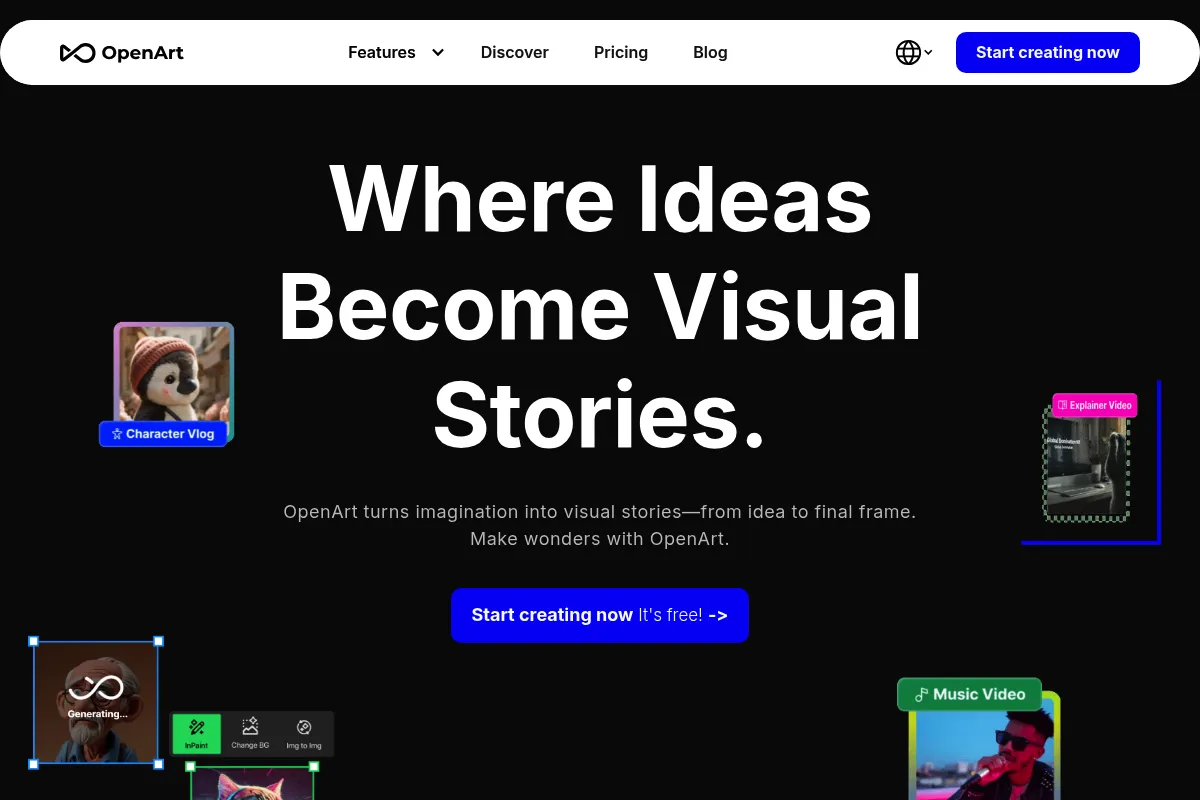
Who Should Use OpenArt?
Typical users
Digital artists, game asset designers, and marketing teams who require iterative control over AI-generated visuals.
Maturity fit
beginner to scaling
Choose this if…
- You want the control of Stable Diffusion without managing Python environments or hardware
- Your workflow involves turning hand-drawn sketches into polished digital art
- You need to train custom AI models on a specific character or art style
- You prioritize composition control (ControlNet) over simple text-to-image generation
Skip this if…
- You prefer the 'hands-off' aesthetic and high-quality defaults of Midjourney
- You have a high-end GPU and prefer running Stable Diffusion locally for free
- Your only requirement is basic stock-style imagery for blog posts
About OpenArt
OpenArt is a browser-based creative suite built on open-source generative models like Stable Diffusion and Flux. It exists to bridge the gap between basic AI generators and complex local setups, offering a visual interface for advanced prompting and image manipulation.
What it actually does
Users generate images from text, transform sketches into realistic renders, and edit existing photos using brush-based tools. The platform also hosts a massive searchable library of prompts and models to help users replicate specific artistic styles.
What makes it different
Unlike Midjourney’s Discord-based interface, OpenArt provides a dedicated canvas with tools like 'Creative Variations' and 'Magic Brush' for localized editing. It simplifies complex Stable Diffusion features like ControlNet and LoRA training into a user-friendly dashboard.
Ratings across the web

Ratings aggregated from independent review platforms.
Key Features
Sketch to Image
Converts rough drawings into detailed visuals while maintaining composition
Creative Variations
Generates multiple versions of an uploaded image with varying degrees of change
Magic Brush
Allows users to paint over specific areas to add, remove, or modify objects
Train Your Own Model
Enables users to upload 10-20 images to teach the AI a specific person or style
ControlNet Integration
Provides precise control over character poses and structural outlines
Prompt Book
A curated guide to help users master the syntax required for high-quality outputs
Flux.1 Support
Access to the latest high-fidelity open-weight models for better text rendering in images
Pricing
Free
- 50 one-time credits
- Daily 10 credits
- Access to basic models
- Community support
Starter
- 5,000 credits/mo
- Access to all tools
- 30+ AI models
- Parallel generations
Hobbyist
- 15,000 credits/mo
- Sketch-to-image
- Creative variations
- Public model training
Pro
- Unlimited credits (slow mode)
- 8 parallel generations
- Private model training
- Priority support
Pricing checked 6 months ago
Pricing guidance
- When you need to train a custom model on your own images
- When you require private generations that aren't visible to the community
- When you hit the daily credit limit on the free tier
- Unlimited generation on Pro is subject to 'Relaxed Mode' which significantly increases wait times
- Model training costs additional credits beyond the monthly subscription allotment
Mid-range pricing that is competitive with Leonardo.ai but more expensive than a basic Midjourney subscription.
Pros & Cons
Strengths
-
Granular control over output
Unlike black-box generators, you can adjust structural adherence, prompt weight, and specific model versions.
-
Accessible advanced features
Makes complex techniques like Inpainting and ControlNet usable for non-technical creators through a clean UI.
-
Strong community resources
The prompt search engine and public model library reduce the trial-and-error phase of image generation.
-
No hardware requirements
Runs heavy generative models in the cloud, removing the need for expensive local GPUs.
Weaknesses
-
Confusing credit system
Different actions consume different amounts of credits, making it hard to predict monthly costs for heavy users.
Affects: High-volume freelance creators
-
Steeper learning curve than competitors
The abundance of sliders and model options can be overwhelming compared to simpler tools like DALL-E 3.
Affects: Casual users or beginners
-
Slow mode on 'Unlimited' plans
The Pro plan's unlimited generation moves to a slower queue after a certain threshold, which can hinder tight deadlines.
Affects: Professional power users
Real User Sentiment
Users generally appreciate the balance of power and usability, though pricing transparency is a recurring minor friction point.
Users tend to like
- The Sketch-to-Image feature is frequently cited as the best in its class
- The ability to browse and copy prompts from other successful images
- Fast integration of new models like Flux.1
Users commonly complain about
- The credit system feels 'nickel-and-dimed' for certain advanced features
- Occasional UI lag when handling large image batches
- The 'Unlimited' marketing on the Pro plan is misleading due to slow mode
Recurring tradeoffs
- You trade the 'perfect' first-time results of Midjourney for the ability to fix and edit specific parts of an image.
Happiest users
Concept artists and designers who use AI as a starting point for further manual editing.
Often frustrated
Users looking for a simple 'text-in, masterpiece-out' experience without touching settings.
Use Cases
Character Design
Using Sketch-to-Image to turn a rough character doodle into a 3D-style render
Marketing Assets
Generating consistent brand visuals by training a model on existing company assets
Interior Design
Using Outpainting to expand a photo of a room and visualize different furniture layouts
E-commerce
Replacing backgrounds of product photos using the Magic Brush tool
Social Media Content
Creating stylized variations of a single portrait for different platform aesthetics
Frequently Asked Questions
Is OpenArt free to use?
OpenArt offers a limited free tier with 50 initial credits and 10 daily credits. However, professional features and high-volume generation require a paid plan starting at $12/month.
How does OpenArt compare to Midjourney?
Midjourney generally produces more 'artistic' results with less effort but lacks a web UI and precise editing tools. OpenArt offers more control through features like Inpainting and Sketch-to-Image.
Can I use the images I generate for commercial purposes?
Yes, images generated on paid plans can be used commercially. However, users should verify the specific license of the underlying model used (e.g., SDXL vs. Flux) as some have specific restrictions.
Does OpenArt integrate with Photoshop?
There is no native Photoshop plugin. Users must download their generated images and manually import them into editing software, though OpenArt's built-in tools handle many tasks usually reserved for Photoshop.
What are the limitations of the 'Unlimited' Pro plan?
The Pro plan offers unlimited generations, but after a certain usage threshold, your tasks are moved to a 'Relaxed' queue, which means images take longer to generate during peak times.
Can I train my own AI model on OpenArt?
Yes, OpenArt allows you to train custom LoRA models by uploading a set of images. This feature is available on paid plans and is ideal for maintaining consistency across a series of images.
Why trust this page?
This evaluation combines product positioning, pricing analysis, traffic and market signals, and public user sentiment into a single decision-support page. Content is generated editorially — not copied from the vendor's website.
Funding & Company
Founded
2022
Stage
Series a
Total Raised
$35M
Latest Round
Series A (Jan 2026)
Notable Investors
OpenArt has raised a total of $35 million across two funding rounds, including a $30 million Series A in January 2026 led by Canaan Partners. This significant recent funding provides the company with substantial capital to scale its AI-powered creative tools and ensure operational stability.
Market Signals & Traffic
Estimated visits, global rank, geography, traffic sources, monthly visit trends, and organic search keywords (Similarweb)—on a dedicated page built for depth and search.
- Estimated visits
- 0
- Global rank
- —
- Snapshot
- May 2026
- Traffic trend
- Steady
Estimated monthly visits
Alternatives to OpenArt
View all alternativesMidjourney
Content Creation
AI tool that generates images from natural language text prompts.
Stable Diffusion
Content Creation, Developer Tools, AI Assistant

Open-source generative AI models for image, video, audio, and code.
Leonardo AI
Content Creation
AI platform for creating and editing visual assets like images and video.
Similar Tools
PicMonkey
Design, Content Creation

Online photo editor and graphic design tool for creators.
Photopea
Design, Content Creation

Advanced web-based image editor for raster and vector graphics.
AirBrush
Design, Content Creation

Professional photo editing and retouching tool for portraits and selfies.
BrandCrowd
Design, Content Creation
Logo maker and branding design platform for small businesses.
Evatype
Design, Content Creation

Generate custom, high-quality fonts and typography using text descriptions.
Color Hunt
Design, Content Creation
Curated collection of trendy color palettes for designers and artists.