

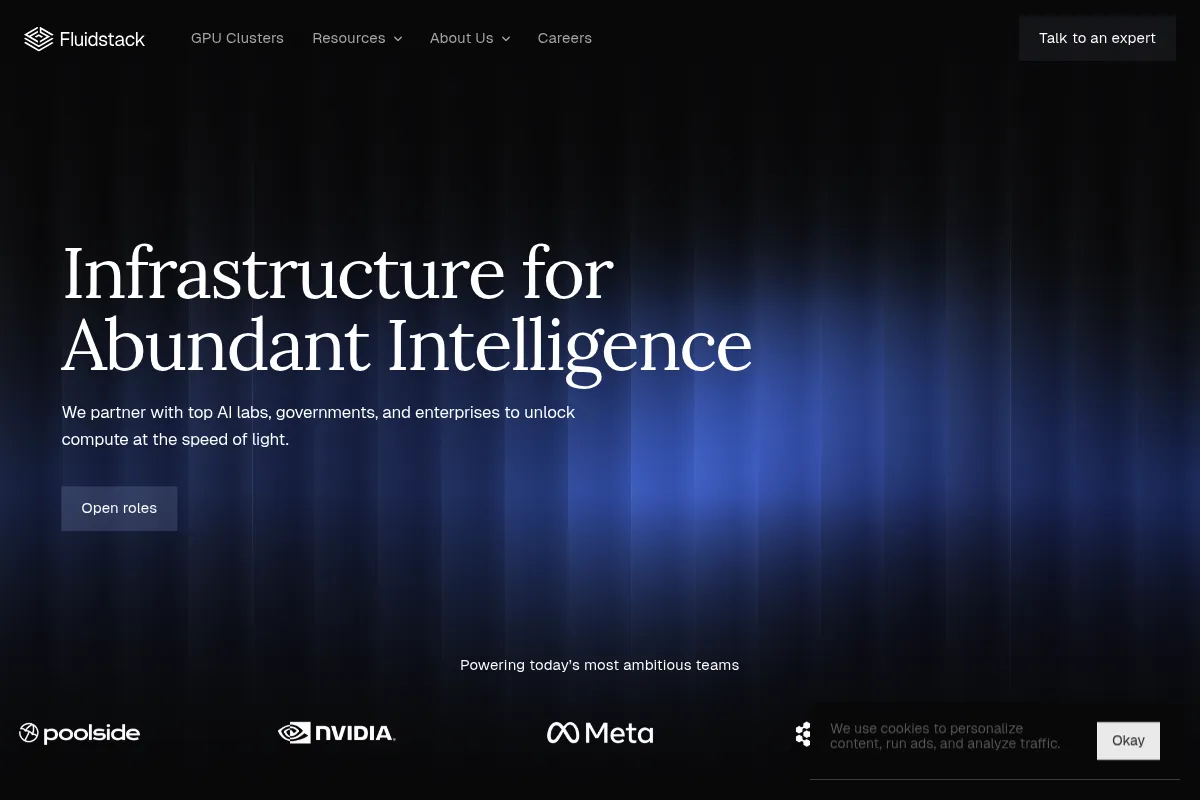
FluidStack is a GPU infrastructure aggregator that sources capacity from a global network of data centers to provide high-end compute like H100s and A100s at significantly lower rates than hyperscalers.
Excellent for AI startups and research teams scaling LLM training or batch inference on a budget, weaker for enterprises requiring the unified ecosystem and strict SLAs of AWS or GCP.
Analysis based on product data, pricing structure, traffic signals, and public user sentiment.
Who Should Use FluidStack?
Typical users
ML engineers, data scientists, and DevOps leads at AI-native startups or research institutions needing high-density compute.
Maturity fit
scaling to advanced
Choose this if…
- Your priority is raw GPU price-to-performance over managed platform services
- You need immediate access to H100 or A100 clusters that are backordered on Tier-1 clouds
- Your workload is containerized and can handle the variability of a distributed provider network
Skip this if…
- You require a deep ecosystem of integrated services like Sagemaker or Vertex AI
- Your compliance requirements mandate that data stays within a specific, single-provider data center
- You need 100% guaranteed uptime for mission-critical, real-time production APIs
About FluidStack
FluidStack acts as a supply-side aggregator for the GPU market. It partners with Tier 2-4 data centers globally to resell underutilized capacity, providing a unified interface for users to rent high-end NVIDIA hardware without the overhead of traditional cloud giants.
Official profiles
What it actually does
The platform provides on-demand and reserved access to GPU instances via a web console or API. Users can deploy pre-configured environments for machine learning, rendering, or large-scale simulations across a distributed network of global providers.
What makes it different
Unlike Lambda Labs or CoreWeave which own their hardware, FluidStack is a marketplace. This allows them to offer a larger, more geographically diverse pool of GPUs and often lower prices, though it introduces more variability in hardware age and networking performance between different host sites.
Ratings across the web

Ratings aggregated from independent review platforms.
Key Features
Global GPU Marketplace
Accesses hardware from over 200 data centers to find availability when others are sold out.
H100 & A100 Availability
Focuses on high-demand NVIDIA Hopper and Ampere architectures for LLM workloads.
Custom Networking
Offers options for high-speed interconnects like InfiniBand for distributed training tasks.
Flexible Billing
Supports hourly billing for short-term experiments and significant discounts for long-term commitments.
Pre-installed ML Stacks
Provides images with CUDA, PyTorch, and TensorFlow ready to run.
Geographic Targeting
Allows users to pick specific regions to minimize latency or meet data residency needs.
Pricing
NVIDIA L40 / L40S
- 48GB VRAM
- On-demand availability
- Best for inference and rendering
- Global locations
NVIDIA A100 (80GB)
- 80GB SXM4/HBM2e
- High-bandwidth memory
- Ideal for medium-scale training
- Reserved discounts available
NVIDIA H100 (80GB)
- 80GB HBM3
- Hopper architecture
- Optimized for LLM training
- Multi-node clustering support
Pricing checked 4 months ago
Pricing guidance
- When moving from experimentation to production-scale training
- When you need guaranteed availability via reserved instances
- When your model size exceeds the VRAM of L40/A100 cards
- Storage costs are often billed separately from compute
- Data egress fees vary by the underlying data center provider
- Minimum spend requirements may apply for specific high-end clusters
Highly competitive and market-driven, positioning itself as the low-cost alternative to major cloud providers.
Pros & Cons
Strengths
-
Aggressive pricing on high-end chips
By sourcing from smaller data centers, they often undercut AWS and Azure by 50-70% for the same NVIDIA hardware.
-
Higher availability during shortages
Their aggregator model means they can often find H100 capacity when centralized providers have months-long waitlists.
-
Low-latency edge options
The distributed nature of their network allows for compute placement closer to end-users for inference tasks.
Weaknesses
-
Inconsistent hardware performance
Because instances run on different providers' hardware, you may see variance in CPU performance or disk I/O between two 'identical' GPU instances.
Affects: Performance-sensitive training jobs
-
Fragmented support experience
Troubleshooting hardware issues often requires FluidStack to coordinate with the underlying data center provider, slowing down resolution times.
Affects: Teams without in-house DevOps capacity
-
Limited managed services
You are renting a VM, not a platform. You are responsible for orchestration, monitoring, and data persistence layers.
Affects: Small teams who want a 'no-ops' experience
Real User Sentiment
Generally positive regarding cost and availability, but cautious regarding the 'wild west' nature of distributed data centers.
Users tend to like
- Significant cost savings compared to AWS
- Ease of spinning up instances via the console
- Responsive sales team for custom clusters
- Access to rare hardware
Users commonly complain about
- Occasional instance instability
- Variable network speeds between nodes
- UI can be clunky compared to modern SaaS
Recurring tradeoffs
- Users trade the reliability and integrated tools of a hyperscaler for lower raw compute costs.
Happiest users
ML researchers and bootstrapped AI startups who need to maximize their compute budget.
Often frustrated
Enterprise IT managers who expect standardized support SLAs and SOC2 compliance across all nodes.
Use Cases
LLM Fine-tuning
Renting an 8x A100 cluster for a week to train a custom model on proprietary data.
Batch Inference
Running large-scale image generation or text processing jobs where 100% uptime isn't critical.
3D Rendering
Utilizing L40 GPUs for high-speed Octane or Redshift render jobs.
Academic Research
Accessing high-end compute for simulations without the bureaucratic delay of university clusters.
Video Transcoding
Scaling compute horizontally to process massive video libraries at low cost.
Frequently Asked Questions
How does FluidStack pricing compare to AWS?
FluidStack is typically 50-80% cheaper than AWS. For example, an A100 on AWS (p4d instance) can cost over $32/hour for a multi-GPU node, whereas FluidStack often lists individual A100s starting around $1.10-$1.50/hour, allowing for much more granular and affordable scaling.
Is there a free trial or free tier?
FluidStack does not offer a free tier. Because they are a marketplace for high-demand hardware, every hour of GPU time has a hard cost. However, they occasionally offer small credits to researchers or startups upon request to test their infrastructure.
How does FluidStack handle data security?
FluidStack vets its data center partners, but since your data lives on third-party hardware, security is a shared responsibility. They offer encrypted storage and private networking options, but users with extreme security requirements (like healthcare or defense) should verify the specific data center's certifications before deploying.
Can I use FluidStack for crypto mining?
While technically possible, FluidStack's pricing is optimized for AI and rendering. Most miners find the hourly rates for high-end GPUs like A100s too high for profitable mining compared to dedicated mining rigs or cheaper consumer-grade cards.
What happens if my instance goes down?
FluidStack provides support to help resolve issues, but because they don't own the hardware, they may have to wait for the local data center staff to fix physical problems. For production workloads, they recommend deploying across multiple regions to ensure redundancy.
Does FluidStack support Kubernetes?
Yes, FluidStack supports Kubernetes deployments. You can either set up your own cluster on their VMs or work with their team to deploy managed Kubernetes environments for larger, more complex workloads.
Why trust this page?
This evaluation combines product positioning, pricing analysis, traffic and market signals, and public user sentiment into a single decision-support page. Content is generated editorially — not copied from the vendor's website.
Funding & Company
Founded
2017
Stage
Late stage
Total Raised
$715.2M
Latest Round
Series B (Jan 2026)
Notable Investors
FluidStack has raised a total of $677.7 million in equity funding, with a significant acceleration in 2025 and 2026. This substantial capital, including a recent $450 million round, positions the company to aggressively scale its GPU cloud platform to meet the intense demand for AI infrastructure.
Market Signals & Traffic
Estimated visits, global rank, geography, traffic sources, monthly visit trends, and organic search keywords (Similarweb)—on a dedicated page built for depth and search.
- Estimated visits
- 100,964
- Global rank
- #342,592
- Snapshot
- Apr 2026
- Traffic trend
- Surging
Estimated monthly visits
Similar Tools
Tenstorrent
Developer Tools, Research

RISC-V based hardware and software for scalable AI computing.
Inception
Developer Tools, Research

Specialized large language models and sovereign infrastructure for enterprises.
Akash Network
Developer Tools, Research

Decentralized cloud marketplace for high-performance GPU and compute resources.
Weights & Biases (W&B)
Developer Tools, Research

Developer platform for tracking, visualizing, and managing machine learning experiments.
Unsloth
Developer Tools, Research

Lightweight framework for faster and memory-efficient LLM fine-tuning.
Cleanlab
Developer Tools, Research

Automated data curation to find and fix dataset errors.