

A spatial research engine that transforms linear AI outputs into interactive mind maps, making it highly effective for conceptual breakdown but less capable as a formal diagramming tool.
Excellent for students and researchers mapping complex subjects, weaker for users requiring precise aesthetic control or project management integrations.
Analysis based on product data, pricing structure, traffic signals, and public user sentiment.
Who Should Use Heuristica?
Typical users
Individual researchers, students, and content strategists who need to synthesize high volumes of information into structured visual hierarchies.
Maturity fit
beginner to scaling
Choose this if…
- Your research process feels cluttered in standard chat interfaces
- You need to visualize the relationship between sub-topics and parent concepts
- Your priority is rapid knowledge acquisition over document production
Skip this if…
- You need a professional mind-mapping tool with advanced styling and layout controls
- Your workflow depends on deep integrations with task managers like Jira or Asana
- You require a collaborative real-time whiteboarding environment for large teams
About Heuristica
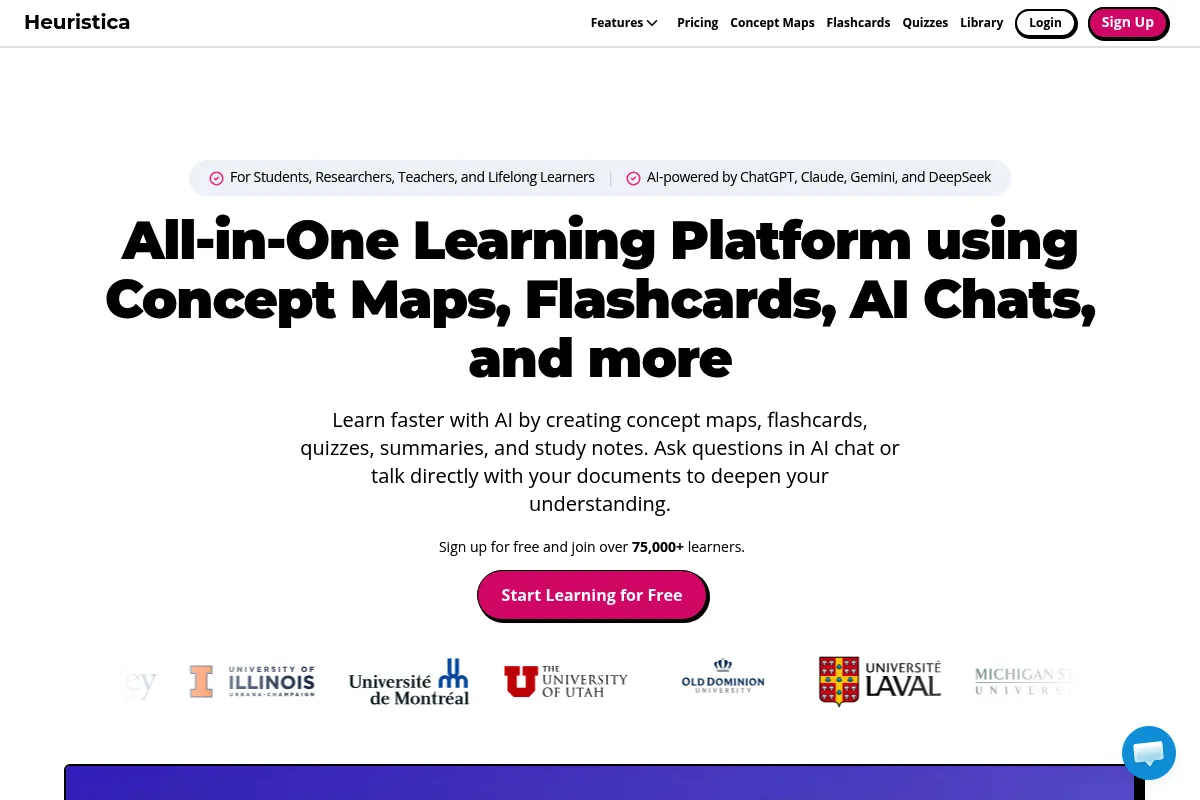
Heuristica is a visual knowledge exploration platform designed to replace linear AI chat threads with an infinite canvas. It allows users to branch out from a central topic into granular sub-concepts using various LLMs, creating a persistent map of a research session.
Official profiles
What it actually does
Users input a topic and use AI-powered 'expansion' buttons to generate related nodes, summaries, or critiques. It visualizes the research path, allowing users to jump between different branches of a subject without losing context.
What makes it different
Unlike standard LLM interfaces that bury previous answers in a scrollable history, Heuristica uses a non-linear canvas. It treats every AI response as a node that can be further interrogated, summarized, or connected to external data sources like PDFs and YouTube videos.
Ratings across the web

Ratings aggregated from independent review platforms.
Key Features
One-click Expansion
Generates sub-topics or related questions to prevent research dead-ends.
Model Selector
Allows toggling between different LLMs to compare perspectives on the same node.
Explain Like I'm Five (ELI5)
A dedicated shortcut to simplify complex technical nodes instantly.
Source Grounding
Links AI responses to uploaded documents or web search results to reduce hallucinations.
Infinite Canvas
Maintains the entire history of a research session in a single visual space.
Multi-format Input
Processes URLs, YouTube videos, and local files as the basis for new maps.
Pricing
Free
- 20 AI actions per day
- Access to basic models
- Unlimited maps
- Community support
Pro
- Unlimited AI actions
- Access to GPT-4o, Claude 3.5 Sonnet, Gemini 1.5 Pro
- Web search capabilities
- PDF and YouTube analysis
- Priority support
Pricing checked 6 months ago
Pricing guidance
- When you hit the 20-action daily limit
- When you need to analyze a specific PDF or YouTube video
- When you require the higher reasoning capabilities of Claude 3.5 or GPT-4o
- Free users are restricted to 'Basic' models which are more prone to hallucinations
- Web search is locked behind the paid tier
Aggressively affordable compared to individual subscriptions for multiple LLMs.
Pros & Cons
Strengths
-
Superior context retention
By keeping all branches visible on one canvas, users avoid the 'context window' fatigue common in long, linear chat sessions.
-
Rapid topic decomposition
The ability to quickly branch into 'Pros/Cons' or 'Examples' makes it significantly faster than manual prompting for structured learning.
-
Flexible AI backend
Accessing Claude 3.5 Sonnet and GPT-4o in one interface provides a cost-effective way to use top-tier models for research.
Weaknesses
-
Restrictive free tier
The 20-action daily limit is often exhausted within 10-15 minutes of active research, making the free version a demo rather than a utility.
Affects: Casual users and students on a budget
-
Basic visual customization
Users cannot easily change node colors, line styles, or layout structures, which limits its use for professional presentations.
Affects: Design-conscious users and corporate presenters
-
Limited export utility
While it exports to Markdown, the visual relationship between nodes is often lost in the transition to text-based files.
Affects: Users needing to move data into other knowledge management systems
Real User Sentiment
Users generally appreciate the tool for its ability to 'unblock' writing and research through visual branching, though some find the UI a bit utilitarian.
Users tend to like
- The 'Explain' and 'Critique' node shortcuts
- The speed of generating a full topic map
- The ability to see the 'big picture' of a research project
Users commonly complain about
- The UI feels a bit dated or 'clunky' compared to modern whiteboarding tools
- Lack of mobile app or optimized mobile experience
- The daily credit limit on the free plan is frustratingly low
Recurring tradeoffs
- Users trade aesthetic control for AI-driven speed and structure.
Happiest users
Visual learners and students who need to quickly grasp the breadth of a new subject area.
Often frustrated
Professional designers or project managers who expect the flexibility of a tool like Miro or MindMeister.
Use Cases
Literature Review
Uploading multiple PDFs to map out common themes and contradictions.
Content Planning
Branching a core keyword into sub-topics, FAQs, and article outlines.
Exam Prep
Breaking down complex textbook chapters into visual study guides.
Technical Onboarding
Mapping out a new codebase or software architecture based on documentation.
Brainstorming
Using the 'Critique' function to find holes in a business proposal or project plan.
Frequently Asked Questions
Is Heuristica free to use?
There is a free tier, but it is limited to 20 AI actions per day and uses basic models. For unlimited research and access to GPT-4o or Claude 3.5, the Pro plan costs $10 per month.
How does Heuristica compare to ChatGPT?
ChatGPT is a linear chat interface where old information scrolls off-screen. Heuristica is a visual canvas where every response is a node, allowing you to explore multiple branches of a conversation simultaneously without losing context.
Can I upload my own files for analysis?
Yes, the Pro plan allows you to upload PDFs and other documents. The AI then uses these files as the primary source for generating nodes and summaries on your map.
Does it support real-time web search?
Yes, on the Pro plan, you can enable web search for nodes, allowing the AI to pull in current information and links from the internet rather than relying solely on its training data.
Can I collaborate with others on a map?
Currently, Heuristica is primarily a single-user tool. While you can share links to your maps or export them, it does not support real-time multi-user editing like Miro.
What models does Heuristica use?
The Pro plan provides access to a variety of top-tier models including GPT-4o, Claude 3.5 Sonnet, and Gemini 1.5 Pro. You can switch between these models for any specific node.
Why trust this page?
This evaluation combines product positioning, pricing analysis, traffic and market signals, and public user sentiment into a single decision-support page. Content is generated editorially — not copied from the vendor's website.
Funding & Company
Founded
2023
Stage
Bootstrapped
Total Raised
Bootstrapped
Latest Round
—
Heuristica is a bootstrapped company that has not raised any external funding. It has been profitable since its launch, relying on its own revenue for growth and operations.
Market Signals & Traffic
Estimated visits, global rank, geography, traffic sources, monthly visit trends, and organic search keywords (Similarweb)—on a dedicated page built for depth and search.
- Estimated visits
- 88,398
- Global rank
- #423,628
- Snapshot
- Apr 2026
- Traffic trend
- Surging
Estimated monthly visits
Similar Tools
Recall
Productivity, Research, Documentation

Summarize and organize online content into a personal knowledge base.
NeuronWriter
Content Creation, SEO, Productivity

AI-powered content optimization and SEO writing platform.
Cosmo
AI Assistant, Productivity, Workflow

Browser extension for summarizing, writing, and interacting with web content
Sejda
Productivity, Documentation, Data Extraction

Comprehensive PDF editor for document conversion, merging, and signing.
MeetGeek
AI Assistant, Productivity, Training & Onboarding

AI meeting assistant that records, transcribes, and summarizes your calls.
Moonshot AI
AI Assistant, Research, Developer Tools

Large language model platform specializing in massive context window processing.