

A high-end contract lifecycle management platform that replaces manual legal bottlenecks with automated workflows and collaborative browser-based redlining.
Best for mid-market and enterprise legal teams managing high-volume agreements, weaker for small teams with basic document needs.
Analysis based on product data, pricing structure, traffic signals, and public user sentiment.
Who Should Use Ironclad?
Typical users
In-house legal counsel, legal operations managers, and sales ops teams at companies with 200+ employees.
Maturity fit
scaling to advanced
Choose this if…
- Your legal team is a bottleneck for sales deal cycles
- You need to automate complex approval chains across multiple departments
- You want to eliminate the 'download-edit-upload' cycle of contract redlining
- Your priority is data-driven insights into contract turnaround times
Skip this if…
- You only need a simple e-signature tool like DocuSign or HelloSign
- You have a low volume of unique or complex contracts
- You lack the internal resources to manage a multi-month implementation process
About Ironclad
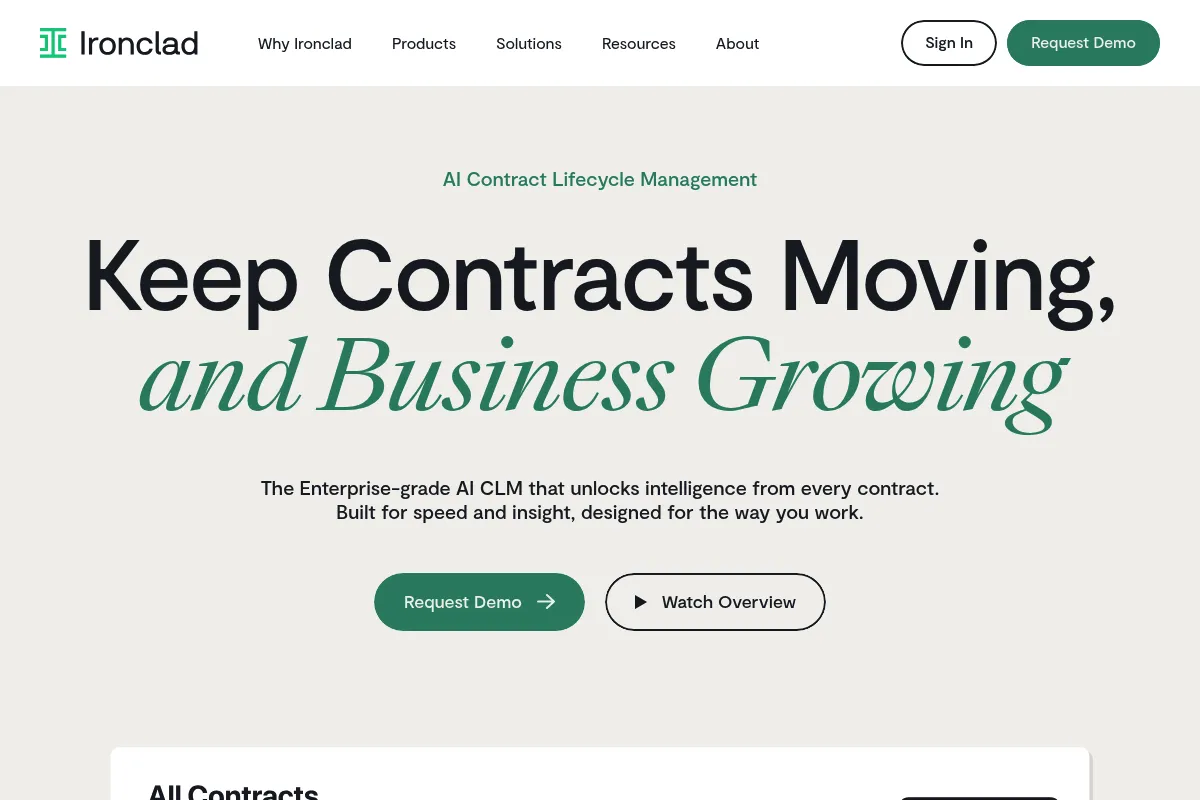
Ironclad is a digital contracting platform built to handle the entire lifecycle of a legal document. It focuses on moving contracts out of static PDFs and into a structured, data-rich environment where legal and business teams can collaborate in real-time.
Official profiles
What it actually does
It automates the creation, negotiation, and storage of business contracts. Users build visual workflows to route documents for approval, negotiate terms in a browser-based editor, and store finalized agreements in an AI-powered searchable repository.
What makes it different
Unlike legacy CLMs that rely on heavy IT support, Ironclad uses a 'Workflow Designer' that allows legal teams to build their own logic without code. Its native browser-based editor also maintains perfect .docx compatibility, solving the common formatting issues found in other web-based redlining tools.
Ratings across the web

Ratings aggregated from independent review platforms.
Key Features
Workflow Designer
Allows legal teams to build and modify contract logic using a drag-and-drop interface.
Ironclad Editor
Enables real-time negotiation and redlining in the browser while maintaining .docx formatting.
AI Insights
Automatically identifies and tags key clauses and dates during the import process.
Salesforce Integration
Syncs data between CRM and contracts to prevent manual data entry errors.
Public Links
Simplifies the distribution of standard agreements like NDAs via a URL.
Repository
Provides a centralized hub with automated alerts for upcoming renewals and expirations.
Clickwrap
Handles high-volume, non-negotiable agreements like Terms of Service with a single click.
Pricing
Contact Sales
- Workflow Designer access
- Ironclad Editor
- AI-powered Repository
- Standard Integrations (Salesforce, Slack)
- Unlimited e-signatures
Pricing checked 4 months ago
Pricing guidance
- When you need to automate more than just NDAs
- When you require AI-driven analytics across thousands of legacy documents
- When you need to integrate with complex ERP systems
- Pricing is often tied to user seats, which can scale quickly if you include all 'approvers' in the organization.
- Advanced AI features may require higher-tier commitments.
Premium enterprise positioning with high entry costs justified by significant time savings for legal departments.
Pros & Cons
Strengths
-
User-friendly workflow automation
The Workflow Designer is intuitive enough for legal professionals to manage without needing a developer, which speeds up internal process changes.
-
Superior redlining experience
The browser-based editor feels like Google Docs but exports perfectly to Word, removing the friction of version control across different platforms.
-
Strong data visibility
The platform turns contracts into data points, allowing leadership to see exactly where deals are stalling in the legal process.
-
High-quality Salesforce sync
The integration is deeper than most competitors, allowing sales teams to stay in their CRM while legal works in Ironclad.
Weaknesses
-
High implementation effort
Getting the platform fully configured for complex enterprise needs often takes months and significant internal coordination.
Affects: Legal Operations teams
-
Prohibitive cost for small teams
The pricing structure and minimums make it difficult to justify for startups or companies with low contract volume.
Affects: Early-stage founders
-
Steep learning curve for admins
While end-users find it easy, the administrative side of managing permissions and complex logic requires dedicated training.
Affects: System Administrators
Real User Sentiment
Users generally view Ironclad as the 'gold standard' for modern legal teams, praising its UI while acknowledging the high price tag.
Users tend to like
- The visual workflow builder
- Ease of use for non-legal employees
- The browser-based editor's reliability
- Responsiveness of the support team
Users commonly complain about
- Complexity of initial setup
- High cost compared to basic e-sign tools
- Occasional lag when handling very large documents
Recurring tradeoffs
- You trade a high upfront implementation cost for long-term operational efficiency.
Happiest users
Legal Ops managers at fast-growing tech companies who need to scale contract volume without hiring more lawyers.
Often frustrated
Small business owners who find the platform's depth overwhelming and its price unjustifiable for simple document storage.
Use Cases
Sales Contracting
Accelerating the quote-to-cash process by automating standard sales agreements.
Procurement
Managing vendor onboarding and renewals with automated reminders and approval chains.
HR Onboarding
Handling high volumes of offer letters and employee agreements with Clickwrap.
Legal Operations
Centralizing all company contracts into a single, searchable, AI-indexed source of truth.
M&A Due Diligence
Using AI to quickly scan and extract key terms from thousands of contracts during an acquisition.
Frequently Asked Questions
How much does Ironclad cost?
Ironclad does not publish pricing. Industry reports suggest annual contracts typically start between $15,000 and $25,000 for small teams, scaling significantly based on user count and contract volume. You must contact their sales team for a custom quote.
How does Ironclad compare to DocuSign?
DocuSign is primarily an e-signature tool, whereas Ironclad is a full Contract Lifecycle Management (CLM) platform. While DocuSign has a CLM product, Ironclad is often preferred for its superior no-code workflow builder and more modern user interface.
Does Ironclad replace Microsoft Word?
No, it works with it. Ironclad's editor is built to be 100% compatible with .docx files, allowing you to edit in the browser while others can still use Word without losing formatting or track changes.
How long does implementation take?
A standard implementation usually takes 3 to 6 months. This includes mapping your current legal processes, building workflows, and migrating legacy contracts into the repository.
Does Ironclad have an API?
Yes, Ironclad provides a robust API that allows developers to programmatically trigger workflows, retrieve contract data, and sync documents with other internal systems.
Can I use Ironclad for simple NDAs?
Yes, but it is likely overkill if that is your only use case. Ironclad is most valuable when managing complex agreements that require multiple approvals and negotiations.
Why trust this page?
This evaluation combines product positioning, pricing analysis, traffic and market signals, and public user sentiment into a single decision-support page. Content is generated editorially — not copied from the vendor's website.
Funding & Company
Founded
2014
Stage
Late stage
Total Raised
$334.2M
Latest Round
Series E (Jan 2022)
Notable Investors
Ironclad has raised a total of $334.2 million over six rounds, culminating in a $150 million Series E in January 2022 which valued the company at $3.2 billion. This substantial backing from top-tier investors like Franklin Templeton, Sequoia Capital, and Accel indicates strong market confidence and provides a significant runway for product development and market expansion.
Market Signals & Traffic
Estimated visits, global rank, geography, traffic sources, monthly visit trends, and organic search keywords (Similarweb)—on a dedicated page built for depth and search.
- Estimated visits
- 869,932
- Global rank
- #45,899
- Snapshot
- Apr 2026
- Traffic trend
- Surging
Estimated monthly visits
Similar Tools
Airia
Developer Tools, Automation, Privacy & Compliance

Enterprise orchestration platform for managing and scaling model deployments.
Avoma
Productivity, Training & Onboarding, Automation & Agents

AI meeting assistant for automated note-taking, transcription, and analysis.
PDFgear AI
Productivity, AI Assistant, Documentation

Comprehensive PDF editor and manager with integrated chat-to-document capabilities.
Warmy
Email Marketing

An AI-powered platform for email warm-up and deliverability to improve sender reputation.
Contextual AI
Developer Tools, Search, AI Assistant

Enterprise platform for building grounded and reliable language models.
Encharge
Marketing Automation, Email Marketing, Automation

Marketing automation platform for SaaS behavior-based email workflows.