

A specialized visual asset manager that replaces manual tagging with AI-driven metadata, making it the most efficient way for creative teams to build searchable inspiration libraries.
Excellent for creative directors and agencies managing massive visual libraries, weaker for users who need general-purpose project management or local-only storage.
Analysis based on product data, pricing structure, traffic signals, and public user sentiment.
Who Should Use Kive?
Typical users
Creative directors, photographers, film directors, and design agencies who handle thousands of reference images and videos.
Maturity fit
Beginner to scaling
Choose this if…
- You want to search your library by visual attributes like 'neon lighting' or 'wide shot' without manual tagging.
- Your workflow involves turning inspiration into professional moodboards or storyboards for clients.
- You need a cloud-based alternative to Eagle that supports team collaboration.
Skip this if…
- You require local-only storage for privacy or offline access.
- You need a tool for task management and deadlines rather than just visual organization.
- You are a solo user with a small library that Pinterest or a simple folder structure can handle.
About Kive
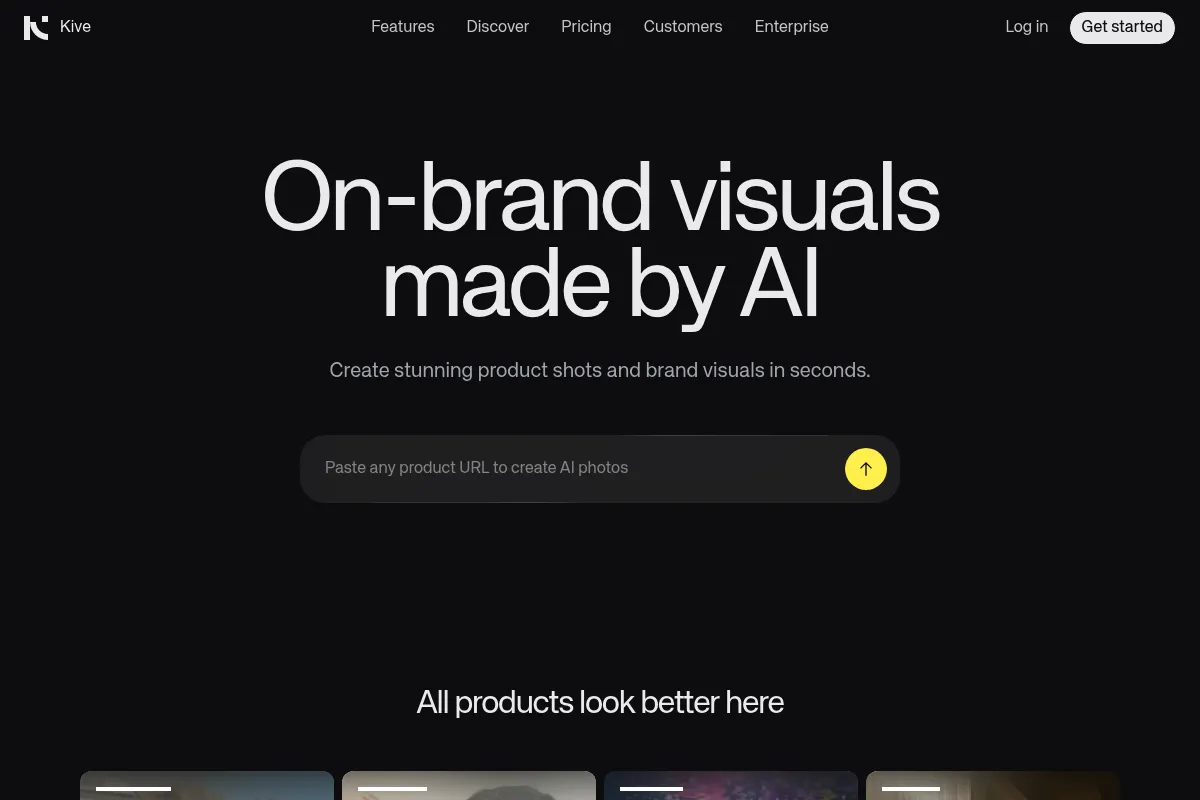
Kive is an AI-powered visual library built for the creative industry. It automates the tedious process of organizing inspiration by using machine learning to 'see' and tag content as it is uploaded. It bridges the gap between a messy inspiration dump and a structured creative workspace.
Official profiles
What it actually does
Kive automatically categorizes images and videos based on their visual content, including lighting, composition, and objects. Users can save content via a browser extension, organize it into workspaces, and use a flexible canvas to arrange assets into moodboards or storyboards.
What makes it different
Unlike Pinterest or Are.na, Kive focuses on professional utility through deep AI indexing. It doesn't just tag 'car'; it understands 'cinematic lighting' or 'low angle.' This architectural focus on visual metadata makes it a search engine for your own brain rather than just a bookmarking tool.
Ratings across the web

Ratings aggregated from independent review platforms.
Key Features
Visual Search
Find assets using descriptive terms like 'overcast' or 'minimalist' without ever adding a tag.
Canvas
A freeform space to arrange images, add text, and create structured layouts for pitches.
Video Scrubbing
AI indexes video content, allowing you to find specific moments or visual styles within clips.
Team Workspaces
Centralized libraries where multiple users can contribute to and search a shared pool of inspiration.
AI Image Generation
Create new visuals directly on the canvas to fill gaps in a moodboard.
Smart Folders
Automatically group assets based on visual similarity or specific search criteria.
Mobile App
Access and upload to your library on the go, though it is more limited than the web version.
Pricing
Free
- 500 assets limit
- 1 workspace
- Basic AI search
- Browser extension access
Pro
- Unlimited assets
- Advanced AI search
- 100 AI generations per month
- Priority support
Team
- Includes 3 seats
- Shared workspaces
- Team management tools
- Collaborative canvas
Pricing checked 5 months ago
Pricing guidance
- When you exceed the 500-asset limit on the Free plan.
- When you need to collaborate with more than one person in a shared library.
- When you need to use AI to generate images directly in your boards.
- AI generation credits are capped even on paid plans.
- The Team plan price covers 3 seats; additional seats cost extra.
Premium positioning compared to generic tools, but competitive within the niche of professional creative asset management.
Pros & Cons
Strengths
-
Zero-effort organization
The AI tagging is accurate enough that you can stop manually naming files or adding tags, which is the primary bottleneck in visual asset management.
-
Superior video handling
Most moodboarding tools treat video as an afterthought; Kive treats it as a first-class citizen with searchable frames and smooth playback.
-
Professional presentation
The canvas and sharing features are polished enough to send directly to clients for feedback or pitch approvals.
Weaknesses
-
Cloud-only dependency
Unlike competitors like Eagle, Kive requires an internet connection and stores everything in the cloud, which may be a dealbreaker for high-security projects.
Affects: Enterprise teams and high-budget film productions
-
Steep price jump for teams
The transition from a single Pro user to a Team plan is a significant cost increase, especially for small boutique agencies.
Affects: Small creative teams and startups
-
Limited mobile functionality
The mobile app is primarily for viewing and quick uploads; you cannot perform complex canvas edits or deep organization on a phone.
Affects: Users who work frequently on tablets or mobile devices
Real User Sentiment
Users are generally impressed by the 'magic' of the AI search, often citing it as the reason they switched from other tools.
Users tend to like
- The accuracy of the automatic tagging
- The clean, aesthetic user interface
- The ability to search videos by visual content
- The speed of the browser extension
Users commonly complain about
- Lack of an offline mode
- Occasional slow upload speeds for large video files
- The cost for small teams
Recurring tradeoffs
- You trade local privacy and one-time payments (like Eagle) for cloud convenience and AI-powered search.
Happiest users
Creative directors at agencies who need to quickly pull together high-quality visual references for client pitches.
Often frustrated
Privacy-conscious professionals or those with massive 4K video libraries who struggle with cloud upload times.
Use Cases
Director's Treatment
Quickly finding references for lighting and camera angles to pitch a film concept.
Brand Identity Design
Organizing thousands of logos, textures, and color palettes for a rebrand.
Fashion Moodboarding
Searching a library for specific fabric textures or runway lighting styles.
Interior Design
Categorizing furniture and room layouts by 'vibe' or material without manual tagging.
Ad Agency Pitching
Collaborating on a shared canvas to build a visual narrative for a new campaign.
Frequently Asked Questions
Is there a free version of Kive?
Yes, Kive offers a free plan that includes one workspace and a limit of 500 assets. It is suitable for testing the AI search capabilities, but most professionals will hit the storage limit quickly and need to upgrade to the Pro plan at $12/month (billed annually).
How does Kive compare to Eagle.cool?
Eagle is a local-first application with a one-time purchase fee, making it better for privacy and large local libraries. Kive is cloud-based and subscription-funded, but it offers superior AI-driven search and better team collaboration features that Eagle lacks.
Can Kive search inside videos?
Yes, Kive's AI analyzes video files frame-by-frame. This allows you to search for specific visual elements within a video, such as 'sunset' or 'close-up,' and jump directly to those moments.
Does Kive integrate with other design tools?
Kive primarily integrates via its browser extension for Chrome and Safari. While it doesn't have deep native integrations with the Adobe Creative Cloud yet, you can easily export assets or share canvas links with your team.
What are the limitations of the AI tagging?
While highly accurate for visual styles, lighting, and common objects, the AI may struggle with very niche technical terms or highly abstract concepts. It is designed for creative visual search rather than technical data indexing.
Is my data private on Kive?
Kive is a cloud-based platform. While they use industry-standard encryption, users working on highly sensitive or NDA-restricted projects should review their terms of service, as it is not a self-hosted or local-only solution.
Why trust this page?
This evaluation combines product positioning, pricing analysis, traffic and market signals, and public user sentiment into a single decision-support page. Content is generated editorially — not copied from the vendor's website.
Funding & Company
Founded
2018
Stage
Seed
Total Raised
$8.82M
Latest Round
Seed (Oct 2022)
Notable Investors
Kive has raised a total of $8.82 million over two seed rounds, with the most recent being a $7 million round in October 2022. This funding from established European VCs like Creandum, EQT Ventures, and Heartcore Capital provides a solid financial foundation for product development and team expansion.
Market Signals & Traffic
Estimated visits, global rank, geography, traffic sources, monthly visit trends, and organic search keywords (Similarweb)—on a dedicated page built for depth and search.
- Estimated visits
- 0
- Global rank
- —
- Snapshot
- May 2026
- Traffic trend
- Surging
Estimated monthly visits
Alternatives to Kive
View all alternativesAdobe Firefly
Content Creation, Video Creation

Generative AI tools for creating and editing images, video, and more.
Canva AI
Content Creation

Online design tool for creating graphics, presentations, videos, and websites.
Similar Tools
Creately
Design, Productivity, Workflow

Visual collaboration platform for diagramming and workflow management.
The Influencer AI
Social Media, Content Creation, Marketing Automation

Create, manage, and monetize consistent virtual influencers for social media.
Tome
Content Creation, Productivity, Design

AI-powered storytelling and presentation tool.
iAsk.Ai
AI Assistant, Productivity, Content Creation

Search engine for instant, factual answers and document analysis.
VideoPrompt Studio
Video Creation, Content Creation, Design

Visual prompt engineering tool for professional video generation
Plan0
Productivity, Automation & Agents, Workflow

Autonomous project manager for engineering and product teams