

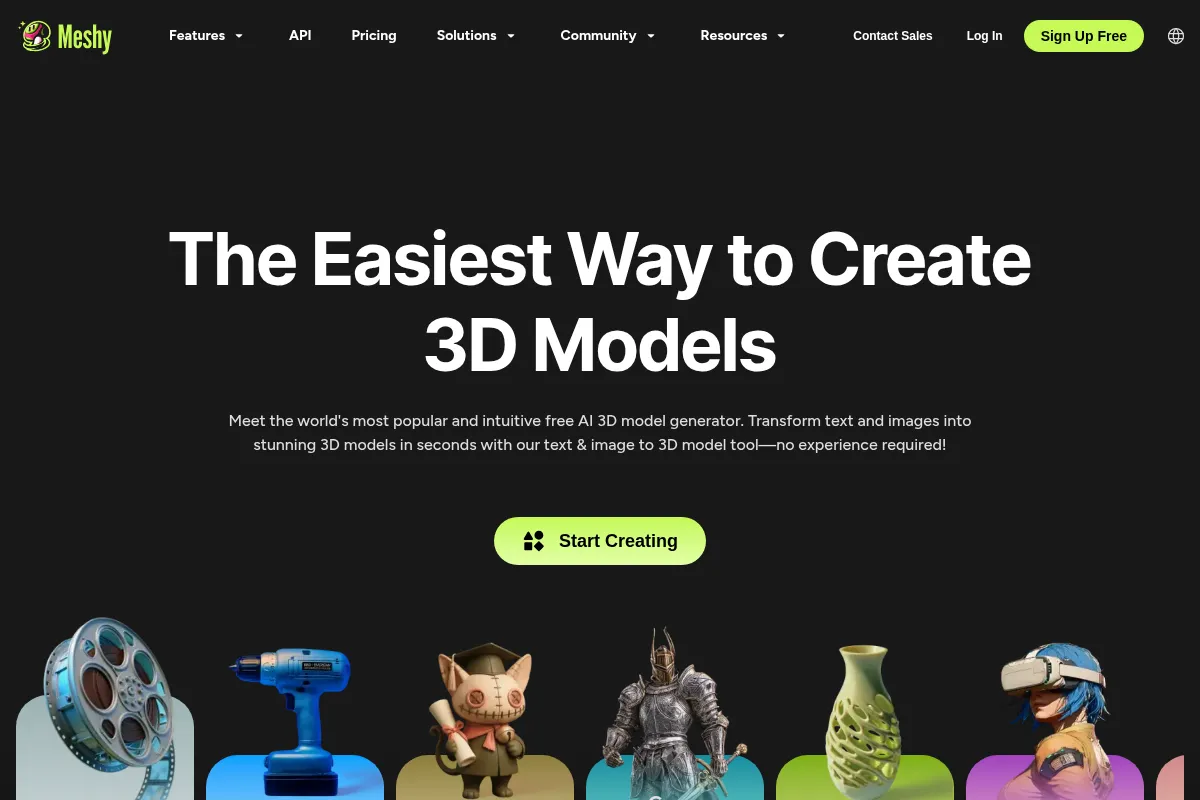
Meshy AI is an AI-powered platform for generating 3D models and textures from text and images, aiming to democratize 3D content creation for artists, game developers, and hobbyists.
Best for rapid 3D asset generation and prototyping, weaker for highly detailed or perfectly accurate models without post-processing.
Analysis based on product data, pricing structure, traffic signals, and public user sentiment.
Who Should Use Meshy AI?
Typical users
Game developers, 3D artists, product designers, and 3D printing enthusiasts who need to quickly generate 3D assets without extensive modeling experience.
Maturity fit
beginner to scaling
Choose this if…
- You need to generate 3D models quickly from text or images.
- You are prototyping ideas and require rapid iteration.
- You want to reduce the time and cost associated with traditional 3D modeling.
- You need to create assets for games, VR/AR, or 3D printing.
Skip this if…
- You require perfectly accurate, production-ready models without any post-processing.
- Your workflow depends heavily on intricate, organic character models with precise details.
- You need advanced control over mesh topology and edge flow for complex animation.
- You prefer a tool with extensive manual editing capabilities over AI generation.
About Meshy AI
Meshy AI is an AI-driven platform designed to simplify the creation of 3D models and textures. It caters to individuals and teams looking to accelerate their workflows in game development, product design, VR/AR, and 3D printing by transforming text descriptions and images into 3D assets in minutes. The platform aims to make professional-grade 3D content more accessible.
What it actually does
Meshy AI generates 3D models from text prompts or uploaded images, and can also create textures for these models. It offers features like animation rigging, smart remeshing, and batch processing, with export options for various software and game engines. The platform is browser-based, requiring no installations.
What makes it different
Meshy AI differentiates itself by offering an integrated suite of AI-powered tools for 3D asset creation, including text-to-3D, image-to-3D, and AI texturing, all within a single platform. Its focus on speed and accessibility aims to lower the barrier to entry for 3D content creation compared to traditional software.
Ratings across the web


Ratings aggregated from independent review platforms.
Key Features
Text-to-3D
Generates 3D models from textual descriptions, ideal for rapid prototyping and concept visualization.
Image-to-3D
Transforms photos, sketches, or concept art into 3D models in seconds, capturing details from a single image or multiple references.
AI Texturing
Creates PBR textures for 3D models using text prompts or reference images, enhancing realism.
Rigging & Animation
Prepares characters and models for motion, allowing for animation within the platform.
Smart Remesh & Topology
Optimizes models for performance or detail by adjusting triangle or quad counts.
Batch Processing
Generates multiple models or textures simultaneously, saving time for larger projects.
Export & Asset Management
Supports various formats like FBX, OBJ, GLB, STL, and 3MF for compatibility with other software.
Integration & API
Offers plugins for Blender, Unity, Unreal Engine, and an API for programmatic asset generation.
Pricing
Free
- 100 monthly credits
- 1 task in queue
- 10 downloads per month (Meshy 4 models)
- Low queue priority
- CC BY 4.0 license for community models
Pro
- 1,000 monthly credits
- Unlimited downloads
- Private assets
- API access
- High queue priority
- 4 free retries per task
Studio
- 4,000 monthly credits
- Team management
- Higher queue priority
- 8 free retries per task
- Unlimited downloads
Enterprise
- Custom credit allocation
- Advanced support
- Tailored solutions
Pricing checked 6 months ago
Pricing guidance
- When you need to download Meshy 5 and 6 models.
- When you exceed the 10 download limit per month.
- When you require faster task processing and higher queue priority.
- When you need to generate more than 100 models per month.
- Free plan limits downloads to Meshy 4 models and has restricted queue priority.
- Credit system can lead to costs adding up quickly for extensive use.
- While capable, models often require post-processing for professional use.
Meshy offers a tiered pricing structure from a limited free plan to custom enterprise solutions, with the Pro plan positioned as the best value for individual creators.
Pros & Cons
Strengths
-
Speed of Generation
Meshy AI can generate 3D models and textures in minutes, significantly reducing project timelines compared to traditional methods. This is particularly beneficial for rapid prototyping and iteration.
-
Ease of Use
The platform is designed to be intuitive and accessible, even for users without extensive 3D modeling experience. This democratizes 3D content creation for a wider audience.
-
Versatile Features
Meshy AI offers a comprehensive set of tools, including text-to-3D, image-to-3D, AI texturing, and animation, all within a single platform, catering to various creative needs.
-
Integration Options
With plugins for popular software like Blender, Unity, and Unreal Engine, and an API, Meshy AI can be seamlessly integrated into existing professional workflows.
-
Cost-Effectiveness
Compared to traditional 3D modeling software and outsourcing, Meshy AI offers a more affordable solution, especially with its tiered pricing and free plan for basic use.
Weaknesses
-
Model Accuracy and Detail
While fast, generated models may lack the fine detail or perfect accuracy required for some professional applications, often needing post-processing or cleanup in other software.
Affects: Professionals requiring high-fidelity, production-ready assets without modification.
-
Limited Customization Control
Users have noted that advanced customization options for fine details and mesh structure can be limited compared to high-end dedicated 3D software.
Affects: Experienced 3D artists and modelers who need granular control over their assets.
-
Free Plan Limitations
The free plan offers basic functionality but has restrictions on usage, output quality, and downloading advanced models (Meshy 5 and 6), making it primarily for testing.
Affects: Users who wish to extensively test or use the tool for commercial projects without a subscription.
-
Inconsistent Results
Some users report occasional inconsistencies in generation quality or that models can be 'buggy,' requiring retries or leading to unexpected results.
Affects: Users who rely on consistent, predictable output for time-sensitive projects.
Real User Sentiment
Users generally praise Meshy AI for its speed, ease of use, and accessibility in generating 3D models, though some note limitations in detail and accuracy for professional applications.
Users tend to like
- Speed of generation from text/images
- Intuitive and beginner-friendly interface
- Versatile features (text-to-3D, image-to-3D, texturing)
- Integration with popular 3D software
- Affordability compared to traditional methods
Users commonly complain about
- Models often require post-processing for professional use.
- Limited advanced customization options for fine details.
- Inconsistent results or 'buggy' generation at times.
- Free plan limitations restrict usability for serious projects.
- Occasional slow generation during peak demand times.
Recurring tradeoffs
- Speed and ease of use vs. fine detail and accuracy.
- Accessibility for beginners vs. advanced control for professionals.
- Cost-effectiveness vs. the need for additional software for post-processing.
Happiest users
Hobbyists, 3D printing enthusiasts, and indie game developers who prioritize rapid prototyping and accessibility over absolute precision.
Often frustrated
Professionals requiring highly detailed, production-ready assets without any manual cleanup or modification, or those needing extensive control over mesh topology.
Use Cases
Rapid prototyping of game assets
Generate placeholder models quickly for game development.
3D printing miniatures
Create custom figures and models for 3D printing.
Product design visualization
Quickly generate 3D models of product concepts for review.
VR/AR content creation
Develop 3D assets for immersive experiences.
Concept art to 3D
Transform 2D concept art into 3D models for further development.
E-commerce product showcases
Create 3D models of products for online listings.
Educational simulations
Generate 3D assets for learning and training materials.
Frequently Asked Questions
What is Meshy AI and what does it do?
Meshy AI is an AI-powered platform that generates 3D models and textures from text descriptions and images. It's designed to make 3D content creation more accessible and faster for artists, game developers, and hobbyists. Key features include Text-to-3D, Image-to-3D, AI Texturing, and animation rigging, with options to export models in various formats for use in game engines, 3D printing, and other applications.
Is Meshy AI free to use?
Meshy AI offers a free plan that allows users to get started with basic features, including a limited number of monthly credits and downloads. However, many advanced features, higher quality outputs, and unlimited downloads are behind paywalls in the Pro, Studio, and Enterprise plans. The free plan is best suited for testing and exploration rather than extensive or commercial use.
How does Meshy AI compare to other AI 3D generators like Tripo AI?
Meshy AI is often praised for its cleaner meshes and better edge flow, offering more control over structure and textures, which appeals to users familiar with 3D fundamentals. It's a good choice when mesh quality is a priority and users are willing to iterate. Tripo AI, on the other hand, is noted for its low-friction experience, making it very approachable for beginners and quick experimentation, with a massive asset library. The 'best' tool often depends on specific workflow needs and user experience levels.
What are the limitations of Meshy AI?
While Meshy AI excels at speed and accessibility, its generated models may require post-processing for professional use due to potential limitations in fine detail and accuracy. Advanced customization options can also be limited compared to traditional 3D software. The free plan has significant restrictions on downloads and features, and users may experience inconsistent results or slower generation times during peak usage. For highly intricate character models or precise mechanical parts, manual refinement is often necessary.
Does Meshy AI have integrations with other software?
Yes, Meshy AI offers seamless integration with popular 3D software and game engines through plugins for Blender, Unity, Unreal Engine, Maya, and Godot. It also provides an API that allows developers to programmatically integrate Meshy's 3D generation capabilities into their own applications and pipelines. This broad compatibility ensures that generated assets can be easily incorporated into existing workflows.
Why trust this page?
This evaluation combines product positioning, pricing analysis, traffic and market signals, and public user sentiment into a single decision-support page. Content is generated editorially — not copied from the vendor's website.
Funding & Company
Founded
2021
Stage
Series a
Total Raised
$52M
Latest Round
Series A (Feb 2026)
Notable Investors
Meshy AI has reportedly raised approximately $52 million, backed by prominent venture capital firms including Sequoia Capital and GGV Capital. This significant early-stage funding, seemingly secured in a single large round, provides the company with substantial capital to scale its AI-powered 3D asset generation platform and compete in a capital-intensive market.
Market Signals & Traffic
Estimated visits, global rank, geography, traffic sources, monthly visit trends, and organic search keywords (Similarweb)—on a dedicated page built for depth and search.
- Estimated visits
- 18,143,978
- Global rank
- #8,545
- Snapshot
- Apr 2026
- Traffic trend
- Surging
Estimated monthly visits
Alternatives to Meshy AI
View all alternatives

Similar Tools
Rosebud AI
Content Creation, Developer Tools, Design

Text-to-game platform for creating interactive games and assets.
Nano Banana
Video Creation, Content Creation, Social Media

Generate faceless social media videos from text prompts.
OnBrand
Workflow, Design, E-commerce

Product lifecycle management platform for fashion and apparel brands.
Wondercraft
Content Creation, Video Creation, Marketing Automation

Create professional podcasts, audiobooks, and videos from text content.
LTX Studio
Content Creation, Video Creation

AI-powered platform for end-to-end video production.
Replo
Developer Tools, Content Creation

A visual, no-code platform for building high-performance landing pages on Shopify.