

A text-to-game engine that converts natural language prompts into functional JavaScript code and assets, optimized for 2D web games and rapid prototyping.
Best for creators who want to build playable web games through conversation, weaker for developers requiring deep architectural control or high-performance 3D.
Analysis based on product data, pricing structure, traffic signals, and public user sentiment.
Who Should Use Rosebud AI?
Typical users
Solo creators, educators, and game designers who want to prototype mechanics without writing boilerplate code.
Maturity fit
beginner to scaling
Choose this if…
- You want to generate game logic via chat prompts rather than manual coding
- Your priority is rapid 2D web game deployment over high-end graphics
- You need an integrated pipeline for both code and asset generation
Skip this if…
- You require a native mobile or console engine like Unity or Unreal
- Your project demands complex 3D physics or high-performance C++ logic
- You need to work in an offline development environment
About Rosebud AI
Rosebud AI is an AI-native game development environment that uses LLMs to generate Phaser-based JavaScript code. It aims to lower the barrier to game creation by allowing users to describe game mechanics, characters, and environments in plain English.
Official profiles
What it actually does
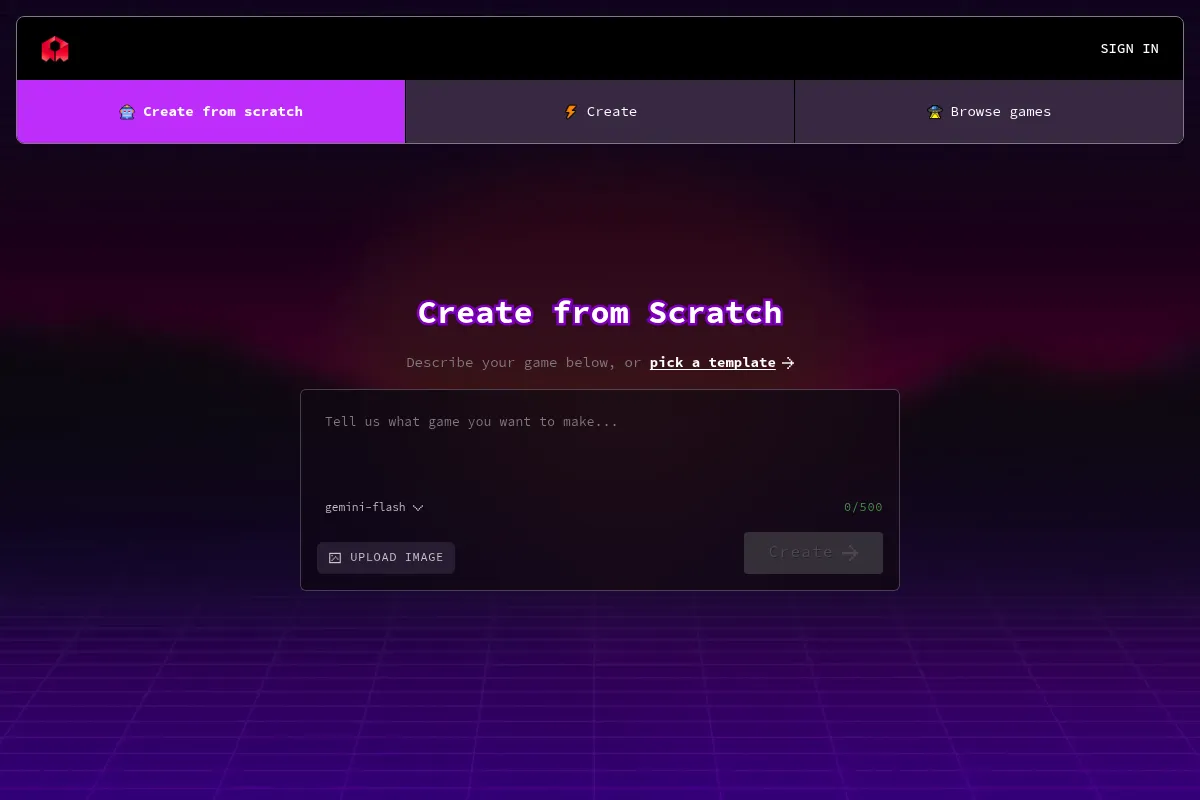
Users interact with an AI collaborator to generate game scripts, create 2D sprites, and build environments. The platform provides a web-based IDE where the AI writes the code, and the user can instantly playtest and iterate on the results.
What makes it different
Unlike general-purpose LLMs, Rosebud is specifically grounded in the Phaser game engine, meaning it understands game-specific logic like collision, spritesheets, and state management. It also integrates its own 'TokkingHeads' technology for animating character portraits directly within the game workflow.
Ratings across the web


Ratings aggregated from independent review platforms.
Key Features
AI Gamemaker
Translates natural language descriptions into functional game logic and scripts.
Integrated Asset Gen
Creates character sprites, tilesets, and backgrounds using DALL-E and Stable Diffusion models.
Phaser Framework Grounding
Ensures generated code follows standard web game development patterns for easier manual editing.
TokkingHeads Integration
Animates static character faces for interactive dialogue and storytelling.
Instant Playtesting
Allows users to run the game in-browser immediately after a prompt update.
Remixing
Enables users to clone existing community projects and modify them via AI prompts.
Voice-to-Game
Supports voice commands to describe changes to the game world or mechanics.
Pricing
Liftoff
- 100 AI credits per month
- Standard AI model access
- Public game hosting
- Community support
Orbit
- 1,000 AI credits per month
- Faster generation speeds
- Private game projects
- Advanced AI models
Galaxy
- 4,000 AI credits per month
- Priority support
- Early access to new features
- Commercial usage rights
Pricing checked 6 months ago
Pricing guidance
- When you need to keep your project private
- When you run out of monthly generation credits
- When you require faster response times from the AI
- Credit consumption varies by prompt complexity
- Commercial rights are typically reserved for paid tiers
- Storage limits on assets for free users
Competitive pricing for the AI space, positioned as an affordable alternative to hiring a developer for prototypes.
Pros & Cons
Strengths
-
Significant reduction in boilerplate
The AI handles the tedious setup of game loops, asset loading, and basic physics, allowing designers to focus on mechanics.
-
Unified asset and code workflow
Having image generation and code generation in one interface eliminates the friction of exporting and importing assets from external tools.
-
Low barrier to entry for non-coders
Enables individuals with zero programming experience to build functional, interactive prototypes in minutes.
Weaknesses
-
Logic hallucinations
The AI can struggle with complex, multi-step logic, sometimes generating code that conflicts with existing project structures.
Affects: Intermediate developers building complex systems
-
Limited to 2D/2.5D web games
The platform is not built for high-fidelity 3D or heavy computational tasks, restricting it to browser-based experiences.
Affects: Professional game studios
-
Credit-based restrictions
Heavy iteration can quickly deplete monthly credits, which may stall the creative process for free-tier users.
Affects: Hobbyists and power users
Real User Sentiment
Users are generally impressed by the speed of prototyping but acknowledge the limitations in scaling to professional-grade titles.
Users tend to like
- The 'magic' of seeing a prompt turn into a playable level
- Ease of generating matching art styles for sprites
- The helpfulness of the Discord community
Users commonly complain about
- Difficulty in debugging AI-generated code when it breaks
- Limited control over fine-tuned animations
- Occasional repetitive patterns in AI-generated art
Recurring tradeoffs
- Speed of creation vs. long-term code maintainability
- Ease of use vs. engine performance
Happiest users
Educators teaching game design and solo creators building simple web-based indie games.
Often frustrated
Experienced developers who find the AI-generated code messy or restrictive for complex architectures.
Use Cases
Rapid Prototyping
Quickly testing a new game mechanic before committing to a full build.
Educational Tool
Teaching students the logic of game design without the syntax hurdles of coding.
Game Jams
Building functional entries for short-duration competitions where speed is critical.
Interactive Storytelling
Creating visual novels or narrative-driven games with animated characters.
Marketing Minigames
Developing simple, branded web games for promotional campaigns.
Frequently Asked Questions
Is Rosebud AI free to use?
Yes, Rosebud AI offers a 'Liftoff' plan that is free and includes 100 credits per month for generating code and assets. However, for private projects and higher usage limits, you will need to upgrade to the Orbit ($12.99/mo) or Galaxy ($39.99/mo) plans.
How does Rosebud AI compare to Unity or Unreal Engine?
Rosebud AI is a high-level, prompt-based tool for 2D web games using the Phaser framework, whereas Unity and Unreal are professional-grade engines for 2D, 3D, and cross-platform development. Rosebud is significantly easier for beginners but lacks the performance and depth required for AAA or complex mobile/console titles.
Can I export the code I generate in Rosebud AI?
Yes, the code generated is based on the Phaser JavaScript library. While the platform is designed to host your games, you can access and modify the code within the editor, and experienced developers can often adapt the logic for external Phaser projects.
What are the limitations of the AI gamemaker?
The primary limitations include a focus on 2D web-based games, occasional logic errors in complex scripts, and a dependency on a credit system for generation. It is not currently suitable for high-fidelity 3D games or projects requiring deep hardware optimization.
Does Rosebud AI support multiplayer games?
Rosebud provides templates and basic support for multiplayer functionality, but building complex, low-latency multiplayer systems via AI prompts remains challenging and often requires manual code intervention.
Can I use my own assets in Rosebud AI?
Yes, you can upload your own images, sprites, and audio files to the platform to supplement the AI-generated content, allowing for a hybrid workflow of custom and generated assets.
Why trust this page?
This evaluation combines product positioning, pricing analysis, traffic and market signals, and public user sentiment into a single decision-support page. Content is generated editorially — not copied from the vendor's website.
Funding & Company
Founded
2019
Stage
Series a
Total Raised
$24M
Latest Round
Series A (Oct 2024)
Notable Investors
Rosebud AI has secured approximately $24 million in funding, culminating in a $15 million Series A in late 2024. This financial backing from notable investors like Y Combinator and Khosla Ventures indicates solid support for its text-to-game platform and suggests the company is well-capitalized to pursue its product roadmap.
Market Signals & Traffic
Estimated visits, global rank, geography, traffic sources, monthly visit trends, and organic search keywords (Similarweb)—on a dedicated page built for depth and search.
- Estimated visits
- 574,759
- Global rank
- #70,097
- Snapshot
- Apr 2026
- Traffic trend
- Surging
Estimated monthly visits
Similar Tools
Meshy AI
Content Creation, Developer Tools, Design

AI-powered platform for generating 3D models and textures from text and images.
Mendix
Developer Tools, Automation & Agents, Workflow

Low-code platform for building and deploying enterprise applications.
Codegen
Developer Tools, Automation & Agents

Autonomous software engineering agent for automating complex coding tasks.
Visme
Content Creation, Design, Productivity

All-in-one platform for creating presentations, infographics, and visual content.
Alibaba Cloud (Qwen)
Developer Tools, Content Creation

Large language models for text generation, reasoning, and coding.
The Influencer AI
Social Media, Content Creation, Marketing Automation

Create, manage, and monetize consistent virtual influencers for social media.