

Nightshade
A defensive tool for artists that poisons generative AI training data by applying invisible pixel-level distortions to digital artwork.
Excellent for proactive artists protecting new work from future scrapers, weaker for those without dedicated GPUs or looking to remove existing work from models.
Analysis based on product data, pricing structure, traffic signals, and public user sentiment.
Who Should Use Nightshade?
Typical users
Independent digital artists, illustrators, and photographers who share high-resolution work on public platforms.
Maturity fit
beginner
Choose this if…
- You want to actively discourage unauthorized AI training on your new uploads
- You have a modern NVIDIA GPU or Apple Silicon Mac
- Your priority is collective defense over individual image watermarking
Skip this if…
- You are trying to remove your art from models that have already been trained
- You lack a dedicated GPU, as processing will be prohibitively slow
- Your workflow requires zero modification to the original pixel data
About Nightshade
Nightshade is a data poisoning tool developed by the Glaze Project team at the University of Chicago. It exists to give creators a technical deterrent against non-consensual web scraping by AI companies, shifting the power balance back toward copyright holders.
What it actually does
The software applies subtle, mathematically optimized changes to image pixels that are invisible to the human eye but confusing to machine learning models. When a model trains on these 'shaded' images, it learns to associate prompts with incorrect visual concepts, effectively corrupting the model's output over time.
What makes it different
Unlike standard watermarking or 'Glaze' (which protects individual style), Nightshade is an offensive-defense tool designed to break the underlying logic of the AI model itself. It is one of the few tools that increases the actual computational and financial cost for companies scraping data without permission.
Key Features
Concept Poisoning
Distorts how AI models map text prompts to visual features.
Intensity Slider
Lets users balance the strength of the 'poison' against visible image artifacts.
Local Execution
Runs entirely on your hardware so your unshaded originals never leave your machine.
Tagging System
Allows you to specify which concept the AI should misinterpret (e.g., making a 'dog' look like a 'cat' to the AI).
Glaze Integration
Works in tandem with style-protection tools to provide a multi-layered defense.
Artifact Preview
Shows a side-by-side comparison to ensure image quality remains acceptable.
Pricing
Free / Open Source
- Full access to Nightshade poisoning
- Local processing
- No usage limits
- Community support
Pricing checked 5 months ago
Pricing guidance
- N/A
- Requires NVIDIA GPU with 8GB+ VRAM for optimal performance
- Large file sizes can lead to long processing times on CPU
Academic and community-focused; not a commercial product.
Pros & Cons
Strengths
-
Direct deterrent to scraping
By making data 'toxic,' it forces AI labs to spend more on data cleaning or risk degrading their model quality.
-
No cost to use
As an academic project, it is free to download and use, making it accessible to independent creators without a budget.
-
High visual fidelity
At default settings, the changes are virtually impossible for a human to see, preserving the aesthetic value of the art for fans.
Weaknesses
-
Heavy hardware requirements
Requires a powerful GPU (NVIDIA 30-series or better recommended) to process images in seconds rather than minutes.
Affects: Artists with older laptops or non-specialized hardware
-
Not a retroactive fix
It cannot 'un-train' models that have already scraped your work; it only protects future uploads.
Affects: Established artists with large existing online footprints
-
Visible noise in smooth gradients
On high intensity settings, some 'grain' or color shifting can appear in areas of flat color or soft shadows.
Affects: Minimalist illustrators and photographers
Real User Sentiment
Highly positive and appreciative among the artist community, though technically demanding for non-power users.
Users tend to like
- Sense of agency against AI companies
- Academic credibility of the UChicago team
- Ability to batch process large folders
Users commonly complain about
- Slow processing on Mac Intel versions
- Installation hurdles on Windows
- Occasional visible artifacts on digital paintings
Recurring tradeoffs
- Users must choose between maximum protection (high intensity) and perfect visual clarity.
Happiest users
Professional digital illustrators with high-end workstations who post frequently to social media.
Often frustrated
Artists using older hardware or those expecting a 'delete' button for their work on the internet.
Use Cases
Portfolio Protection
Shading all new work before uploading to ArtStation or Instagram.
Character Defense
Preventing AI from accurately replicating a specific original character (OC).
Collective Poisoning
Groups of artists using specific tags to break a model's understanding of a niche style.
Brand Security
Protecting unique brand assets from being easily mimicked by prompt engineers.
Photography Privacy
Adding a layer of protection to public-facing professional photography portfolios.
Frequently Asked Questions
Is Nightshade free to use?
Yes, Nightshade is a free tool developed by researchers at the University of Chicago. There are no subscription fees or hidden costs, as it is intended as a public resource for the artist community.
Does Nightshade work against Midjourney or DALL-E?
It works against any model that uses the 'shaded' images in its training set. While it doesn't affect current versions of Midjourney, it is designed to corrupt future models that might scrape your newly protected work.
What is the difference between Nightshade and Glaze?
Glaze protects an artist's specific 'style' from being mimicked. Nightshade is more aggressive; it 'poisons' the model's understanding of concepts (e.g., making the AI think a car is a cow). They are often used together for maximum protection.
Can I use Nightshade on my phone?
No, Nightshade requires significant local computing power and is currently only available as a desktop application for Windows and macOS.
Will Nightshade ruin the look of my art?
At default settings, the changes are nearly invisible. However, at high intensity settings, you may notice some 'noise' or slight color shifts, particularly in areas with smooth gradients or flat colors.
Does it work on images I've already posted?
No. You must apply Nightshade to your local files and then upload the 'shaded' versions. It cannot affect images that are already online or already inside an AI's training database.
Why trust this page?
This evaluation combines product positioning, pricing analysis, traffic and market signals, and public user sentiment into a single decision-support page. Content is generated editorially — not copied from the vendor's website.
Funding & Company
Founded
2022
Stage
—
Total Raised
—
Latest Round
Grant
Notable Investors
Nightshade is not a commercial company but a research project from the University of Chicago, operating on a non-profit basis. [3, 5, 21] Its development is sustained by academic research grants and donations from organizations like the National Science Foundation and DARPA, not venture capital. [3] This funding model ensures the tool remains free for artists and aligned with its mission to protect creators without a profit motive.
Market Signals & Traffic
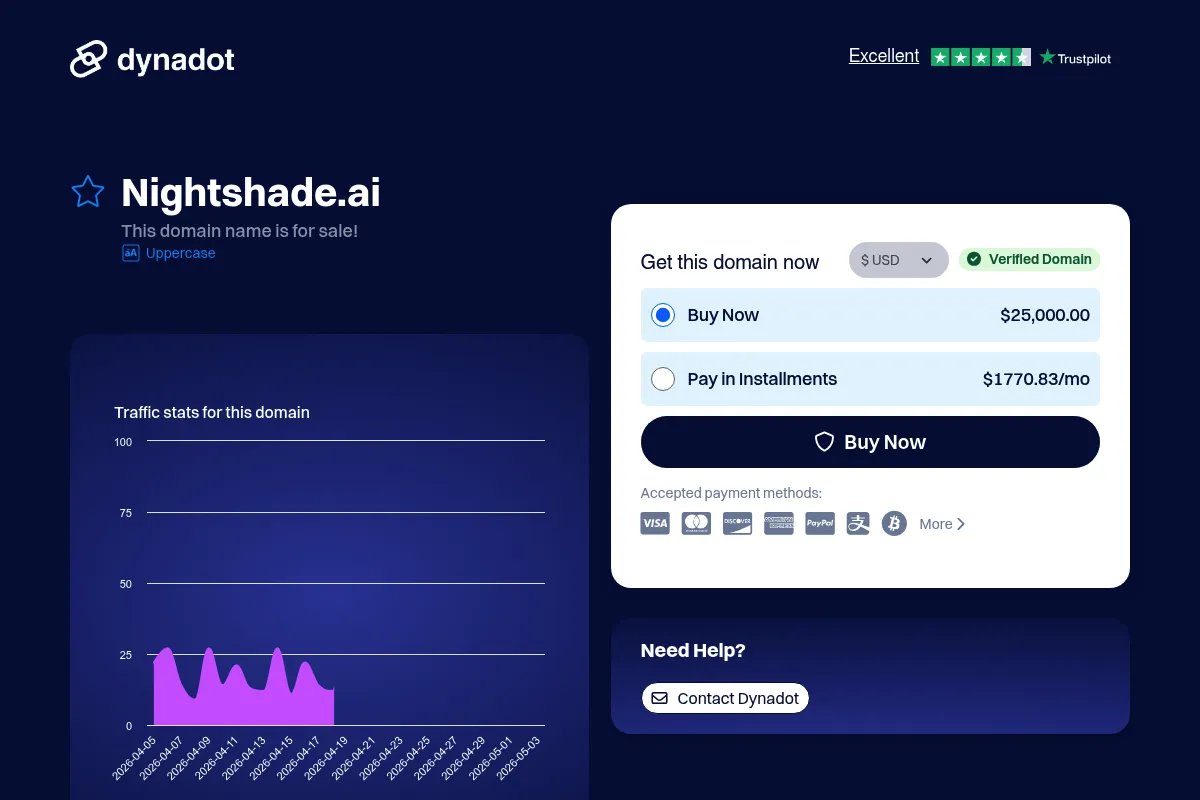
Estimated visits, global rank, geography, traffic sources, monthly visit trends, and organic search keywords (Similarweb)—on a dedicated page built for depth and search.
- Estimated visits
- 191
- Global rank
- —
- Snapshot
- Apr 2026
- Traffic trend
- —
Estimated monthly visits
Alternatives to Nightshade
View all alternatives
Similar Tools
FASHN
Design, Content Creation, Developer Tools

Generate realistic virtual try-on images for fashion e-commerce.
Codeium
Developer Tools, AI Assistant

AI-powered coding assistant for enhanced developer productivity.
Cartesia
AI Assistant, Content Creation, Developer Tools

An AI platform for building and deploying real-time, realistic voice agents and experiences.
Shotstack
Video Creation, Developer Tools, Automation
Cloud-based video editing API for automated content creation at scale.
Amazon CodeWhisperer
Developer Tools

AI-powered coding companion that generates code recommendations.
Iambic
Health & Wellness, Research

Accelerating drug discovery through physics-informed generative chemistry models.