

A developer-centric media engine that replaces manual video editing with JSON-based automation—best for high-volume personalization, less efficient for one-off creative projects.
Excellent for developers building automated video workflows at scale, weaker for teams requiring a visual, no-code interface.
Analysis based on product data, pricing structure, traffic signals, and public user sentiment.
Who Should Use Shotstack?
Typical users
Software engineers and product teams building SaaS features like automated social media generators or personalized marketing tools.
Maturity fit
scaling to advanced
Choose this if…
- You need to generate thousands of unique videos via API
- Your priority is offloading heavy rendering tasks to cloud infrastructure
- You prefer defining video timelines in JSON over writing complex FFmpeg scripts
Skip this if…
- You need a drag-and-drop editor for non-technical marketing staff
- You are producing a single high-budget commercial with complex manual VFX
- Your workflow requires real-time collaborative video editing
About Shotstack
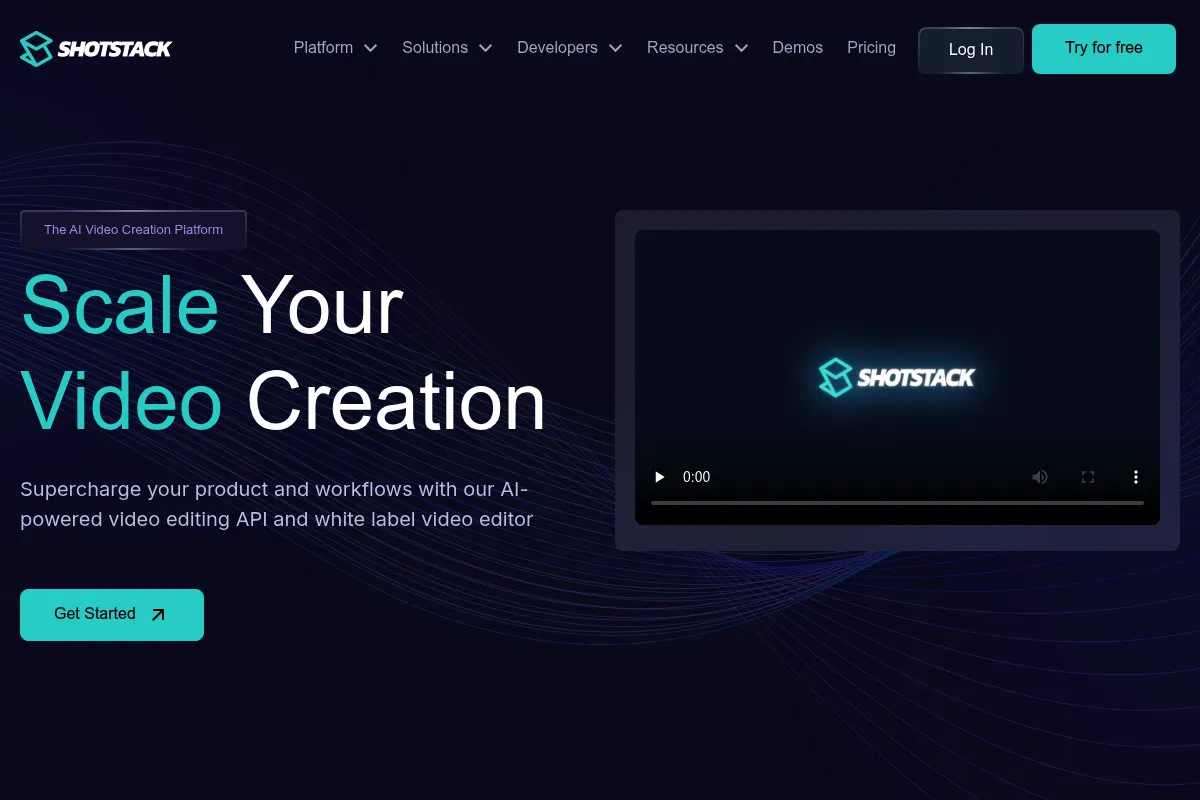
Shotstack is a cloud-based media engine designed to automate video production through a REST API. It allows developers to define video timelines using structured data, which the platform then renders and hosts at scale.
Official profiles
What it actually does
It processes JSON instructions to stitch together video clips, images, and audio, applying transitions and effects in the cloud. It also integrates generative AI to turn text or data into video content without manual intervention.
What makes it different
Unlike simple template tools, Shotstack provides a full multi-track timeline API. It functions as a headless version of professional editing software rather than just a basic image-to-video converter.
Ratings across the web

Ratings aggregated from independent review platforms.
Key Features
JSON Timeline
Define complex edits, layers, and timing using a structured data format.
Cloud Rendering
Offload heavy video processing to Shotstack's infrastructure to keep your application fast.
Generative AI Integrations
Connect to models like Stable Video Diffusion or OpenAI to generate assets on the fly.
Dynamic Personalization
Inject user data like names or photos into video templates for 1:1 marketing.
Auto-captioning
Generate and burn subtitles into videos automatically using speech-to-text.
Media Storage
Store and serve rendered files directly from a global CDN for immediate playback.
Pricing
Free
- 20 minutes of video rendering
- Shotstack watermark included
- Standard rendering speed
- Community support
Growth
- 100 minutes of video rendering
- No watermarks
- Faster rendering priority
- Email support
Scale
- 1,000 minutes of video rendering
- Highest rendering priority
- Dedicated account manager
- Custom storage options
Enterprise
- Unlimited rendering
- Custom infrastructure
- SLA guarantees
- White-label options
Pricing checked 4 months ago
Pricing guidance
- When you need to remove the Shotstack watermark
- When you exceed 100 minutes of rendered video per month
- When render queue times become a bottleneck for your users
- 4K rendering often consumes more 'credits' or minutes than standard 1080p
- Storage for rendered files is limited on lower tiers
- Generative AI features may incur additional third-party API costs
Premium positioning justified by infrastructure reliability, though expensive for low-margin high-volume applications.
Pros & Cons
Strengths
-
Developer-first documentation
The API reference and SDKs are comprehensive, making integration predictable for engineering teams compared to stitching together open-source tools.
-
Infrastructure offloading
It handles the scaling of compute-intensive rendering, removing the need for teams to manage their own GPU clusters or FFmpeg servers.
-
Flexible timeline logic
Supports complex layering, transitions, and filters that simpler 'template-only' APIs cannot handle.
Weaknesses
-
Steep learning curve
Visualizing a multi-track video timeline through JSON code is mentally taxing and difficult to debug compared to a GUI.
Affects: Developers and Product Managers
-
Cost at high volume
Per-minute pricing can become a significant line item as your user base grows, potentially making self-hosting FFmpeg more attractive for massive scale.
Affects: Bootstrapped startups and high-volume apps
-
Limited creative effects
While powerful for automation, it lacks the deep plugin ecosystem and advanced color grading found in desktop software like After Effects.
Affects: Creative Directors and Motion Designers
Real User Sentiment
Generally positive, with users praising the reliability of the API and the clarity of the documentation.
Users tend to like
- Reliable cloud rendering
- Excellent SDK support
- Fast response times from the technical team
- Clean JSON structure for complex edits
Users commonly complain about
- Difficulty debugging JSON errors
- Lack of a visual preview tool for building templates
- Pricing jumps between tiers can be steep
Recurring tradeoffs
- Users trade creative control for automation speed
- Higher cost compared to self-managed FFmpeg in exchange for zero maintenance
Happiest users
Developers building automated marketing platforms or data-driven video tools.
Often frustrated
Designers trying to use the tool without developer support or teams with very tight margins.
Use Cases
Real Estate
Automatically generating video tours from property photos and data.
Personalized Sales
Creating 1:1 video messages with prospect names and logos.
Social Media Highlights
Turning sports statistics or news feeds into short-form video clips.
E-commerce
Generating product showcase videos for thousands of SKUs automatically.
Education
Creating automated course summaries or personalized student certificates in video format.
Frequently Asked Questions
How does Shotstack compare to Remotion?
Remotion is a React-based framework where you write code to render videos, often requiring you to manage your own rendering infrastructure. Shotstack is a cloud-based API where you send JSON and they handle the rendering on their servers. Choose Remotion if you are a React expert who wants full control; choose Shotstack if you want a managed service that works with any programming language.
Is there a free plan available?
Yes, Shotstack offers a free plan that includes 20 minutes of video rendering per month. However, all videos produced on this plan will include a Shotstack watermark, making it suitable for development and testing but not for production use.
Can I use my own fonts and assets?
Yes, you can upload custom fonts, images, and video assets to Shotstack or host them on your own server/S3 bucket. The API allows you to reference external URLs for all assets used in your video timeline.
Does Shotstack support 4K video rendering?
Yes, Shotstack supports 4K rendering, but it is typically restricted to higher-tier plans or may consume more rendering credits per minute compared to 1080p or 720p exports.
What integrations does Shotstack offer?
Shotstack provides official SDKs for Node.js, Python, PHP, and Ruby. It also integrates with Zapier and Make.com, allowing non-developers to trigger video renders from tools like Google Sheets or Airtable.
How long does it take to render a video?
Rendering time depends on the complexity of the video and the current queue. Generally, a simple 1-minute video renders in less than a minute. Higher-tier plans offer 'priority rendering' to ensure faster turnaround times during peak usage.
Why trust this page?
This evaluation combines product positioning, pricing analysis, traffic and market signals, and public user sentiment into a single decision-support page. Content is generated editorially — not copied from the vendor's website.
Funding & Company
Founded
2019
Stage
Bootstrapped
Total Raised
Bootstrapped
Latest Round
—
Shotstack appears to be a bootstrapped company that has grown without external venture capital. While some third-party data providers list a small, unconfirmed funding round, multiple other sources state the company is self-funded, and there are no public announcements to verify any investment.
Market Signals & Traffic
Estimated visits, global rank, geography, traffic sources, monthly visit trends, and organic search keywords (Similarweb)—on a dedicated page built for depth and search.
- Estimated visits
- 291,218
- Global rank
- #158,506
- Snapshot
- Apr 2026
- Traffic trend
- Surging
Estimated monthly visits
Alternatives to Shotstack
View all alternativesCreatomate
Video Creation, Automation, Marketing Automation

Automate video and image creation through templates and data feeds
HeyGen
Video Creation, Content Creation, AI Assistant

AI-powered video creation platform with realistic avatars and multi-language support.
Synthesia
Video Creation, Content Creation, Training & Onboarding

An AI video generation platform for creating professional videos without traditional equipment.
Similar Tools
EvenUp
Automation, Data Extraction, Workflow

Automated demand packages and medical record analysis for legal teams.
Murf AI
Content Creation, Video Creation

AI voice generator for creating realistic text-to-speech voiceovers.
Pipedream
Automation & Agents, Developer Tools

Integration platform for developers to build and run event-driven workflows.
LocalAI
Developer Tools, Privacy & Compliance

Self-hosted, open-source alternative to OpenAI for running models locally.
AdAmigo.ai
Marketing Automation, E-commerce, AI Assistant

Automated media buying and campaign optimization for Meta ads.
OpenRouter
Developer Tools

Unified API gateway for accessing and comparing large language models.