

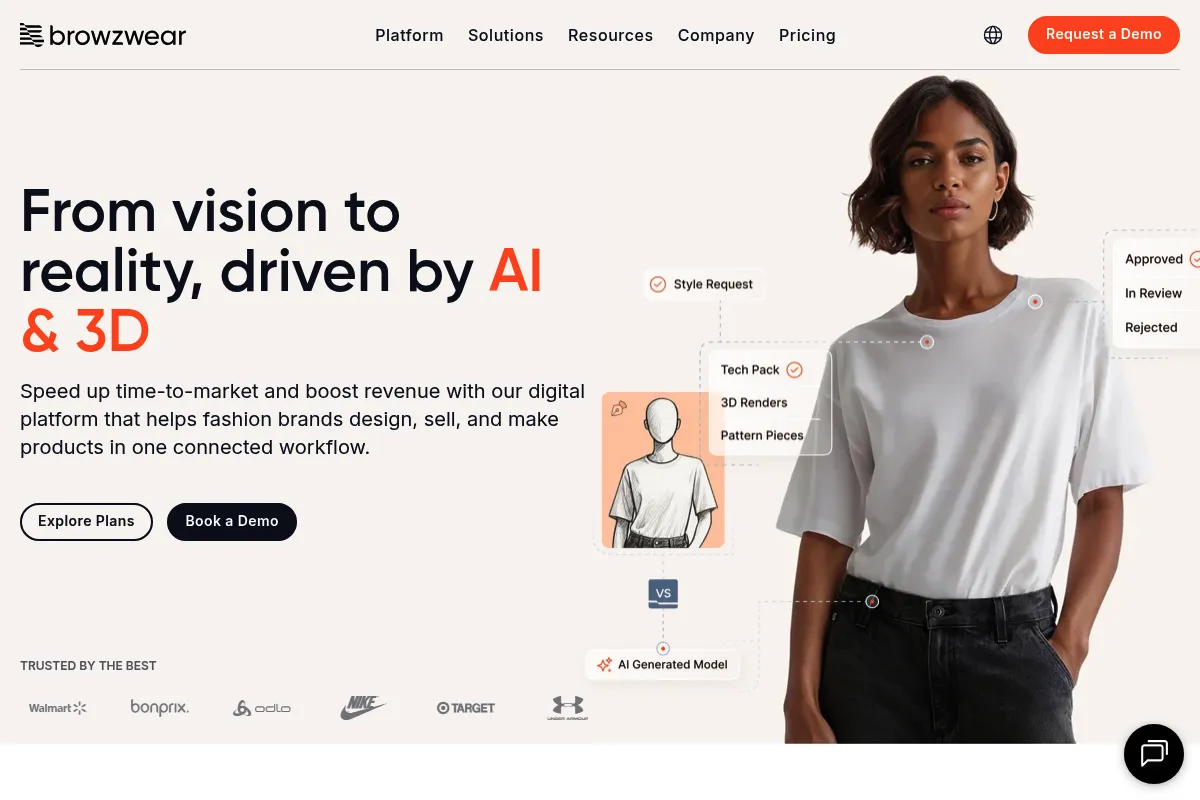
Browzwear is a technical 3D apparel development suite that prioritizes production accuracy and supply chain integration over pure creative visualization.
Excellent for technical designers and manufacturers requiring production-ready digital twins, but carries a steeper learning curve than design-centric rivals like CLO 3D.
Analysis based on product data, pricing structure, traffic signals, and public user sentiment.
Who Should Use Browzwear?
Typical users
Technical designers, pattern makers, and product development teams at mid-to-large apparel brands and manufacturers.
Maturity fit
scaling to advanced
Choose this if…
- Your priority is technical fit and production-ready patterns over marketing renders
- You need to integrate 3D assets directly into PLM and manufacturing workflows
- You require high-fidelity fabric physics based on mechanical testing data
Skip this if…
- You are a solo designer focused primarily on rapid creative ideation and high-gloss marketing visuals
- You lack a background in technical pattern making
- You need a tool with a low hardware entry barrier and intuitive, modern UI
About Browzwear
Browzwear is a 3D fashion design and development platform built to bridge the gap between digital concepts and physical manufacturing. It centers on VStitcher, a tool that converts 2D patterns into 3D garments with high physical accuracy. The platform exists to reduce physical sampling waste and accelerate the technical approval process in global apparel supply chains.
What it actually does
The software allows users to draft 2D patterns, drape them on customizable 3D avatars, and simulate fabric behavior using real-world physical properties. It generates technical packs, validates fit across size ranges, and provides a cloud-based environment for stakeholders to review and approve digital samples.
What makes it different
Unlike competitors that focus on aesthetic rendering, Browzwear emphasizes the 'digital twin' concept where the 3D model is a direct representation of the final manufactured product. Its proprietary Fabric Analyzer (FAB) hardware allows teams to scan physical fabric and import exact mechanical data—stretch, bend, and thickness—directly into the simulation engine.
Ratings across the web


Ratings aggregated from independent review platforms.
Key Features
VStitcher
The core engine for 3D garment creation and pattern validation.
Lotta
A design-focused tool for applying prints, colors, and trims to validated 3D blocks.
Fabric Analyzer (FAB)
Hardware that measures physical fabric traits for accurate digital simulation.
Stylezone
A cloud platform for sharing and reviewing 3D collections with external vendors.
SmartDesign
Template-based workflow for rapid style iteration using pre-validated patterns.
2D Measure Tool
Functions like CAD software to validate garment balance and precision.
Open Platform
API and plugin support for connecting to ERP and PLM ecosystems.
Pricing
Learner
- Free for students and recent graduates
- Access to VStitcher and Lotta
- Browzwear University access
- Community support
Freelancer
- 1 VStitcher & Stylezone user
- Local desktop rendering
- Community support
- Access to latest version
Teams
- Up to 3 users
- Tech Pack generation
- Cloud rendering credits
- Access to latest 2 versions
- AI-driven support
Enterprise
- Unlimited users and styles
- PLM and ERP integrations
- Dedicated technical account manager
- Advanced automation and APIs
- SLA guarantees
Pricing checked 4 months ago
Pricing guidance
- When you need to export production-ready Tech Packs
- When you need cloud rendering to free up local hardware
- When your team grows beyond a single designer
- Teams plan is limited to 100 styles per year
- Fabric Analyzer hardware is a separate, significant capital expense
- Cloud rendering credits are capped on lower tiers
Premium enterprise positioning with a high barrier to entry, though recently opened to freelancers via self-serve tiers.
Pros & Cons
Strengths
-
Unmatched technical accuracy
The simulation engine is built for production, meaning the digital drape closely matches the physical garment's behavior when using tested fabric data.
-
Deep supply chain integration
Files are production-ready, allowing manufacturers to move from digital approval to cutting fabric with minimal manual translation.
-
Robust collaboration tools
Stylezone enables global teams to comment on specific 3D coordinates, reducing the need for physical sample shipments and email chains.
-
Pattern-first workflow
The software forces a disciplined approach to pattern making, which results in fewer fit issues during mass production.
Weaknesses
-
Steep learning curve
Users generally need a solid understanding of pattern making and technical design to use the software effectively; it is not a 'pick up and play' tool.
Affects: Junior designers and non-technical creatives
-
Dated user interface
Despite recent updates, the UI can feel clunky and less intuitive compared to modern creative software or its primary competitor, CLO 3D.
Affects: Designers used to modern UX standards
-
High hardware requirements
To achieve fluid simulation and high-quality renders, users need high-end workstations with dedicated NVIDIA GPUs.
Affects: Remote teams and freelancers on standard laptops
Real User Sentiment
Users respect Browzwear for its technical rigor and production reliability but often find the software frustratingly complex to master.
Users tend to like
- Accuracy of the fabric physics
- Seamless link between 2D and 3D
- The ability to create 'real' patterns
- Stylezone's collaboration features
Users commonly complain about
- Steep learning curve for beginners
- UI feels less modern than competitors
- Lack of freehand '3D pen' tools
- High cost for small businesses
Recurring tradeoffs
- You trade ease of use for technical accuracy; it takes longer to learn but produces a more reliable manufacturing file.
Happiest users
Technical designers at large brands who need to ensure a garment will actually fit before it hits the factory floor.
Often frustrated
Creative designers who want to quickly sketch ideas in 3D without worrying about pattern geometry.
Use Cases
Technical Design
Validating the fit and balance of a complex garment across multiple sizes.
Sustainability Initiatives
Reducing physical sample rounds from 5+ down to 1 or 2.
Supply Chain Collaboration
Sending 3D files to factories to ensure clear communication of design intent.
E-commerce
Generating photorealistic 3D assets for virtual showrooms and product pages.
Fabric Testing
Using the FAB hardware to digitize a mill's seasonal fabric collection for brand use.
Frequently Asked Questions
How does Browzwear compare to CLO 3D?
CLO 3D is generally considered more designer-friendly with a modern UI and better marketing renders. Browzwear is viewed as the more 'technical' tool, preferred by pattern makers and large brands for its production accuracy and deep PLM integrations.
Is there a free version of Browzwear?
Yes, Browzwear offers an 'Indie Program' for eligible freelancers and a 'Learner License' for students. Both provide free access to VStitcher for a limited time, though they are typically restricted to non-commercial or low-revenue use.
What are the hardware requirements for VStitcher?
You need a high-performance PC or Mac. Minimum specs include an Intel i7 or Ryzen 7 processor, 16GB RAM, and a dedicated NVIDIA GPU (GTX 960 or better). For professional use, 32GB RAM and an RTX 30-series GPU are recommended.
Can I export patterns for manufacturing?
Yes, Browzwear exports production-ready DXF/ASTM/AAMA files and detailed Tech Packs. However, Tech Pack generation is typically locked behind the Teams and Enterprise tiers.
Does Browzwear integrate with Adobe Illustrator?
Yes, there is a plugin that allows designers to sync artwork, colors, and prints from Illustrator directly onto the 3D garment in VStitcher or Lotta.
What is the Fabric Analyzer (FAB)?
It is a physical hardware device that measures a fabric's stretch, bend, and thickness. This data is converted into a digital file that ensures the 3D simulation behaves exactly like the real-world material.
Why trust this page?
This evaluation combines product positioning, pricing analysis, traffic and market signals, and public user sentiment into a single decision-support page. Content is generated editorially — not copied from the vendor's website.
Funding & Company
Founded
1999
Stage
Late stage
Total Raised
$35M
Latest Round
Series A (Aug 2021)
Notable Investors
After operating for over two decades without external capital, Browzwear secured its first-ever funding round of $35 million in August 2021. This growth investment from Radian Capital and Closed Loop Partners is aimed at accelerating product development and global expansion for the established 3D fashion design platform.
Market Signals & Traffic
Estimated visits, global rank, geography, traffic sources, monthly visit trends, and organic search keywords (Similarweb)—on a dedicated page built for depth and search.
- Estimated visits
- 70,302
- Global rank
- #472,449
- Snapshot
- Apr 2026
- Traffic trend
- Steady
Estimated monthly visits
Similar Tools
Getty Images (Generative AI)
Content Creation, Design

Create commercially safe images using a licensed creative library.
Plexigen AI
Video Creation, Content Creation, Marketing Automation

Transform text and images into videos with synchronized audio.
FASHN
Design, Content Creation, Developer Tools

Generate realistic virtual try-on images for fashion e-commerce.
Anara
AI Assistant, Content Creation, Documentation

An AI-powered research assistant for students, scientists, and academic teams.
Replit
Developer Tools, AI Assistant

An AI-powered platform for building and deploying software applications directly from a browser.
FluidStack
Developer Tools, Research

Global GPU cloud platform for AI training and inference.