

A workspace-native AI assistant that excels at retrieving internal knowledge and drafting content within existing pages, though it lacks the specialized depth of standalone creative writing tools.
Best for teams already using Notion who need to search across their documentation, weaker for users seeking advanced AI image generation or complex multi-step automation.
Analysis based on product data, pricing structure, traffic signals, and public user sentiment.
Who Should Use ?
Typical users
Knowledge-heavy teams, product managers, and researchers who maintain extensive internal documentation within Notion.
Maturity fit
scaling
Choose this if…
- Your priority is searching across internal company docs over general web knowledge
- You want to automate database property filling based on page content
- You want to reduce context switching between your workspace and ChatGPT
Skip this if…
- You do not use Notion as your primary source of truth
- You need granular control over which LLM model (e.g., GPT-4o vs Claude 3.5) is used for specific tasks
- Your team requires high-volume AI generation but has a limited per-seat budget
About
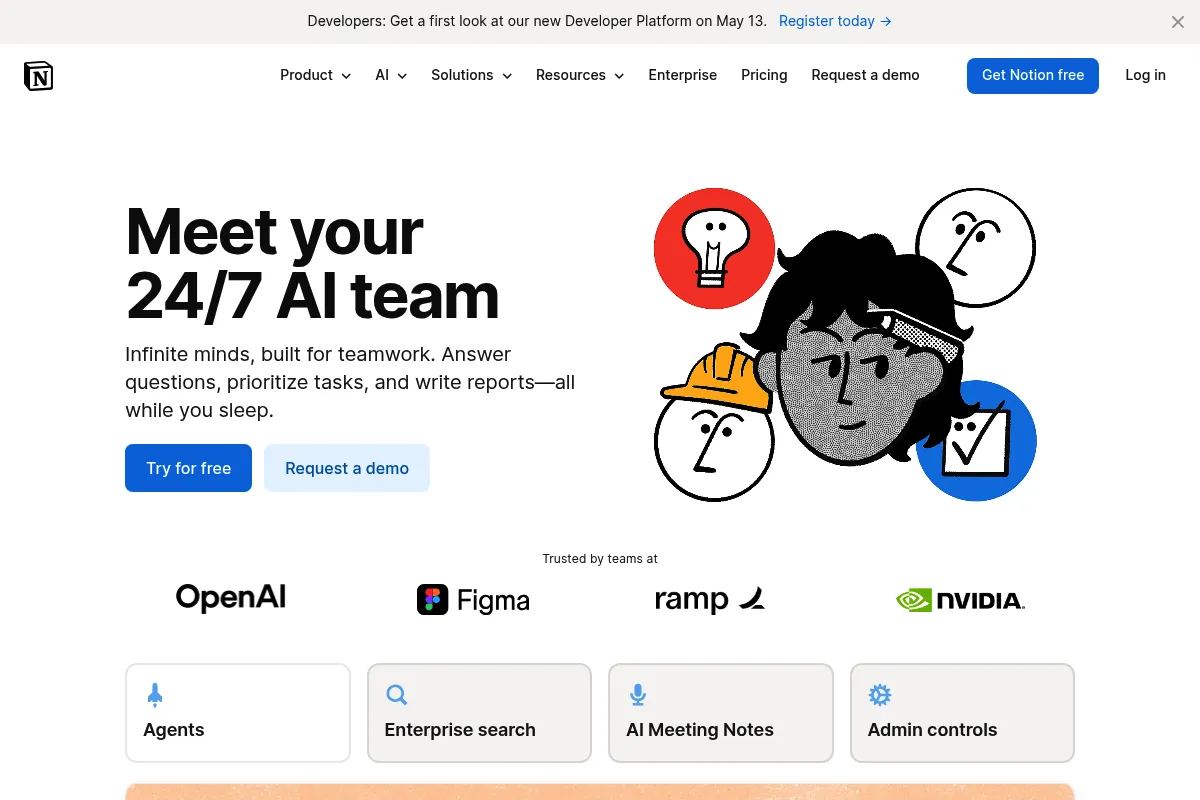
Notion AI is a proprietary layer integrated directly into the Notion workspace. It functions as a writing assistant, a data processor for databases, and a semantic search engine for internal knowledge management.
Official profiles
What it actually does
It allows users to generate text, summarize existing pages, and extract action items directly within the editor. The Q&A feature acts as a chatbot that answers questions based on the specific content stored across all accessible pages in a workspace.
What makes it different
Unlike standalone chatbots, Notion AI has full context of your workspace's folder structure, database properties, and page history. It can perform 'Autofill' on databases, automatically generating summaries or tags for hundreds of entries simultaneously.
Ratings across the web


Ratings aggregated from independent review platforms.
Key Features
Q&A
Answers questions by scanning your entire workspace for relevant documentation.
Autofill
Automatically populates database columns like 'Summary' or 'Key Stakeholders' from page content.
Action Item Extraction
Scans meeting notes to create a checklist of tasks automatically.
Brainstorming Tool
Generates initial lists or outlines to overcome blank-page syndrome.
Tone Shifter
Rewrites existing text to be more professional, casual, or concise.
Explain This
Simplifies complex technical jargon or long-form legal text within a page.
Translate
Converts entire pages into 14+ languages without leaving the editor.
Pricing
Free Trial
- Limited number of AI responses (usually 20-40 per workspace)
- Access to all AI features
- No credit card required
AI Add-on (Annual)
- Unlimited AI responses
- Full Q&A access
- Database Autofill
- Writing and editing tools
AI Add-on (Monthly)
- Unlimited AI responses
- Full Q&A access
- Database Autofill
- No long-term commitment
Pricing checked 6 months ago
Pricing guidance
- When the 20-40 response trial limit is reached
- When the workspace grows too large for manual search to be efficient
- When you need to automate metadata for large databases
- Must be purchased for every member of the workspace (cannot pick and choose individuals)
- Requires a paid Notion base plan to get the $8 rate; free users pay $10
Premium add-on pricing that becomes significant at scale, positioned as a productivity multiplier.
Pros & Cons
Strengths
-
Contextual awareness
Because it lives inside your docs, it understands your company's specific acronyms, projects, and team structures better than a general AI.
-
Database automation
The Autofill feature saves hours of manual data entry by summarizing long documents into database properties at scale.
-
Zero context switching
Eliminates the need to copy-paste text between Notion and external tools like ChatGPT or Claude, maintaining workflow flow.
Weaknesses
-
Rigid pricing model
It is a flat per-user add-on fee, meaning you cannot buy it for just a few power users; it's usually all-or-nothing for the workspace.
Affects: Large teams on a budget
-
Hallucinations in Q&A
It occasionally references outdated pages or combines facts from two different documents incorrectly.
Affects: Teams relying on it for high-stakes factual accuracy
-
Limited creative control
Lacks the advanced prompt engineering features or 'memory' settings found in dedicated writing platforms like Jasper.
Affects: Professional copywriters and content marketers
Real User Sentiment
Users generally appreciate the convenience and the Q&A feature, though there is lingering frustration regarding the per-seat pricing model.
Users tend to like
- Seamless integration with existing pages
- Ability to summarize long meeting notes instantly
- The Q&A feature's ability to find buried information
- Database autofill for organizing large datasets
Users commonly complain about
- Cost for large teams is prohibitive
- Occasional 'I couldn't find that' errors in Q&A even when data exists
- Lack of choice regarding the underlying LLM model
Recurring tradeoffs
- You trade deep creative control for extreme workflow convenience.
Happiest users
Project managers who need to quickly synthesize updates from multiple team members.
Often frustrated
Budget-conscious small business owners who find the $8-10/user fee too steep on top of the base subscription.
Use Cases
New Hire Onboarding
Using Q&A to ask 'What is our PTO policy?' or 'How do I set up my VPN?'
Meeting Synthesis
Summarizing a 30-minute transcript into five bulleted action items.
Content Repurposing
Turning a long-form internal research paper into a short blog post draft.
Database Management
Automatically generating 'TL;DR' summaries for a database of 500 customer feedback entries.
Technical Documentation
Explaining complex code snippets or architecture diagrams stored in the workspace.
Frequently Asked Questions
Is Notion AI free for students or Plus plan users?
No. Notion AI is a separate add-on that costs $8 per member per month (billed annually) or $10 (billed monthly). Even if you have a paid Notion subscription or a student discount on the base plan, the AI features require this additional payment after the initial trial responses are used.
How does Notion AI compare to ChatGPT?
ChatGPT is better for general creative writing and has a larger knowledge cutoff for world events. Notion AI is superior for tasks involving your own data; it can 'read' your private notes and databases to answer questions, which ChatGPT cannot do unless you manually upload files.
Can I buy Notion AI for just myself if I'm in a team workspace?
No. If you are part of a Team or Enterprise workspace, the AI add-on must be purchased for every member of that workspace. This is a common point of friction for teams where only a few people need AI capabilities.
Does Notion use my data to train its global AI models?
Notion states that they do not use your workspace data to train their models for other users. They use providers like Anthropic and OpenAI, but your data is encrypted and kept private within your workspace context.
What are the limitations of the Q&A feature?
Q&A only searches text within Notion. It cannot currently 'see' content inside PDF attachments, images, or integrated third-party apps like Slack or Google Drive unless that content has been synced or pasted into a Notion page.
Can Notion AI generate images?
No, Notion AI is currently text-based. It cannot generate AI images or diagrams. For those needs, you would still need a tool like Midjourney, DALL-E, or a dedicated Notion integration.
Why trust this page?
This evaluation combines product positioning, pricing analysis, traffic and market signals, and public user sentiment into a single decision-support page. Content is generated editorially — not copied from the vendor's website.
Funding & Company
Founded
2013
Stage
Late stage
Total Raised
$343.2M
Latest Round
Series C (Oct 2021)
Notable Investors
Notion has raised a total of $343.2 million, culminating in a massive $275 million Series C in late 2021 that valued the company at $10 billion. This significant funding from top-tier investors like Sequoia Capital and Coatue provides a very long operational runway and the resources to aggressively pursue product development and market expansion.
Market Signals & Traffic
Estimated visits, global rank, geography, traffic sources, monthly visit trends, and organic search keywords (Similarweb)—on a dedicated page built for depth and search.
- Estimated visits
- 0
- Global rank
- —
- Snapshot
- May 2026
- Traffic trend
- Falling
Estimated monthly visits
Similar Tools
Glean
AI Assistant, Productivity, Documentation

Enterprise search and knowledge discovery platform for workplace teams.
PrometAI
AI Assistant, Productivity, Documentation

Generate investor-ready business plans and financial projections in minutes.
Otter.ai
AI Assistant, Productivity, Documentation

AI-powered transcription and meeting assistant for accurate notes and summaries.
Fireflies.ai
AI Assistant, Productivity, Documentation

AI meeting assistant that records, transcribes, and summarizes calls.
Plaud NotePin
AI Assistant, Productivity, Documentation

Voice recorder for transcribing and summarizing meetings and calls.
NotebookLM
AI Assistant, Productivity, Documentation

AI-powered research assistant that synthesizes information from your documents.