
Open Playground
A minimalist LLM playground for side-by-side model benchmarking and prompt engineering without the overhead of multiple monthly subscriptions.
Excellent for developers comparing model outputs and costs, weaker for users needing document management or collaborative chat features.
Analysis based on product data, pricing structure, traffic signals, and public user sentiment.
Who Should Use Open Playground?
Typical users
Developers, prompt engineers, and AI researchers who need to test prompts across different model architectures simultaneously.
Maturity fit
beginner to advanced
Choose this if…
- You want to compare GPT-4, Claude 3.5, and Llama 3 side-by-side
- Your usage is sporadic and doesn't justify multiple $20/month subscriptions
- You need granular control over parameters like temperature and top-p
Skip this if…
- You need a polished UI for long-form writing or document organization
- Your workflow relies heavily on mobile apps or voice interaction
- You require built-in RAG (Retrieval-Augmented Generation) for searching your own files
About Open Playground
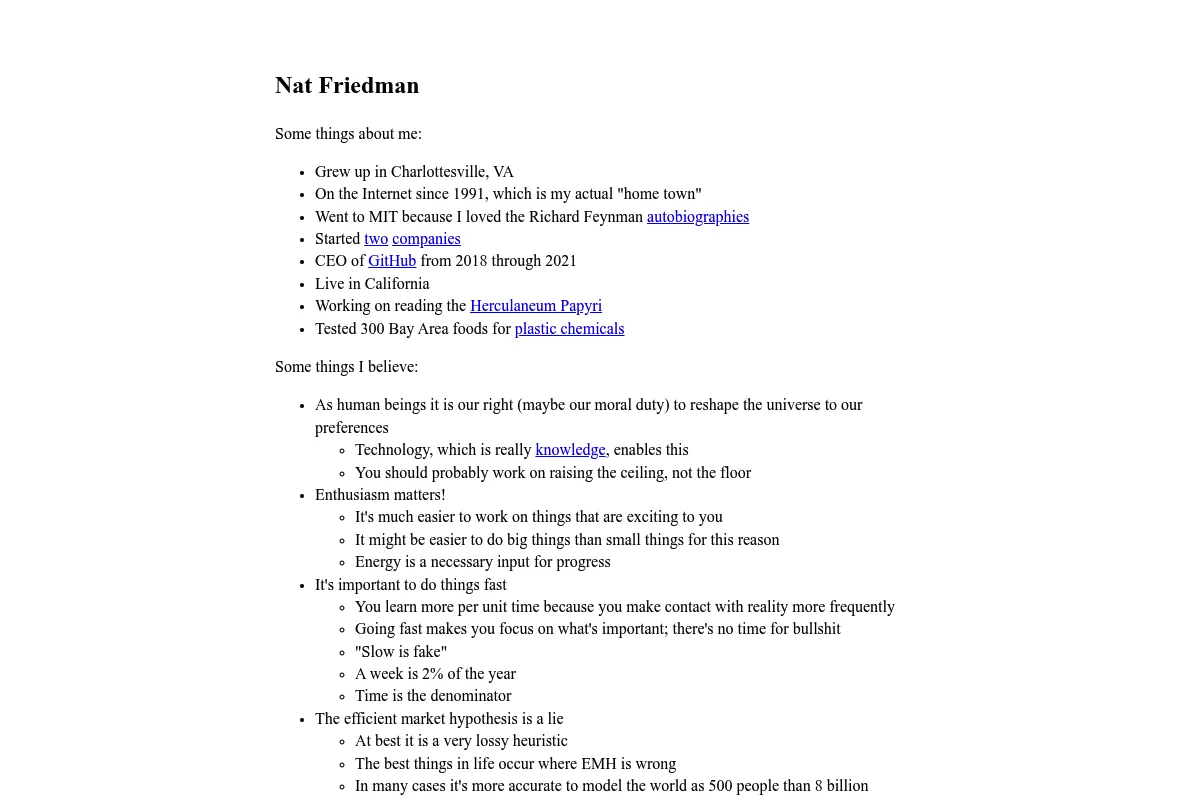
Nat.org (also known as the Nat Friedman LLM Playground) is a unified interface for accessing dozens of proprietary and open-source large language models. It provides a raw, technical environment for testing model behavior without the guardrails or formatting found in consumer chat applications.
What it actually does
The tool aggregates models from OpenAI, Anthropic, Google, Meta, and Mistral into a single dashboard. Users deposit credits and pay only for the tokens they consume across any model they select.
What makes it different
Unlike consumer wrappers that hide technical settings, Nat.org exposes the raw API parameters. Its primary differentiator is the 'Compare' mode, which allows a single prompt to be executed across multiple models in parallel for immediate quality assessment.
Key Features
Compare Mode
Run one prompt against 2-5 models simultaneously to see which handles specific logic better.
Unified Credit System
Use a single $5 balance to access models that would otherwise require four separate subscriptions.
System Prompt Testing
Save and swap system instructions to see how they influence model constraints.
Raw Parameter Access
Control the randomness and length of responses at the API level.
Model Latency Tracking
View real-time performance data for how fast each model generates tokens.
Minimalist UI
A distraction-free, text-heavy interface optimized for speed and utility.
Pricing
Pay-as-you-go
- Access to all available models
- Compare mode
- Adjustable parameters
- No monthly commitment
- Credits do not expire
Pricing checked 6 months ago
Pricing guidance
- When your credit balance hits zero
- When you need to test high-token-cost models like GPT-4 Turbo or Claude 3 Opus
- Minimum top-up is $5
- Some models may have lower rate limits than native provider accounts
Highly aggressive value positioning that undercuts traditional $20/month subscription models for light-to-medium users.
Pros & Cons
Strengths
-
Cost-effective for low-volume users
Instead of paying $60+ per month for ChatGPT, Claude, and Gemini, you can spend $5 on credits that last weeks for occasional testing.
-
Immediate access to new models
New model releases are typically added within hours, making it the fastest way to test new tech without waiting for rollout phases.
-
Unfiltered model behavior
Provides a closer approximation to API behavior than consumer chat interfaces, which often have hidden system prompts.
Weaknesses
-
Utilitarian interface
The UI is built for utility, not aesthetics. It lacks the polish, folders, and search functionality found in tools like TypingMind.
Affects: Power users with hundreds of saved chats
-
No native multimodal support
While it handles text exceptionally well, it lacks the robust image, video, and file upload capabilities of native model interfaces.
Affects: Designers and data analysts
-
Manual credit management
The pay-as-you-go model requires manual top-ups, which can interrupt workflows if you run out of credits mid-session.
Affects: High-volume daily users
Real User Sentiment
Highly positive among technical users who value transparency and speed over UI fluff.
Users tend to like
- The simplicity of the interface
- The ability to compare models side-by-side
- The fair, usage-based pricing
Users commonly complain about
- Lack of a mobile app
- Basic chat history management
- Occasional downtime for specific third-party models
Recurring tradeoffs
- You trade a polished user experience and features like 'GPTs' for lower costs and better technical control.
Happiest users
Developers who need to quickly verify if a new model version fixes a specific bug in their prompts.
Often frustrated
Non-technical users who find the lack of formatting and 'raw' text output difficult to read.
Use Cases
Model Benchmarking
Running the same complex logic puzzle through five models to see which is most accurate.
Cost Optimization
Testing if a cheaper model (like Haiku or Flash) can handle a task as well as a premium model.
Prompt Engineering
Iterating on system instructions and observing the immediate effect on output variance.
Subscription Consolidation
Replacing multiple $20/month AI subscriptions with a single $5/month usage-based spend.
Early Access Testing
Trying out the latest models from Mistral or Meta before they are integrated into larger platforms.
Frequently Asked Questions
How does Nat.org pricing compare to ChatGPT Plus?
ChatGPT Plus costs a flat $20/month. Nat.org is pay-as-you-go with a $5 minimum. If you use AI occasionally, Nat.org is significantly cheaper; if you use it for hours every day, the token costs on Nat.org could eventually exceed $20.
Can I use Nat.org for free?
No. Unlike some other playgrounds, Nat.org requires a $5 credit purchase upfront to access any models. There is no free trial period.
Which models are available on Nat.org?
It typically includes the full suite from OpenAI (GPT-4o, GPT-3.5), Anthropic (Claude 3.5 Sonnet, Opus, Haiku), Google (Gemini 1.5 Pro/Flash), and various open-source models like Llama 3 and Mistral Large.
Is Nat.org better than Poe.com?
Poe is better for casual users who want a mobile app and 'bots.' Nat.org is better for developers who want raw parameter control and side-by-side comparison views without a monthly subscription.
Does Nat.org store my data?
It stores your chat history so you can access it later, but it does not have the enterprise-grade privacy controls or 'incognito' modes found in some dedicated business AI tools.
Can I upload PDFs or images to Nat.org?
As of now, Nat.org is primarily text-based. It does not support the advanced file analysis or image generation features found in the native ChatGPT or Claude interfaces.
Why trust this page?
This evaluation combines product positioning, pricing analysis, traffic and market signals, and public user sentiment into a single decision-support page. Content is generated editorially — not copied from the vendor's website.
Funding & Company
Founded
2022
Stage
Series c
Total Raised
$446M
Latest Round
Series C (Mar 2024)
Notable Investors
Magic AI has raised approximately $446 million over three significant rounds, culminating in a Series C that valued the company at $1.5 billion. This substantial backing from top-tier investors like CapitalG, Sequoia, and prominent angels like Nat Friedman and Daniel Gross signals strong market confidence in its mission to automate software development.
Market Signals & Traffic
Estimated visits, global rank, geography, traffic sources, monthly visit trends, and organic search keywords (Similarweb)—on a dedicated page built for depth and search.
- Estimated visits
- 0
- Global rank
- —
- Snapshot
- May 2026
- Traffic trend
- Cooling
Estimated monthly visits
Alternatives to Open Playground
View all alternativesPoe
AI Assistant, Content Creation

A platform to chat with and create AI bots, accessing multiple models in one place.
Gumloop
Automation & Agents, Productivity

No-code platform for building AI agents and automating complex workflows.
Similar Tools
Reflection
AI Assistant, Developer Tools, Research

Open-source language model that corrects its own reasoning errors.
Baichuan Intelligence
AI Assistant, Developer Tools, Research

Multilingual large language models for text generation and complex reasoning.
crewAI
Automation & Agents, Developer Tools

Framework for orchestrating collaborative autonomous agents for complex workflows.
World Labs
Content Creation, Developer Tools, Gaming

Spatial intelligence models for understanding and interacting with 3D environments.
Storm
Content Creation, Productivity, AI Assistant

AI system that researches and writes Wikipedia-like articles.
AgentOpus
Automation & Agents, Workflow, Developer Tools

Visual builder for creating and deploying autonomous agent workflows