

Warmy.io is an accessible email warm-up tool for solo operators and small teams, but its per-inbox pricing model makes it economically unviable for scaling outreach operations.
Excellent for beginners warming up a few Gmail inboxes, but a poor fit for agencies or sales teams managing multiple accounts due to high costs.
Analysis based on product data, pricing structure, traffic signals, and public user sentiment.
Who Should Use Warmy?
Typical users
Solo founders, individual sales development representatives (SDRs), or small marketing teams just starting with cold outreach and managing 1-2 inboxes.
Maturity fit
beginner
Choose this if…
- You are warming up one or two Gmail inboxes and prioritize ease of use over advanced control.
- Your primary need is a simple, automated warm-up process without technical complexity.
- You value a clean, intuitive dashboard and responsive customer support for basic queries.
- You are an individual user who finds a flat $49/month fee for a single inbox acceptable.
Skip this if…
- You are an agency or team managing five or more inboxes; the per-inbox pricing will become prohibitively expensive.
- You require detailed analytics, real-time alerts, or direct control over DNS settings like SPF, DKIM, and DMARC.
- Your outreach involves heavy use of Outlook or custom SMTP, as the tool is optimized primarily for Gmail.
- You need to warm up inboxes in bulk, as the platform lacks a bulk setup feature.
About Warmy
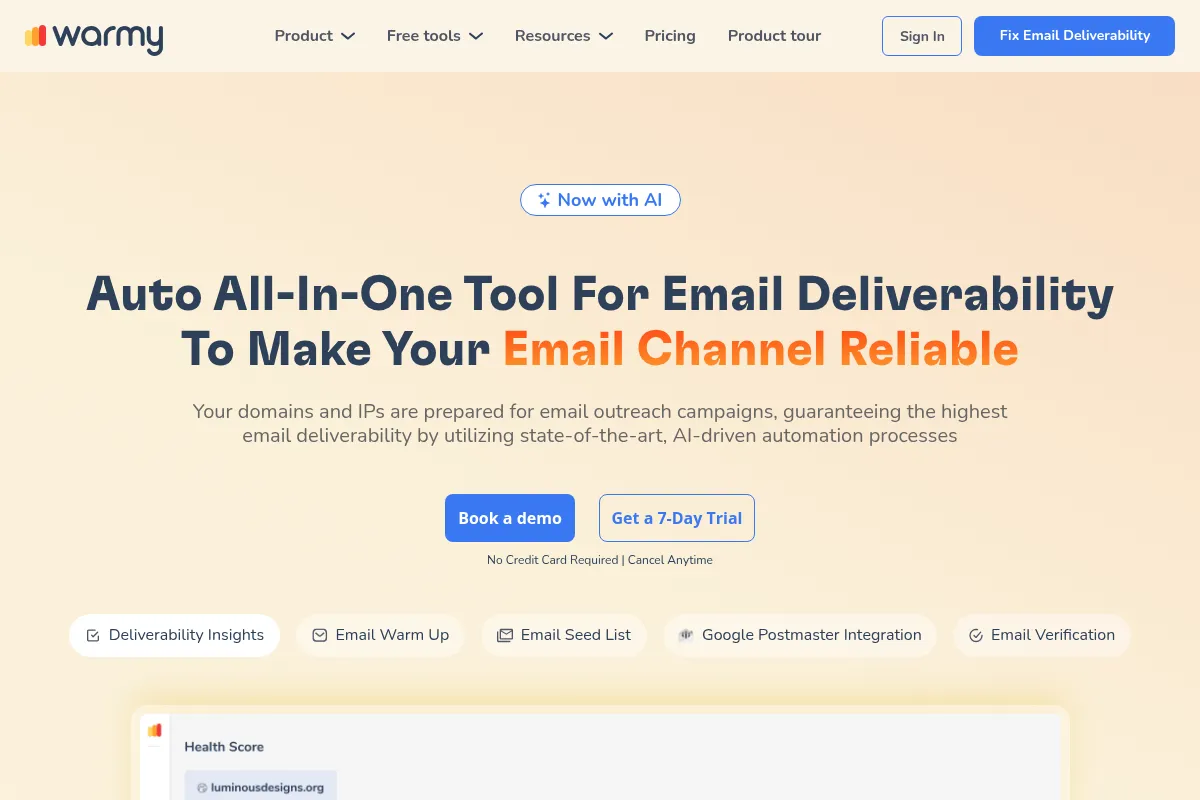
Warmy.io is an AI-powered email deliverability platform designed to improve a sender's reputation by automating the email warm-up process. It simulates realistic engagement with a network of inboxes to ensure emails land in the primary inbox rather than the spam folder. The service is primarily for those new to cold outreach who need a straightforward, hands-off solution.
What it actually does
Warmy automates the process of sending and receiving emails from your account to a network of other inboxes. Its AI, named 'Adeline', simulates human-like interactions such as opening emails, replying, and marking them as important to build positive engagement signals for email service providers. It also provides a dashboard to monitor domain health, check for blacklists, and test inbox placement.
What makes it different
Warmy's primary differentiator is its user-friendly interface and AI-driven automation, which simplifies the warm-up process for non-technical users. It offers conversation topics in over 30 languages to make the warm-up emails appear more natural. However, its core functionality is similar to many other warm-up tools, and its main distinction in the market is its high per-inbox price point.
Ratings across the web



Ratings aggregated from independent review platforms.
Key Features
Automated Email Warm-Up
The core function that gradually increases sending volume and simulates engagement to build sender reputation without manual effort.
Adeline AI Engine
Generates human-like email conversations on over 30 topics, aiming to create more authentic engagement patterns than generic templates.
Domain Health Dashboard
Provides a centralized view of DNS records (SPF, DKIM, DMARC) and blacklist status, helping users identify technical issues affecting deliverability.
Inbox Placement Testing
Sends test emails to a seed list to report whether they land in the primary inbox, promotions, or spam folder across major providers.
Multi-Language Support
Allows users to conduct warm-ups in over 30 languages, which is beneficial for global outreach campaigns.
Customizable Warm-up Settings
Offers options to adjust sending frequency, reply rates, and engagement levels to tailor the warm-up strategy.
API Access
Enables integration with other marketing and sales platforms for more automated workflows.
Pricing
Starter
- 1 Inbox
- 100 warmup emails/day
- 5 DNS record tests
- 5 Inbox placement tests
Business
- Up to 5 Inboxes
- 300 warmup emails/day
- Advanced warm-up features
- Basic analytics
Premium
- Up to 10 Inboxes
- 1,000 warmup emails/day
- Warm-up customization
- Detailed insights
Expert
- Up to 20 Inboxes
- 2,000 warmup emails/day
- Higher sending volume
- Limited API access
Platinum
- 5,000 warmup emails/day
- Highest sending volume
- Full API access
- Agency dashboard
Pricing checked 6 months ago
Pricing guidance
- You need to warm up more than one inbox.
- You require more than 100 warm-up emails per day.
- You want to customize the warm-up topic and language, as these are locked in higher-tier plans.
- You need API access for integrations.
- The per-inbox pricing model is the most significant limitation, making scaling costs unpredictable and high.
- Advanced features like choosing warm-up topics or languages are not available on the entry-level Starter plan.
- Inbox placement tests are limited to 50 per month, even on the highest plans.
- There are no discounts for annual billing mentioned.
Premium positioning for beginners, but overpriced for scaling teams and agencies.
Pros & Cons
Strengths
-
Extremely easy to set up and use
Users consistently praise the simple, non-technical setup process that takes only a few minutes. The clean interface and high degree of automation make it ideal for beginners.
-
Effective for basic warm-up needs
For warming one or two new domains, particularly with Gmail, the tool successfully improves sender reputation and helps emails avoid the spam folder.
-
Responsive customer support
Support is frequently highlighted as a major strength, with users reporting quick, helpful, and knowledgeable assistance.
-
Good domain health monitoring
The dashboard provides a clear overview of essential deliverability metrics, including DNS records and blacklist status, all in one place.
Weaknesses
-
Expensive per-inbox pricing model
The biggest drawback is the cost structure. Charging per inbox makes it prohibitively expensive for agencies, sales teams, or anyone needing to warm up more than a couple of accounts.
Affects: Scaling teams and agencies
-
Limited features for advanced users
The tool lacks advanced DNS management, bulk inbox setup, and real-time deliverability alerts. Analytics are considered too basic for power users.
Affects: Experienced marketers and deliverability specialists
-
Inbox placement testing is not robust
The seed list for testing inbox placement is small (reportedly 5 inboxes per ESP), which may not provide statistically reliable data for making critical campaign decisions.
Affects: Data-driven marketing teams
-
Less effective for Outlook and custom SMTP
User feedback indicates that the tool performs best with Gmail, while users with Outlook or custom SMTP setups may experience more limitations.
Affects: Users outside the Google Workspace ecosystem
Real User Sentiment
Users generally agree that Warmy works as advertised for its core function of warming up email inboxes, and they praise its ease of use and customer support. However, the most dominant theme in user feedback is that the service is significantly overpriced compared to competitors, making it a poor value proposition for anyone managing multiple accounts.
Users tend to like
- The simple, intuitive, and clean user interface.
- The 'set it and forget it' nature of the automation.
- Highly responsive and helpful customer support.
- Noticeable improvements in email deliverability and sender reputation.
- The ease of setup, which requires no technical expertise.
Users commonly complain about
- The per-inbox pricing is too expensive for scaling.
- Lack of advanced customization and control.
- Analytics and reporting are too basic.
- Inbox placement test accuracy is questionable due to a small seed list.
- Occasional platform glitches, such as inboxes being randomly disconnected.
Recurring tradeoffs
- Users trade cost-effectiveness for extreme ease of use and a hands-off experience.
- The tool prioritizes simplicity for beginners over the advanced features and control that experienced marketers need.
- You get a functional warm-up tool but without the robust, scalable pricing of competitors like Instantly or Mailivery.
Happiest users
Solo entrepreneurs or small business owners warming up a single new domain who are willing to pay a premium for simplicity.
Often frustrated
Marketing agencies and sales teams who need to manage multiple client or team inboxes and find the costs escalating uncontrollably.
Use Cases
Solo Founder Launching Cold Outreach
Set up a new domain and warm it for 2-4 weeks to ensure initial sales emails land in the primary inbox.
Small Sales Team Warming Up New Hires
Quickly get new sales reps' email accounts ready for outreach without requiring technical setup from the reps themselves.
Marketer Recovering a Blacklisted Domain
Use the automated positive engagement signals to gradually rebuild the reputation of a domain that has been blacklisted.
B2B Agency Managing a Few High-Value Clients
Manage warm-ups for a small number of client accounts where the premium price can be absorbed into the client retainer.
SaaS Business Ensuring Transactional Email Delivery
Warm up the domain used for sending critical transactional emails (e.g., password resets, welcome emails) to improve inbox placement.
Frequently Asked Questions
How much does Warmy.io cost?
Warmy.io uses a per-inbox pricing model. The 'Starter' plan is $49/month for one inbox. The 'Business' plan costs $129/month for up to five inboxes, 'Premium' is $189/month for ten, and 'Expert' is $279/month for twenty. This structure can become very expensive compared to alternatives if you need to warm up multiple accounts.
Is there a free trial for Warmy?
Yes, Warmy.io offers a 7-day free trial that allows you to test the platform's features. There is no permanent free plan available.
How does Warmy compare to a competitor like Instantly or Lemwarm?
Warmy is often considered more expensive than competitors. Tools like Instantly and Smartlead bundle email warm-up with their core cold emailing platforms, making them a better value. Lemwarm is integrated into the Lemlist ecosystem and has a lower daily sending cap on its base plan. While Warmy is praised for its simplicity, users often switch to bundled solutions to save money once they scale.
What are the main limitations of Warmy.io?
The primary limitation is its expensive per-inbox pricing model, which is not suitable for scaling. Other limitations include a lack of advanced analytics and DNS control, a small seed list for inbox placement tests which may affect accuracy, and better performance with Gmail compared to Outlook or custom SMTP.
What integrations does Warmy support?
Warmy integrates with most major email providers, including Gmail, Google Workspace, Outlook, Office 365, and custom SMTP servers. It connects securely via OAuth for Google and Microsoft accounts. It also offers API access on higher-tier plans for custom integrations.
How long does it take to see results with Warmy?
For a new domain, it is recommended to warm up for at least two weeks before sending any campaigns. Significant improvements in deliverability and sender reputation can often be seen within 2-4 weeks of consistent use, though rehabilitating a damaged domain may take longer.
Can I use my email account while it's being warmed up?
Yes, you can continue to use your email account for normal activities during the warm-up process. However, you must be careful not to exceed the daily sending limits imposed by your email provider (e.g., Gmail's 500-email/day limit for free accounts). The combined total of your manual sends and Warmy's automated sends should stay under this limit.
Why trust this page?
This evaluation combines product positioning, pricing analysis, traffic and market signals, and public user sentiment into a single decision-support page. Content is generated editorially — not copied from the vendor's website.
Funding & Company
Founded
2020
Stage
Bootstrapped
Total Raised
Bootstrapped
Latest Round
—
Warmy.io is a bootstrapped company that has not raised any external venture capital funding. Its growth has been financed entirely by its own revenue, indicating strong product-market fit and operational efficiency from an early stage.
Market Signals & Traffic
Estimated visits, global rank, geography, traffic sources, monthly visit trends, and organic search keywords (Similarweb)—on a dedicated page built for depth and search.
- Estimated visits
- 198,788
- Global rank
- #220,066
- Snapshot
- Apr 2026
- Traffic trend
- Rising
Estimated monthly visits
Alternatives to Warmy
View all alternatives
Similar Tools
Liquid AI
Developer Tools, Research

High-performance foundation models for long-context data and edge computing
Neon
Developer Tools

Serverless Postgres database with instant branching and automatic scaling.
Alibaba Cloud (Qwen)
Developer Tools, Content Creation

Large language models for text generation, reasoning, and coding.
Anara
AI Assistant, Content Creation, Documentation

An AI-powered research assistant for students, scientists, and academic teams.
Evatype
Design, Content Creation

Generate custom, high-quality fonts and typography using text descriptions.
Voicemod AI
Content Creation, AI Assistant

Real-time AI voice changer and soundboard for creators and gamers.