

Whimsical is a high-speed visual workspace that prioritizes rapid ideation over design flexibility, making it the fastest way to turn abstract ideas into structured diagrams and wireframes.
Excellent for product managers and developers who need to map logic quickly, weaker for designers requiring pixel-perfect control or complex styling.
Analysis based on product data, pricing structure, traffic signals, and public user sentiment.
Who Should Use Whimsical?
Typical users
Product managers, software engineers, and UX researchers in small to mid-sized tech teams.
Maturity fit
beginner to scaling
Choose this if…
- Speed of creation is more important than visual customization
- You want a tool that forces a clean, consistent aesthetic automatically
- Your workflow involves moving between flowcharts, mind maps, and documentation in one place
- You prefer keyboard-first navigation and shortcuts
Skip this if…
- You need to create high-fidelity prototypes or detailed UI designs
- Your team requires advanced workshop features like built-in timers and voting (Miro is better here)
- You need granular control over line weights, custom fonts, or brand colors
About Whimsical
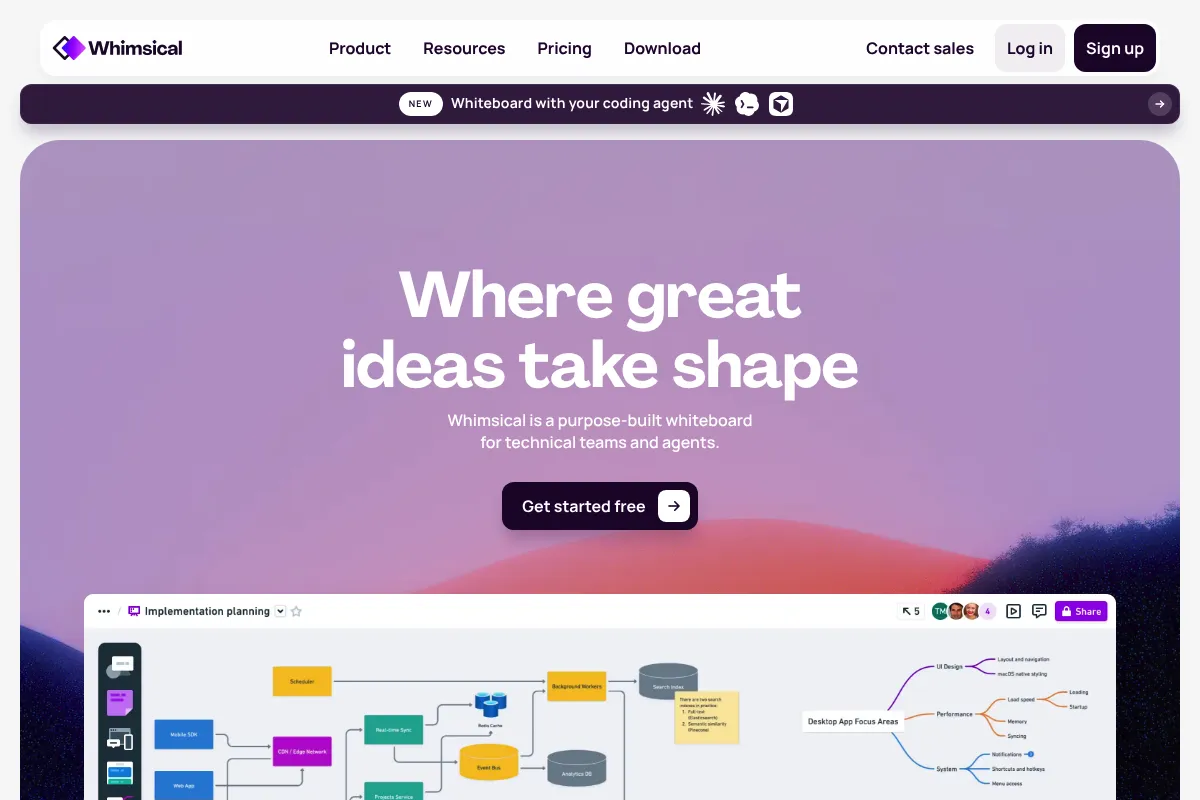
Whimsical is a collaborative workspace that combines diagramming, wireframing, and documentation. It focuses on reducing the cognitive load of design by offering a limited, opinionated set of styling options that ensure everything looks organized by default.
Official profiles
What it actually does
Users can build flowcharts, wireframes, mind maps, and sticky note boards using a drag-and-drop interface optimized for speed. It includes a 'Docs' feature that allows users to embed live diagrams directly into structured text documents for contextual project planning.
What makes it different
Unlike Miro or Lucidchart, which offer infinite styling permutations, Whimsical deliberately limits your choices. This 'constrained' approach prevents teams from wasting time on pixel-pushing and ensures that diagrams remain readable and consistent across the entire organization.
Ratings across the web


Ratings aggregated from independent review platforms.
Key Features
Whimsical AI
Generates flowcharts and mind maps from text prompts to jumpstart brainstorming.
Wireframe Library
Provides a set of ready-to-use buttons, inputs, and icons that snap to a grid.
Smart Connectors
Lines stay attached to objects and route themselves automatically as you move elements.
Whimsical Docs
A Notion-like editor where you can embed boards that update in real-time as the source changes.
Keyboard Shortcuts
Allows users to build entire complex diagrams without touching a mouse.
Guest Editors
Enables collaboration with external stakeholders without requiring them to have a paid seat.
Time Machine
Version history that allows you to see how a board evolved and restore previous states.
Pricing
Starter
- Up to 3 collaborative boards
- Unlimited members
- Whimsical AI (limited)
- Real-time collaboration
Pro
- Unlimited collaborative boards
- 10 guest editors per file
- Priority support
- Advanced Whimsical AI usage
Organization
- SAML SSO
- SCIM user provisioning
- Team-level permissions
- Minimum 10 editors required
Pricing checked 6 months ago
Pricing guidance
- When you need more than 3 boards
- When you need to invite external clients as guest editors
- When you require SSO for security compliance
- The 'Unlimited Members' on the free plan only applies to viewers; editors are the primary cost driver.
- AI usage is metered even on paid plans, though limits are higher.
Mid-range pricing that is competitive with Miro but more expensive than basic diagramming tools due to its integrated Docs feature.
Pros & Cons
Strengths
-
Extreme speed of execution
The interface is stripped of clutter, and the 'predictive' nature of the connectors means you can map a complex user flow in minutes rather than hours.
-
Low learning curve
New hires can become proficient in minutes because there are no complex menus or deep sub-settings to navigate.
-
Clean, professional output
The limited color palette and fixed line weights ensure that even non-designers produce diagrams that look professional and uniform.
-
Unified context
Keeping the 'why' (Docs) and the 'how' (Flowcharts) in the same tool reduces context switching and keeps documentation from going stale.
Weaknesses
-
Rigid styling options
You cannot change specific hex codes, font sizes, or border radii. If your brand guidelines are strict, you will find this frustrating.
Affects: Brand-conscious marketing and design teams
-
Limited integration ecosystem
While it connects to Jira and Slack, it lacks the deep enterprise integration library found in competitors like Lucidchart.
Affects: Large enterprise IT departments
-
Pricing per editor
The cost can scale quickly for large teams, and the gap between the free tier and the Pro tier is significant for casual users.
Affects: Budget-constrained startups or large cross-functional teams
Real User Sentiment
Users generally praise Whimsical for its 'frictionless' experience and aesthetic constraints, though some feel the pricing has become less competitive as rivals add more features.
Users tend to like
- The 'it just works' feeling of connectors
- Minimalist and distraction-free UI
- Speed of the keyboard shortcuts
- The quality of the pre-built wireframe components
Users commonly complain about
- Lack of a dark mode (frequently requested)
- The 3-board limit on the free plan is too restrictive
- Difficulty in exporting to high-res vector formats for print
Recurring tradeoffs
- You trade design control for speed. Users accept they can't change colors to get the diagram done in half the time.
Happiest users
Product Managers who need to explain a complex logic flow to developers quickly.
Often frustrated
Visual designers who feel boxed in by the lack of creative tools and styling options.
Use Cases
User Flow Mapping
Visualizing how a user moves through an app to identify friction points.
Low-Fidelity Wireframing
Creating structural blueprints for new features before moving to high-fidelity design.
Technical Architecture Diagrams
Mapping out cloud infrastructure or database schemas for engineering teams.
Product Requirements Docs (PRDs)
Writing project specs in Whimsical Docs with embedded live diagrams.
Brainstorming
Using the mind map and sticky note features for rapid team ideation sessions.
Frequently Asked Questions
How does Whimsical compare to Miro?
Miro is an infinite digital whiteboard designed for broad workshops and creative sessions with hundreds of tools. Whimsical is a more structured, opinionated tool focused on speed and specific outputs like flowcharts and wireframes. Choose Whimsical if you want to work faster with fewer choices; choose Miro if you need a digital 'war room' with timers, voting, and extensive integrations.
Is the free plan actually usable for a small team?
The free plan allows for unlimited members but limits you to only 3 boards. For a small team, this is usually only enough for a single project or a temporary trial. Most teams will need to upgrade to the Pro plan ($10/editor/month) to manage multiple workstreams.
Can I use Whimsical offline?
No, Whimsical is a web-based SaaS tool and requires an active internet connection for real-time syncing and collaboration. There is no dedicated offline mode or local-first desktop app.
Does Whimsical integrate with Jira and GitHub?
Yes. You can embed Whimsical boards directly into Jira issues and GitHub readmes. This allows developers to see the latest flowcharts or wireframes without leaving their primary workflow tools.
Can I export my diagrams to other formats?
Whimsical allows you to export boards as PNG, PDF, or SVG files. You can also copy specific elements as images to paste into presentations or Slack messages.
What are the limitations of Whimsical AI?
Whimsical AI is best at expanding mind maps or generating initial flowchart structures from text. It cannot currently build complex, multi-page wireframes or perform deep data analysis on your existing boards.
Why trust this page?
This evaluation combines product positioning, pricing analysis, traffic and market signals, and public user sentiment into a single decision-support page. Content is generated editorially — not copied from the vendor's website.
Funding & Company
Founded
2017
Stage
Series a
Total Raised
$30M
Latest Round
Series A (Nov 2021)
Notable Investors
Whimsical raised its first and only funding round, a $30 million Series A, in late 2021 after four years of bootstrapped growth and profitability. This investment from top-tier firms like Accel provides significant capital to scale its product and go-to-market teams.
Market Signals & Traffic
Estimated visits, global rank, geography, traffic sources, monthly visit trends, and organic search keywords (Similarweb)—on a dedicated page built for depth and search.
- Estimated visits
- 1,403,125
- Global rank
- #33,510
- Snapshot
- Apr 2026
- Traffic trend
- Steady
Estimated monthly visits
Alternatives to Whimsical
View all alternativesFigma AI
Developer Tools, Content Creation

Collaborative interface design and prototyping tool for digital products.
Mural
Communication, Design, Productivity

Digital whiteboard for visual collaboration and strategic teamwork.
Balsamiq
Design, Productivity

Low-fidelity wireframing tool for rapid UI design and prototyping.
Similar Tools
Fireflies.ai
AI Assistant, Productivity, Documentation

AI meeting assistant that records, transcribes, and summarizes calls.
Glama
AI Assistant, Developer Tools, Productivity

Unified workspace for accessing multiple models and MCP services
Listen Labs
Research, Productivity, Communication

Extract actionable insights from user interviews and feedback recordings.
OnBrand
Workflow, Design, E-commerce

Product lifecycle management platform for fashion and apparel brands.
Tome
Content Creation, Productivity, Design

AI-powered storytelling and presentation tool.
Mem AI
Productivity, AI Assistant

AI-powered note-taking and knowledge management app.