

Aider
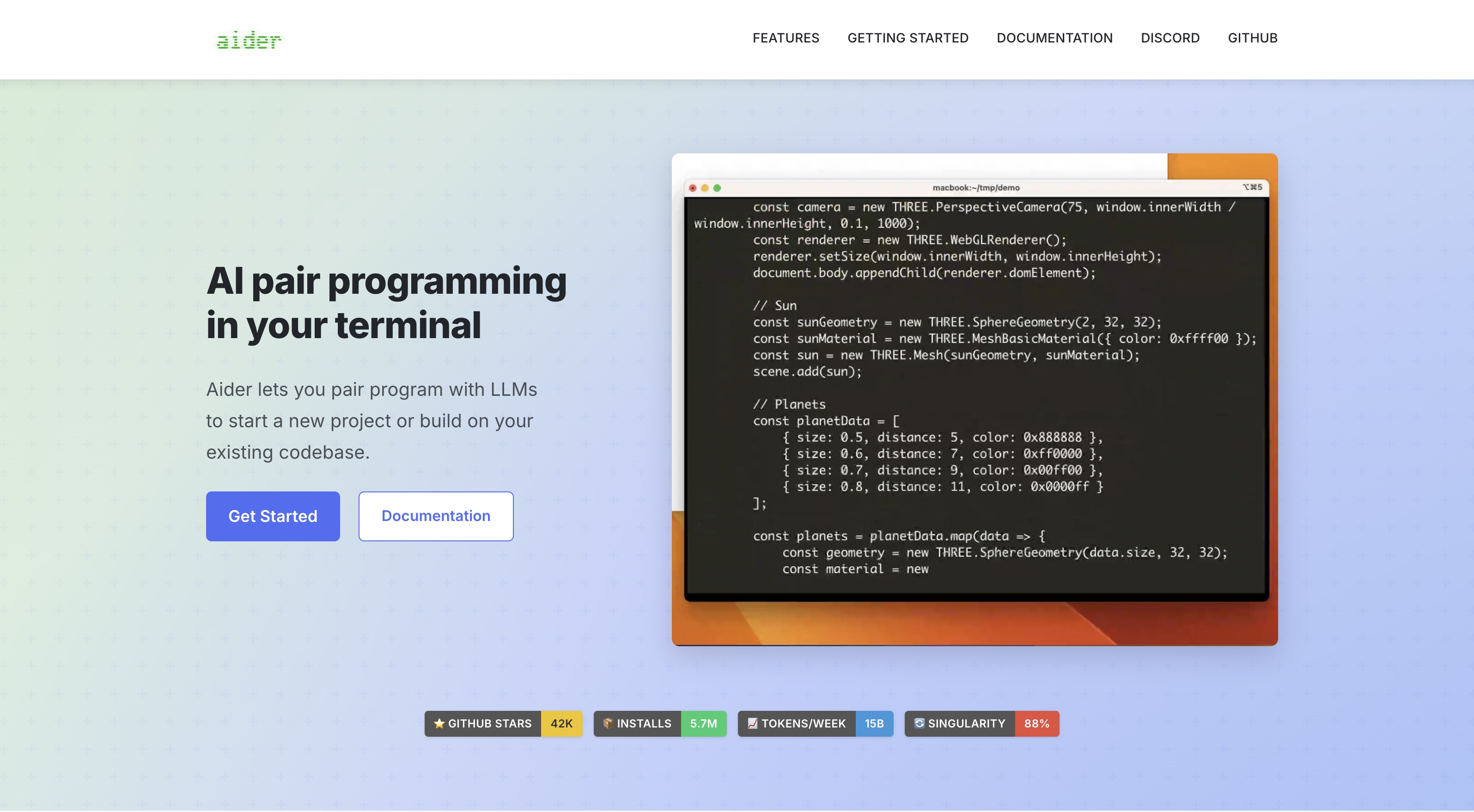
A terminal-based AI pair programmer that integrates with Git and supports a wide range of LLMs, Aider is best for developers who prioritize control and a keyboard-centric workflow.
Best for terminal-first developers who want Git integration and LLM flexibility, less ideal for those seeking a fully integrated IDE experience.
Analysis based on product data, pricing structure, traffic signals, and public user sentiment.
Who Should Use Aider?
Typical users
Developers who spend most of their time in the terminal and prefer keyboard-driven workflows. This includes individual developers, open-source contributors, and teams looking to augment their existing IDE setup without switching entirely.
Maturity fit
beginner to advanced
Choose this if…
- You prefer working within your terminal and want an AI assistant that respects that workflow.
- You want to use a variety of LLMs, including local models, without vendor lock-in.
- You value tight Git integration and want AI changes to be as trackable as human changes.
- You need an AI coding assistant that can handle tasks across multiple files in a large codebase.
Skip this if…
- You primarily use a GUI-based IDE and want AI features deeply embedded within it.
- You need advanced AI-driven code completion or refactoring directly within your editor.
- Your workflow heavily relies on visual diffing tools or integrated debugging experiences.
- You prefer a fully managed AI coding environment with built-in model selection and support.
About Aider
Aider is an open-source, terminal-based AI pair programming tool. It allows developers to interact with large language models (LLMs) to write, edit, and refactor code directly from their command line. Aider aims to provide an AI coding assistant that fits seamlessly into existing terminal-centric workflows, offering features like automatic Git commits and broad LLM support.
Official profiles
What it actually does
Aider acts as an AI pair programmer within your terminal. You can chat with it to request code changes, new features, or bug fixes. It then analyzes your codebase, generates the necessary edits, and presents them as a diff. Upon approval, Aider applies the changes and automatically commits them to your Git repository.
What makes it different
Aider's primary differentiator is its deep integration with the terminal and Git. Unlike IDE-specific plugins or AI-first IDEs, Aider maintains a developer's existing workflow by operating entirely within the command line. Its automatic Git commit feature ensures that AI-generated changes are as traceable and manageable as human contributions.
Key Features
Terminal-Native Workflow
Allows developers to stay within their preferred command-line environment without context switching.
Broad LLM Support
Connects to a wide array of LLMs (cloud and local), offering flexibility and cost control.
Automatic Git Commits
Stages and commits AI-generated changes with descriptive messages, streamlining version control.
Codebase Mapping
Creates an internal map of the repository to provide LLMs with context, improving performance on larger projects.
Multi-File Context
Maintains awareness of changes and context across multiple files, crucial for complex refactoring.
IDE Integration (via comments)
Can be used within IDEs by adding special comments in code files, allowing for a hybrid workflow.
Voice-to-Code
Enables users to issue coding commands using voice input, enhancing accessibility and speed.
Linting and Testing Integration
Automatically runs linters and tests on generated code and can fix detected issues.
Pricing
Free (Open Source)
- Core Aider functionality
- Support for any LLM (user provides API keys and pays LLM provider directly)
- Automatic Git commits
- Codebase mapping
- 100+ language support
Pricing checked 6 months ago
Pricing guidance
- When you need to use a more powerful or specialized LLM that incurs higher API costs.
- When your project complexity or frequency of AI interactions leads to significant LLM token consumption.
- LLM API rate limits and costs are determined by the chosen LLM provider, not Aider itself.
- While Aider supports many LLMs, optimal performance may vary, and some advanced features might be model-dependent.
Aider is free to use as a tool, with costs solely dependent on the LLM provider's API pricing. This offers significant cost flexibility compared to subscription-based AI coding tools.
Pros & Cons
Strengths
-
Terminal-First Design
Keeps developers in their familiar command-line environment, avoiding context switching and workflow disruption. This is ideal for users who prefer keyboard-centric operations.
-
LLM Flexibility and Cost Control
Supports a vast range of cloud and local LLMs, allowing users to choose based on performance, cost, or privacy needs. Users pay directly for API calls, often resulting in lower costs than subscription-based tools.
-
Seamless Git Integration
Automatically commits AI-generated code changes with clear messages, making it easy to review, revert, or manage AI contributions alongside human work.
-
Codebase-Wide Context
Maps the entire codebase to provide LLMs with comprehensive context, enabling more accurate and relevant code generation and refactoring, especially in large projects.
-
Open Source and Active Development
Being open-source fosters transparency and community contributions. Active development suggests ongoing improvements and feature additions.
Weaknesses
-
Not an IDE Replacement
Lacks built-in IDE features like advanced code completion, debugging, or visual refactoring tools. Users must rely on their existing IDE for these functionalities.
Affects: Developers seeking an all-in-one AI-powered IDE.
-
Steeper Learning Curve for Non-Terminal Users
While powerful for terminal users, those unfamiliar with command-line interfaces may find the initial setup and usage more challenging compared to GUI-based tools.
Affects: Developers new to the command line or preferring visual interfaces.
-
Potential for Breaking Changes
As an actively developed open-source tool (pre-v1.0), updates may occasionally introduce breaking changes that require workflow adjustments.
Affects: Users who prefer highly stable, predictable software with minimal maintenance.
-
Manual API Key Management
Users are responsible for managing their own LLM API keys, which adds an administrative step and requires understanding of different LLM provider setups.
Affects: Users who prefer a fully managed service with integrated authentication.
Real User Sentiment
Generally positive, with users praising its terminal integration, Git workflow, and LLM flexibility. Some users note a learning curve and the lack of IDE-specific features.
Users tend to like
- Terminal-native workflow
- Seamless Git integration and automatic commits
- Flexibility in choosing LLMs (including local models)
- Codebase mapping for better context
- Cost-effectiveness due to direct LLM API payment
Users commonly complain about
- Lacks built-in IDE features like advanced code completion or debugging.
- Can have a learning curve for users not accustomed to terminal-based tools.
- API key management can be cumbersome.
- Potential for breaking changes due to active development.
Recurring tradeoffs
- Terminal workflow vs. integrated IDE experience
- LLM flexibility and cost control vs. managed convenience
- Open-source control vs. potential for breaking changes
Happiest users
Developers who are already comfortable with and prefer terminal-based workflows and Git.
Often frustrated
Users who expect a fully integrated AI IDE experience or are uncomfortable with command-line interfaces.
Use Cases
Refactoring large codebases directly from the terminal
Quickly adding new features or fixing bugs in an existing project
Starting new projects with AI-assisted boilerplate generation
Experimenting with different LLMs for coding tasks
Automating repetitive coding tasks within a Git-centric workflow
Pair programming with an AI assistant in an SSH environment
Generating unit tests for existing code
Frequently Asked Questions
What is Aider?
Aider is an open-source, terminal-based AI pair programming tool. It allows developers to interact with large language models (LLMs) to write, edit, and refactor code directly from their command line. It integrates with Git, supports over 100 programming languages, and can connect to a wide variety of cloud and local LLMs.
How much does Aider cost?
Aider itself is free and open-source. The only costs incurred are for the LLM API usage, which you pay directly to your chosen LLM provider (e.g., OpenAI, Anthropic, Google). This model offers significant cost flexibility compared to subscription-based tools. Aider also offers features like prompt caching to help manage token costs.
How does Aider integrate with IDEs?
Aider can be used within IDEs by adding special AI comments directly into your source code files (e.g., `// AI: Add a function to calculate the factorial of a number`). Aider monitors these comments and applies the requested changes. This allows developers to leverage Aider's capabilities without leaving their preferred editor, though it doesn't offer the deep, native integration of tools like GitHub Copilot within VS Code or JetBrains IDEs.
What are the limitations of Aider?
Aider does not replace a full IDE; it lacks built-in features like advanced code completion, debugging, or visual refactoring tools. Users must manage their own LLM API keys, and as an actively developed open-source tool, occasional breaking changes may occur. For users not comfortable with the terminal, there can be a learning curve. It also doesn't currently support web search or unilateral code execution by the LLM.
How does Aider compare to GitHub Copilot?
Aider is primarily a terminal-based tool focused on Git integration and LLM flexibility, offering more control and cost-effectiveness for terminal-centric developers. GitHub Copilot is an IDE plugin (or integrated tool) that offers more seamless, in-editor code completion and suggestions, often with a simpler user experience for those already within supported IDEs. Aider excels in workflow preservation for terminal users, while Copilot offers deeper IDE integration.
What LLMs does Aider support?
Aider supports a wide range of LLMs, including popular cloud-based models like OpenAI's GPT series (e.g., GPT-4o, GPT-3.5-turbo), Anthropic's Claude (e.g., Claude 3.7 Sonnet), Google Gemini, and models from DeepSeek. It also supports local LLMs through integrations like Ollama, providing significant flexibility in model choice and cost management.
Can Aider work with large codebases?
Yes, Aider is designed to work with large codebases. It creates a 'map' of your entire repository, which helps it understand the context of your project. This allows it to provide more relevant and accurate code suggestions and edits even in complex, multi-file projects.
Does Aider support multiple programming languages?
Yes, Aider supports over 100 programming languages, including popular ones like Python, JavaScript, Rust, Ruby, Go, C++, PHP, HTML, and CSS, making it versatile for diverse development stacks.
Why trust this page?
This evaluation combines product positioning, pricing analysis, traffic and market signals, and public user sentiment into a single decision-support page. Content is generated editorially — not copied from the vendor's website.
Funding & Company
Founded
2023
Stage
Bootstrapped
Total Raised
Bootstrapped
Latest Round
—
Aider is an open-source project that appears to be bootstrapped and has not raised any external venture capital funding. Its development and longevity are supported by its community and the project's maintainers rather than institutional investment.
Market Signals & Traffic
Estimated visits, global rank, geography, traffic sources, monthly visit trends, and organic search keywords (Similarweb)—on a dedicated page built for depth and search.
- Estimated visits
- 401,952
- Global rank
- #125,875
- Snapshot
- Apr 2026
- Traffic trend
- Surging
Estimated monthly visits
Alternatives to Aider
View all alternativesGitHub Copilot
Developer Tools, AI Assistant

AI-powered coding assistant that suggests and generates code.
Claude
AI Assistant

A conversational AI assistant for writing, analysis, coding, and more.
Cursor
AI Assistant

An AI-powered code editor designed to help developers build software faster.
Similar Tools
Eclipse Che
Developer Tools, Productivity

Kubernetes-native cloud IDE for collaborative developer workspaces
Zed
Developer Tools, Productivity

High-performance, multiplayer code editor built for speed and collaboration.
PearAI
Developer Tools, Productivity

Open-source code editor with integrated tools for faster development.
Hugging Face
Developer Tools, Productivity

Open-source platform for machine learning models, datasets, and tools.
Trae
Developer Tools, Productivity

AI-powered IDE for faster, more intuitive software development.
Anysphere
Developer Tools, Productivity

Development platform and code editor for intelligent software engineering.