

PearAI
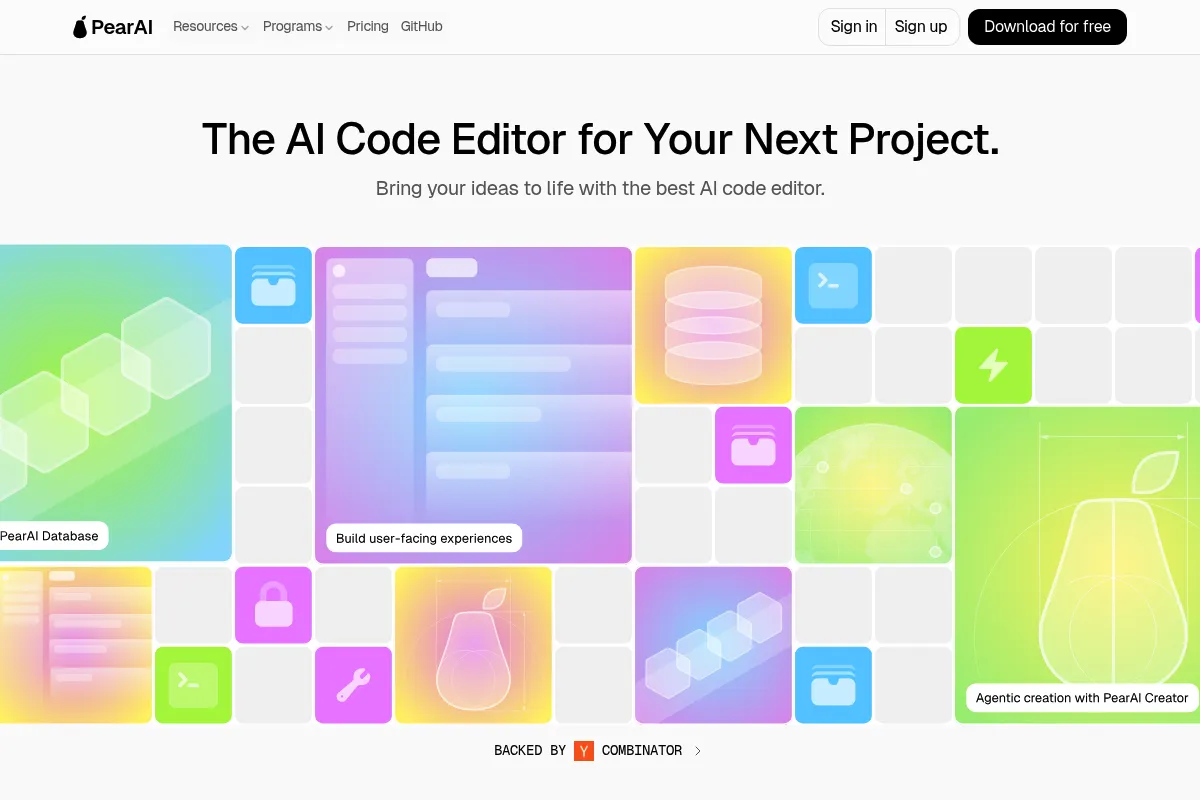
PearAI is an open-source AI code editor built on VS Code that integrates multiple AI tools, offering a familiar interface with enhanced AI capabilities for faster development.
Best for developers seeking an integrated AI coding environment within a familiar VS Code-like interface, weaker for those needing deep customization beyond its curated toolset.
Analysis based on product data, pricing structure, traffic signals, and public user sentiment.
Who Should Use PearAI?
Typical users
Individual developers and small to medium-sized teams looking to accelerate their coding workflow with AI assistance. It's particularly useful for those who appreciate the VS Code environment but want more integrated AI features out-of-the-box.
Maturity fit
beginner to scaling
Choose this if…
- You want an AI coding assistant integrated directly into a VS Code-like editor.
- You prefer an open-source solution with a familiar user interface.
- You want to leverage multiple AI models without managing separate subscriptions.
- Your priority is faster development cycles through AI-powered code generation and debugging.
Skip this if…
- You require extensive customization of the IDE's core functionality beyond its curated integrations.
- You need advanced enterprise-level features like SOC 2 compliance without custom agreements.
- You prefer a standalone AI assistant that integrates with your existing IDE rather than a full IDE replacement.
- Your workflow heavily relies on niche integrations not currently supported by PearAI.
About PearAI
PearAI is an open-source AI code editor that forks VS Code to provide a unified development environment with integrated AI tools. It aims to streamline the coding process by curating and embedding best-in-class AI solutions for tasks like code generation, debugging, and autocompletion, reducing the need for developers to manage multiple AI subscriptions and tools.
Official profiles
What it actually does
PearAI provides an AI-powered coding environment that integrates various AI tools directly into a VS Code-like interface. It offers features such as AI chat for contextual questions, automated debugging, code generation, and a 'PearAI Router' that connects to high-performing AI models, aiming to accelerate development and improve code quality.
What makes it different
PearAI differentiates itself by forking VS Code to create a fully integrated, AI-first IDE, rather than being a plugin. It curates a selection of leading AI tools into a single interface and offers a 'PearAI Router' to automatically connect users to the best-performing AI models, simplifying model management and cost optimization.
Key Features
PearAI Router
Automatically connects to the highest-performing AI models for coding tasks, simplifying model selection and potentially optimizing costs.
PearAI Agent
Automates feature coding and bug fixing, acting as an AI collaborator within the IDE.
Contextual Chat (`@` commands)
Allows AI to access specific parts of your codebase for more accurate responses and debugging.
Inline Edits & Chat (`CMD+I`, `CMD+L`)
Enables quick code modifications and in-depth AI conversations directly within the editor.
Open-Source and VS Code Fork
Provides a familiar interface with the flexibility and transparency of open-source software.
PearAI Memory
Intelligently remembers coding preferences and codebase settings across sessions for a more personalized experience.
PearAI Launch
Enables launching web projects directly from the IDE.
Pricing
Intern
- Use your own API key
- Use local models
- Free trial
- Community Discord server
Maker
- Full access to PearAI Router & Hosted Servers
- $15 monthly credits for premium AI models
- Zero data retention policy with Anthropic
- Direct customer support
- Pay-as-you-go for additional credits
Enterprise
- Increased PearAI Credits
- Full privacy: zero data retention policy with Anthropic
- Centralized Billing and Dashboard
- Direct customer support by founders and contributors
Pricing checked 6 months ago
Pricing guidance
- When you need access to hosted servers and premium AI models without managing your own API keys.
- When you want to leverage the PearAI Router for optimal model selection.
- When you require direct customer support from the founders and contributors.
- When you need to purchase additional credits for premium AI models.
- The exact limits of the 'Intern' free tier are not explicitly detailed.
- The number of credits included in the Maker plan ($15) might be insufficient for heavy usage, requiring pay-as-you-go purchases.
- Enterprise plan features and pricing are not publicly listed and require direct contact.
PearAI offers a freemium model with a capable free tier for BYOK users and an affordable paid tier for integrated model access and support.
Pros & Cons
Strengths
-
Integrated AI Experience
PearAI offers a unified environment with multiple AI tools built-in, eliminating the need to manage separate plugins or subscriptions for various AI coding assistants.
-
Familiar VS Code Interface
As a fork of VS Code, PearAI provides an intuitive and familiar user experience, reducing the learning curve for developers already accustomed to the editor.
-
Open-Source and Customizable
Being open-source allows for transparency and community contributions, while its fork of VS Code suggests a degree of customizability for users who want to tailor their environment.
-
Cost-Effective Model Management
The PearAI Router and the option to bring your own API keys offer flexibility in managing AI model access and costs, potentially saving money compared to multiple individual subscriptions.
-
Accelerated Development Workflow
Features like AI code generation, automated debugging, and contextual chat aim to significantly speed up the development process, allowing developers to focus more on building.
-
Privacy-Focused Options
Offers a zero data retention policy with Anthropic for enterprise plans, appealing to users with strict privacy requirements.
Weaknesses
-
Newer Product, Less Polished
As a relatively new product, PearAI may lack the polish and extensive feature set of more established IDEs or AI coding assistants. Some users may find it less refined than alternatives like Cursor.
Affects: Users prioritizing a mature and highly polished user experience.
-
Community-Based Support
Reliance on community support means response times and issue resolution may vary, which can be a drawback for users needing immediate assistance.
Affects: Users requiring dedicated, immediate technical support.
-
Potential for Licensing Controversies
Past issues with license changes have raised concerns about the project's commitment to open-source principles, which could be a point of hesitation for some users.
Affects: Developers prioritizing strict adherence to open-source licenses and community trust.
-
Limited Advanced Enterprise Features
While offering enterprise plans, it may not have the same depth of enterprise-grade features (e.g., advanced compliance like SOC 2) as some commercial competitors without custom agreements.
Affects: Large organizations with strict compliance and security requirements.
Real User Sentiment
Generally positive, with users appreciating its VS Code familiarity, integrated AI features, and open-source nature, though some concerns exist regarding its maturity and past controversies.
Users tend to like
- Familiar VS Code-like interface
- Integrated AI tools (chat, debugging, generation)
- Open-source nature
- Cost-effectiveness compared to managing multiple AI subscriptions
- PearAI Router for optimal model selection
Users commonly complain about
- Perceived lack of polish compared to established competitors
- Concerns over past licensing controversies and transparency
- Community-based support can be slow
- Potential for limited advanced enterprise features
Recurring tradeoffs
- Open-source flexibility vs. polished commercial experience
- Integrated AI suite vs. highly specialized individual AI tools
- Familiar VS Code interface vs. unique IDE innovations
Happiest users
Developers who value the VS Code environment and want a more integrated, out-of-the-box AI coding experience without the complexity of managing multiple tools and subscriptions.
Often frustrated
Users who encountered past licensing issues, those seeking highly polished enterprise-grade features, or developers who prefer a standalone AI assistant rather than a full IDE.
Use Cases
Accelerating code generation for new features
PearAI Agent can write features from descriptions.
Debugging complex code errors
AI chat and automated debugging tools help identify and fix issues faster.
Learning a new programming language (e.g., Swift iOS)
PearAI can help a novice achieve senior engineer productivity in a short time.
Refactoring existing code for better performance or readability
AI can suggest and implement code improvements.
Managing multiple AI models efficiently
PearAI Router connects to the best models, simplifying subscription management.
Developing web projects from scratch
PearAI Creator (upcoming) and Launch features aim to streamline project creation and deployment.
Collaborating on code within a familiar IDE
The VS Code fork provides a comfortable environment for teams.
Frequently Asked Questions
What is PearAI and how does it differ from VS Code?
PearAI is an open-source AI code editor that is a fork of Visual Studio Code. It retains the familiar VS Code interface but integrates a suite of AI tools directly, such as AI chat, automated debugging, and code generation. This means you get AI assistance out-of-the-box without needing to install numerous extensions, offering a more unified AI-powered development experience.
Is PearAI free to use?
PearAI offers a free 'Intern' plan where you can use your own API keys or local models. The core editor is open-source and free. For those who prefer not to manage their own API keys, the 'Maker' plan is available for $15/month, which includes hosted servers and credits for premium AI models.
How does PearAI compare to GitHub Copilot?
GitHub Copilot is primarily a code completion and suggestion tool that works as a plugin within existing IDEs like VS Code. PearAI, on the other hand, is a full IDE (a fork of VS Code) that integrates a broader range of AI capabilities beyond just completion, including AI chat, automated debugging, and code generation, all within its own environment. PearAI also aims to manage multiple AI models, whereas Copilot is tied to OpenAI's models.
What are the limitations of PearAI?
As a newer product, PearAI may not have the same level of polish or the extensive ecosystem of extensions as VS Code. While it offers advanced AI features, its support is primarily community-based, which might lead to slower resolution for complex issues. Additionally, some advanced enterprise-grade features like SOC 2 compliance may require custom agreements or may not be as mature as those offered by established commercial competitors. Past controversies regarding licensing also raised some concerns about transparency for a segment of the open-source community.
Does PearAI support team development?
PearAI is primarily focused on individual developers and offers a 'Maker' plan at $15/month. While it's built on VS Code, which supports collaboration, specific team features and collaboration capabilities within PearAI itself are not extensively detailed. Enterprise plans are available for teams needing centralized billing and support, but pricing is custom.
What AI models does PearAI support?
PearAI supports integration with multiple LLM providers, allowing you to bring your own API keys for models from OpenAI, Anthropic, Gemini, and local models via Ollama. The 'PearAI Router' feature can also automatically connect you to the highest-performing AI models available, abstracting away the complexity of model selection. Specific model names and context window sizes are not always explicitly listed but include options like GPT-4o and Claude 3.5 Sonnet.
What integrations does PearAI have?
PearAI is designed to integrate with various AI tools and services. Key integrations include Aider for code generation, Supermaven for code autocompletion, Continue for AI chat and editing, Mem0 for memory enhancement, and Perplexity for AI-powered search. It also integrates with VS Code itself, as it is a fork of it, and can leverage its extension support. Future integrations like PearAI Creator and PearAI Launch are also planned.
Why trust this page?
This evaluation combines product positioning, pricing analysis, traffic and market signals, and public user sentiment into a single decision-support page. Content is generated editorially — not copied from the vendor's website.
Funding & Company
Founded
2024
Stage
Seed
Total Raised
$1.25M
Latest Round
Seed (Dec 2024)
Notable Investors
PearAI has raised a single Seed round of $1.25 million led by Y Combinator and other early-stage investors. This funding provides the company with initial capital to develop its open-source code editor following its participation in YC's Winter 2024 batch. The amount is typical for a seed-stage company and should afford them a runway to build out their product and attempt to gain market traction.
Market Signals & Traffic
Estimated visits, global rank, geography, traffic sources, monthly visit trends, and organic search keywords (Similarweb)—on a dedicated page built for depth and search.
- Estimated visits
- 0
- Global rank
- —
- Snapshot
- May 2026
- Traffic trend
- Rising
Estimated monthly visits
Alternatives to PearAI
View all alternativesGitHub Copilot
Developer Tools, AI Assistant

AI-powered coding assistant that suggests and generates code.
Cursor
AI Assistant

An AI-powered code editor designed to help developers build software faster.
Codeium
Developer Tools, AI Assistant

AI-powered coding assistant for enhanced developer productivity.
Similar Tools
Aider
Developer Tools, Productivity

AI pair programming assistant for your terminal.
Zed
Developer Tools, Productivity

High-performance, multiplayer code editor built for speed and collaboration.
Augment
Developer Tools, Productivity

Context-aware coding assistant for large-scale enterprise software development.
Hugging Face
Developer Tools, Productivity

Open-source platform for machine learning models, datasets, and tools.
Trae
Developer Tools, Productivity

AI-powered IDE for faster, more intuitive software development.
Supermaven
Developer Tools, Productivity

High-speed code completion assistant with a million-token context window