

Trae is an AI-powered IDE that offers advanced features for software development, including autonomous coding agents and deep IDE integration, but its privacy implications and current limitations in model support and performance may deter some users.
Best for developers prioritizing AI-driven automation and a unified workflow, but consider privacy and performance limitations.
Analysis based on product data, pricing structure, traffic signals, and public user sentiment.
Who Should Use Trae?
Typical users
Individual developers, small to medium-sized teams, and those exploring AI-assisted coding.
Maturity fit
beginner to scaling
Choose this if…
- You want an AI coding assistant that can handle end-to-end development tasks.
- You prefer an integrated IDE experience over separate plugins.
- You are looking for advanced features like autonomous agents and real-time previews.
- You are comfortable with cloud-based processing and potential data telemetry.
Skip this if…
- You have strict data privacy or compliance requirements.
- You require extensive customization and a vast plugin ecosystem.
- You need guaranteed offline functionality.
- You prioritize the absolute fastest code completion over structured reasoning.
About Trae
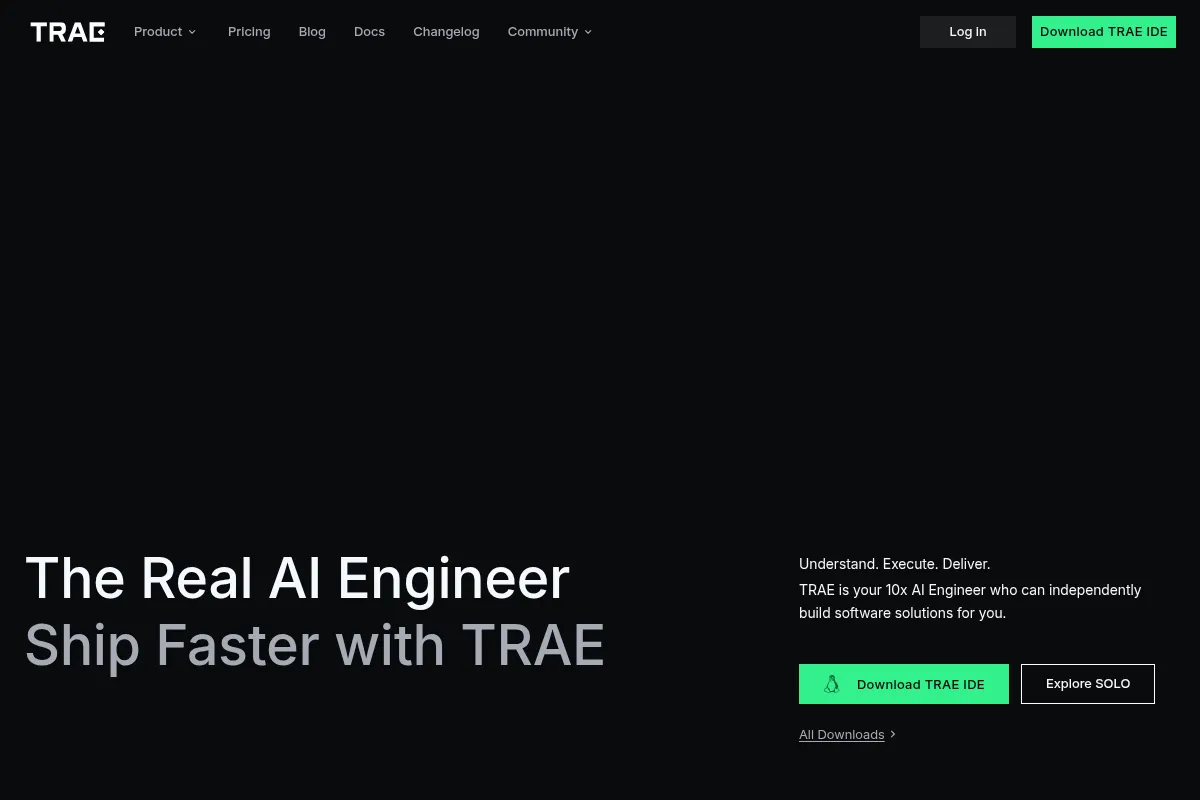
Trae is an AI-first IDE built on the VS Code foundation, designed to act as an "AI development engineer." It aims to automate repetitive tasks, provide intelligent code completion, and offer real-time assistance through conversational interactions and autonomous agents. Trae is currently free and supports multiple languages.
What it actually does
Trae provides an integrated development environment with AI capabilities that assist in coding, debugging, refactoring, and deployment. It features an "AI Builder" for generating applications from natural language prompts, a chat interface for real-time assistance, and autonomous agents that can manage entire development workflows.
What makes it different
Trae differentiates itself with its "SOLO mode," which offers fully autonomous coding agents capable of handling the entire development process from planning to deployment. It also emphasizes deep IDE integration and a focus on agentic workflows, aiming to be more than just an assistant but a "real AI engineer."
Ratings across the web


Ratings aggregated from independent review platforms.
Key Features
SOLO Mode
Enables fully autonomous development from planning to deployment, acting as a "real AI engineer."
Builder Mode
Generates entire applications or features from natural language prompts, scaffolding projects and automating tasks.
CUE (Code Completion)
Offers predictive edits, multi-line suggestions, and auto-completion that understands existing code.
MCP Integration
Allows agents to connect to external tools, databases, and APIs for enhanced functionality.
Sidebar and Inline Chat
Provides real-time assistance, code explanations, error fixing, and refactoring suggestions.
Built-in Browser Preview
Enables real-time previewing of web applications directly within the IDE.
Voice Input
Allows users to give commands to the AI using natural language.
Custom AI Agents
Lets users create specialized assistants for different tasks through MCP.
Pricing
Free
- Full IDE functionality
- AI-powered assistant
- Intelligent code generation
- Builder mode
- SOLO mode (beta)
- Access to select AI models
Pricing checked 6 months ago
Pricing guidance
- Future paid tiers may introduce advanced features or higher usage limits.
- Increased demand for specific premium AI models or enhanced support.
- SOLO mode is in beta with potentially limited access rounds.
- Performance may degrade with extended use or complex projects.
- Telemetry data collection is a core part of the product.
Currently, Trae is entirely free, positioning it as an accessible entry point for AI-assisted development.
Pros & Cons
Strengths
-
Autonomous Development Capabilities
SOLO mode allows for end-to-end project development, planning, and execution by AI agents, significantly reducing manual effort for complex tasks.
-
Integrated AI-First IDE
Trae is built from the ground up as an AI IDE, offering a cohesive experience with features like Builder mode and MCP integration that are deeply embedded, rather than bolted on.
-
Advanced Agentic Workflows
The platform supports custom AI agents and MCP integration, allowing for flexible automation and the creation of specialized assistants tailored to specific development needs.
-
Generous Free Offering
Currently free, Trae provides access to advanced AI models and features, making it an accessible option for developers to explore AI-assisted development without upfront costs.
Weaknesses
-
Privacy and Telemetry Concerns
Trae has faced scrutiny for its extensive data collection and telemetry to ByteDance domains, raising concerns for developers working with sensitive or proprietary code.
Affects: Developers with strict privacy requirements or working on sensitive projects.
-
Performance and Stability Issues
Some users report performance bottlenecks, queueing systems, and occasional unnecessary code changes or errors, particularly with complex projects or extended use.
Affects: Developers working on large codebases or requiring consistent, high-speed performance.
-
Limited Model Selection and Customization
While supporting key models, Trae's selection is more curated than some competitors, and it currently lacks support for local models or extensive fine-tuning options.
Affects: Developers needing specific AI models or a high degree of control over their AI backend.
-
Maturing Ecosystem and Features
As a newer tool, Trae is still maturing, with some features like SOLO mode having limited access or undergoing beta testing, and a smaller extension ecosystem compared to established IDEs.
Affects: Users seeking a fully polished, feature-complete IDE with a vast array of plugins.
Real User Sentiment
User sentiment is mixed, with many praising Trae's innovative features, clean UI, and free access, while others express concerns about performance, privacy, and feature limitations compared to competitors.
Users tend to like
- Innovative features like SOLO mode and Builder mode.
- Clean, modern, and intuitive user interface.
- Free access to advanced AI models.
- Potential for end-to-end AI-driven development.
Users commonly complain about
- Privacy concerns due to extensive data collection and telemetry.
- Performance issues, including slow response times and unnecessary code changes.
- Limited model selection and customization options.
- Concerns about the maturity and stability of certain features (e.g., SOLO mode).
Recurring tradeoffs
- Advanced AI features vs. privacy concerns.
- Free access vs. potential performance limitations.
- Integrated IDE experience vs. a smaller plugin ecosystem.
Happiest users
Developers looking to experiment with cutting-edge AI coding tools without financial commitment, and those who value autonomous agent capabilities for specific projects.
Often frustrated
Developers with strict privacy requirements, those who encounter performance bottlenecks, or users who need extensive customization and a vast plugin ecosystem.
Use Cases
Rapid prototyping of new applications or features.
Automating repetitive coding tasks and boilerplate generation.
Exploring end-to-end AI-driven software development with SOLO mode.
Assisting with code debugging and refactoring through conversational AI.
Generating UI components from image mockups.
Learning and experimenting with AI coding assistants.
Frequently Asked Questions
What is Trae and how is it different from Cursor or GitHub Copilot?
Trae is an AI-first IDE developed by ByteDance, built on the VS Code foundation. It differentiates itself with features like SOLO mode for autonomous development, Builder mode for generating applications from prompts, and deep IDE integration. Unlike GitHub Copilot, which is primarily an extension for code completion, Trae aims to be a comprehensive development environment. Compared to Cursor, Trae emphasizes a more agentic and planning-first approach, while Cursor focuses on iterative, conversation-driven coding within a familiar IDE structure. Trae's current free offering and unique autonomous capabilities set it apart.
Is Trae good for frontend development?
Yes, Trae can be beneficial for frontend development. Its Builder mode can convert image mockups to code, and features like real-time web previews and context-aware suggestions streamline UI development. Users have reported that it accelerates coding and testing for web applications. However, its overall stability and performance for complex, large-scale frontend projects are still under evaluation by the community.
How much does Trae cost?
As of its current offering, Trae AI IDE is completely free. It provides access to all its features, including advanced AI models and autonomous coding capabilities, without any subscription fees or hidden costs. This free model is a significant draw for developers looking to explore AI-assisted coding without financial commitment. However, it's important to note that pricing structures can change, and future paid tiers may be introduced.
What are the main privacy concerns with Trae?
Trae has faced significant scrutiny regarding its data collection practices. Security researchers have noted extensive telemetry to ByteDance domains, persistent connections even when idle, and the collection of full file contents. There are concerns that proprietary code may be transmitted off the device without explicit consent. Trae's privacy policy is broad, allowing for long-term retention and sharing of data with affiliates. This has led to warnings against using Trae for sensitive or proprietary projects.
What AI models does Trae support?
Trae supports a curated selection of advanced AI models, primarily including Claude 3.5 Sonnet and GPT-4o. While it integrates with powerful models, its selection is more limited compared to some competitors that offer a wider range of OpenAI, Anthropic, or even local model options. Users have expressed a desire for Trae to support more recent or a broader array of models.
What are Trae's limitations compared to VS Code or Cursor?
Trae's limitations include potential performance bottlenecks, especially on complex projects, and a less extensive plugin ecosystem compared to VS Code. While it offers deep AI integration, it may lack the stability and broad customization options of a mature IDE like VS Code. Compared to Cursor, Trae's AI approach is more agentic and planning-first, which might feel less iterative for some users. Additionally, Trae's reliance on cloud processing means it cannot function offline, and its data collection practices are a concern for sensitive codebases, unlike the more privacy-focused options available with VS Code extensions or local models.
Does Trae integrate with other tools or services?
Yes, Trae supports integration with external tools and services through its Model Context Protocol (MCP). This allows its AI agents to connect to APIs, databases, and other external resources on demand. Examples of potential integrations include GitHub, Slack, and web search capabilities, enabling more dynamic and context-aware AI assistance within the development workflow.
Why trust this page?
This evaluation combines product positioning, pricing analysis, traffic and market signals, and public user sentiment into a single decision-support page. Content is generated editorially — not copied from the vendor's website.
Company
Founded
2025
Stage
—
HQ
Singapore, Singapore
Trae has not raised any external funding rounds as it is a product developed and internally funded by its parent company, ByteDance. This provides significant financial stability and resources that are independent of venture capital markets, ensuring the tool is well-supported.
Market Signals & Traffic
Estimated visits, global rank, geography, traffic sources, monthly visit trends, and organic search keywords (Similarweb)—on a dedicated page built for depth and search.
- Estimated visits
- 2,650,634
- Global rank
- #19,195
- Snapshot
- Apr 2026
- Traffic trend
- Rising
Estimated monthly visits
Alternatives to Trae
View all alternativesGitHub Copilot
Developer Tools, AI Assistant

AI-powered coding assistant that suggests and generates code.
Cursor
AI Assistant

An AI-powered code editor designed to help developers build software faster.
Amazon CodeWhisperer
Developer Tools

AI-powered coding companion that generates code recommendations.
Similar Tools
Eclipse Che
Developer Tools, Productivity

Kubernetes-native cloud IDE for collaborative developer workspaces
PearAI
Developer Tools, Productivity

Open-source code editor with integrated tools for faster development.
Supermaven
Developer Tools, Productivity

High-speed code completion assistant with a million-token context window
Aider
Developer Tools, Productivity

AI pair programming assistant for your terminal.
Hugging Face
Developer Tools, Productivity

Open-source platform for machine learning models, datasets, and tools.
Zed
Developer Tools, Productivity

High-performance, multiplayer code editor built for speed and collaboration.