

A Kubernetes-native workspace manager that centralizes development environments behind the firewall—best for enterprise security, but carries significant operational overhead.
Excellent for large-scale engineering teams requiring air-gapped security, weaker for developers seeking a lightweight, zero-config cloud IDE.
Analysis based on product data, pricing structure, traffic signals, and public user sentiment.
Who Should Use Eclipse Che?
Typical users
Platform engineers and DevOps teams at large organizations managing hundreds of developers on Kubernetes or OpenShift.
Maturity fit
advanced
Choose this if…
- You need full control over where your source code and data reside.
- Your organization already uses Kubernetes or Red Hat OpenShift.
- You require air-gapped development environments for compliance.
- You want to standardize toolchains across a large team using Devfiles.
Skip this if…
- You are a solo developer or small startup without a dedicated DevOps resource.
- You want a managed SaaS experience with zero infrastructure management.
- Your priority is a fast, low-latency startup time over environment control.
About Eclipse Che
Eclipse Che is an open-source workspace server that runs on Kubernetes. It provides pre-configured, containerized development environments to ensure consistency across large engineering teams by moving the IDE from the local machine to the cluster.
Official profiles
What it actually does
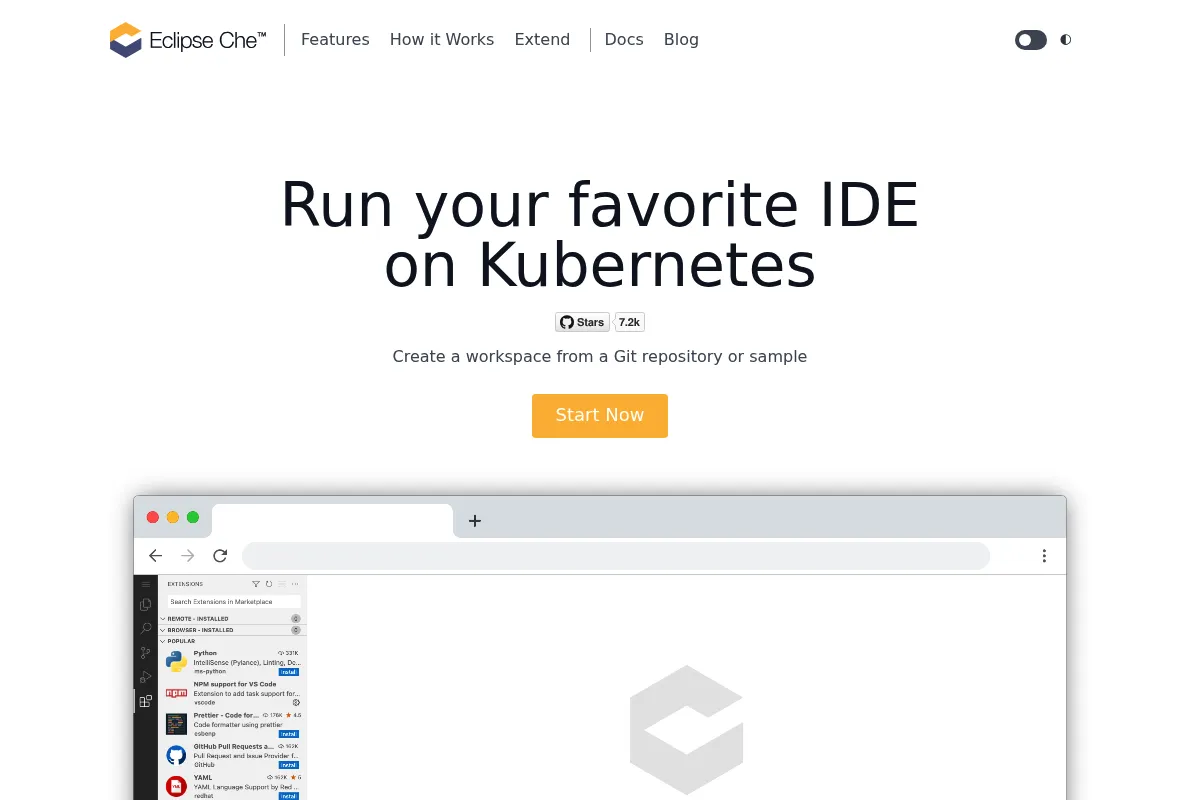
It manages the lifecycle of developer workspaces as pods on a Kubernetes cluster. Users access a browser-based editor—typically based on Code-OSS—that connects to these pods, allowing them to code, build, and debug applications without local configuration.
What makes it different
Unlike SaaS-only competitors, Che is designed to run on-premises or in private clouds. It uses the Devfile 2.0 standard to define the entire environment—including tools, plugins, and runtimes—as code, making environments reproducible and portable across different clusters.
Ratings across the web

Ratings aggregated from independent review platforms.
Key Features
Devfile-driven environments
Defines the entire toolchain and dependencies in a single file to eliminate 'works on my machine' issues.
Kubernetes-native architecture
Scales horizontally using your existing cluster infrastructure rather than proprietary VMs.
Air-gapped support
Enables development in highly secure, offline environments common in government or finance.
VS Code Extension compatibility
Supports standard .vsix extensions, allowing developers to use familiar plugins in the browser.
Centralized Administration
Provides platform teams visibility into resource usage and workspace status across the organization.
One-click onboarding
Allows new hires to start coding by clicking a URL that automatically provisions their entire environment.
Multi-container workspaces
Supports complex applications that require sidecars or multiple running services within the same workspace.
Pricing
Eclipse Che (Community)
- Open-source core
- Self-managed on Kubernetes
- Unlimited users (limited by hardware)
- Community support
Red Hat OpenShift Dev Spaces
- Commercial support from Red Hat
- Optimized for OpenShift
- Security hardening
- Enterprise lifecycle management
Pricing checked 6 months ago
Pricing guidance
- When you need enterprise-grade support SLAs
- When you require certified security patches
- When you want deep integration with the OpenShift ecosystem
- No managed SaaS version provided by the Eclipse Foundation
- Resource limits are entirely dependent on your cluster configuration
- Performance is heavily tied to the speed of your persistent storage (PVs)
Open-source and free to use, but carries a high 'total cost of ownership' due to infrastructure and management requirements.
Pros & Cons
Strengths
-
Total data sovereignty
Because it runs on your own infrastructure, code never leaves your network, which is a hard requirement for many regulated industries.
-
Infrastructure efficiency
By running on Kubernetes, it can share resources across the cluster more effectively than tools that spin up dedicated VMs for every user.
-
Standardized Devfiles
The use of an open standard for environment definition prevents vendor lock-in and makes it easier to migrate configurations between tools.
Weaknesses
-
High operational complexity
Installing and maintaining Che requires deep Kubernetes expertise. It is not a 'set it and forget it' tool.
Affects: DevOps and Platform Engineers
-
Heavy resource consumption
Each workspace is a set of containers that can consume significant RAM and CPU, leading to high infrastructure costs if not managed carefully.
Affects: Budget holders and infrastructure teams
-
Slow workspace startup
Pulling images and initializing pods can take minutes, which feels sluggish compared to local development or optimized SaaS alternatives.
Affects: Individual developers
Real User Sentiment
Users appreciate the security and environment consistency but frequently complain about the complexity of the initial setup and the resource-heavy nature of the platform.
Users tend to like
- Ability to run behind a firewall
- Consistency between dev and production environments
- Devfile flexibility
- Integration with OpenShift
Users commonly complain about
- Difficult installation process
- High memory usage per workspace
- Occasional lag in the browser-based UI
- Complexity of debugging Kubernetes-related workspace failures
Recurring tradeoffs
- You trade startup speed and simplicity for total control over the environment and security.
Happiest users
Developers in highly regulated industries (banking, defense) who need a modern IDE experience without using public cloud services.
Often frustrated
Developers at small companies who find the maintenance of the K8s cluster more work than the value the IDE provides.
Use Cases
Secure Enterprise Development
Providing a cloud IDE to thousands of developers while keeping all code on private servers.
Air-gapped Coding
Enabling software development in secure facilities without internet access.
Standardized Onboarding
Reducing the time to first commit for new hires by providing pre-configured environments.
Legacy App Modernization
Creating environments with specific, older runtimes that are difficult to install on modern local OSs.
Temporary Workspaces for PR Reviews
Spinning up a full environment to test a pull request without cluttering a local machine.
Frequently Asked Questions
Is Eclipse Che free?
Yes, Eclipse Che is an open-source project under the Eclipse Foundation and is free to download and use. However, you are responsible for the costs of the Kubernetes infrastructure it runs on and the personnel required to maintain the cluster.
How does Eclipse Che compare to GitHub Codespaces?
GitHub Codespaces is a fully managed SaaS hosted on Azure, while Eclipse Che is self-hosted on Kubernetes. Codespaces is much easier to start with, but Che offers more control for organizations that cannot use public cloud services for security or compliance reasons.
What are the minimum system requirements?
A basic Eclipse Che installation requires a Kubernetes cluster with at least 6GB of RAM for the server components. Individual workspaces typically require a minimum of 2GB of RAM and 1 CPU core each, though this varies based on the application being developed.
Can I use my own VS Code extensions?
Yes, Eclipse Che uses a VS Code-compatible editor (Code-OSS). You can include .vsix extension files in your Devfile or install them from an internal plugin registry, though not all extensions from the Microsoft Marketplace are compatible due to licensing and architectural differences.
Does it support languages other than Java?
Despite the 'Eclipse' name, Che is language-agnostic. It supports any language that has a Language Server Protocol (LSP) implementation, including Python, Go, TypeScript, C++, and Rust, by using appropriate container images in the workspace.
What is a Devfile?
A Devfile is a YAML configuration file that describes a development environment. It specifies the container images, environment variables, ports, and editor plugins needed for a project, ensuring every developer on a team uses the exact same setup.
Why trust this page?
This evaluation combines product positioning, pricing analysis, traffic and market signals, and public user sentiment into a single decision-support page. Content is generated editorially — not copied from the vendor's website.
Funding & Company
Founded
2004
Stage
Acquired
Total Raised
$9M
Latest Round
Series A (Feb 2013)
Notable Investors
Eclipse Che is an open-source project under the Eclipse Foundation, with its core technology originating from Codenvy, a company that raised $9 million in a single venture round. Codenvy was acquired by Red Hat in 2017, which was subsequently acquired by IBM in 2019. This corporate backing provides significant stability and resources for the project's continued development.
Market Signals & Traffic
Estimated visits, global rank, geography, traffic sources, monthly visit trends, and organic search keywords (Similarweb)—on a dedicated page built for depth and search.
- Estimated visits
- 961,283
- Global rank
- #52,219
- Snapshot
- Apr 2026
- Traffic trend
- Steady
Estimated monthly visits
Alternatives to Eclipse Che
View all alternatives

Similar Tools
Zed
Developer Tools, Productivity

High-performance, multiplayer code editor built for speed and collaboration.
PearAI
Developer Tools, Productivity

Open-source code editor with integrated tools for faster development.
Trae
Developer Tools, Productivity

AI-powered IDE for faster, more intuitive software development.
Hugging Face
Developer Tools, Productivity

Open-source platform for machine learning models, datasets, and tools.
Augment
Developer Tools, Productivity

Context-aware coding assistant for large-scale enterprise software development.
Aider
Developer Tools, Productivity

AI pair programming assistant for your terminal.