

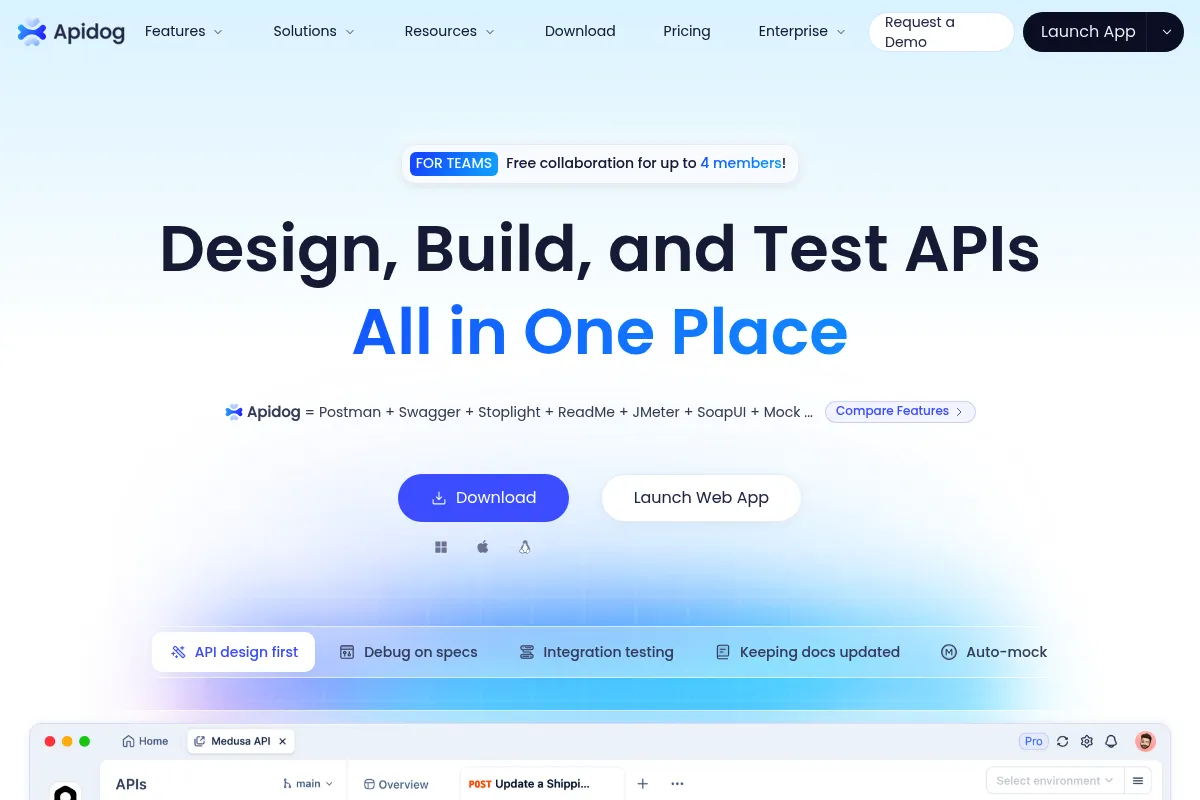
Apidog is a unified API development platform that consolidates design, documentation, mocking, and testing into a single tool, effectively replacing the fragmented Postman-Swagger-JMeter stack.
Excellent for teams practicing design-first API development, weaker for those requiring air-gapped, local-only workflows.
Analysis based on product data, pricing structure, traffic signals, and public user sentiment.
Who Should Use Apidog?
Typical users
Backend developers, QA engineers, and technical product managers in mid-sized to large engineering teams.
Maturity fit
scaling to advanced
Choose this if…
- You want your API documentation to update automatically when the design changes
- Your QA team needs to perform database validation alongside API requests
- You are looking for a more cost-effective alternative to Postman Enterprise
- You need built-in smart mocking that doesn't require manual configuration
Skip this if…
- You only need a simple, lightweight HTTP client for occasional requests
- Your security policy forbids cloud-based synchronization of API specifications
- You require highly specialized performance testing beyond basic scenario loops
About Apidog
Apidog is an integrated API lifecycle tool that combines the functionality of a documentation generator, a mock server, an HTTP client, and an automated testing suite. It aims to solve the 'data silo' problem where different teams use different tools for the same API, leading to documentation drift and integration errors.
What it actually does
It allows developers to design APIs using a visual editor that generates OpenAPI specifications. Once designed, it automatically creates hosted documentation, sets up mock servers with realistic data, and provides a testing interface where users can chain requests and verify database states.
What makes it different
Unlike Postman, which added design and mocking as secondary layers, Apidog is built on the API specification itself. A change in the design instantly propagates to the mocks and test cases, ensuring the entire team works from a single source of truth without manual syncing.
Ratings across the web


Ratings aggregated from independent review platforms.
Key Features
Smart Mocking
Generates realistic data like addresses or emails automatically based on field names, reducing manual mock setup.
Database Integration
Allows users to run SQL queries as part of an API test step to verify that data was actually written to the database.
Visual Assertion Builder
Enables QA teams to set up complex validation logic (JSON schema, response time, status codes) without writing JavaScript.
Automated Documentation
Generates public or private web-based docs that include 'Try it out' functionality and code snippets in 30+ languages.
Scenario Testing
Chains multiple API calls together, passing variables between them to simulate real-world user journeys.
Postman/Insomnia Import
Facilitates migration by importing existing collections and environments with high fidelity.
Iterative Branching
Supports versioning and branching for API designs, allowing teams to work on v2 while maintaining v1.
Pricing
Free
- Unlimited users
- Unlimited projects
- All core design/debug features
- 100 shared API documents
- 100 test scenarios
Pro
- Unlimited shared documents
- Unlimited test scenarios
- Cloud execution for tests
- Priority support
Enterprise
- SSO (SAML/OIDC)
- Audit logs
- Dedicated IP for cloud runs
- On-premises deployment options
Pricing checked 6 months ago
Pricing guidance
- When you need SSO for organizational security
- When you exceed 100 shared API documentation links
- When you need to run automated tests in the cloud on a schedule
- Cloud-based test execution is limited on lower tiers
- Advanced RBAC (Role-Based Access Control) is restricted to Enterprise
Highly competitive and disruptive, specifically targeting Postman's paid user base with a more inclusive free tier.
Pros & Cons
Strengths
-
Eliminates tool sprawl
By combining design, docs, and testing, it removes the need to pay for and manage separate subscriptions for tools like Stoplight, Postman, and Paw.
-
Superior data synchronization
Because the documentation and mocks are derived directly from the design spec, they never fall out of date, which reduces frontend-backend integration friction.
-
Deep testing capabilities
The ability to connect to databases and perform visual assertions makes it a viable replacement for dedicated QA automation frameworks for many teams.
-
Aggressive pricing model
The free tier is significantly more generous than Postman, offering unlimited users and projects, which is ideal for growing startups.
Weaknesses
-
Dense user interface
The sheer number of features packed into the sidebar and tabs can be overwhelming for users who just want to send a quick GET request.
Affects: Beginners and occasional users
-
Cloud-first architecture
While a desktop app exists, collaboration and advanced features rely on their cloud sync, which may be a hurdle for highly regulated industries.
Affects: Security-conscious enterprise teams
-
Translation inconsistencies
Some deeper settings or error messages occasionally show remnants of non-English origins, though this is becoming rarer.
Affects: Global enterprise teams looking for perfect localization
Real User Sentiment
Users generally view Apidog as a more modern, faster, and more integrated alternative to Postman, though some find the UI busy.
Users tend to like
- The all-in-one approach that actually works
- The 'Smart Mock' feature that saves hours of setup
- The ability to import Postman collections easily
- Native desktop app performance
Users commonly complain about
- UI can feel cluttered with too many buttons
- Occasional bugs in the desktop app sync
- Steep learning curve for the automated testing module
Recurring tradeoffs
- You trade a minimalist interface for a feature-rich environment where everything is one click away.
Happiest users
Teams moving away from a 'docs-as-an-afterthought' workflow to a 'design-first' approach.
Often frustrated
Individual developers who want a simple, 'no-frills' tool just to test a single endpoint.
Use Cases
Frontend-Backend Parallel Development
Using Smart Mocks to let frontend teams work before the backend is built.
API Documentation Hosting
Creating a public-facing developer portal that stays updated automatically.
QA Regression Testing
Building a suite of API tests that also verify database integrity.
Postman Migration
Moving a large team to a more integrated tool without losing existing test collections.
Design-First Development
Architecting complex APIs visually before a single line of code is written.
Frequently Asked Questions
Is Apidog really free for unlimited users?
Yes, Apidog currently allows unlimited users and projects on its Free plan. They monetize through advanced features like SSO, increased cloud test execution limits, and higher volumes of shared documentation links rather than charging per seat for basic access.
How does Apidog compare to Postman?
While Postman is the industry standard, Apidog integrates design, mocking, and testing more tightly. In Apidog, the API spec is the core; in Postman, the 'Collection' is the core. Apidog also includes database testing and smart mocking natively, which often require third-party tools or complex scripts in Postman.
Can I use Apidog offline?
Apidog offers a desktop app for Windows, macOS, and Linux. While you can work on local data, many collaboration features and the 'Cloud Project' mode require an internet connection to sync changes with your team.
Does it support GraphQL and gRPC?
Yes, Apidog supports REST, GraphQL, gRPC, and WebSocket. While its strongest features are currently centered around REST/OpenAPI, it is actively expanding its capabilities for other protocols.
Can I host the documentation on my own domain?
Yes, the paid plans allow you to use custom domains for your API documentation, providing a branded experience for external developers.
How do I integrate Apidog into my CI/CD pipeline?
Apidog provides a CLI tool (Apidog CLI) that can be installed via npm. You can use it to run your test scenarios in environments like GitHub Actions, Jenkins, or GitLab CI.
Why trust this page?
This evaluation combines product positioning, pricing analysis, traffic and market signals, and public user sentiment into a single decision-support page. Content is generated editorially — not copied from the vendor's website.
Funding & Company
Founded
2022
Stage
Bootstrapped
Total Raised
Bootstrapped
Latest Round
—
Apidog has no publicly disclosed funding and appears to be bootstrapped. The company, founded in 2022, relies on a freemium SaaS model for revenue, suggesting a focus on product-led growth to sustain its operations.
Market Signals & Traffic
Estimated visits, global rank, geography, traffic sources, monthly visit trends, and organic search keywords (Similarweb)—on a dedicated page built for depth and search.
- Estimated visits
- 779,156
- Global rank
- #75,306
- Snapshot
- Apr 2026
- Traffic trend
- Cooling
Estimated monthly visits
Similar Tools
MailerLite
Email Marketing, Marketing Automation, Website Builder

Email marketing and automation platform for creators and businesses.
Jasper
Content Creation, AI Assistant

AI-powered content creation platform for marketing and business teams.
AssemblyAI
Developer Tools, Data Extraction, Automation

Speech-to-text and audio intelligence APIs for developers and enterprises.
Copy.ai
Content Creation, AI Assistant

AI-powered copywriting and content generation platform.
Vorlon
Privacy & Compliance, Developer Tools

Secure and monitor third-party AI integrations and data flow.
Five9
Communication, Automation & Agents, Productivity

Cloud contact center platform for customer service and sales teams