

A streamlined email marketing platform that prioritizes a clean user interface and affordability over deep enterprise-grade automation.
Excellent for small businesses and creators who need professional templates and simple workflows without the bloat or cost of Mailchimp.
Analysis based on product data, pricing structure, traffic signals, and public user sentiment.
Who Should Use MailerLite?
Typical users
Solo creators, small marketing teams (1-5 people), and non-technical business owners who value speed of execution.
Maturity fit
beginner to scaling
Choose this if…
- You want a modern, fast interface without a steep learning curve
- Your priority is cost-effective scaling as your subscriber list grows
- You need a built-in landing page and website builder to consolidate your stack
Skip this if…
- You require complex, multi-path behavioral automation triggers
- You need a full-featured CRM integrated directly into your email tool
- You are in a high-risk industry (like affiliate marketing) that triggers their strict approval bot
About MailerLite
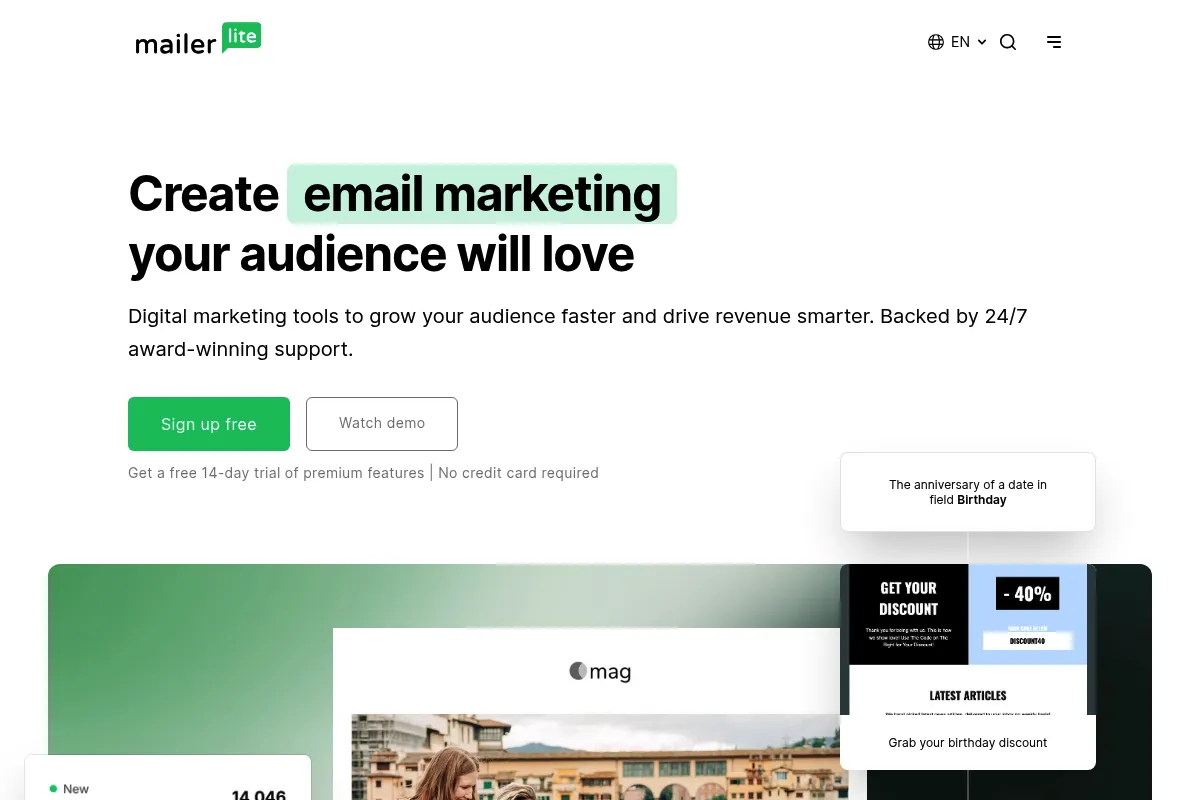
MailerLite is a minimalist email marketing service designed to handle newsletters, automated sequences, and basic lead generation. It positions itself as the user-friendly alternative to legacy platforms, focusing on a clutter-free experience for non-technical users.
Official profiles
What it actually does
It allows users to build email campaigns using a drag-and-drop editor, manage subscriber lists with tagging and segments, and create automated workflows. It also includes tools for building landing pages, websites, and pop-ups to capture leads.
What makes it different
Unlike competitors that have become increasingly complex and expensive, MailerLite maintains a strict focus on UI simplicity and transparent pricing. It offers advanced features like A/B testing and auto-resend on its entry-level paid plans, which are often gated behind premium tiers elsewhere.
Ratings across the web



Ratings aggregated from independent review platforms.
Key Features
Visual Automation Builder
Maps out subscriber journeys with linear triggers and delays.
Auto-resend
Automatically re-sends campaigns to subscribers who didn't open the first time with a new subject line.
Paid Newsletters
Built-in Stripe integration to sell content subscriptions without a third-party platform.
AI Writing Assistant
Generates subject lines and email copy based on short text prompts.
Custom Landing Pages
Creates lead magnets and opt-in pages with a dedicated editor.
Promotion Pop-ups
Targets specific subscriber segments with on-site overlays.
Advanced Analytics
Tracks click maps and open rates by location or device.
Pricing
Free
- Up to 1,000 subscribers
- 12,000 monthly emails
- Drag-and-drop editor
- Email automation
- 10 Landing pages
Growing Business
- Unlimited monthly emails
- 3 users
- Unsubscribe page builder
- Sell digital products
- Unlimited landing pages
Advanced
- Unlimited users
- Facebook Audiences
- Custom HTML editor
- Promotion pop-ups
- Multiple triggers in automation
Enterprise
- Dedicated account manager
- Dedicated IP & deliverability consultation
- Custom landing page design
Pricing checked 6 months ago
Pricing guidance
- Exceeding 1,000 subscribers
- Needing to remove the MailerLite logo from emails
- Requiring the custom HTML editor for advanced designs
- Needing more than 3 user seats
- Transactional emails (API/SMTP) require a separate MailerSend account
- The free plan only allows for 10 landing pages
- Pricing scales based on subscriber count, not just feature tier
Highly competitive value pricing that undercuts major competitors like Mailchimp and ConvertKit at almost every volume tier.
Pros & Cons
Strengths
-
Intuitive User Experience
The interface is significantly cleaner than Mailchimp or GetResponse, making it easy for new hires to start sending campaigns in minutes.
-
High Value-to-Price Ratio
It remains one of the most affordable options for lists between 5,000 and 50,000 subscribers while including features like landing pages.
-
Strong Deliverability
Their strict manual account review process helps maintain a high sender reputation, ensuring emails actually hit the inbox.
-
Integrated Monetization
The ability to sell digital products or newsletter subscriptions directly reduces the need for extra tools like Gumroad or Substack.
Weaknesses
-
Strict Approval Process
New accounts are often flagged for manual review, which can take 24 hours or lead to immediate rejection for certain niches.
Affects: New users and affiliate marketers
-
Basic Automation Logic
It lacks the deep conditional branching and behavioral triggers found in ActiveCampaign or Klaviyo.
Affects: Advanced marketers running complex lifecycle campaigns
-
Limited Template Variety
While the editor is good, the library of pre-designed templates is smaller and less diverse than some competitors.
Affects: Users who don't want to design from scratch
Real User Sentiment
Generally high satisfaction, with users frequently praising the interface and the speed of the support team.
Users tend to like
- Clean and modern UI
- Ease of setting up automations
- Fair and predictable pricing
- Fast customer support response times
Users commonly complain about
- Rigid account approval process
- Occasional bugs in the drag-and-drop builder
- Limited reporting for e-commerce attribution
Recurring tradeoffs
- You trade deep automation complexity for a much faster and simpler workflow.
Happiest users
Small business owners and newsletter creators who want to spend less time on technical setup.
Often frustrated
Advanced marketers who hit the ceiling of the automation builder or those whose accounts are rejected during the vetting process.
Use Cases
Newsletter Growth
Using the landing page builder and auto-resend feature to increase reach.
E-commerce Onboarding
Connecting to Shopify or WooCommerce to send automated welcome sequences.
Paid Content
Setting up a subscription-based newsletter using the Stripe integration.
Lead Generation
Creating pop-ups and embedded forms for a WordPress site.
Event Marketing
Using the iPad app to collect emails at a physical booth or store.
Simple Sales Funnels
Building a sequence of emails triggered by a specific link click.
Frequently Asked Questions
Is MailerLite actually free?
Yes, the Free plan supports up to 1,000 subscribers and 12,000 emails per month. It includes core features like the drag-and-drop editor and automation, but your emails will include MailerLite branding.
How does MailerLite compare to Mailchimp?
MailerLite is generally 30-50% cheaper than Mailchimp at higher subscriber volumes. While Mailchimp has more third-party integrations, MailerLite offers a much cleaner, faster interface and includes features like landing pages on its free tier.
Can I send transactional emails with MailerLite?
MailerLite itself is for marketing emails. For transactional emails like password resets or order confirmations, you must use their sister service, MailerSend, which requires a separate setup but integrates with your MailerLite account.
Why was my MailerLite account not approved?
MailerLite has a strict anti-spam policy. Accounts are often rejected if the website is incomplete, if you use a generic email (like @gmail.com) instead of a custom domain, or if your industry is considered high-risk (e.g., crypto, gambling, or certain affiliate marketing).
Does MailerLite have a mobile app?
Yes, they offer a Manager app for iOS and Android to track campaign performance on the go, as well as a dedicated iPad app for collecting email signups offline at events.
Can I sell products directly through MailerLite?
Yes, MailerLite integrates with Stripe, allowing you to sell digital products or newsletter subscriptions directly on your landing pages or websites built within the platform.
Why trust this page?
This evaluation combines product positioning, pricing analysis, traffic and market signals, and public user sentiment into a single decision-support page. Content is generated editorially — not copied from the vendor's website.
Funding & Company
Founded
2010
Stage
Acquired
Total Raised
Bootstrapped
Latest Round
—
MailerLite was bootstrapped from its founding in 2010 until its acquisition in 2022. The company did not raise any external venture capital, instead growing organically to over 1.4 million users before being acquired by Vercom S.A. for approximately $90 million.
Market Signals & Traffic
Estimated visits, global rank, geography, traffic sources, monthly visit trends, and organic search keywords (Similarweb)—on a dedicated page built for depth and search.
- Estimated visits
- 0
- Global rank
- —
- Snapshot
- May 2026
- Traffic trend
- Steady
Estimated monthly visits
Alternatives to MailerLite
View all alternativesActiveCampaign
Email Marketing, Marketing Automation, Automation

Marketing automation and CRM platform for personalized customer experiences.
Brevo
Email Marketing, Marketing Automation, Communication

CRM suite for managing customer relationships across multiple marketing channels.
GetResponse
Email Marketing, Marketing Automation, Website Builder

Comprehensive marketing platform for email, automation, and website building.
Similar Tools
Kit
Email Marketing, Marketing Automation, Website Builder

Email marketing and automation platform for professional creators.
GetResponse
Email Marketing, Marketing Automation, Website Builder
Comprehensive marketing platform for email, automation, and website building.
HyperWrite
AI Assistant, Content Creation

AI-powered writing assistant for content creation, research, and task automation.
Cookiebot
Privacy & Compliance

Automated cookie consent solution for website privacy law compliance.
Gojiberry AI
AI Assistant

AI-powered sales agent that finds warm leads on LinkedIn and automates outreach to book demos.
Kick
Productivity, Automation

Automated bookkeeping and financial management for startups and small businesses.