

A calendar automation layer that treats tasks and habits as flexible blocks, effectively solving the 'static calendar' problem for Google Workspace and Outlook users.
Excellent for individual contributors with high meeting loads who need to protect deep work, weaker for teams requiring complex multi-layered project management.
Analysis based on product data, pricing structure, traffic signals, and public user sentiment.
Who Should Use Reclaim AI?
Typical users
Individual contributors, managers, and small teams who live in Google Calendar or Outlook and struggle to find time for non-meeting work.
Maturity fit
beginner to scaling
Choose this if…
- Your calendar is a wall of meetings and you have no time for actual tasks
- You want your task list to automatically occupy the gaps in your schedule
- You need to sync personal and work calendars without sharing private details
- You want 'Habits' like exercise or lunch to move automatically when meetings are booked over them
Skip this if…
- You use Apple Calendar or Proton Calendar (not supported)
- You prefer a manual, 'time-blocked' schedule that never shifts
- Your workflow requires advanced project management features like Gantt charts or resource leveling
About Reclaim AI
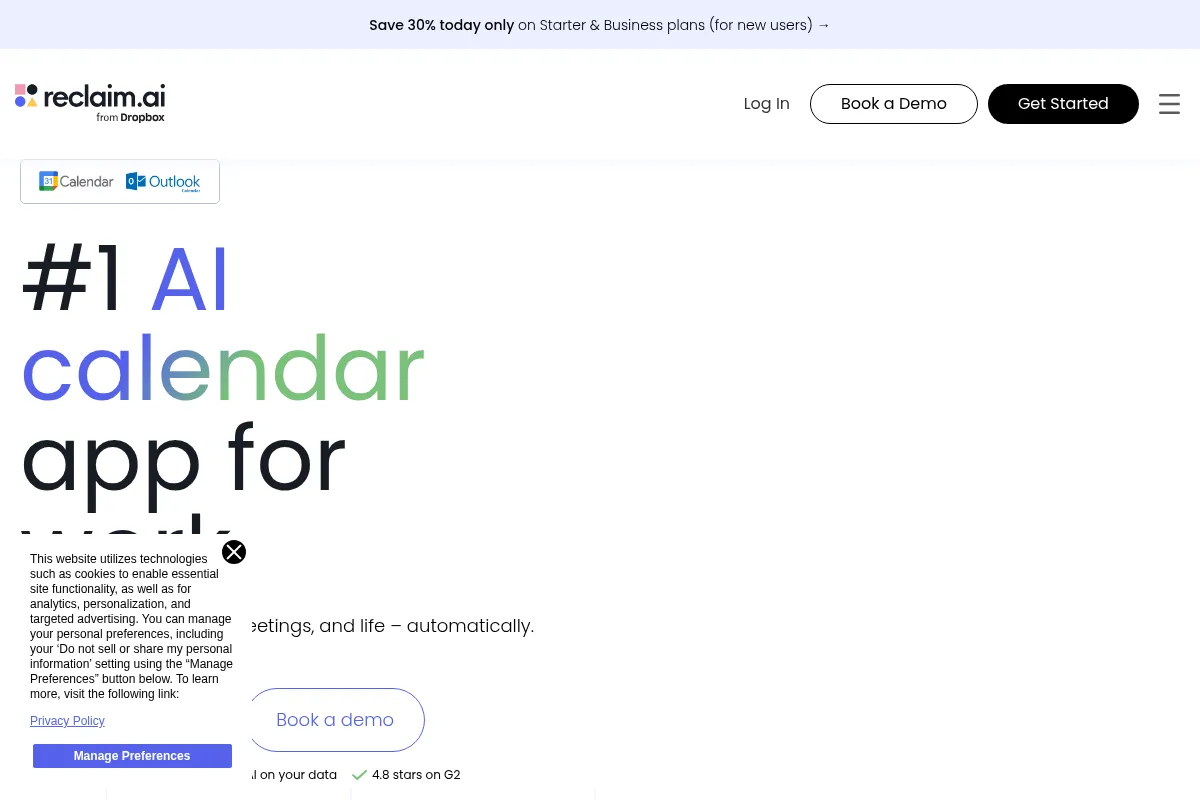
Reclaim AI is a scheduling engine that sits on top of Google Calendar and Outlook. It treats tasks and habits as 'flexible' events, automatically moving them to open slots while defending them as 'busy' when your day fills up.
Official profiles
What it actually does
It syncs your to-do list with your calendar, automatically finding the best time for tasks based on priority and deadlines. It also manages recurring habits and provides scheduling links that respect your existing workload and focus time.
What makes it different
Unlike standard scheduling links (Calendly) or task managers (Todoist), Reclaim treats time as a fluid resource. It distinguishes between 'Free' (flexible) and 'Busy' (locked) time, automatically flipping a task to 'Busy' as a deadline approaches to prevent overbooking.
Ratings across the web



Ratings aggregated from independent review platforms.
Key Features
Habits
Automatically schedules recurring routines like 'Lunch' or 'Email Catch-up' in the first available slot.
Smart 1:1s
Finds the best time for recurring meetings between two Reclaim users, moving them if conflicts arise.
Task Integration
Pulls tasks from tools like Linear or Asana and places them directly on the calendar as blocks of time.
Calendar Sync
Mirrors events from a personal calendar to a work calendar as 'Busy' blocks to protect privacy.
Buffer Time
Automatically adds breaks after meetings to prevent back-to-back fatigue.
De-prioritization
Allows you to mark certain meetings or tasks as low priority so the AI can book over them if needed.
Scheduling Stats
Provides a breakdown of how much time you spend in meetings vs. deep work.
Pricing
Free
- 2 Calendars
- 3 Habits
- 1 week scheduling range
- Limited integrations
Starter
- Unlimited Calendars
- Unlimited Habits
- 3 weeks scheduling range
- Standard support
Business
- 8 weeks scheduling range
- Team features
- Priority support
- Custom branding
Enterprise
- Unlimited scheduling range
- SSO/SAML
- Audit logs
- Dedicated account manager
Pricing checked 5 months ago
Pricing guidance
- When you need more than 3 recurring habits
- When you want to sync more than 2 calendars
- When you need to schedule tasks further than 7 days out
- The Free plan limits the number of active 'Smart 1:1s' you can have
- Integration with certain tools like Jira is locked behind paid tiers
Mid-market pricing that is more expensive than a simple calendar app but cheaper than a full-blown project management suite.
Pros & Cons
Strengths
-
Dynamic rescheduling
If a new meeting is booked over a task, Reclaim automatically finds the next best slot without manual intervention.
-
Privacy-first calendar syncing
Blocks off time on your work calendar for personal appointments without revealing the title or details of those events.
-
Focus time protection
Actively defends blocks of time for deep work, preventing the 'Swiss cheese' calendar effect where 15-minute gaps make productivity impossible.
-
Slack status automation
Automatically updates your Slack status based on what you are currently doing (e.g., 'In a Meeting' or 'Deep Work').
Weaknesses
-
Calendar clutter
The AI creates many small calendar events which can make a view look overwhelming and chaotic to the eye.
Affects: Visual-oriented users
-
Limited to Google and Outlook
Users on Apple Calendar, IMAP, or privacy-focused providers like Proton are completely locked out.
Affects: Non-corporate or niche power users
-
Learning curve for 'Priority' logic
Setting up the logic for what should override what takes significant initial effort to avoid the AI moving important things.
Affects: New users
Real User Sentiment
Generally positive, with users praising the 'set it and forget it' nature of the habit scheduling, though some feel the UI is becoming bloated.
Users tend to like
- The 'Sync' feature for personal/work calendars
- Automatic Slack status updates
- The ability to toggle tasks between 'Free' and 'Busy'
Users commonly complain about
- The mobile experience is weaker than the desktop web app
- Occasional bugs where tasks are scheduled at illogical times
- The transition of features from free to paid tiers
Recurring tradeoffs
- You trade manual control for automation; sometimes the AI moves things you'd rather keep still.
Happiest users
Software engineers and product managers with high meeting loads and fragmented schedules.
Often frustrated
Users who want a simple, static calendar or those who don't use Google/Outlook.
Use Cases
Software Engineer
Automatically finding 2-hour blocks for coding between standups and sprint planning.
Manager
Syncing a personal school-run calendar to a work calendar to ensure no one books meetings during pickup.
Freelancer
Using scheduling links that prioritize high-value client work over general inquiries.
Student
Integrating Todoist assignments into a Google Calendar to see actual remaining free time.
Sales Rep
Automatically adding buffer time after calls to ensure notes are finished before the next dial.
Frequently Asked Questions
Does Reclaim AI work with Outlook?
Yes, Reclaim officially supports Outlook/Office 365. You can sync Outlook calendars, use the scheduling engine for Outlook tasks, and connect it to your work ecosystem. However, some users report the Google Calendar integration still feels slightly more mature.
How does Reclaim compare to Calendly?
Calendly is primarily for external scheduling links. Reclaim includes scheduling links but focuses more on internal time management—automatically scheduling your tasks and habits around those meetings. Reclaim is a 'calendar assistant,' while Calendly is a 'scheduling gatekeeper.'
Is there a mobile app?
Reclaim offers a mobile app for iOS and Android, but it is primarily designed for viewing and quick adjustments. Most of the heavy configuration and 'Smart' setup is still best handled through the desktop web interface.
Can I use Reclaim for free?
Yes, there is a free tier, but it is limited to 2 calendars and 3 habits. For most professionals who want to automate their entire day (lunch, gym, email, deep work), the $8/month Starter plan is necessary.
Does Reclaim see my private event details?
Reclaim needs access to your calendar to function, but it offers privacy controls. When syncing calendars, you can choose to only show 'Busy' to others, hiding the actual titles and descriptions of your private appointments.
What happens if I have a task that doesn't get finished?
Reclaim will automatically reschedule the remaining time for that task into the next available slot on your calendar. You can also manually tell Reclaim you need more time, and it will adjust the schedule accordingly.
Why trust this page?
This evaluation combines product positioning, pricing analysis, traffic and market signals, and public user sentiment into a single decision-support page. Content is generated editorially — not copied from the vendor's website.
Funding & Company
Founded
2019
Stage
Acquired
Total Raised
$9.5M
Latest Round
Pre-Seed (Oct 2022)
Notable Investors
Reclaim AI raised a total of $9.5 million across three rounds before being acquired by Dropbox in August 2024. [5, 10] This acquisition by a major publicly traded company provides significant financial stability and resources for future product development.
Market Signals & Traffic
Estimated visits, global rank, geography, traffic sources, monthly visit trends, and organic search keywords (Similarweb)—on a dedicated page built for depth and search.
- Estimated visits
- 1,012,603
- Global rank
- #36,197
- Snapshot
- Apr 2026
- Traffic trend
- Steady
Estimated monthly visits
Similar Tools
Lindy
AI Assistant, Automation, Productivity

No-code AI agent builder for automating business workflows.
MultiOn
AI Assistant, Automation, Productivity

AI agents that autonomously perform tasks and workflows on the web.
Rabbit
AI Assistant, Automation, Productivity

Pocket-sized hardware device that executes tasks across various mobile applications.
Genspark
AI Assistant, Automation, Productivity

All-in-one AI workspace for research, content creation, and task automation.
FLUX (by Black Forest Labs)
Developer Tools, Design, Productivity

Collaborative PCB design platform for hardware engineering teams.
Decagon
Automation & Agents, Communication, AI Assistant

Automated customer support platform for enterprise service teams.