

A high-end RAW processor and tethering engine that prioritizes color accuracy and studio workflow over the cloud-centric, mobile-first approach of Adobe.
Excellent for studio and commercial photographers who need reliable tethering and granular color control, weaker for hobbyists requiring affordable cloud storage.
Analysis based on product data, pricing structure, traffic signals, and public user sentiment.
Who Should Use Capture One?
Typical users
Professional studio, fashion, and commercial photographers working with high-resolution RAW files.
Maturity fit
advanced
Choose this if…
- Your workflow revolves around tethered shooting in a studio environment
- You require advanced color grading tools like the 3-way Color Balance Tool
- You prefer a layer-based editing workflow for RAW adjustments
- You want to avoid the Adobe ecosystem while maintaining professional standards
Skip this if…
- You need a budget-friendly tool for casual photo editing
- Your workflow depends heavily on cloud-syncing across multiple devices for free
- You require extensive AI-driven generative fill or heavy manipulation tools found in Photoshop
About Capture One
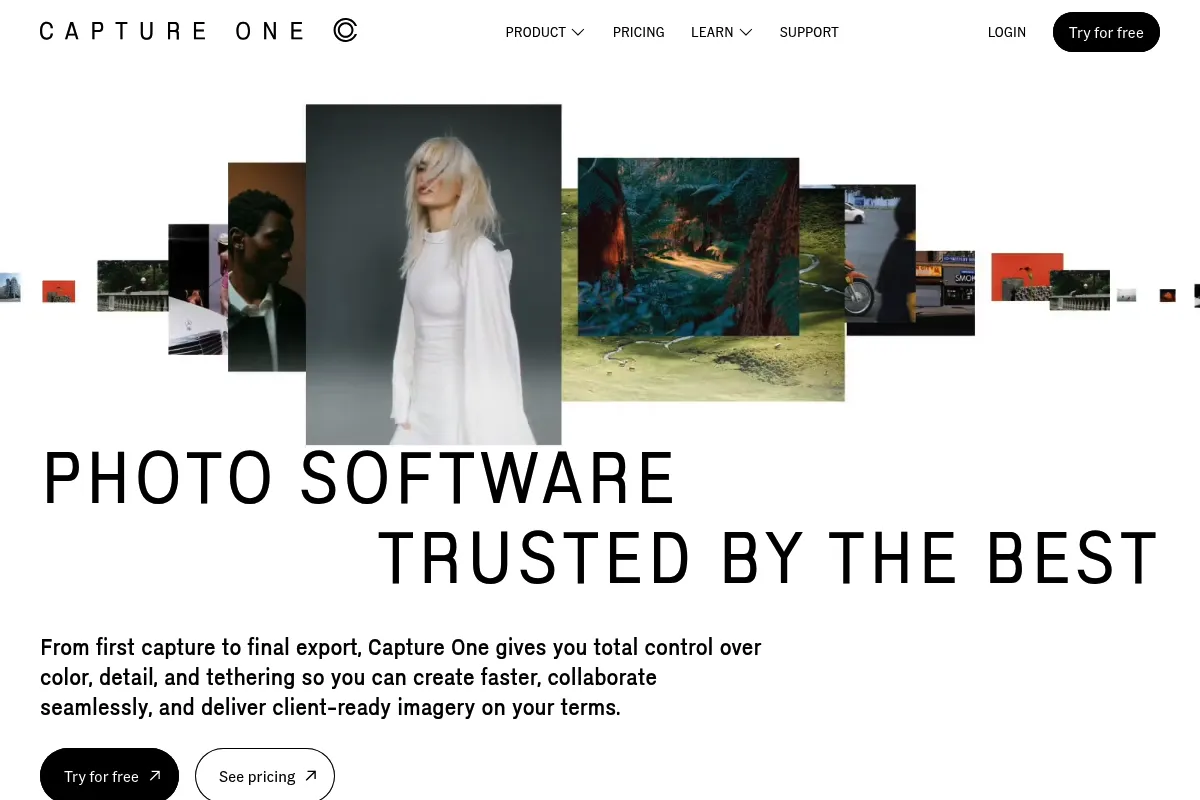
Capture One is a professional-grade RAW converter and image editor built for high-stakes photography. It originated as software for Phase One high-end medium format cameras and has evolved into the industry standard for tethered capture and color science.
What it actually does
It processes RAW data from over 600 camera models, providing tools for exposure, color correction, and localized adjustments via layers. It also acts as a digital asset manager and a live-view bridge between a camera and a computer.
What makes it different
Unlike Lightroom's database-heavy approach, Capture One uses a 'Session' workflow that treats folders as individual projects, making it faster for high-volume commercial shoots. Its color engine allows for specific skin tone leveling and multi-point color editing that competitors struggle to match.
Ratings across the web


Ratings aggregated from independent review platforms.
Key Features
Tethered Capture
Provides the fastest, most stable connection for viewing images on a monitor instantly after trigger.
Color Balance Tool
Uses a 3-way color wheel to grade shadows, midtones, and highlights independently.
Skin Tone Tool
Allows users to sample a skin tone and automatically unify hue, saturation, and lightness across the subject.
Sessions
A project-based file structure that keeps all RAWs, settings, and exports in one portable folder.
AI Masking
Automatically identifies and masks subjects or backgrounds to save time on manual brushing.
Speed Edit
Enables adjustments via keyboard shortcuts without touching sliders, speeding up high-volume culling.
Smart Adjustments
Automatically matches exposure and white balance across a series of photos based on a reference image.
Capture One Live
A web-based collaboration tool that lets clients view and rate photos remotely in real-time.
Pricing
Capture One Pro (Subscription)
- All Pro features
- Free software updates
- Standard support
- Install on 3 devices
Capture One Pro (Monthly)
- Cancel anytime
- All Pro features
- Free software updates
All in One Bundle
- Capture One Pro for Desktop
- Capture One for iPad
- Capture One for iPhone
- Capture One Live (Unlimited)
Perpetual License
- Current version only
- No feature updates included
- Bug fixes for current version
- Loyalty program for future upgrades
Pricing checked 5 months ago
Pricing guidance
- When you need to use the iPad app for on-location culling
- When you need to share live galleries with remote clients via Capture One Live
- When you buy a new camera model not supported by your current perpetual version
- Perpetual licenses do not get new features (like AI masking) added after purchase
- Capture One Live has a free tier but limits the duration of active sessions
- The mobile apps are separate downloads and require the 'All in One' bundle or a separate sub
Premium positioning justified by specialized professional tools and superior color science.
Pros & Cons
Strengths
-
Superior RAW color rendering
The default color profiles for most cameras are more accurate and pleasing than Adobe's, requiring less initial work to get a 'finished' look.
-
Rock-solid tethering stability
It is significantly less prone to crashes or disconnects during studio shoots compared to Lightroom, which is vital for professional reliability.
-
Highly customizable UI
Every tool, tab, and shortcut can be moved or reassigned, allowing photographers to build an interface that matches their specific physical workspace.
-
Layer-based local adjustments
Treats RAW adjustments like layers in Photoshop, including opacity control and blending modes, providing more precision than simple brush tools.
Weaknesses
-
High cost of entry
The subscription is more expensive than the Adobe Photography Plan, and the perpetual license no longer includes feature updates.
Affects: Freelancers and budget-conscious creators
-
Steep learning curve
The interface is dense and the logic of Sessions vs. Catalogs can be confusing for those coming from simpler editors.
Affects: Beginners and hobbyists
-
Limited mobile ecosystem
While iPad and iPhone apps exist, they are less mature than Lightroom Mobile and often require an additional subscription fee.
Affects: Travel and social media photographers
Real User Sentiment
Users generally view Capture One as the 'gold standard' for image quality and tethering, but are increasingly frustrated with the pricing structure.
Users tend to like
- The 'Skin Tone' tool for portrait work
- Speed and reliability of tethered shooting
- The ability to customize the UI completely
- Superior handling of Fujifilm X-Trans sensors
Users commonly complain about
- The high price compared to Adobe's $9.99/mo plan
- Removal of the free 'Express' versions
- The 'Loyalty Program' replacing free perpetual updates
- Catalog performance with very large libraries (>50k images)
Recurring tradeoffs
- You trade a higher price and steeper learning curve for significantly better color control and tethering stability.
Happiest users
Studio photographers and high-end retouchers who value color precision over everything else.
Often frustrated
Hobbyists who want to own their software forever without a subscription and find the $299 entry price too high.
Use Cases
E-commerce Studio
Using tethering to shoot hundreds of products directly into organized Sessions for fast turnaround.
Portrait Photography
Utilizing the Skin Tone tool to ensure consistent complexion across a full gallery.
Editorial Fashion
Applying complex color grades using layers and masks to achieve a specific 'look' without leaving the RAW editor.
Landscape Photography
Leveraging the high dynamic range recovery and superior RAW sharpening for large prints.
Remote Collaboration
Using Capture One Live to let a client in another city rate and comment on photos as they are being shot.
Frequently Asked Questions
Is Capture One better than Lightroom?
It depends on your priorities. Capture One is superior for tethered shooting and advanced color grading. Lightroom is better for mobile syncing, asset management of massive libraries, and is significantly cheaper when bundled with Photoshop.
Does Capture One have a free version?
No. Capture One discontinued its 'Express' versions for Sony, Fujifilm, and Nikon. There is now only a 30-day full-featured trial available.
Can I buy Capture One without a subscription?
Yes, you can purchase a perpetual license for $299. However, this license only covers the version you buy; you will not receive new features added in later versions, and you'll have to pay for a new license if you buy a camera released after your software version.
What are the system requirements for Capture One?
It is a resource-intensive application. You generally need at least 16GB of RAM and a modern GPU with 4GB+ VRAM for smooth performance, especially when using AI masking or working with 50MP+ files.
Does Capture One support my camera?
It supports over 600 cameras from Canon, Nikon, Sony, Fujifilm, and others. However, it does not support Hasselblad RAW files (3FR/FFF) to avoid competition with Phase One's medium format systems.
How many computers can I install Capture One on?
A single Pro subscription or perpetual license allows for activation on up to 3 computers, though they cannot be used simultaneously by different people.
Why trust this page?
This evaluation combines product positioning, pricing analysis, traffic and market signals, and public user sentiment into a single decision-support page. Content is generated editorially — not copied from the vendor's website.
Company
Founded
1994
Stage
Late stage
HQ
Frederiksberg, Denmark
Capture One has not raised traditional venture capital. It was spun out of its parent company, Phase One, after a 2019 private equity acquisition by Axcel. This structure suggests the company is funded by its own operational revenue rather than external investment for aggressive growth.
Market Signals & Traffic
Estimated visits, global rank, geography, traffic sources, monthly visit trends, and organic search keywords (Similarweb)—on a dedicated page built for depth and search.
- Estimated visits
- 629,541
- Global rank
- #70,523
- Snapshot
- Apr 2026
- Traffic trend
- Rising
Estimated monthly visits
Similar Tools
Banana
Developer Tools, Automation

Serverless GPU infrastructure for deploying and scaling machine learning models.
Henry
AI Assistant, Workflow, Documentation

Assistant for immigration lawyers to automate legal document drafting.
Fillout
Content Creation

A powerful no-code form builder to create highly customizable forms, surveys, and quizzes.
Semantic Scholar
Productivity, Data Extraction, Developer Tools

AI-powered research tool for scientific literature discovery and analysis.
Tome
Content Creation, Productivity, Design
AI-powered storytelling and presentation tool.
Zapier AI
Productivity, Automation

Automate tasks and workflows between your favorite apps without code.