

A developer-centric internal tool builder that prioritizes JavaScript flexibility and open-source self-hosting over no-code simplicity.
Excellent for engineering teams building complex internal CRUD apps, weaker for non-technical users who need a pure no-code experience.
Analysis based on product data, pricing structure, traffic signals, and public user sentiment.
Who Should Use Appsmith?
Typical users
Software engineers, DevOps teams, and technical product managers in mid-sized to enterprise organizations.
Maturity fit
scaling to advanced
Choose this if…
- You want to write real JavaScript logic rather than clicking through nested menus
- Your priority is self-hosting for data compliance and security
- You need Git-based version control for your internal tools
- You want to avoid the high per-user costs of proprietary competitors like Retool
Skip this if…
- You are a non-technical user uncomfortable with writing JavaScript
- You need to build a public-facing customer portal
- Your primary requirement is a native mobile application experience
- You want a 'spreadsheet-as-a-database' tool like Glide or Softr
About Appsmith
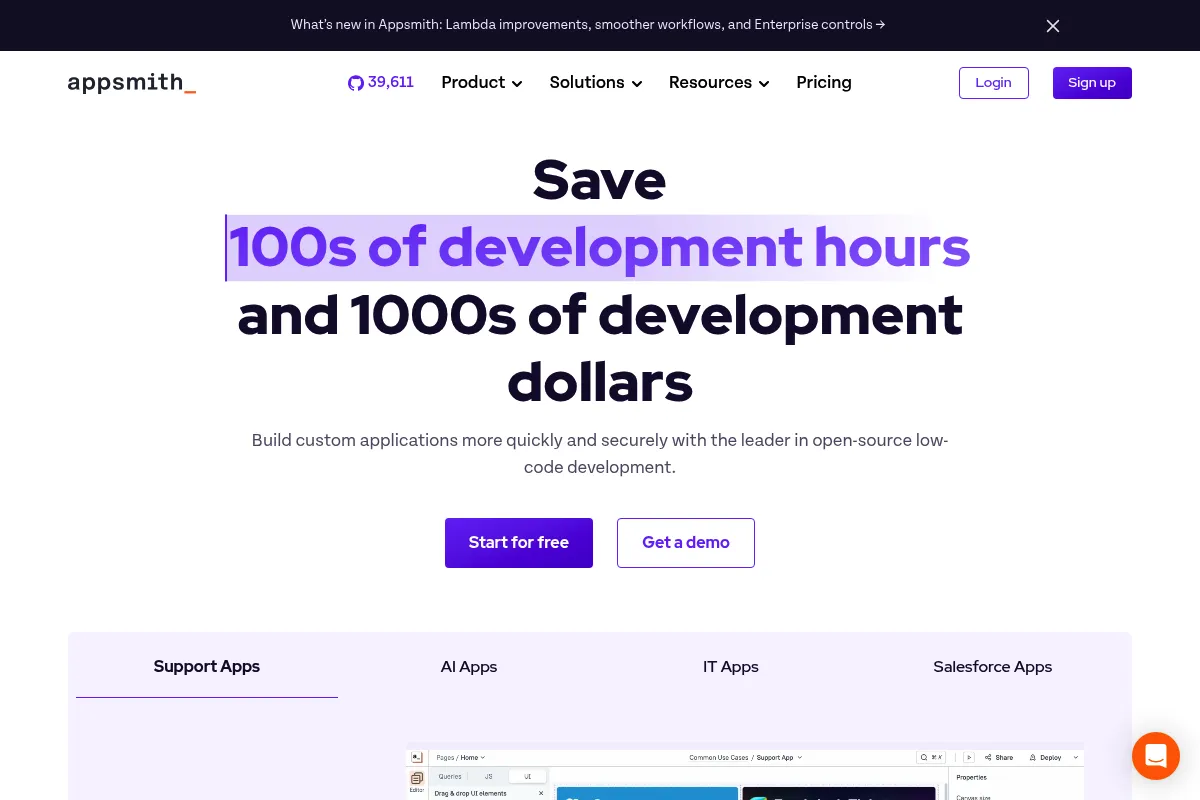
Appsmith is an open-source framework designed for developers to build internal business software. It bridges the gap between custom-coded React applications and rigid SaaS tools by providing a drag-and-drop UI builder that runs on standard JavaScript.
Official profiles
What it actually does
It connects to databases and APIs to create admin panels, support dashboards, and inventory managers. Users drag widgets onto a canvas and write JavaScript snippets to handle data fetching, logic, and UI interactions.
What makes it different
Unlike many competitors, Appsmith is open-source (Apache 2.0) and treats JavaScript as a first-class citizen. It allows logic to be written directly in widget properties or separate JS objects, making it feel more like an IDE than a restricted builder.
Ratings across the web


Ratings aggregated from independent review platforms.
Key Features
JS Objects
Write reusable logic and complex functions in standard JavaScript files within the app.
Git Sync
Connect to GitHub or GitLab to manage deployments, branching, and code reviews.
Real-time Debugging
Inspect variable states, API responses, and error logs directly in the editor.
Custom Widgets
Build unique UI components using HTML, CSS, and JS if the standard library is insufficient.
Smart Maps & Charts
Visualize geographic and numerical data without manual library configuration.
Granular RBAC
Control access at the page, widget, or data-source level for different user groups.
Query Library
Store and reuse database queries across multiple applications to maintain a single source of truth.
Pricing
Community
- Unlimited apps and users
- Self-hosting
- All core widgets
- Community support
Business
- Capped at $20/user/month
- SAML/SSO integration
- Git-based version control
- Granular RBAC
- Custom branding
Enterprise
- Air-gapped deployment
- Audit logs
- Priority support
- Dedicated account manager
Pricing checked 6 months ago
Pricing guidance
- When you need SAML or OIDC for secure login
- When you need to manage multiple environments (Staging/Prod) via Git
- When you need granular permissions for different team roles
- The free tier lacks audit logs
- Custom CSS is restricted in the basic versions
- Usage-based pricing requires monitoring to avoid hitting the $20 cap across a large workforce
Competitive and transparent, specifically positioned to undercut Retool's pricing for organizations with large user bases.
Pros & Cons
Strengths
-
Open-source core
The ability to self-host for free allows teams to maintain full control over their data and avoid vendor lock-in.
-
Predictable usage-based pricing
The $20 monthly cap per user on the Business plan prevents the runaway costs often associated with per-app or per-user pricing models.
-
Developer-friendly workflow
Features like Git integration and JS support make it feel like a professional development environment rather than a toy.
-
Extensive widget library
Over 45 pre-built widgets cover almost all standard admin panel needs, from complex tables to file pickers.
Weaknesses
-
Steep learning curve for non-devs
While it is 'low-code', effectively using it requires a solid understanding of JavaScript and database queries.
Affects: Non-technical business analysts
-
Limited mobile experience
Apps are responsive but not native; creating a mobile-first layout requires significant manual adjustment and lacks offline support.
Affects: Field operations teams
-
UI builder quirks
The grid system can be finicky when nesting containers or trying to achieve pixel-perfect layouts.
Affects: Design-conscious developers
Real User Sentiment
Highly regarded by developers for its flexibility and 'code-first' approach, though some find the UI builder slightly less polished than premium competitors.
Users tend to like
- Self-hosting capabilities
- Flexibility of writing raw JavaScript
- Active Discord and community support
- Fair pricing model
Users commonly complain about
- Performance issues with very large datasets in the browser
- Lack of native mobile app features
- Occasional bugs in the drag-and-drop editor
Recurring tradeoffs
- Flexibility vs. Speed: It takes longer to set up than a pure no-code tool but offers much higher ceilings for complexity.
Happiest users
Full-stack developers who need to build internal tools quickly without fighting the limitations of a 'no-code' interface.
Often frustrated
Business users who expected a 'drag-and-drop' experience similar to Wix or Squarespace but found themselves needing to write SQL and JS.
Use Cases
Customer Support Dashboards
Aggregating user data from Stripe, Zendesk, and a Postgres DB into one view.
Inventory Management
Building a mobile-responsive interface for warehouse staff to update stock levels.
Approval Workflows
Creating a UI for managers to approve or reject employee expense reports.
Database GUIs
Providing a safe, restricted interface for non-technical staff to edit database records.
Marketing Ops Tools
Building a custom interface to trigger email campaigns via SendGrid API based on DB segments.
Frequently Asked Questions
Is Appsmith really free?
The Community Edition is completely free and open-source for self-hosting with unlimited users and apps. You only pay if you need enterprise features like SSO, Git sync, or granular permissions, which are part of the Business and Enterprise plans.
How does Appsmith compare to Retool?
Appsmith is open-source and generally more affordable for large teams due to its $20/user price cap. Retool has a more polished UI builder and a larger library of pre-built integrations, but it is proprietary and can become significantly more expensive as you scale.
Can I use Appsmith for public-facing websites?
No. Appsmith is designed specifically for internal tools. It lacks the SEO capabilities, public user authentication flows, and design flexibility required for a standard public website or SaaS product.
Does Appsmith support mobile apps?
Appsmith apps are responsive and work in mobile browsers, but they are not native iOS or Android apps. There is no offline mode, and you cannot publish them to the App Store or Play Store.
Where is my data stored?
If you self-host Appsmith, your data never leaves your infrastructure. If you use Appsmith Cloud, your data is proxied through their servers to your UI, but Appsmith does not store your database records.
Do I need to know JavaScript to use Appsmith?
While you can build basic layouts without it, you will almost certainly need basic JavaScript to bind data to widgets, format dates, or handle conditional logic between components.
Why trust this page?
This evaluation combines product positioning, pricing analysis, traffic and market signals, and public user sentiment into a single decision-support page. Content is generated editorially — not copied from the vendor's website.
Funding & Company
Founded
2019
Stage
Series b
Total Raised
$51.5M
Latest Round
Series B (Jun 2022)
Notable Investors
Appsmith has raised a total of $51.5 million over three rounds, culminating in a $41 million Series B in June 2022. This funding, from notable investors like Insight Partners and Accel, provides a strong financial foundation for the open-source, low-code platform to continue its growth and product development.
Market Signals & Traffic
Estimated visits, global rank, geography, traffic sources, monthly visit trends, and organic search keywords (Similarweb)—on a dedicated page built for depth and search.
- Estimated visits
- 335,302
- Global rank
- #114,030
- Snapshot
- Apr 2026
- Traffic trend
- Surging
Estimated monthly visits
Similar Tools
Vybe
Developer Tools, Automation, Productivity

Build secure internal web applications and dashboards using natural language.
Kaiber
Video Creation, Content Creation

AI-powered platform for creating dynamic videos from text, images, and audio.
n8n
Automation, Automation & Agents, Developer Tools

Workflow automation platform for connecting apps and building complex sequences.
Castmagic
Content Creation, Marketing Automation, Productivity

Turn audio and video files into ready-to-use marketing content.
Poe
AI Assistant, Content Creation

A platform to chat with and create AI bots, accessing multiple models in one place.
Descript
Content Creation, Video Creation

AI-powered audio and video editor that edits like a document.