

ArkoAI
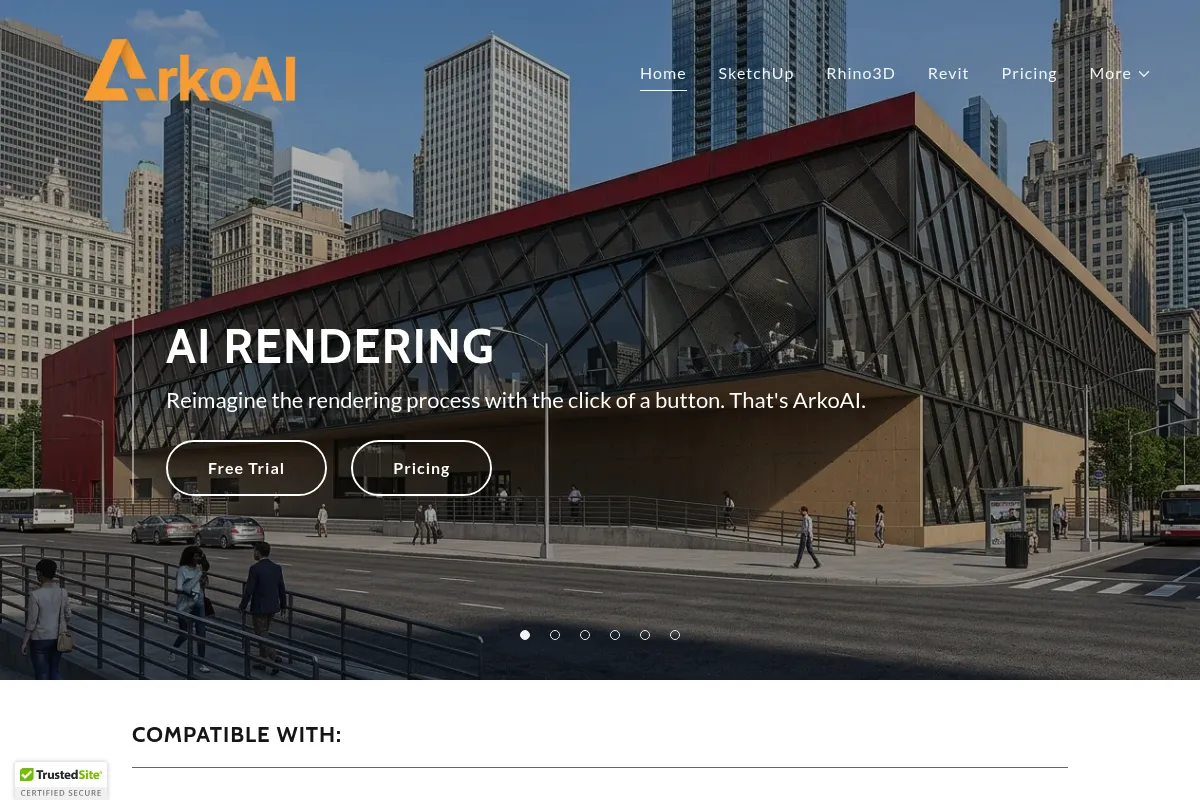
ArkoAI is a cloud-based rendering plugin that uses generative AI to turn 3D models into photorealistic images, prioritizing speed and ease of use over the granular control found in traditional engines.
Excellent for architects needing instant conceptual visualizations within SketchUp or Revit, weaker for those requiring precise physical lighting accuracy.
Analysis based on product data, pricing structure, traffic signals, and public user sentiment.
Who Should Use ArkoAI?
Typical users
Solo architects, interior designers, and small design firms who lack the time or hardware for traditional rendering workflows.
Maturity fit
beginner to scaling
Choose this if…
- You want photorealistic results without managing complex material and lighting settings
- Your workflow is centered on SketchUp, Revit, or Rhino
- You need to generate multiple design iterations in minutes during client meetings
Skip this if…
- You require pixel-perfect control over light bounces and specific IES profiles
- Your project requires high-resolution architectural animations
- You need the AI to strictly adhere to specific furniture models or custom textures
About ArkoAI
ArkoAI is an AI-driven rendering engine designed to bridge the gap between 3D modeling and high-end visualization. It exists to eliminate the steep learning curve and long render times associated with legacy software like V-Ray or Maxwell.
What it actually does
It functions as a direct plugin for CAD software, taking the active 3D viewport and using diffusion models to generate a finished image. Users provide text prompts to guide the style, materials, and environment, while the AI interprets the underlying geometry.
What makes it different
Unlike traditional ray-tracing engines that calculate light paths, ArkoAI uses generative AI to 'fill in' realistic details. This allows it to produce high-fidelity images from even basic, untextured models, which is impossible for standard rendering software.
Key Features
Native Plugins
Integrates directly into SketchUp, Revit, and Rhino to prevent workflow fragmentation.
Prompt-based Styling
Uses natural language to define time of day, weather, and architectural style.
Cloud Rendering
Offloads all processing to external servers, allowing high-quality output on low-spec laptops.
Geometry Preservation
Attempts to maintain the structural integrity of the 3D model while adding realistic surface details.
Iterative Variations
Generates multiple versions of a single scene to help users explore different aesthetic directions quickly.
High-Res Export
Supports up to 4K resolution for professional presentation boards.
Pricing
Free
- Limited to 30 total renders
- Watermarked images
- Low resolution
- Access to all plugins
Pro (Monthly)
- Unlimited renders
- No watermarks
- High-resolution exports
- Priority cloud processing
Pro (Annual)
- All Pro features
- Discounted rate for yearly commitment
- Unlimited high-res renders
Pricing checked 5 months ago
Pricing guidance
- When you need to remove watermarks for client presentations
- When you exceed the 30-render trial limit
- When you need 4K resolution for print media
- The 'Unlimited' renders are subject to fair use policies
- High-resolution exports may be throttled during peak server demand
Mid-range pricing that is significantly cheaper than a Lumion license but more expensive than generic AI image generators like Midjourney.
Pros & Cons
Strengths
-
Extreme speed
Generates high-quality renders in 20-30 seconds, compared to the minutes or hours required by traditional engines.
-
Low technical barrier
Requires no knowledge of global illumination, sub-surface scattering, or complex material nodes.
-
Hardware agnostic
Since processing happens in the cloud, users don't need expensive GPUs to produce professional visuals.
Weaknesses
-
AI Hallucinations
The AI may add windows, trees, or furniture that do not exist in the original 3D model.
Affects: Architects requiring strict technical accuracy
-
Limited material control
You cannot fine-tune the specific reflectivity or roughness of a single surface with precision.
Affects: Interior designers with specific material specifications
-
Subscription dependency
Requires an active internet connection and a monthly fee to be useful beyond basic testing.
Affects: Users in low-connectivity areas or those preferring perpetual licenses
Real User Sentiment
Users generally view ArkoAI as a 'magic wand' for early-stage concepts but express frustration when trying to force it into high-precision technical tasks.
Users tend to like
- Integration directly within the SketchUp window
- Ability to make a basic massing model look like a finished building
- Elimination of the need for expensive rendering hardware
Users commonly complain about
- AI changing the shape of specific architectural elements
- Difficulty in getting the AI to recognize specific brand-name furniture
- Occasional server lag during cloud processing
Recurring tradeoffs
- Trading physical accuracy for visual 'vibe' and speed
Happiest users
Freelance designers who need to produce 'wow-factor' visuals for residential clients on a tight deadline.
Often frustrated
Technical visualization artists who find the lack of setting sliders and material nodes limiting.
Use Cases
Residential Design
Quickly showing a homeowner how a kitchen remodel might look with different finishes.
Competition Entries
Generating dozens of atmospheric site views to find the most compelling angle.
Real Estate Marketing
Creating photorealistic 'lifestyle' images from basic floor plans.
Interior Design
Testing color palettes and lighting moods in a 3D space in real-time.
Urban Planning
Visualizing large-scale massing models in a realistic environment without heavy geometry.
Frequently Asked Questions
Does ArkoAI have a free version?
Yes, ArkoAI offers a free tier, but it is limited to 30 total renders for the lifetime of the account and includes watermarks on all images. It is intended for testing the software's capabilities rather than for professional project use.
How does ArkoAI compare to Veras?
Both are AI rendering plugins, but ArkoAI is often cited for its simplicity and cloud-based processing, while Veras (by EvolveLab) offers slightly more granular 'creativity' sliders. ArkoAI's pricing is competitive, but Veras has a longer track record in the Revit ecosystem.
Can I use ArkoAI offline?
No. ArkoAI requires an active internet connection because the rendering process happens on their cloud servers, not on your local computer.
Which software does ArkoAI support?
As of now, ArkoAI provides dedicated plugins for SketchUp (Windows and Mac), Autodesk Revit, and Rhinoceros 3D.
Will the AI change my 3D geometry?
The AI uses your geometry as a guide, but it can occasionally 'hallucinate' or slightly alter edges to make the image look more realistic. It is not a 1:1 physical representation tool.
Is the Pro plan worth $30 a month?
If you spend more than two hours a month waiting for traditional renders to finish or setting up materials, the $30 Pro plan pays for itself in recovered time immediately.
Why trust this page?
This evaluation combines product positioning, pricing analysis, traffic and market signals, and public user sentiment into a single decision-support page. Content is generated editorially — not copied from the vendor's website.
Funding & Company
Founded
2023
Stage
Bootstrapped
Total Raised
Bootstrapped
Latest Round
—
ArkoAI appears to be a bootstrapped company, having not raised any external funding to date. This indicates the company is likely relying on revenue from its subscription plans to fund its operations and growth.
Market Signals & Traffic
Estimated visits, global rank, geography, traffic sources, monthly visit trends, and organic search keywords (Similarweb)—on a dedicated page built for depth and search.
- Estimated visits
- 0
- Global rank
- —
- Snapshot
- May 2026
- Traffic trend
- —
Similar Tools
Balsamiq
Design, Productivity

Low-fidelity wireframing tool for rapid UI design and prototyping.
Stylar
Design, Content Creation

Controllable image editor for precise graphic design and composition.
Ideogram
Content Creation, Design

AI image generator that excels at rendering text within images.
Vizcom
Design, Content Creation

Real-time sketch-to-render tool for industrial and product designers.
Immersity AI
Design, Video Creation, Content Creation

Transform 2D images and videos into immersive 3D content
Pomelli
E-commerce, Design, Content Creation

Generate professional product photography and visual content for e-commerce.