

A volume-focused automation engine for faceless social media channels that prioritizes posting frequency over creative control.
Excellent for niche channel operators running high-volume experiments, weaker for brands requiring specific visual assets or manual editing precision.
Analysis based on product data, pricing structure, traffic signals, and public user sentiment.
Who Should Use AutoShorts.ai?
Typical users
Solo entrepreneurs and affiliate marketers managing multiple 'faceless' accounts across TikTok, YouTube, and Instagram.
Maturity fit
beginner to scaling
Choose this if…
- You want to maintain a daily posting schedule without manual intervention
- Your priority is testing multiple niches quickly to see what sticks
- You prefer a 'set and forget' workflow over a hands-on editing process
Skip this if…
- You need to use specific, high-quality brand footage in every video
- Your content requires precise frame-by-frame timing and custom transitions
- You want to avoid the distinct aesthetic of AI-generated imagery
About AutoShorts.ai
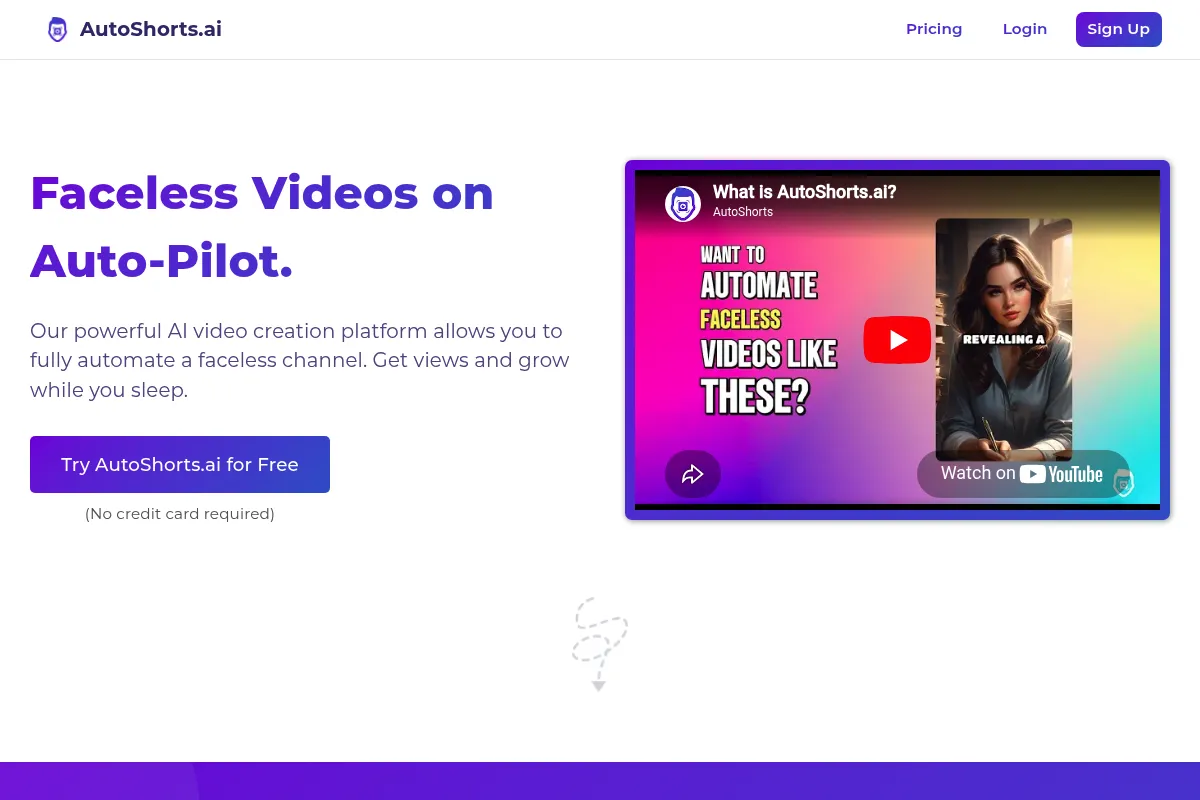
AutoShorts.ai is a specialized video automation platform designed to build and maintain faceless social media channels. It automates the entire lifecycle of short-form content, from initial scriptwriting to final publication, targeting creators who treat social media as a volume-based traffic source.
What it actually does
The tool generates complete short-form videos based on a user-defined niche or prompt. It automatically synthesizes scripts, generates background visuals, adds AI voiceovers, burns in captions, and schedules the final output directly to social media platforms.
What makes it different
Unlike standard AI video editors that focus on a single project, AutoShorts.ai is built around the 'Series' concept. You configure a channel's theme once, and the system generates and posts new episodes indefinitely on a recurring schedule without further user input.
Ratings across the web

Ratings aggregated from independent review platforms.
Key Features
Series Creation
Define a topic once to trigger a recurring stream of unique videos.
Auto-Posting
Publishes directly to TikTok, YouTube, and Instagram without manual uploads.
Custom Prompting
Allows users to influence the AI's creative direction for scripts and visuals.
Voice Selection
Offers a range of AI voices to match the tone of different niches.
Subtitle Customization
Provides control over font, color, and placement of automated captions.
Niche Templates
Pre-configured settings for popular categories like 'Facts' or 'Scary Stories'.
Video Previewing
Enables manual review and regeneration before a video goes live.
Pricing
Free
- 1 video per week
- Watermarked videos
- Basic AI voices
- Standard support
Starter
- 3 videos per week
- No watermarks
- Auto-posting enabled
- Full voice library
Pro
- 1 video per day
- Priority generation
- Advanced prompt control
- Multi-platform posting
Scale
- 2 videos per day
- Highest priority support
- Early access to new features
- Unlimited series management
Pricing checked 6 months ago
Pricing guidance
- When you need to remove the watermark for professional growth
- When you want to move from testing to a daily posting schedule
- When you want to manage multiple niches simultaneously
- Video length is generally capped at 60 seconds
- Manual regeneration of videos may consume your monthly credits
- Direct posting requires active API connections which can occasionally disconnect
Mid-range pricing that is affordable for individual side-hustlers but scales with volume.
Pros & Cons
Strengths
-
Extreme time efficiency
Users can set up a month's worth of daily content in under ten minutes, removing the production bottleneck for solo operators.
-
Consistency at scale
The automated scheduling ensures channels remain active even when the creator is offline, which is critical for social media algorithm favor.
-
Low technical barrier
Requires zero video editing skills or expensive hardware, making it accessible for non-creatives looking to enter the creator economy.
Weaknesses
-
Generic visual aesthetic
AI-generated backgrounds can sometimes feel repetitive or 'uncanny,' which may lead to lower engagement compared to high-effort manual content.
Affects: Creators targeting high-end or aesthetic-focused audiences
-
Limited editing flexibility
The tool is designed for automation; if you want to change a specific word in a script or swap a single image, the workflow can feel restrictive.
Affects: Users who want granular control over their creative output
-
Platform dependency
Relying on direct API posting and AI content carries a risk if social platforms change their stance on automated or AI-generated media.
Affects: Long-term channel stability
Real User Sentiment
Generally positive among users who value speed and automation, though some express frustration with the 'AI-ness' of the visuals.
Users tend to like
- The 'set and forget' nature of the series feature
- Ease of connecting to social media accounts
- Speed of video generation compared to manual editing
Users commonly complain about
- AI images occasionally don't match the script context
- Voices can sound robotic in certain niches
- Limited ability to fix small errors without regenerating the whole video
Recurring tradeoffs
- You trade creative uniqueness for high-volume consistency.
Happiest users
Affiliate marketers and niche experimenters who want to run 5+ channels at once with zero daily effort.
Often frustrated
Creative perfectionists who want every frame to look exactly as they imagined.
Use Cases
Affiliate Marketing
Creating daily product fact videos to drive traffic to bio links.
Niche Facts Channels
Automating 'Did You Know' style content for YouTube Shorts.
Motivational Accounts
Generating daily quote videos with cinematic AI backgrounds.
Scary Story Channels
Producing recurring horror narratives for TikTok audiences.
Educational Snippets
Summarizing complex topics into quick, daily automated lessons.
Frequently Asked Questions
Does AutoShorts.ai have a free plan?
Yes, there is a free plan that allows you to create 1 video per week. However, these videos include a watermark and are intended for testing the platform's capabilities rather than growing a professional channel. To remove watermarks and enable auto-posting, you must upgrade to a paid tier starting at $19/month.
How does AutoShorts.ai compare to InVideo AI?
InVideo AI is a more traditional editor that uses AI to help you build a specific video with more manual control and stock footage options. AutoShorts.ai is built for total automation; it is better for 'Series' that post themselves daily, whereas InVideo is better for creators who want to spend time refining each individual video.
Can I use my own voice or footage?
AutoShorts.ai is primarily designed to generate content using its own AI assets. While you can influence the output through custom prompts, the core value proposition is that the tool finds the visuals and provides the voice for you. If you require heavy use of personal assets, a traditional editor like CapCut or Premiere Pro is more appropriate.
Will my channel get banned for using AI content?
Currently, platforms like TikTok and YouTube allow AI-generated content, though YouTube requires you to disclose 'altered or synthetic' content in your settings. AutoShorts.ai users generally succeed by focusing on high-quality scripts, but there is always a platform risk that algorithms may one day favor human-centric content over pure AI automation.
What social platforms are supported for auto-posting?
AutoShorts.ai currently supports direct auto-posting to TikTok, YouTube Shorts, and Instagram Reels. You connect your accounts via their official APIs, allowing the tool to publish your scheduled 'Series' episodes without you needing to log in and upload them manually.
Can I edit the script before the video is posted?
Yes, the platform allows you to review and edit the AI-generated scripts before the video goes into production. This is a critical step for ensuring accuracy and maintaining a specific brand voice, though the editing interface is simpler than a full-featured word processor.
Why trust this page?
This evaluation combines product positioning, pricing analysis, traffic and market signals, and public user sentiment into a single decision-support page. Content is generated editorially — not copied from the vendor's website.
Funding & Company
Founded
2024
Stage
Bootstrapped
Total Raised
Bootstrapped
Latest Round
—
AutoShorts.ai is a bootstrapped and profitable SaaS company founded by solo founder Eric Smith. The company has not taken any external venture capital, instead funding its rapid growth through its own revenue, which reportedly reached over $90K in monthly recurring revenue (MRR) within its first year.
Market Signals & Traffic
Estimated visits, global rank, geography, traffic sources, monthly visit trends, and organic search keywords (Similarweb)—on a dedicated page built for depth and search.
- Estimated visits
- 286,810
- Global rank
- #142,293
- Snapshot
- Apr 2026
- Traffic trend
- Surging
Estimated monthly visits
Alternatives to AutoShorts.ai
View all alternativesInVideo
Video Creation, Content Creation

An AI-powered video creation platform for quickly producing professional-quality videos.
Pictory
Content Creation, Video Creation

AI-powered platform to create engaging videos from text and existing content.
Similar Tools
AirOps
Automation & Agents, Content Creation, SEO

Workflow automation platform for content operations and SEO teams.
Vortexify
Video Creation, Social Media, Content Creation

Automated video creation for faceless social media channels
Cartesia
AI Assistant, Content Creation, Developer Tools

An AI platform for building and deploying real-time, realistic voice agents and experiences.
Boomy
Music Generation, Content Creation, AI Assistant

AI-powered platform for creating and monetizing original songs.
Topaz Labs
Content Creation, Design

AI-powered software for enhancing photo and video quality.
Shotcut
Video Creation, Content Creation

Open-source, cross-platform video editor for high-quality video production