

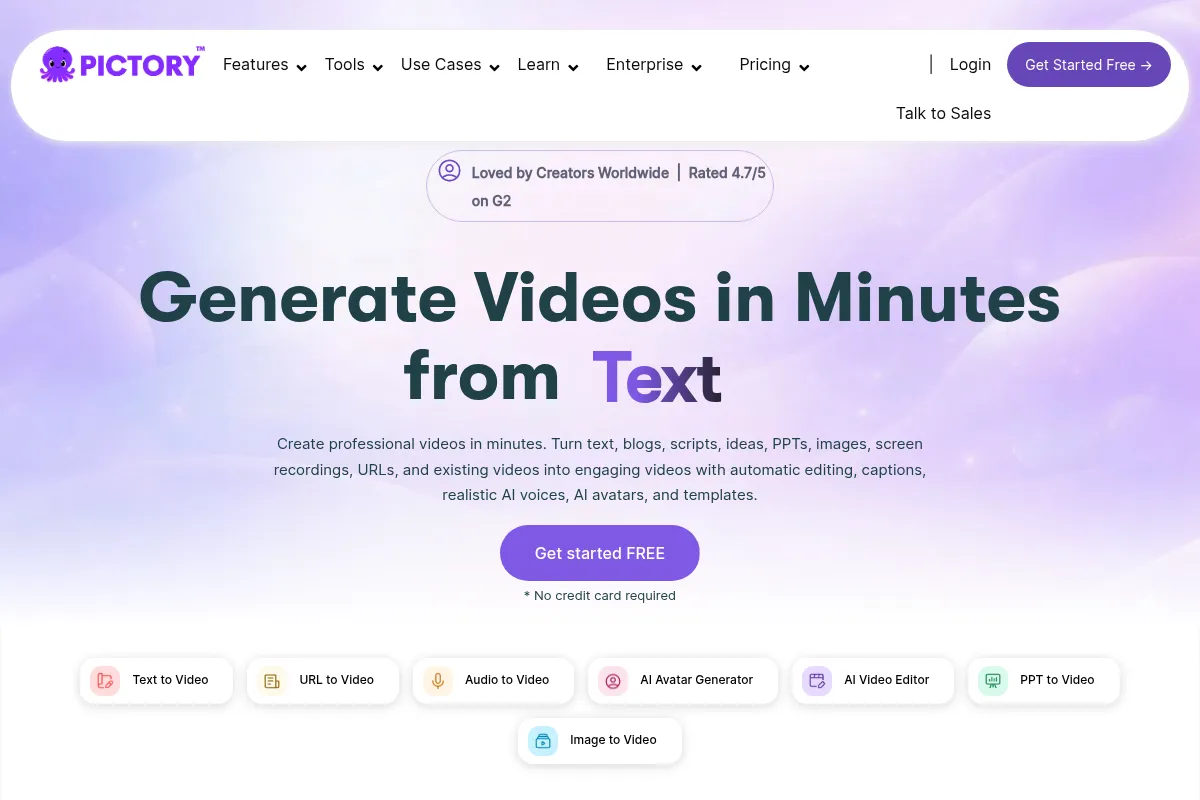
Pictory is an AI video creation tool that automates the process of turning text into video, making it accessible for users without editing experience.
Best for repurposing text content into videos quickly, weaker for highly customized or complex video productions.
Analysis based on product data, pricing structure, traffic signals, and public user sentiment.
Who Should Use Pictory?
Typical users
Marketers, content creators, small businesses, and educators who need to produce video content efficiently from existing text-based assets.
Maturity fit
beginner to scaling
Choose this if…
- You need to quickly generate videos from blog posts, articles, or scripts.
- You have limited video editing experience or time.
- Your priority is content repurposing for social media or marketing.
- You want to add automatic captions and voiceovers to your videos.
Skip this if…
- You require advanced video editing features like complex timelines or effects.
- Your workflow depends heavily on unique visual styles not achievable with stock footage.
- You need highly customized AI voiceovers with nuanced emotional control.
- You are looking for a tool to create animated explainer videos from scratch.
About Pictory
Pictory is an AI-powered platform designed to simplify video creation by transforming text-based content into engaging videos. It caters to marketers, content creators, and businesses looking to produce video content efficiently without extensive editing skills. The tool automates the selection of visuals, voiceovers, and captions from user-provided text.
Official profiles
What it actually does
Pictory automatically generates videos from scripts, articles, or URLs by analyzing the text and selecting relevant stock footage, images, and voiceovers. It also offers features to edit videos by editing text, create video highlights from longer content, and add automatic captions.
What makes it different
Pictory differentiates itself by focusing on a text-to-video workflow that automates the entire creation process, from script analysis to visual selection and voiceover generation. This approach prioritizes speed and ease of use over granular creative control, making it accessible to users with no prior video editing experience.
Ratings across the web



Ratings aggregated from independent review platforms.
Key Features
Script to Video
Transforms written scripts into videos with AI-selected visuals and voiceovers.
Article to Video
Converts blog posts and articles into videos by extracting key information and finding relevant media.
Edit Video Using Text
Allows users to edit video content by editing the text transcript, similar to editing a document.
AI Voiceovers
Offers a selection of AI-generated voices for narration, with options for different accents and genders.
Automatic Captioning
Generates subtitles and captions for videos, improving accessibility and engagement.
Video Highlights
Extracts key segments from longer videos to create short, shareable clips.
Stock Media Library
Provides access to a library of royalty-free images and videos for use in video creation.
Pricing
Starter
- 200 video minutes per month
- 2 million royalty-free videos from Storyblocks
- 1 brand kit
- Unlimited standard voices in 7 languages
- No watermark
- Basic AI tools
Professional
- 600 video minutes per month
- 18 million videos from Getty Images and Storyblocks
- Unlimited brand kits
- Custom ElevenLabs AI voices in 29 languages
- Video summarization
- Includes features of Starter plan
Teams
- 1800 video minutes per month
- Unlimited brand kits
- Team workspace and collaboration
- Extra brand kits and voice minutes
- Includes features of Professional plan
Enterprise
- Custom video minutes
- Unlimited brand kits
- Dedicated success manager
- Expert video consulting
- Uploaded asset indexing
- Done-for-you video creation
Pricing checked 6 months ago
Pricing guidance
- When you need more video minutes per month.
- When you require access to premium stock media like Getty Images.
- When you need more advanced AI voice options or custom voices.
- When you need team collaboration features.
- Video minute limits per month can be restrictive for heavy users.
- While AI voices are available, advanced customization for emotion and emphasis is limited.
- The AI's selection of stock footage can sometimes be generic or irrelevant, requiring manual replacement.
Affordable for individuals and small teams, with tiered plans offering increased capacity and features as needs grow.
Pros & Cons
Strengths
-
Speed and Efficiency
Pictory can generate videos from text in minutes, significantly reducing production time compared to traditional editing methods. This is ideal for content creators on tight deadlines.
-
Ease of Use
The platform's intuitive interface and automated workflows make it accessible for users with no prior video editing experience. This lowers the barrier to entry for video content creation.
-
Content Repurposing
Pictory excels at transforming existing written content like blog posts and articles into engaging videos, maximizing the value of existing assets and reaching a wider audience.
-
Automatic Captioning
The automatic captioning feature enhances video accessibility and engagement, particularly for social media content where many users watch with sound off.
-
Cost-Effective
Compared to hiring professional video editors or investing in complex software, Pictory offers a more affordable solution for generating a high volume of videos.
Weaknesses
-
Limited Creative Control
The AI's selection of stock footage and visuals can sometimes be generic or irrelevant, requiring manual replacement. Advanced users may find the editing options restrictive.
Affects: Users seeking unique visual styles or complex editing.
-
AI Voice Quality
While improving, some AI voices can still sound robotic or lack the emotional nuance of human narration, especially in longer videos.
Affects: Users requiring highly natural or emotionally expressive voiceovers.
-
Generic Stock Footage
The reliance on stock media means videos can sometimes lack originality and may appear generic, a common critique for AI-generated content.
Affects: Brands aiming for a highly distinctive visual identity.
-
Basic Automation Logic
While Pictory automates video creation, the underlying logic for scene selection and content extraction can sometimes miss context or prioritize less important points.
Affects: Users with highly specific content requirements or complex narratives.
Real User Sentiment
Users generally find Pictory to be an easy-to-use and time-saving tool for creating videos from text. While praised for its efficiency, some users express a desire for more advanced editing capabilities and improved AI voice customization.
Users tend to like
- Ease of use and intuitive interface
- Speed of video creation from text
- Content repurposing capabilities
- Automatic captioning feature
- Cost-effectiveness compared to traditional methods
Users commonly complain about
- AI-selected stock footage can be generic or irrelevant
- AI voiceovers can sound robotic or lack emotional depth
- Limited creative control for advanced users
- Customer support response times can be slow
- Cluttered interface for some users
Recurring tradeoffs
- Speed and simplicity vs. advanced creative control
- Automated convenience vs. potential for generic output
- Affordability vs. limitations in AI voice customization
Happiest users
Content creators, marketers, and small business owners who prioritize speed and ease of use for repurposing text content into videos.
Often frustrated
Advanced video editors or users requiring highly customized AI voices and unique visual styles may find Pictory's limitations frustrating.
Use Cases
Repurposing blog posts into social media videos
Creating marketing explainer videos from scripts
Generating training videos from course materials
Summarizing long webinars into short clips
Producing promotional videos for products or services
Quickly creating video content for social media campaigns
Frequently Asked Questions
What is Pictory AI?
Pictory AI is an AI-powered video creation platform that transforms text-based content, such as scripts, blog posts, and articles, into engaging videos. It automates the process of selecting visuals, adding voiceovers, and generating captions, making video production accessible to users without prior editing experience. It is designed for marketers, content creators, and businesses looking to scale their video content efficiently.
Does Pictory offer a free plan?
Pictory does not offer a free plan but provides a 14-day free trial. This trial allows users to create up to 3 video projects, each up to 10 minutes long, with access to core features and no watermark on exports. No credit card is required to start the trial. After the trial, a paid subscription is necessary to continue using the service.
How does Pictory compare to InVideo?
Both Pictory and InVideo are AI-powered video creation tools, but they cater to slightly different needs. Pictory excels at transforming text content (like blog posts and scripts) into videos quickly, making it ideal for content repurposing and users who prioritize speed and simplicity. InVideo offers a broader range of templates and editing features, making it potentially more versatile for promotional work and users who want more creative control over the visual aspects of their videos.
What are the limitations of Pictory?
Key limitations of Pictory include the AI's occasional selection of generic or irrelevant stock footage, the potential for AI voices to sound robotic or lack emotional depth, and limited creative control for advanced users who may desire more complex editing features. The platform's reliance on stock media can also lead to videos that appear less unique. Additionally, customer support response times can sometimes be slow.
What integrations does Pictory offer?
Pictory integrates with platforms like Zapier and Make, allowing users to automate video creation workflows. These integrations enable connections with thousands of apps, including Google Sheets, Notion, Slack, and YouTube. Pictory also offers an API for developers to integrate its AI video creation capabilities into their own applications, supporting features like text-to-video conversion, auto-captions, and video summarization.
How much does Pictory cost?
Pictory offers several pricing plans, with monthly subscriptions starting around $19 for the Starter plan, $39 for the Professional plan, and $99 for the Teams plan (when billed annually). The Professional plan is often recommended for its balance of features and value. Annual billing provides significant discounts compared to monthly payments. Custom enterprise plans are also available.
Can I use my own voiceovers with Pictory?
Yes, Pictory allows you to upload your own recorded voiceovers. In addition to its AI voice generation capabilities, which include options from ElevenLabs, you can provide your own audio files to ensure a personalized narration for your videos. This offers flexibility for users who prefer their own voice or need specific vocal styles.
Is Pictory suitable for beginners?
Yes, Pictory is highly suitable for beginners. Its user-friendly interface and automated AI features are designed to simplify video creation, requiring no prior video editing experience. Users can easily transform text into videos by following straightforward workflows, making it an accessible tool for individuals and businesses new to video production.
Why trust this page?
This evaluation combines product positioning, pricing analysis, traffic and market signals, and public user sentiment into a single decision-support page. Content is generated editorially — not copied from the vendor's website.
Funding & Company
Founded
2019
Stage
Seed
Total Raised
$4.72M
Latest Round
Seed (Mar 2023)
Notable Investors
Pictory has raised a total of $4.72 million over two seed rounds, with the most recent funding occurring in March 2023. This early-stage capital from Seattle-area VCs and angels is aimed at scaling its AI-driven video platform and accelerating product development.
Market Signals & Traffic
Estimated visits, global rank, geography, traffic sources, monthly visit trends, and organic search keywords (Similarweb)—on a dedicated page built for depth and search.
- Estimated visits
- 0
- Global rank
- —
- Snapshot
- May 2026
- Traffic trend
- Falling
Estimated monthly visits
Alternatives to Pictory
View all alternativesSynthesia
Video Creation, Content Creation, Training & Onboarding

An AI video generation platform for creating professional videos without traditional equipment.
HeyGen
Video Creation, Content Creation, AI Assistant

AI-powered video creation platform with realistic avatars and multi-language support.
InVideo
Video Creation, Content Creation

An AI-powered video creation platform for quickly producing professional-quality videos.
Similar Tools
Epidemic Sound
Content Creation, Video Creation

Royalty-free music and sound effects library for content creators.
Sora
Content Creation, Video Creation

AI-powered text-to-video generation platform by OpenAI.
Fliki
Content Creation, Video Creation

AI-powered text-to-video and text-to-speech creator.
Murf AI
Content Creation, Video Creation

AI voice generator for creating realistic text-to-speech voiceovers.
Kapwing AI
Content Creation, Video Creation

Online video editor with AI tools for content creation and repurposing.
Photo AI
Content Creation, Video Creation

AI-powered tool for creating realistic digital avatars and videos.