

Murf AI is a text-to-speech platform that excels at producing clean, professional voiceovers for corporate and educational content, but its voice quality can lack the emotional depth required for more creative projects.
Excellent for clear, instructional narration; weaker for character-driven or emotionally nuanced storytelling.
Analysis based on product data, pricing structure, traffic signals, and public user sentiment.
Who Should Use Murf AI?
Typical users
Content creators, marketers, educators, and corporate trainers who need to produce voiceovers for presentations, e-learning modules, and promotional videos without hiring voice actors.
Maturity fit
beginner to scaling
Choose this if…
- Your primary need is for clear, consistent voiceovers for training or marketing materials.
- You value an intuitive, timeline-based editor that simplifies syncing audio to visuals.
- You need to produce content in multiple languages and require a diverse library of voices.
- Your workflow is centered around tools like Canva, PowerPoint, or Google Slides due to its direct integrations.
Skip this if…
- You require highly realistic, emotionally expressive voices for storytelling or character work.
- You need access to voice cloning features without committing to an expensive Enterprise plan.
- Your usage is infrequent, making the subscription cost difficult to justify.
- You need advanced audio editing capabilities or support for SSML for fine-tuned control.
About Murf AI
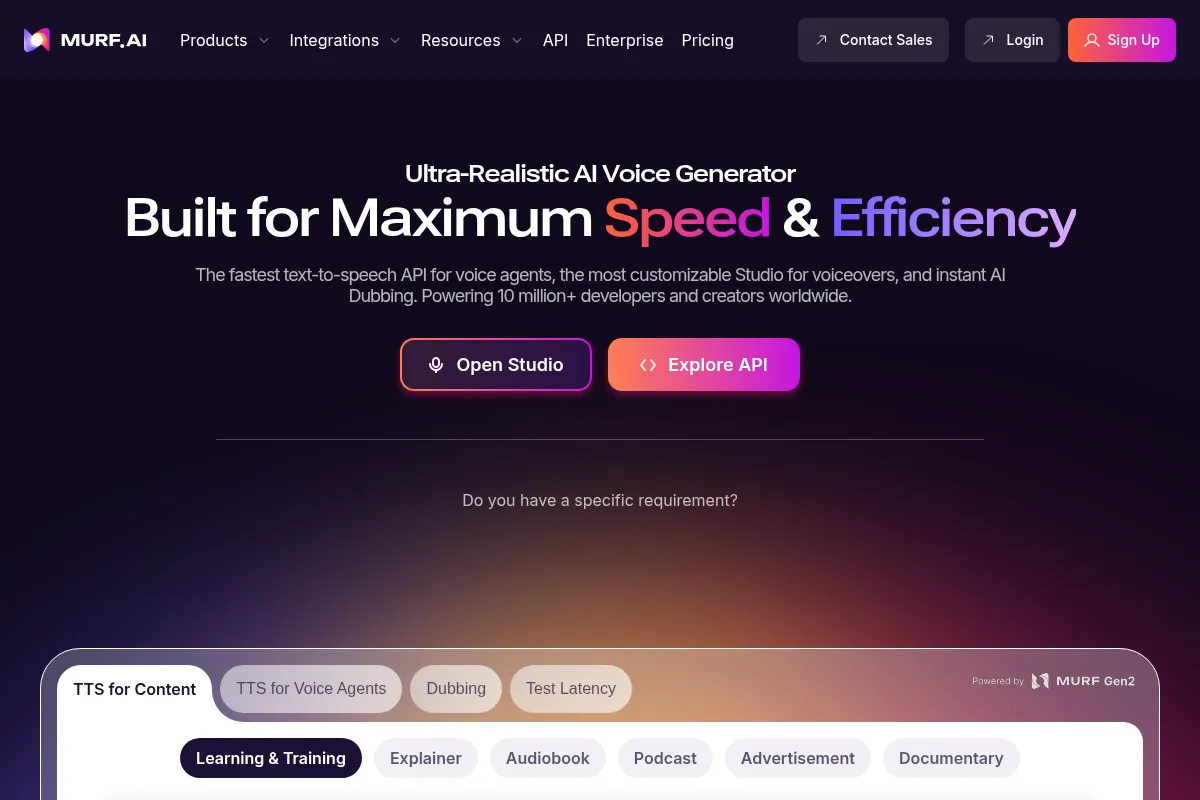
Murf AI is a web-based text-to-speech (TTS) generator that converts written scripts into AI-generated voiceovers. It is designed for users who need professional-sounding narration for videos, presentations, and e-learning content without the cost and time of hiring voice actors. The platform focuses on providing a large library of voices and a user-friendly studio for editing and syncing audio.
Official profiles
What it actually does
Users can type or upload text, choose from over 120 AI voices in more than 20 languages, and generate audio files. The platform includes a timeline-style editor to sync voiceovers with videos or images, and allows for customization of pitch, speed, and pauses to refine the final output. It also offers features to add background music and licensed soundtracks.
What makes it different
Murf AI's primary differentiator is its integrated workflow, combining a text-to-speech engine with a video-style timeline editor. This allows users to manage the entire voiceover production process, from script to final synchronized audio/video, within a single interface. While some competitors may offer more realistic voices, Murf focuses on the all-in-one production experience for corporate and educational content creators.
Ratings across the web



Ratings aggregated from independent review platforms.
Key Features
Timeline-based Editor
Simplifies syncing voiceover blocks with video or presentations, reducing post-production work in separate video editors.
Voice Customization
Allows users to adjust pitch, speed, and add emphasis or pauses for a more natural-sounding delivery.
Large Voice Library
Provides over 120 voices in more than 20 languages, offering a wide selection for global content creation.
Voice Changer
Transforms home recordings into studio-quality AI voiceovers, cleaning up imperfections and standardizing the audio.
Direct Integrations
Native connections with Canva, Google Slides, and PowerPoint streamline the workflow for presentation and video creators.
Custom Pronunciation
Users can define how specific words, such as brand names or jargon, are pronounced to ensure accuracy.
Collaboration Tools
Team workspaces allow multiple users to work on and review voiceover projects together.
Pricing
Free
- 10 minutes of voice generation
- 10 minutes of transcription
- No downloads
- Access to all 120+ voices for trial
- Up to 3 users
Creator
- 24 hours of voice generation per year
- Unlimited downloads
- Access to 120+ voices
- Commercial usage rights
- Chat & email support
Business
- 96 hours of voice generation per year
- Collaboration features
- AI Voice Changer
- Priority support
- AI Translation (add-on)
Enterprise
- Unlimited voice generation
- Voice cloning services
- Dedicated account manager
- Single Sign-On (SSO)
- Advanced security and compliance
Pricing checked 6 months ago
Pricing guidance
- Needing to download your generated audio files.
- Requiring more than 10 minutes of voice generation.
- Needing commercial rights to use the voiceovers in public-facing content.
- Requiring collaboration features for team-based projects.
- Voice generation is capped by hours per year on Creator and Business plans, which can be restrictive for high-volume users.
- The free plan is essentially a trial as it prohibits downloading any created audio.
- Advanced features like voice cloning and AI translation are exclusive to the expensive Enterprise plan and may come with additional fees.
- Script imports are limited to 15,000 words per upload, requiring longer scripts to be broken up.
Premium positioning aimed at business and professional users, with pricing that can be steep for hobbyists or those with minimal needs.
Pros & Cons
Strengths
-
Intuitive user interface
The platform is widely praised for its ease of use, featuring a timeline editor that is straightforward for users without technical audio editing experience.
-
High-quality, natural-sounding voices
Many users find the voices to be realistic and professional, suitable for corporate and educational content where clarity is key.
-
Extensive voice and language library
A broad selection of over 120 voices across more than 20 languages allows for versatile content creation for a global audience.
-
Strong integration capabilities
Direct integrations with popular tools like Canva, Google Slides, and WordPress streamline the content creation workflow.
Weaknesses
-
Limited emotional range
The AI voices can lack the emotional nuance required for storytelling or character-driven content, sometimes sounding flat or robotic.
Affects: Creative professionals, audiobook narrators
-
Pricing can be high for infrequent users
The subscription model is considered expensive by some users, particularly those who only need to generate a small amount of audio.
Affects: Solo creators, small businesses
-
Pronunciation issues with certain words
Users report occasional mispronunciations of common or technical words, requiring manual correction which can be time-consuming.
Affects: Users with specialized or technical scripts
-
Key features locked behind Enterprise plan
Advanced capabilities like Voice Cloning and AI Translation are only available on the highest-tier Enterprise plan, making them inaccessible for most users.
Affects: Teams and businesses wanting advanced features without enterprise pricing
Real User Sentiment
Users generally have a positive sentiment towards Murf AI, frequently praising its ease of use and the high quality of its voices for professional applications. However, criticisms often point to the pricing structure and limitations in emotional expression.
Users tend to like
- The intuitive, user-friendly interface.
- The natural and professional quality of the AI voices.
- The wide variety of voices and languages available.
- The ability to fine-tune pronunciation, speed, and pauses.
- Helpful and responsive customer support.
Users commonly complain about
- The subscription cost is too high for infrequent use.
- Voices can lack genuine emotional depth and sound robotic in certain contexts.
- Occasional mispronunciation of words that require manual correction.
- The free plan is highly restrictive with no download option.
- Project limits on some plans can be frustrating.
Recurring tradeoffs
- Users trade the highest level of emotional realism (found in tools like ElevenLabs) for a more integrated, all-in-one production studio with video syncing capabilities.
- The platform offers simplicity and speed at the cost of the granular control that advanced audio professionals might require.
- Users accept annual voice generation limits for the convenience of a large, ready-to-use voice library.
Happiest users
Corporate trainers, e-learning course creators, and marketers who need to produce clear, professional narration for presentations and videos efficiently.
Often frustrated
Creative writers, audiobook producers, and users on a tight budget who find the voices lacking in emotional range and the pricing plans too expensive.
Use Cases
E-Learning Modules
Creating clear and consistent narration for corporate training and educational courses.
YouTube Video Narration
Generating voiceovers for explainer videos, tutorials, and informational content.
Marketing and Promotional Videos
Producing professional voiceovers for product demos, advertisements, and social media content.
Podcast Production
Creating intro/outro segments or converting written content into audio podcasts.
Corporate Presentations
Adding narration to Google Slides or PowerPoint presentations for a more engaging delivery.
IVR and Phone Systems
Developing voice prompts for automated phone systems.
Accessibility
Converting written articles and documents into audio for visually impaired users.
Frequently Asked Questions
Can I use Murf AI for free?
Yes, Murf AI offers a free plan that includes 10 minutes of voice generation and 10 minutes of transcription. However, you cannot download the audio files you create on this plan, making it primarily a trial to test the voices and features before upgrading.
How does Murf AI compare to ElevenLabs?
Murf AI is often chosen for its all-in-one studio editor that simplifies syncing audio to video, and its direct integrations with tools like Canva and PowerPoint, making it ideal for corporate and educational content. ElevenLabs is generally considered to have more emotionally realistic and higher-quality voices and offers more accessible voice cloning features. Choose Murf for workflow efficiency and ElevenLabs for top-tier voice realism.
What are the main limitations of Murf AI?
The primary limitations are the voices' lack of deep emotional range, which can make them sound robotic for creative projects. Other limitations include annual caps on voice generation hours for paid plans, pronunciation errors that require manual fixing, and locking advanced features like voice cloning behind a costly Enterprise plan.
What integrations does Murf AI offer?
Murf AI offers integrations with several content creation tools, most notably Canva, Google Slides, and PowerPoint. It also integrates with e-learning authoring tools like Articulate 360 and Adobe Captivate, as well as platforms like WordPress and Notion. API access is also available for custom integrations.
Can I use the voices for commercial projects?
Yes, commercial usage rights are included in all paid plans (Creator, Business, and Enterprise). The free plan does not grant commercial rights for the generated audio.
Does Murf AI support voice cloning?
Yes, Murf AI offers a voice cloning service that can create a digital replica of your voice. However, this feature is only available as part of the custom Enterprise plan and is not included in the standard self-serve subscriptions.
Why trust this page?
This evaluation combines product positioning, pricing analysis, traffic and market signals, and public user sentiment into a single decision-support page. Content is generated editorially — not copied from the vendor's website.
Funding & Company
Founded
2020
Stage
Series a
Total Raised
$11.5M
Latest Round
Series A (Sep 2022)
Notable Investors
Murf AI has raised a total of $11.5 million over two rounds, including a $10 million Series A in late 2022 led by Matrix Partners India. This funding has enabled the company to scale its team and product, positioning it as a key player in the competitive AI voice generation market.
Market Signals & Traffic
Estimated visits, global rank, geography, traffic sources, monthly visit trends, and organic search keywords (Similarweb)—on a dedicated page built for depth and search.
- Estimated visits
- 754,929
- Global rank
- #59,447
- Snapshot
- Apr 2026
- Traffic trend
- Steady
Estimated monthly visits
Alternatives to Murf AI
View all alternativesElevenLabs
Content Creation, AI Assistant

AI-powered platform for realistic speech, voice cloning, and audio generation.
Lovo AI
Content Creation, AI Assistant

AI voice generator and text-to-speech platform with video editing.
WellSaid Labs
Content Creation, AI Assistant

AI-powered text-to-speech for realistic and professional voiceovers.
Similar Tools
Lumen5
Content Creation, Video Creation

AI-powered platform to create engaging videos from text content.
Adobe Firefly
Content Creation, Video Creation

Generative AI tools for creating and editing images, video, and more.
Epidemic Sound
Content Creation, Video Creation

Royalty-free music and sound effects library for content creators.
Vidu AI
Content Creation, Video Creation

AI-powered tool to generate cinematic videos from text and images.
Pika Labs
Content Creation, Video Creation

AI-powered platform to generate and edit videos from text and images.
Fliki
Content Creation, Video Creation

AI-powered text-to-video and text-to-speech creator.