

An all-in-one content production suite that pairs high-quality text-to-speech with a timeline-based video editor—best for social media creators, though voice realism trails ElevenLabs.
Excellent for YouTube and social media creators needing a unified audio-video workflow, weaker for developers requiring high-fidelity API-driven voice cloning.
Analysis based on product data, pricing structure, traffic signals, and public user sentiment.
Who Should Use Lovo AI?
Typical users
Solo content creators, YouTube channel managers, and small marketing teams producing explainer videos.
Maturity fit
beginner to scaling
Choose this if…
- You want to edit video and generate voiceovers in a single interface
- Your priority is manual control over word pronunciation and emphasis
- You need a wide variety of 'character' voices for storytelling or ads
Skip this if…
- You require the absolute highest fidelity in voice cloning (ElevenLabs is superior)
- You need deep API integrations for a custom application
- Your workflow requires credits to roll over month-to-month
About Lovo AI
Lovo AI, primarily through its Genny platform, is a production-focused AI voice generator designed to replace expensive voice actors and complex editing software. It targets creators who need to turn scripts into finished video content quickly without switching between multiple tools.
Official profiles
What it actually does
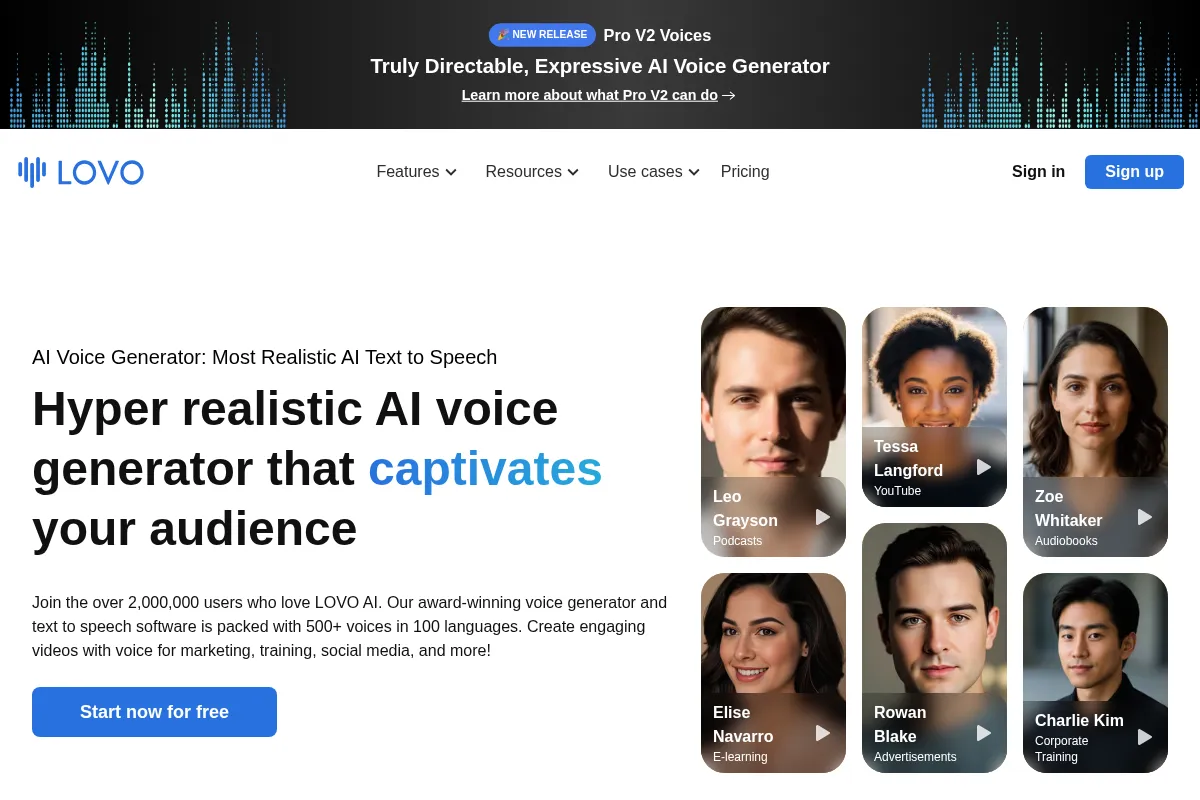
It converts text into speech using 500+ synthetic voices, allows for custom voice cloning from short samples, and provides a multi-track video editor to sync audio with visuals. The platform also includes auxiliary AI tools for scriptwriting and image generation.
What makes it different
Unlike standalone TTS engines, Lovo includes a full timeline-based video editor. It prioritizes 'emotional' control, allowing users to manually adjust pitch, emphasis, and pronunciation for specific words rather than relying solely on the AI's default delivery.
Ratings across the web



Ratings aggregated from independent review platforms.
Key Features
Genny Editor
A timeline-based workspace for syncing AI voiceovers with video clips and background music.
Emotional Voices
30+ specific emotions like shouting, whispering, or hesitation available for select voices.
Custom Voice Cloning
Creates a digital twin of a voice from a 1-minute recording for consistent branding.
Pronunciation Editor
Manual override for technical terms, acronyms, or brand names that AI mispronounces.
AI Artist
Generates stock-style images from text prompts to fill visual gaps in video projects.
Producer Mode
Granular control over phonemes and pitch for professional audio tuning.
Subtitle Generator
One-click transcription and overlay for social media video optimization.
Pricing
Starter
- 2 hours of voice generation
- 5 instant voice clones
- 20+ professional voices
- 1080p video export
Pro
- 5 hours of voice generation
- Unlimited voice clones
- 500+ voices in 100+ languages
- AI Writer and AI Artist tools
Pro+
- 20 hours of voice generation
- 400GB storage
- Priority support
- Commercial rights
Pricing checked 5 months ago
Pricing guidance
- When you need more than 2 hours of audio per month
- When you need to clone more than 5 voices
- When you require commercial usage rights for your content
- Voice generation minutes do not roll over
- Commercial rights are restricted on the lowest tiers
- Storage limits apply to uploaded video assets
Mid-range pricing that is affordable for solopreneurs but can become expensive for high-volume video agencies.
Pros & Cons
Strengths
-
Integrated Workflow
Combining TTS with a video editor saves significant time compared to exporting audio to Premiere or CapCut, making it ideal for high-volume creators.
-
Granular Audio Control
The ability to insert pauses, speed up, or change the pitch of specific words prevents the 'monotone' feel common in cheaper AI tools.
-
Language Breadth
Support for 100+ languages and localized accents makes it viable for global marketing campaigns and localized training materials.
Weaknesses
-
Voice Realism Gap
While high-quality, the voices often sound more 'synthetic' and less fluid than ElevenLabs' latest generative models.
Affects: Producers of high-end audiobooks or cinematic content
-
Billing Friction
Numerous user reports cite difficulty canceling subscriptions and issues with the auto-renewal process.
Affects: Budget-conscious solo users
-
Credit Expiration
Monthly voice generation minutes do not roll over, forcing a 'use it or lose it' model that punishes irregular production schedules.
Affects: Freelancers with fluctuating workloads
Real User Sentiment
Generally positive regarding the tool's utility and interface, but marred by significant frustration over billing practices and customer support.
Users tend to like
- Intuitive timeline editor
- Wide variety of emotional presets
- Fast generation speeds
- Effective pronunciation editor
Users commonly complain about
- Difficult cancellation process
- Lack of credit rollover
- Occasional robotic artifacts in voices
- Slow customer support response times
Recurring tradeoffs
- Users trade the absolute best voice quality (ElevenLabs) for a much better all-in-one editing workflow.
Happiest users
YouTube creators and corporate trainers who need to produce 5-10 minute videos weekly without a dedicated audio engineer.
Often frustrated
Users who only need occasional voiceovers and feel penalized by the expiring credit system or those trying to cancel their subscription.
Use Cases
YouTube Automation
Generating narrations and syncing them with stock footage for faceless channels.
Corporate Training
Creating consistent e-learning modules in multiple languages without re-recording voice actors.
Marketing Ads
Producing short-form social media ads with high-energy emotional inflections.
Podcast Intros
Using voice cloning to create consistent intros and outros for audio shows.
Audiobook Production
Utilizing the pronunciation editor to handle complex character names and technical terms.
Frequently Asked Questions
Does Lovo AI have a free plan?
Lovo offers a 14-day free trial of their Pro plan. It includes 20 minutes of voice generation and 1GB of storage, but it is intended for testing purposes. For ongoing projects and commercial rights, you must upgrade to a paid tier starting at $29/month.
How does Lovo AI compare to ElevenLabs?
ElevenLabs generally offers superior voice realism and more natural-sounding prosody. However, Lovo AI (Genny) provides a full video editing timeline, AI image generation, and more granular manual controls for pitch and emphasis, making it a better 'all-in-one' production tool.
Can I use Lovo AI voices for commercial purposes?
Commercial rights are included in the Pro and Pro+ plans. If you are on the Starter plan or the free trial, you should check the latest terms of service, as commercial usage is often restricted to higher tiers.
Do my unused minutes roll over to the next month?
No, Lovo AI operates on a 'use it or lose it' basis. Your voice generation minutes reset at the beginning of each billing cycle, which is a common point of frustration for users with inconsistent production schedules.
Can I clone my own voice with Lovo?
Yes, Lovo offers an 'Instant Voice Cloning' feature. You can upload a 1-minute recording of your voice, and the AI will create a digital clone that you can use to generate speech from any text.
What languages does Lovo AI support?
Lovo supports over 100 languages and accents, including English, Spanish, French, German, Chinese, and many regional variations. Not all voices support all emotional inflections, however.
Why trust this page?
This evaluation combines product positioning, pricing analysis, traffic and market signals, and public user sentiment into a single decision-support page. Content is generated editorially — not copied from the vendor's website.
Funding & Company
Founded
2019
Stage
Seed
Total Raised
$6.85M
Latest Round
Seed (Apr 2022)
Notable Investors
Lovo AI has raised a total of $6.85 million across three early-stage rounds, concluding with a $2 million seed extension in April 2022. The funding, backed by a mix of strategic and venture investors like Kakao Entertainment and Hashed, was aimed at product development and team growth.
Market Signals & Traffic
Estimated visits, global rank, geography, traffic sources, monthly visit trends, and organic search keywords (Similarweb)—on a dedicated page built for depth and search.
- Estimated visits
- 417,155
- Global rank
- #114,236
- Snapshot
- Apr 2026
- Traffic trend
- Cooling
Estimated monthly visits
Alternatives to Lovo AI
View all alternativesElevenLabs
Content Creation, AI Assistant

AI-powered platform for realistic speech, voice cloning, and audio generation.
Murf AI
Content Creation, Video Creation

AI voice generator for creating realistic text-to-speech voiceovers.
Descript
Content Creation, Video Creation

AI-powered audio and video editor that edits like a document.
Similar Tools
Listnr
Content Creation, AI Assistant

AI voice generator for realistic text-to-speech and voiceovers.
Voicemod AI
Content Creation, AI Assistant

Real-time AI voice changer and soundboard for creators and gamers.
BabyLoveGrowth
Content Creation, AI Assistant

An AI-powered platform that automates your entire SEO workflow, from content creation to backlink building.
BetterPic
Content Creation, AI Assistant

AI-powered generator for creating professional headshots in minutes.
Jasper
Content Creation, AI Assistant

AI-powered content creation platform for marketing and business teams.
Buffer
Content Creation, AI Assistant

A social media management platform for scheduling posts and analyzing performance.