

Browserbase offers managed headless browser infrastructure for AI agents and automation, abstracting away the complexity of managing browser fleets.
Best for developers building AI agents and automation workflows who need scalable, managed headless browsers, but less ideal for those requiring deep control over browser infrastructure or highly cost-sensitive, simple automation tasks.
Analysis based on product data, pricing structure, traffic signals, and public user sentiment.
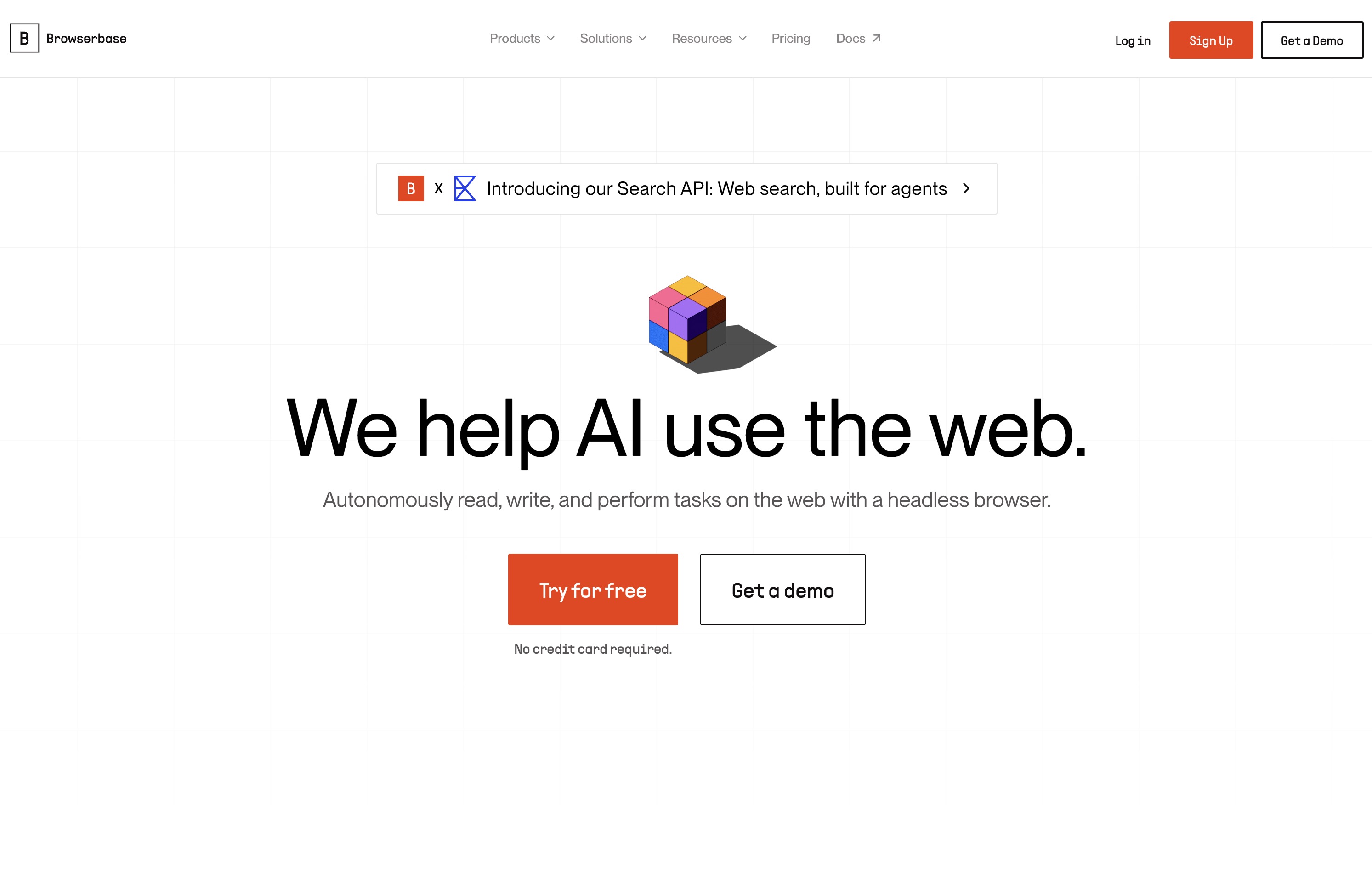
Who Should Use Browserbase?
Typical users
Developers, AI engineers, and operators building applications that require programmatic interaction with websites at scale. This includes teams working on AI agents, web scraping, automated testing, and complex workflow automation.
Maturity fit
scaling to advanced
Choose this if…
- You need to run headless browsers at scale without managing infrastructure.
- Your AI agents require programmatic web interaction.
- You want to integrate headless browsers with Playwright, Puppeteer, or Selenium.
- You need features like stealth mode, proxy support, and session management.
Skip this if…
- You require full control over browser infrastructure and OS-level configurations.
- Your automation tasks are simple and can be handled by cheaper, dedicated automation tools.
- You have strict data privacy requirements that necessitate self-hosting.
- You are looking for a purely no-code automation solution without any developer involvement.
About Browserbase
Browserbase provides a serverless, cloud-hosted platform for running headless browsers at scale. It's designed to simplify the process for developers and AI agents to interact with websites programmatically, removing the burden of managing browser infrastructure. The platform aims to be a foundational layer for AI-driven web automation.
Official profiles
What it actually does
Browserbase allows users to run headless browser instances in the cloud, accessible via an API. It supports popular automation frameworks like Playwright, Puppeteer, and Selenium, enabling tasks such as web scraping, form filling, and AI agent navigation. The service handles scaling, session management, and provides features like stealth mode and proxy support.
What makes it different
Browserbase differentiates itself by focusing on providing managed, serverless browser infrastructure specifically for AI agents and automation at scale. It offers integrated features like stealth mode, automatic captcha solving, and residential proxies, aiming to simplify the operational complexities of running headless browsers. Its Stagehand SDK also provides an AI-powered layer for more resilient web automation.
Ratings across the web

Ratings aggregated from independent review platforms.
Key Features
Serverless Browser Infrastructure
Eliminates the need to manage your own servers and Docker images for browser instances.
AI-Driven Browser Control (Stagehand)
Enables AI agents to interact with websites using natural language or code, making automation more resilient to UI changes.
Stealth Mode & Proxies
Includes features like fingerprint generation, automatic captcha solving, and residential proxies to bypass bot detection and access protected sites.
Observability (Session Inspector, Session Replay)
Provides tools for debugging and understanding browser session behavior, including network logs and recordings.
Framework Compatibility
Works with popular automation tools like Playwright, Puppeteer, and Selenium, allowing for integration with existing projects.
Scalability
Designed to spin up thousands of browser instances in milliseconds to handle high-volume automation tasks.
Developer-First API
Offers SDKs and APIs for easy integration into custom applications and workflows.
Pricing
Free
- 1 browser hour
- 1 concurrent browser
- 7 days session storage
- Email support
Developer
- 100 browser hours
- 1 GB proxy bandwidth
- Basic Stealth
- Auto captcha solving
- 30 days session storage
- Standard support
Startup
- 500 browser hours
- 5 GB proxy bandwidth
- 10,000 requests
- 100 concurrent browsers
- Advanced Stealth
- Auto captcha solving
- 30 days session storage
- Priority support
Scale
- Custom browser hours
- Custom proxy bandwidth
- Advanced Stealth
- Auto captcha solving
- 30+ days session storage
- High priority support
Pricing checked 6 months ago
Pricing guidance
- When you exceed 100 browser hours per month.
- When you need more than 1 concurrent browser session.
- When you require advanced stealth features or automatic captcha solving.
- When your automation tasks demand higher request volumes or longer session storage.
- Session creation limits per minute (e.g., 50/min on Startup plan) can cap usage even if max concurrency isn't reached.
- Overage rates apply beyond included usage, which can increase costs unpredictably.
- While stealth features are included, their effectiveness can vary on highly protected sites.
Tiered pricing with usage-based overages, starting affordably for developers and scaling to custom enterprise solutions.
Pros & Cons
Strengths
-
Managed Infrastructure
Removes the significant operational overhead of setting up, scaling, and maintaining headless browser fleets, allowing developers to focus on automation logic.
-
AI Agent Focus
Specifically designed to support AI agents with features like stealth mode and AI-driven control (Stagehand), making it easier to build sophisticated web-interacting AI applications.
-
Ease of Integration
Supports widely-used automation frameworks like Playwright, Puppeteer, and Selenium, enabling developers to integrate Browserbase into existing workflows with minimal code changes.
-
Scalability
Capable of spinning up thousands of browser instances rapidly, making it suitable for high-volume web scraping and automation tasks.
-
Stealth and Anti-Detection
Offers features like residential proxies and automatic captcha solving to help bypass bot detection, which is crucial for accessing protected websites.
Weaknesses
-
Cost at Scale
While offering a free tier, the usage-based pricing for browser hours and proxy bandwidth can become expensive for long or heavy automation runs, especially compared to self-hosted solutions for simpler tasks.
Affects: Teams with predictable, high-volume, or long-running automation tasks.
-
Limited Control Over Infrastructure
As a managed service, users have less control over the underlying browser environment and OS-level configurations compared to self-hosting.
Affects: Developers requiring highly specific browser configurations or custom flags.
-
Cold Starts and Timeouts
Under real load, issues like cold starts, CAPTCHAs, and timeouts can still occur, requiring careful prompt engineering for AI agents and potentially impacting reliability for critical workflows.
Affects: Users running time-sensitive or mission-critical automation where consistent, immediate browser availability is paramount.
-
Stealth Limitations
While stealth features help, they may not fully solve detection on highly protected sites, and their quality may not match dedicated anti-detect browser solutions.
Affects: Users targeting extremely difficult-to-access or heavily protected websites.
Real User Sentiment
Generally positive, with users appreciating the managed infrastructure and AI agent focus, though some note cost concerns and occasional reliability issues.
Users tend to like
- Managed infrastructure that removes operational burden.
- Ease of integration with Playwright and Puppeteer.
- Features tailored for AI agents (Stagehand, stealth).
- Scalability for running many browser sessions.
- Good for abstracting away browser complexity.
Users commonly complain about
- Pricing can become expensive at scale.
- Occasional issues with cold starts, timeouts, and CAPTCHAs.
- Stealth features may not work on all highly protected sites.
- Limited control over the underlying browser environment.
- Some users report occasional bugs or unpolished aspects.
Recurring tradeoffs
- Managed convenience vs. cost and control.
- AI resilience vs. deterministic speed.
- Ease of use for AI agents vs. potential limitations for complex, traditional automation.
Happiest users
Developers and AI engineers building complex web-interacting agents and automation workflows who prioritize managed infrastructure and AI-specific features.
Often frustrated
Users requiring deep control over browser infrastructure, those with very simple automation needs where cost is paramount, or those facing highly aggressive bot detection systems.
Use Cases
AI agents performing web research and data gathering
Automated web scraping for market intelligence
Form automation for onboarding or data entry
Testing web applications at scale
Building AI-powered e-commerce bots for purchasing or monitoring
Dynamic content monitoring and analysis
Automating repetitive internal business workflows
Frequently Asked Questions
What is Browserbase and what does it do?
Browserbase is a cloud platform that provides managed, serverless headless browser infrastructure. It allows developers and AI agents to interact with websites programmatically without the need to manage their own browser servers. Key functionalities include running automation scripts, scraping data, and enabling AI agents to navigate and interact with web pages at scale. It supports popular frameworks like Playwright, Puppeteer, and Selenium, and offers features such as stealth mode, proxy support, and session management.
How does Browserbase compare to Playwright or Puppeteer?
Browserbase doesn't replace Playwright or Puppeteer; it enhances them by providing the managed infrastructure to run them at scale. While Playwright and Puppeteer are powerful browser automation libraries, Browserbase handles the complexities of hosting, scaling, and managing the browser fleet. This means you can write your Playwright or Puppeteer scripts and run them on Browserbase's cloud infrastructure, benefiting from its features like stealth mode and observability without managing servers yourself. Browserbase also offers its own AI-powered SDK, Stagehand, which builds on Playwright to add resilience and AI capabilities to automation scripts.
What are the limitations of Browserbase?
While Browserbase offers significant advantages, limitations include its usage-based pricing which can become costly at scale, and less control over the underlying browser infrastructure compared to self-hosted solutions. Some users have reported occasional issues with cold starts, timeouts, and CAPTCHAs, and the effectiveness of its stealth features can vary on highly protected websites. For very simple automation tasks, dedicated, cheaper tools or self-hosted solutions might be more cost-effective.
What integrations does Browserbase support?
Browserbase integrates with a wide range of popular tools and frameworks. This includes major browser automation libraries like Playwright, Puppeteer, and Selenium. It also offers integrations with AI frameworks and platforms such as LangChain, CrewAI, and others, allowing developers to easily incorporate web browsing capabilities into their AI agent workflows. Additionally, it supports various other services and platforms through its API and SDKs.
What is the pricing structure for Browserbase?
Browserbase offers a tiered pricing model with a free tier for basic testing. Paid plans include 'Developer' ($20/month), 'Startup' ($99/month), and 'Scale' (custom pricing). Pricing is largely based on usage, including browser hours, proxy bandwidth, and requests. Overage rates apply when you exceed the included limits in each plan, making the total cost dependent on consumption. The 'Startup' plan is often highlighted as a good balance for many users, while the 'Scale' plan is for high-volume needs.
Can Browserbase be used for web scraping?
Yes, Browserbase is well-suited for web scraping, especially for complex websites that require JavaScript rendering or have anti-bot measures. Its managed headless browser infrastructure, combined with features like stealth mode, automatic captcha solving, and residential proxies, helps in bypassing detection and extracting data reliably at scale. It integrates with common scraping tools and frameworks, making it a robust solution for data collection needs.
What is Stagehand and how does it relate to Browserbase?
Stagehand is an open-source AI web automation SDK developed by Browserbase. It builds upon Playwright by adding AI primitives (act, extract, observe) that allow for more resilient and flexible web automation. Stagehand enables AI agents to interact with web pages using natural language or code, making automation less brittle to UI changes. It's designed to work seamlessly with Browserbase's cloud browser infrastructure, offering a hybrid approach that combines deterministic Playwright commands with AI-powered resilience.
Why trust this page?
This evaluation combines product positioning, pricing analysis, traffic and market signals, and public user sentiment into a single decision-support page. Content is generated editorially — not copied from the vendor's website.
Funding & Company
Founded
2024
Stage
Series b
Total Raised
$67.5M
Latest Round
Series B (Jun 2025)
Notable Investors
Browserbase has raised a total of $67.5 million across three rounds in just over a year, indicating strong investor confidence in its vision to provide browser infrastructure for AI agents. This rapid and significant funding provides the company with substantial runway to scale its operations and further develop its platform.
Market Signals & Traffic
Estimated visits, global rank, geography, traffic sources, monthly visit trends, and organic search keywords (Similarweb)—on a dedicated page built for depth and search.
- Estimated visits
- 305,595
- Global rank
- #125,325
- Snapshot
- Apr 2026
- Traffic trend
- Surging
Estimated monthly visits
Similar Tools
Amplitude
Research, Marketing Automation, Automation & Agents

Digital analytics platform for tracking user behavior and product growth.
Retell AI
Communication, Automation & Agents, AI Assistant

Build and deploy human-like conversational voice agents for business.
Mercor
Automation & Agents, Productivity, Workflow

Automated platform for vetting and hiring global software engineers.
Upstage
Developer Tools, Data Extraction, AI Assistant

Enterprise large language models and intelligent document processing solutions.
Backendless
Developer Tools, Website Builder, Automation & Agents

Visual app development platform with backend-as-a-service and UI builder.
Fish Audio
Content Creation, Developer Tools

High-fidelity text-to-speech and voice cloning platform.