

A front-end capture tool for building interactive product tours that live on websites or in sales decks—best for marketing lead gen, less suited for complex technical training.
Excellent for marketing teams needing quick, embeddable product tours; weaker for simulating complex back-end logic or data-heavy workflows.
Analysis based on product data, pricing structure, traffic signals, and public user sentiment.
Who Should Use Navattic?
Typical users
Mid-market to enterprise B2B SaaS marketing and sales enablement teams with dedicated demand generation goals.
Maturity fit
scaling to advanced
Choose this if…
- Your priority is increasing website conversion rates via 'Product Tours'
- You want demos that feel like a live app (selectable text, hover states) without a sandbox
- You need to pass demo engagement data directly into HubSpot or Salesforce
Skip this if…
- You need to simulate complex data processing or real-time calculations
- Your product is built on Canvas or WebGL, which HTML capture tools struggle to render
- You are a pre-seed startup looking for a low-cost or free tool
About Navattic
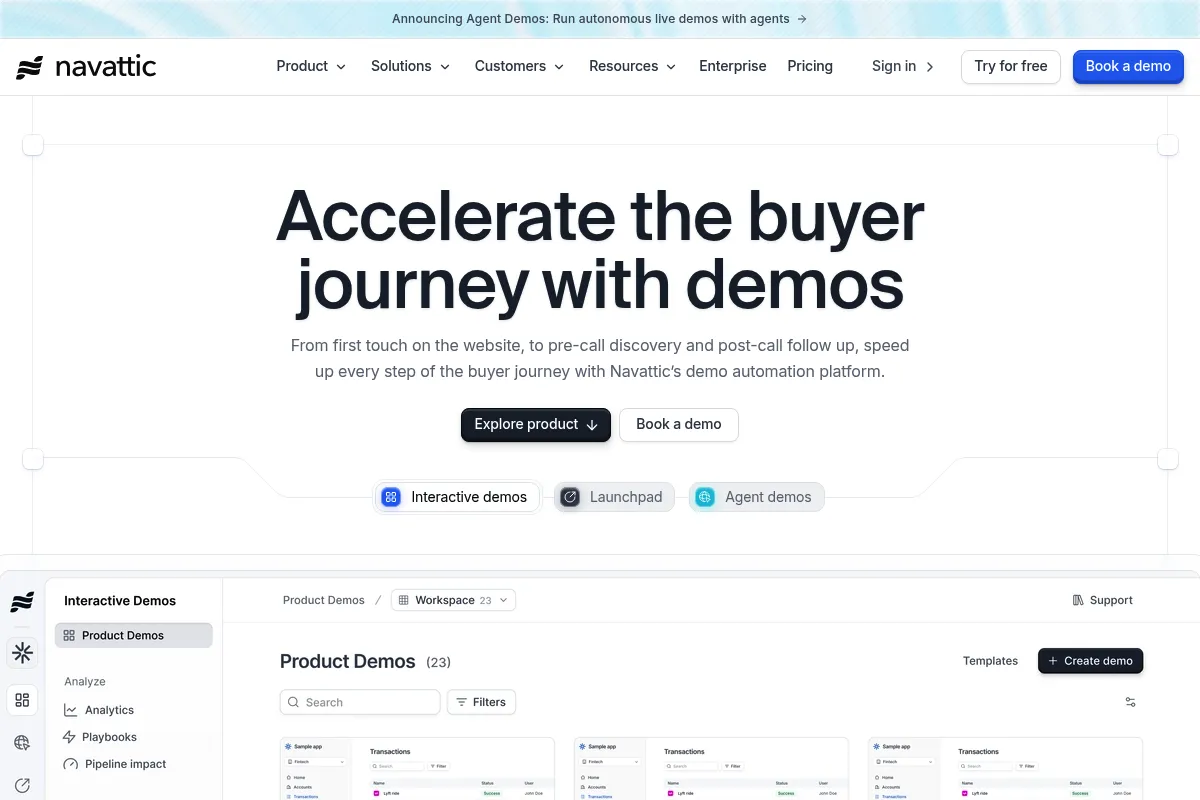
Navattic is a no-code platform designed to create 'interactive demos' by capturing the front-end code (HTML/CSS) of a web application. It allows teams to build guided walkthroughs that prospects can navigate at their own pace, serving as a middle ground between a static screenshot and a full production sandbox.
What it actually does
Users capture their application's UI using a browser extension, then use a drag-and-drop editor to add tooltips, modals, and lead capture forms. The resulting demo is a lightweight, interactive web page that can be embedded on websites or shared via a link.
What makes it different
Unlike screenshot-based tools, Navattic captures the actual DOM. This means the demos are responsive and text remains crisp at any resolution. It prioritizes the 'Marketing' use case, focusing heavily on lead capture and CRM synchronization rather than just internal training.
Ratings across the web

Ratings aggregated from independent review platforms.
Key Features
HTML Capture
Creates a demo that feels like a live app because it uses the actual front-end code.
Lead Capture Forms
Gates the demo at any point to collect prospect information directly within the experience.
Variable Personalization
Automatically swaps out names or company logos in the demo based on the viewer's data.
Checklist Navigation
Provides a 'choose your own adventure' menu so users can jump to specific features.
Engagement Analytics
Shows exactly where users drop off and which features they interact with most.
Blur & Edit
Allows users to hide sensitive data or change text in the captured UI without developer help.
HubSpot/Salesforce Integration
Syncs demo activity to contact records to help sales reps prioritize follow-ups.
Pricing
Base
- Unlimited demos
- 1 Editor license
- Standard integrations
- Basic analytics
Growth
- Multiple Editor licenses
- Advanced CRM integrations (Salesforce)
- Custom CSS
- Priority support
Enterprise
- Unlimited licenses
- SSO/SAML
- Dedicated Success Manager
- Security review
Pricing checked 6 months ago
Pricing guidance
- When you need more than one person editing demos
- When you need to integrate with Salesforce or Marketo
- When you require custom branding/CSS beyond the standard templates
- The Base plan is often restricted to a single user license
- Annual billing is typically required to get the advertised monthly rates
Premium positioning within the interactive demo category, justified by its focus on enterprise-grade security and CRM depth.
Pros & Cons
Strengths
-
High-fidelity output
Because it captures HTML/CSS, the demos look identical to the real product and remain responsive, which is superior to blurry video or static image carousels.
-
Speed to deployment
Marketing teams can build and ship a functional product tour in hours without waiting for engineering cycles or sandbox environments.
-
Actionable sales intelligence
Knowing a prospect spent 4 minutes in the 'Analytics' section of a demo allows sales reps to tailor their first discovery call effectively.
Weaknesses
-
High entry price
With a starting price often around $500/month, it is significantly more expensive than entry-level competitors like Storylane.
Affects: Early-stage startups and small teams
-
Maintenance overhead
If your product's UI changes frequently, you must re-capture and re-edit the demo steps, which can become a significant manual task.
Affects: Teams with fast-moving product development cycles
-
Limited logic simulation
It cannot easily simulate complex 'if-this-then-that' workflows or dynamic data entry that affects other parts of the app.
Affects: Technical sales engineers showing complex platforms
Real User Sentiment
Users generally view Navattic as the most stable and user-friendly of the HTML-capture demo tools, though price is a recurring friction point.
Users tend to like
- Ease of the browser extension capture
- Clean, professional look of the final embed
- Responsive customer success team
- Granular analytics on user behavior
Users commonly complain about
- Steep price for smaller companies
- Lack of a 'free' version for testing
- Difficulty capturing complex dropdowns or hover-heavy menus
Recurring tradeoffs
- You trade deep technical simulation (sandboxes) for ease of use and marketing speed.
Happiest users
Marketing Managers at mid-market SaaS companies who need to show the product without giving away a full trial.
Often frustrated
Solo founders on a budget or Sales Engineers who need to show deep, multi-variable technical workflows.
Use Cases
Website 'Take a Tour'
Replace a static 'Book a Demo' button with an interactive walkthrough to qualify leads.
Post-Signup Onboarding
Guide new users through their first three steps in the product using an embedded tour.
Sales Leave-Behinds
Send a personalized demo link to a prospect after a call to share with their internal stakeholders.
Product Launch Announcements
Embed a demo in a blog post or email to show off a new feature without requiring a login.
Trade Show Kiosks
Run a self-guided product loop on a tablet at an event booth.
Frequently Asked Questions
Does Navattic have a free plan?
No, Navattic does not offer a free-forever plan. They typically offer a demo and a structured trial for qualified companies. Pricing starts at approximately $500/month, billed annually.
How does Navattic compare to Storylane?
Storylane is generally more affordable and offers a free tier, making it better for startups. Navattic offers more robust enterprise features, deeper CRM integrations, and is often cited as having a more polished editor for complex HTML captures.
Can Navattic demos work offline?
No, Navattic demos are web-based and require an internet connection to load the captured HTML and CSS assets from their servers.
Do I need to know how to code to use Navattic?
No. The platform is designed for non-technical users. You use a browser extension to capture the app and a drag-and-drop interface to add tooltips and guides.
What happens if my product's UI changes?
You will likely need to re-capture the affected screens. Navattic has features to help update steps, but major UI overhauls require manual effort to keep the demo accurate.
Does Navattic integrate with HubSpot?
Yes, Navattic has a native HubSpot integration that allows you to see demo engagement data on contact timelines and use demo interactions to trigger workflows.
Why trust this page?
This evaluation combines product positioning, pricing analysis, traffic and market signals, and public user sentiment into a single decision-support page. Content is generated editorially — not copied from the vendor's website.
Funding & Company
Founded
2020
Stage
Seed
Total Raised
$5.6M
Latest Round
Seed (Mar 2022)
Notable Investors
Navattic has raised a total of $5.6 million over three rounds, including a $4.25 million seed round in March 2022. This funding provides the company with a solid foundation to continue developing its interactive demo platform and support its customer base. The backing from venture capital firms like 645 Ventures and Canvas Ventures indicates investor confidence in their product-led growth strategy.
Market Signals & Traffic
Estimated visits, global rank, geography, traffic sources, monthly visit trends, and organic search keywords (Similarweb)—on a dedicated page built for depth and search.
- Estimated visits
- 205,964
- Global rank
- #109,929
- Snapshot
- Apr 2026
- Traffic trend
- Falling
Estimated monthly visits
Similar Tools
Consensus
Productivity, Data Extraction

AI-powered academic search engine for peer-reviewed research papers.
Anytype
Productivity, Documentation, Privacy & Compliance

Local-first, privacy-focused workspace for notes, tasks, and knowledge management.
Make AI
Automation & Agents, Developer Tools

Visual platform to connect apps and automate workflows without code.
Factory
Developer Tools, Automation & Agents, Productivity

Automate software development tasks with autonomous engineering agents.
Duckie
Developer Tools, Automation & Agents, Workflow

Autonomous software engineer that resolves technical tickets and bugs.
Arc
Productivity, Search, AI Assistant

A reimagined web browser built for focus and organized navigation.